
No Screen Shake
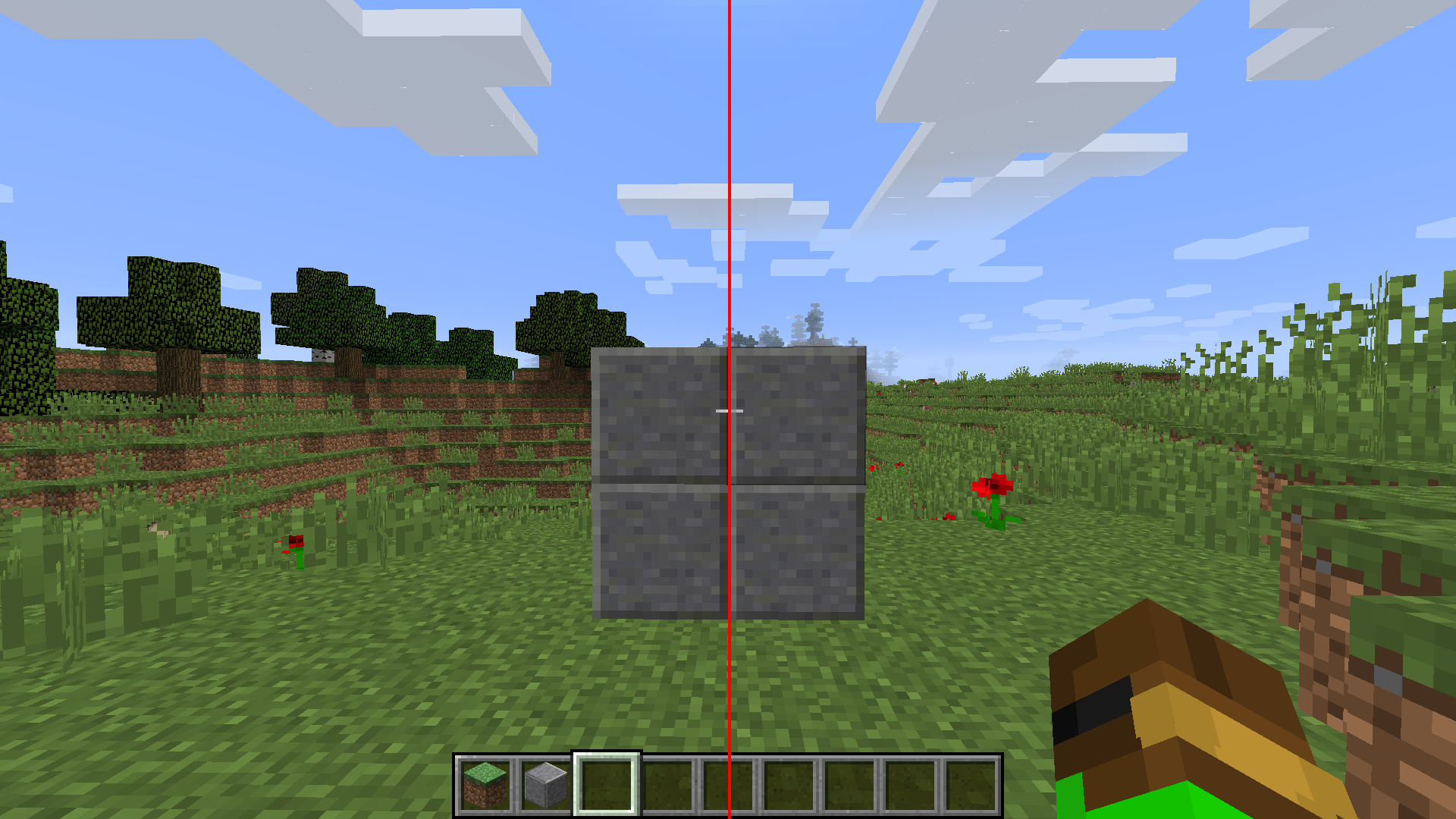
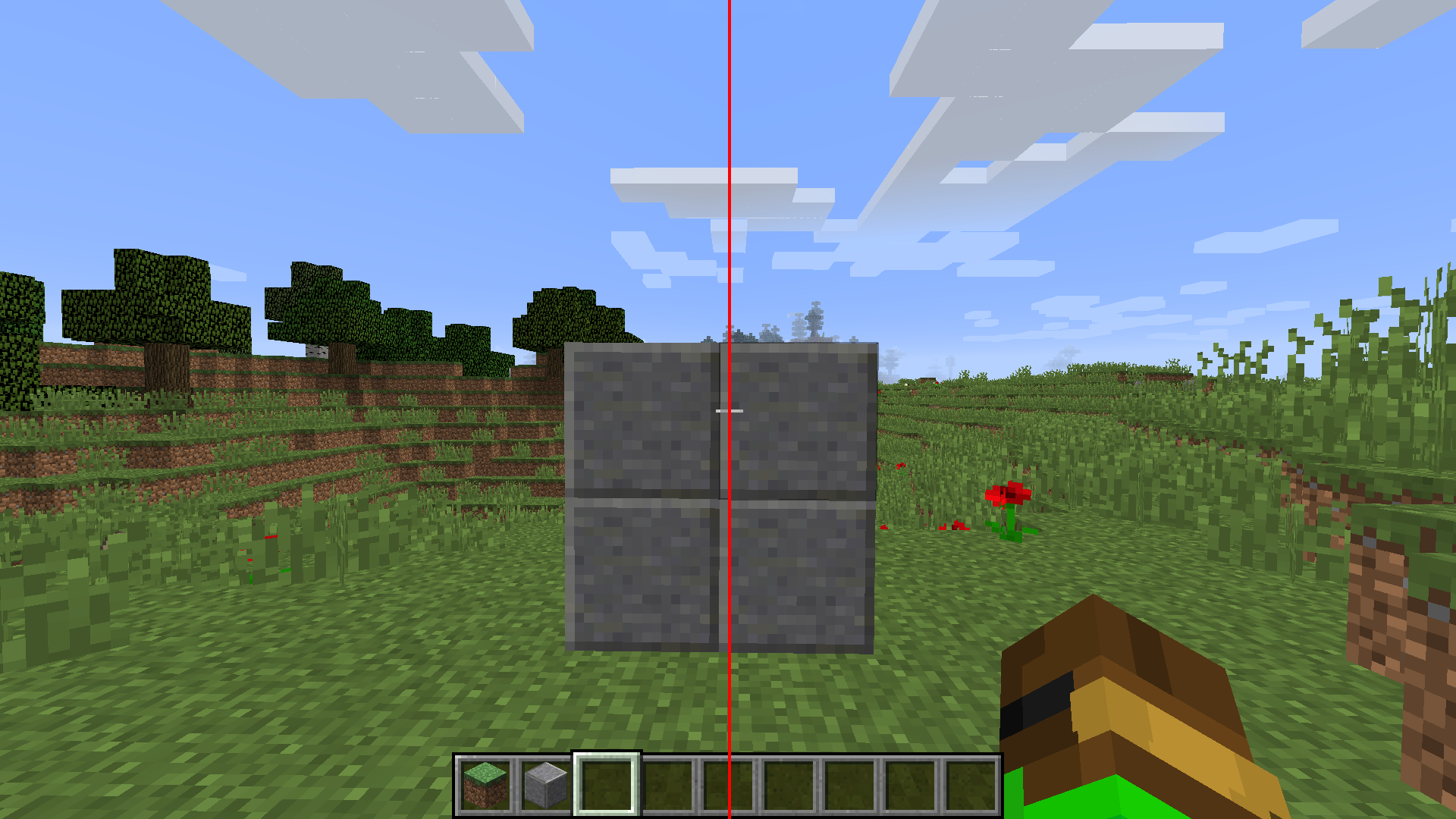
Disables the Screen Shake while using view bobbing but keeps the model bobbing.
截图
介绍
NoScreenShake
A small utility mod for Minecraft 1.8.9 Forge that disables camera shake effects during view bobbing.
There are many mods that aim to disable viewbobbing screen shake, sadly most of those are either for newer versions or are bundled with many other features.
This mod aims to fix that, it’s a lightweight mod that only includes a small, but very useful feature.
Features
- Disabled the screen and crosshair shaking with viewbobbing to make aiming easier.
- Configurable via a simple in-game toggle with OneConfig.
- Lightweight.
Installation
- Make sure you have Minecraft 1.8.9 with Forge installed.
- Place
NoScreenShake-1.8.9-forge-1.0.0.jarin yourmodsfolder. - Launch Minecraft.
Configuration
- Open the in-game config GUI to enable or disable the mod on the fly.
- The toggle controls whether the mod logic is active.
Contributing
- Pull requests are welcome. For major changes, please open an issue first to discuss what you would like to change.
- For bug reporting, please report it in my discord: https://discord.gg/aEGxqg8VbZ
- Feel free to also put suggestions in the discord as well
Credits
- Nickotato – Author
- Polyfrost OneConfig – Configuration framework used for in-game settings
- Polyfrost Example Mod – The Example Mod this Mod is built on top of.
- Forge – Minecraft modding platform
License
This project is licensed under the MIT License. See LICENSE for details.
常见问题
No Screen Shake 支持哪些 Minecraft 版本?
No Screen Shake 支持 Minecraft Java 版 1.8.9,可用的加载器:Forge。下载时注意选择和你游戏版本一致的文件。
No Screen Shake 怎么安装?
先用 PCL2 或 HMCL 启动器安装对应版本的 Forge,再把下载的 .jar 文件放进游戏目录的 mods 文件夹,重新启动游戏即可。开启了版本隔离的,mods 文件夹在 versions/版本名 下面。运行环境:仅客户端。
Nickotato 的其他作品
查看全部 →
Classic Swing Animation
A mod that returns the classic, pre 1.9, swing animation back into Minecraft.

Observer Plus
A Minecraft mod designed for content creators and spectators. You can focus on points, follow players, orbit targets, and watch fights.

Anti Left Hand
Removes those pesky people using the left hand.

Hold To Walk
Instead of hold to sprint, it's now hold to walk.
评论
登录后评论和评分