Nickname Editor
A lightweight Forge mod that lets players use custom nicknames and shows them in commands, chat messages, and advancement announcements.
截图
介绍
Nickname Editor is a lightweight Forge mod for Minecraft 1.20.1 that lets players set custom nicknames and display them in-game.
Features
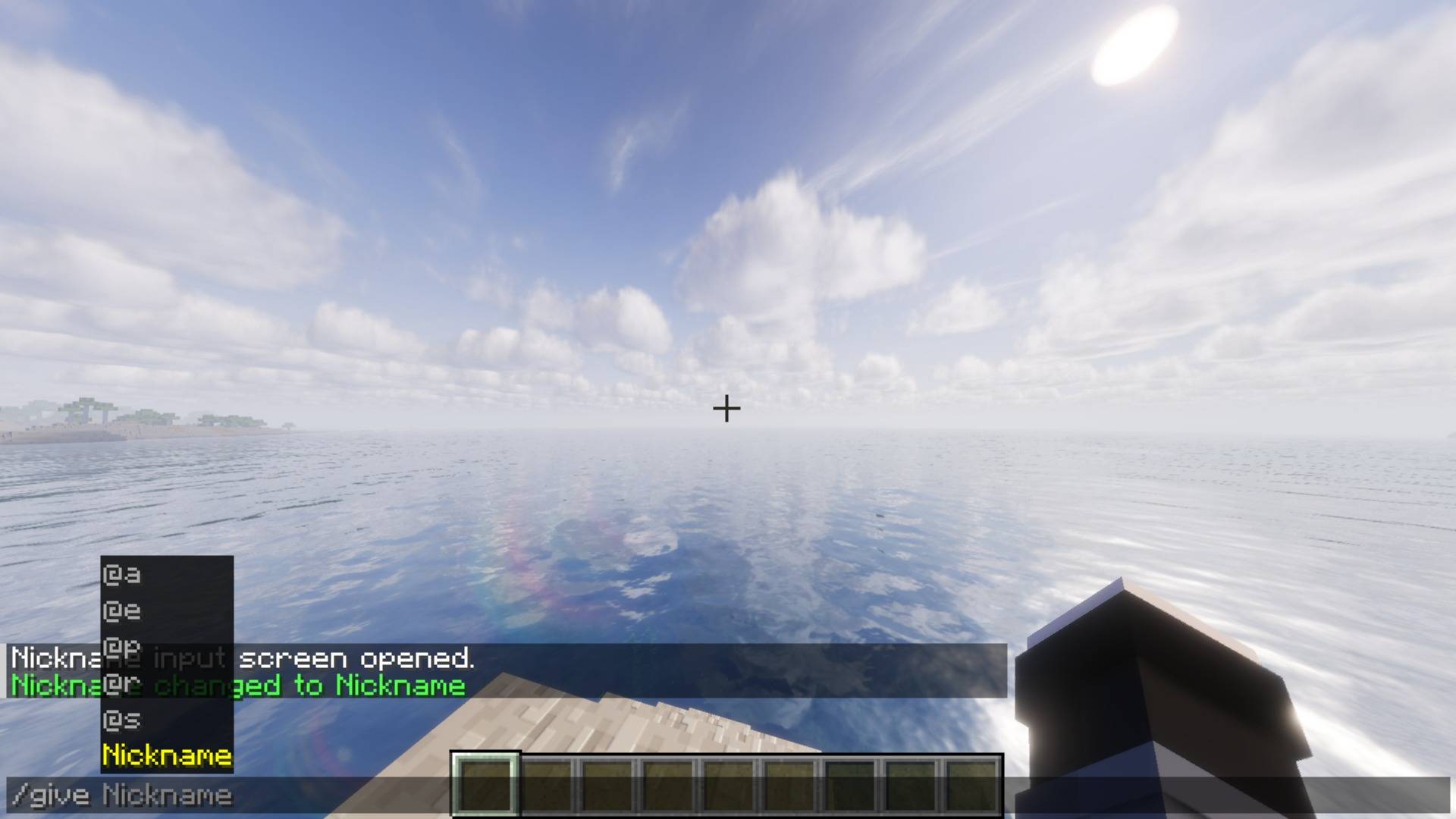
– Set a custom nickname with an in-game command
– Show the custom nickname in command feedback messages
– Show the custom nickname in advancement announcements
– Support long nicknames without breaking normal command execution
– Keep the original player account name internally while displaying the custom nickname visually
Command
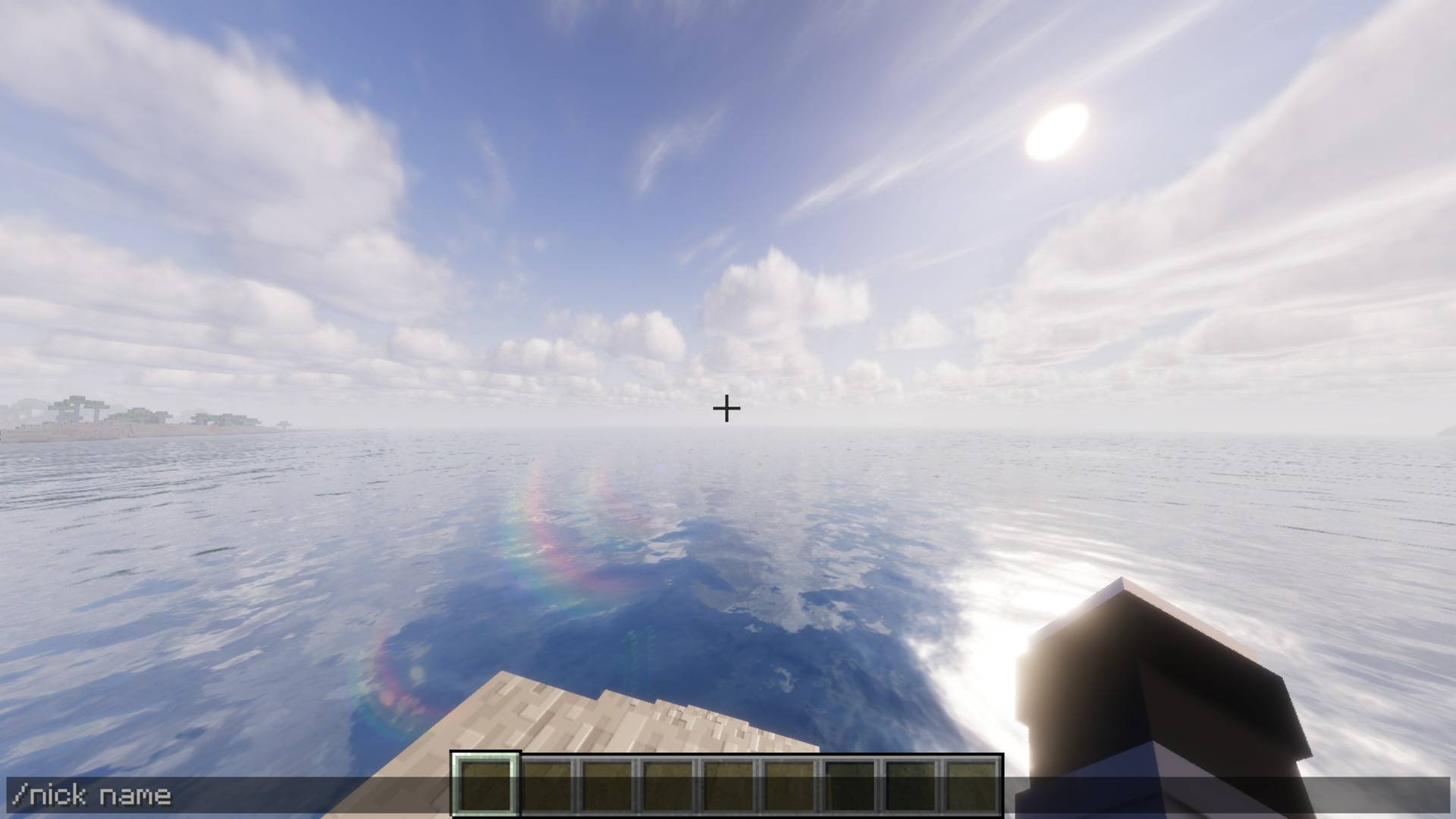
/nick name
Usage
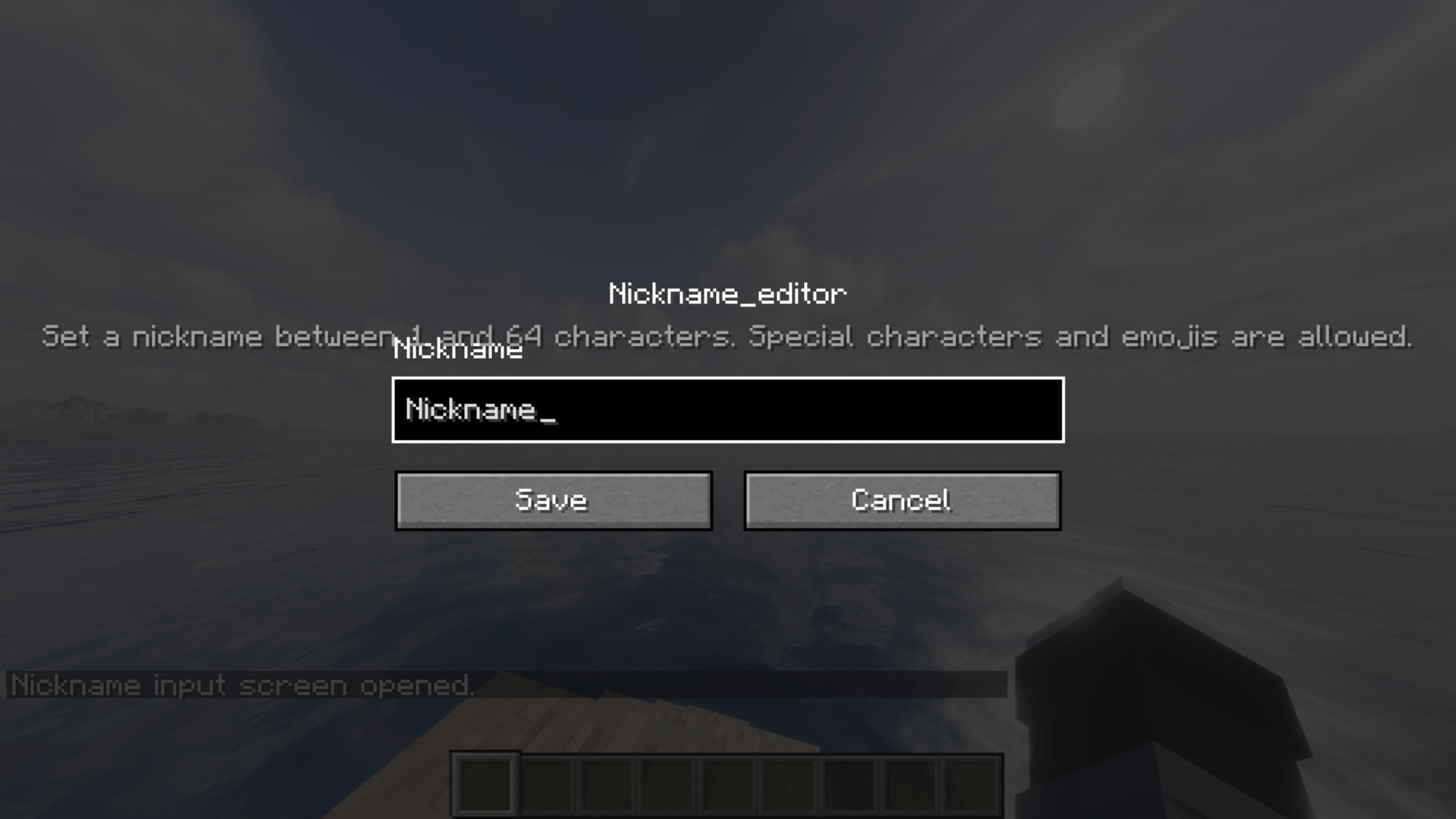
1. Run /nick name
2. Enter the nickname you want to use
3. Your custom nickname will be shown in supported in-game messages
Notes
– This mod is designed for Forge 1.20.1
– The nickname is mainly a visual display feature
– The original player name is preserved internally for compatibility
If you find a bug or want to suggest an improvement, feel free to leave feedback.
常见问题
Nickname Editor 支持哪些 Minecraft 版本?
Nickname Editor 支持 Minecraft Java 版 1.20.1,可用的加载器:Forge。下载时注意选择和你游戏版本一致的文件。
Nickname Editor 怎么安装?
先用 PCL2 或 HMCL 启动器安装对应版本的 Forge,再把下载的 .jar 文件放进游戏目录的 mods 文件夹,重新启动游戏即可。开启了版本隔离的,mods 文件夹在 versions/版本名 下面。
评论
登录后评论和评分