
Next LVL
Together with AI, we are creating a global mod for RPG in the classic sense.
截图
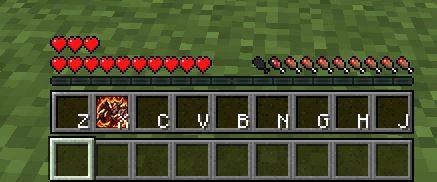
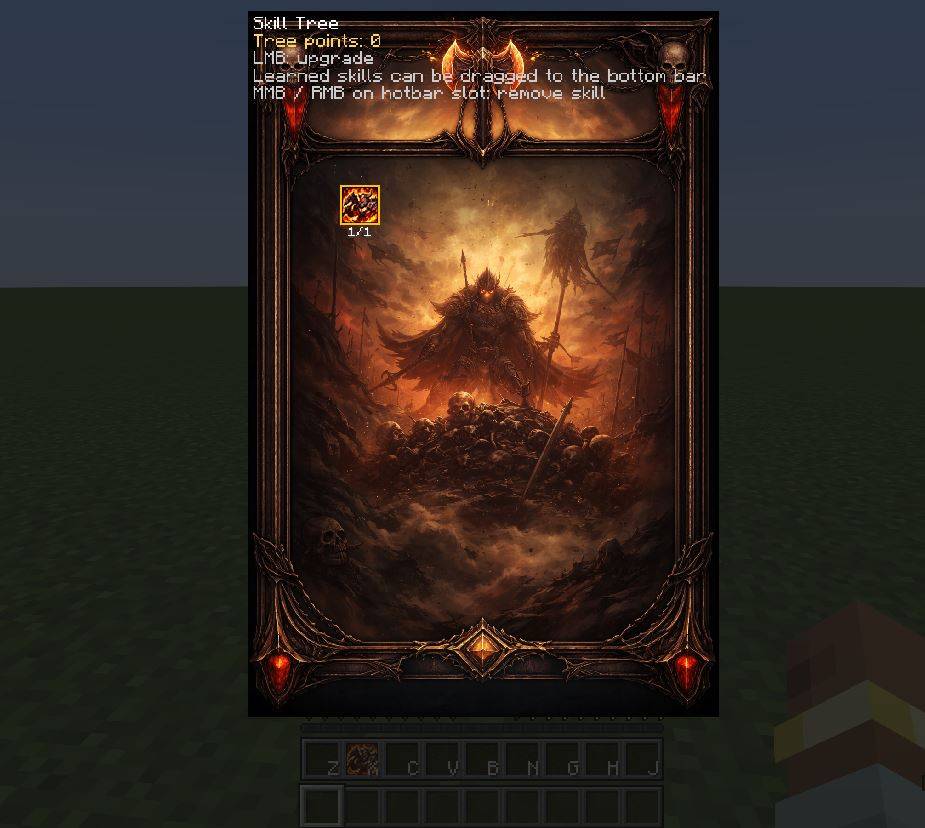
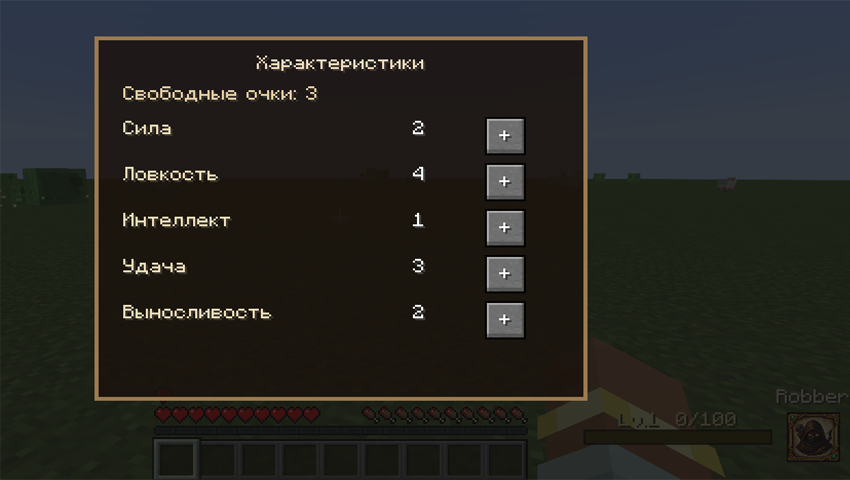
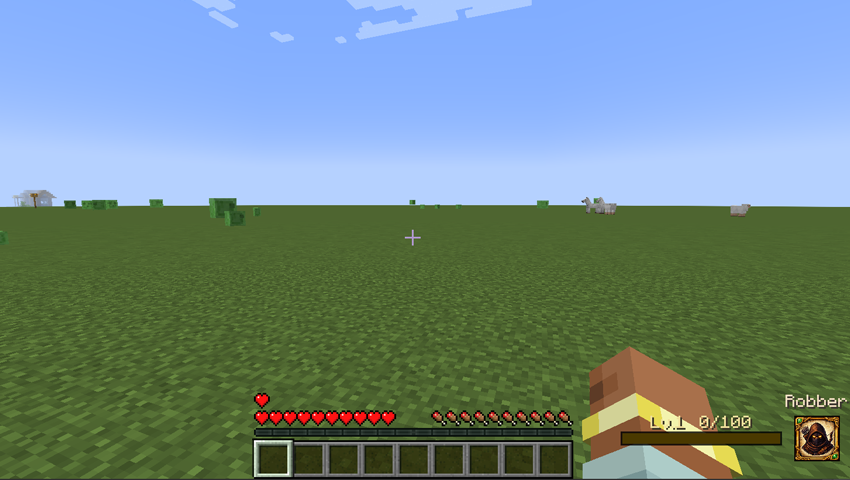
介绍
Together with AI, we are creating a global mod for RPG in the classic sense.
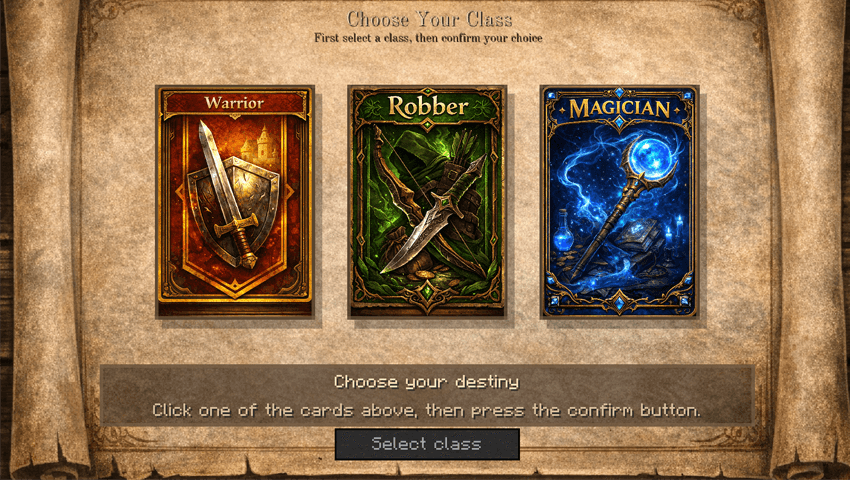
Currently, class selection is implemented at the start. Each class adds its own stats (Strength, Dexterity, Intelligence, Luck, Endurance). Leveling is achieved by killing mobs. Stats are increased per level (the menu opens by default with "P").
Plans include:
-Unique skills for each class.
-Second profession selection upon reaching level n.
- A subclass option (miner, fisherman, etc.).
We welcome your ideas and suggestions.
Update (17.03.26):
1. Added skill leveling to the “Skill Tree” ( “K” open menu )
2. Stat leveling remains. ( “P” open menu)
3. You can put skills on the panel ( Skill only class Warrior)
Please leave comments with ideas or edits that need to be made.
Update (18.03.26)
1. Added a skill for the mage
2. Minor bugs fixed
3. Need feedback 🙁
Update (21.03.26)
1. Added a skill roe the robber, development of further skills and levels of improvements
2. The buff logic has been reworked
3. Add HUD for buffs
4. Minor bug fixes
Update (22.03.26)
1. Shadow Step skill fix (mobs should now become aggro when used)
2. Added a custom HUD bar (HP, hunger, and armor) (Not done)
3. Added skill description and translation keys
4. Image size adjustments (mod lightening)
——————————
1. Fixed broken logic after character death
2. Adapted the HUD (not the best, but it’ll do)
3. I’m thinking about implementing quests
Update 27.03.26
1. Added the “Dagger Throw” skill for the Rogue
2. Moved stat points to a separate inventory tab (removed the dependency on the “P” key)
3. Added commands
Update 29.03.26
1. Added the “Shadow Dash” and “Shadow Step Mastery” skill for the Robber
2. Upgrade GUI Skill Tree
3. Fix bugs
常见问题
Next LVL 支持哪些 Minecraft 版本?
Next LVL 支持 Minecraft Java 版 1.20.1,可用的加载器:Forge。下载时注意选择和你游戏版本一致的文件。
Next LVL 怎么安装?
先用 PCL2 或 HMCL 启动器安装对应版本的 Forge,再把下载的 .jar 文件放进游戏目录的 mods 文件夹,重新启动游戏即可。开启了版本隔离的,mods 文件夹在 versions/版本名 下面。
评论
登录后评论和评分