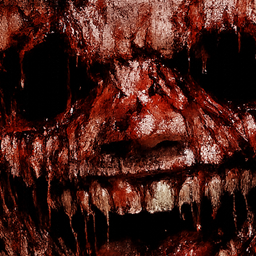
Never Look
Never Look adds a persistent entity which stalks, watches, and reacts to your every move.
介绍
You already know what you did.
You don’t need to remember. You don’t need to understand. What matters is that he knows too.
You opened this world like any other. You walked, you built, you dug. You felt safe because you couldn’t see anything. Because the dark was dark, and the silence was silence.
But silence is never empty.
It didn’t come from outside. It didn’t enter through any door. It was already there, the moment you did that thing — the one you always do, the one you don’t even consider an action. Yet he noticed.
And from that moment, he follows you.
He won’t do anything if you don’t look for him. He won’t do anything if you don’t look at him. He won’t do anything if you can convince yourself he isn’t there.
But you’ve already read this far.
Features
Never Look adds a persistent horror experience to your Minecraft survival world through four independent events, all centered around a single mechanic: your vision.
The Stalker Every few minutes, an entity spawns silently behind you — just out of sight. It breathes. It waits. If you look at it for more than a second, it vanishes. If you get too close, you die.
Blindness Periodically, you are struck blind. No warning. Ten seconds of darkness, accompanied by a sound you won’t forget.
The Mining Jumpscare Every time you mine an ore, there is a chance something spawns directly behind you. It approaches slowly. It makes noise. And if you turn around to look at it — it’s already too late.
The Chase Without warning, an entity spawns 40 blocks away and flies straight toward you through walls, terrain, and darkness. It announces itself. You have time to run. Not much, but some.
Never Look is a horror mod for Minecraft 1.19.2 (Forge). It adds no explanations. It adds no answers. It only adds what was already there.
常见问题
Never Look 支持哪些 Minecraft 版本?
Never Look 支持 Minecraft Java 版 1.19.2,可用的加载器:Forge。下载时注意选择和你游戏版本一致的文件。
Never Look 怎么安装?
先用 PCL2 或 HMCL 启动器安装对应版本的 Forge,再把下载的 .jar 文件放进游戏目录的 mods 文件夹,重新启动游戏即可。开启了版本隔离的,mods 文件夹在 versions/版本名 下面。
评论
登录后评论和评分