
Netherite Vault
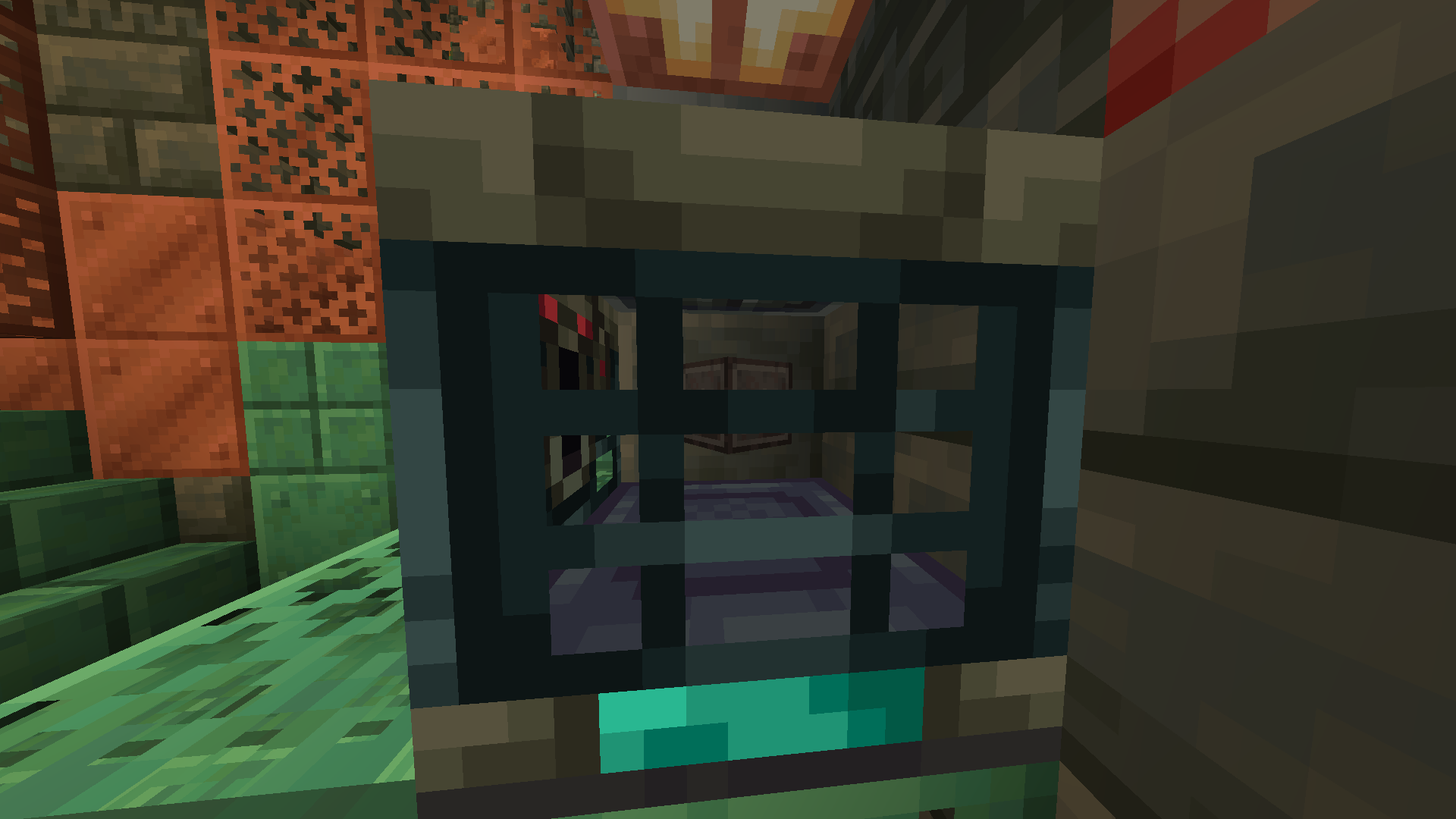
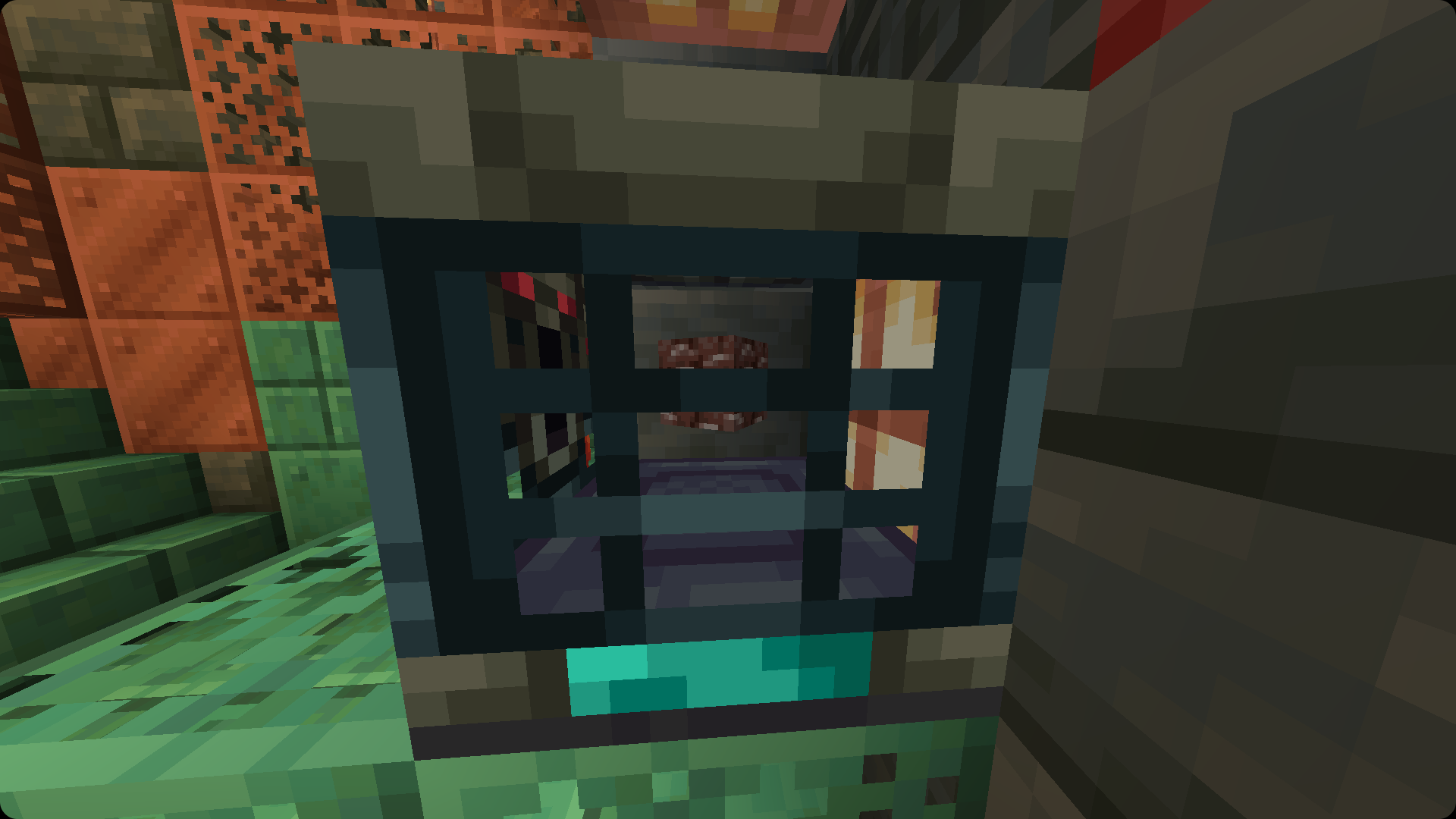
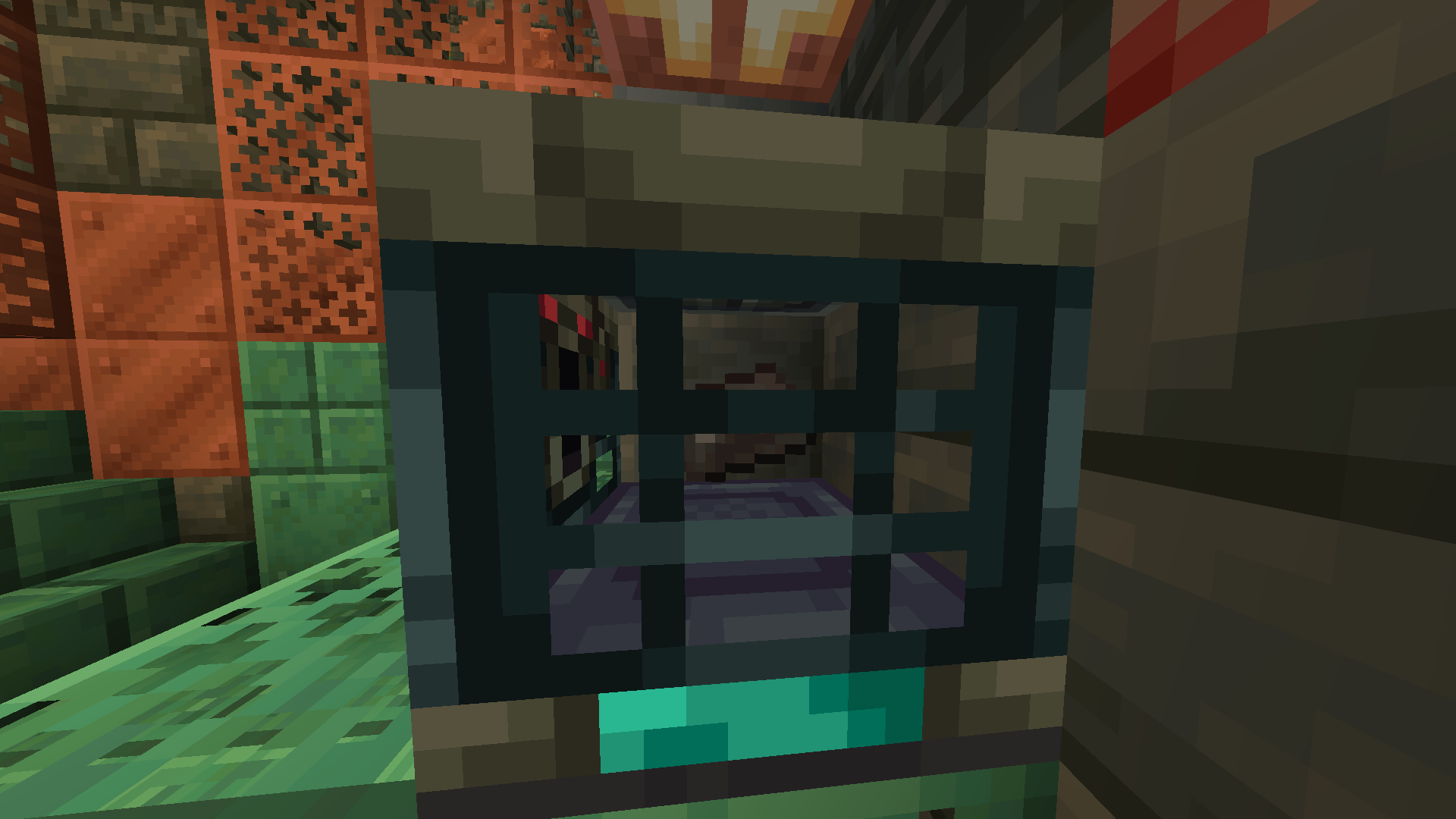
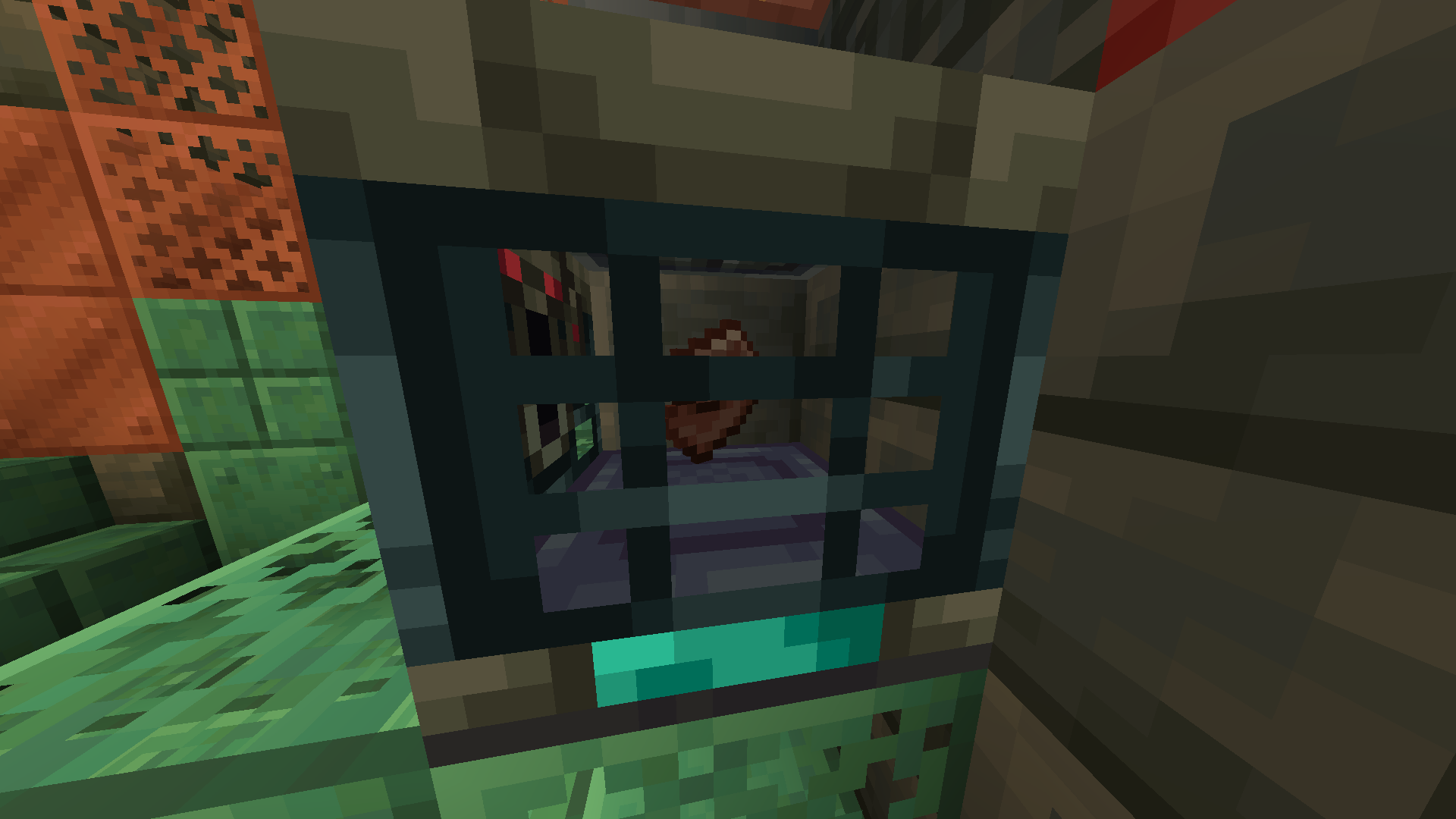
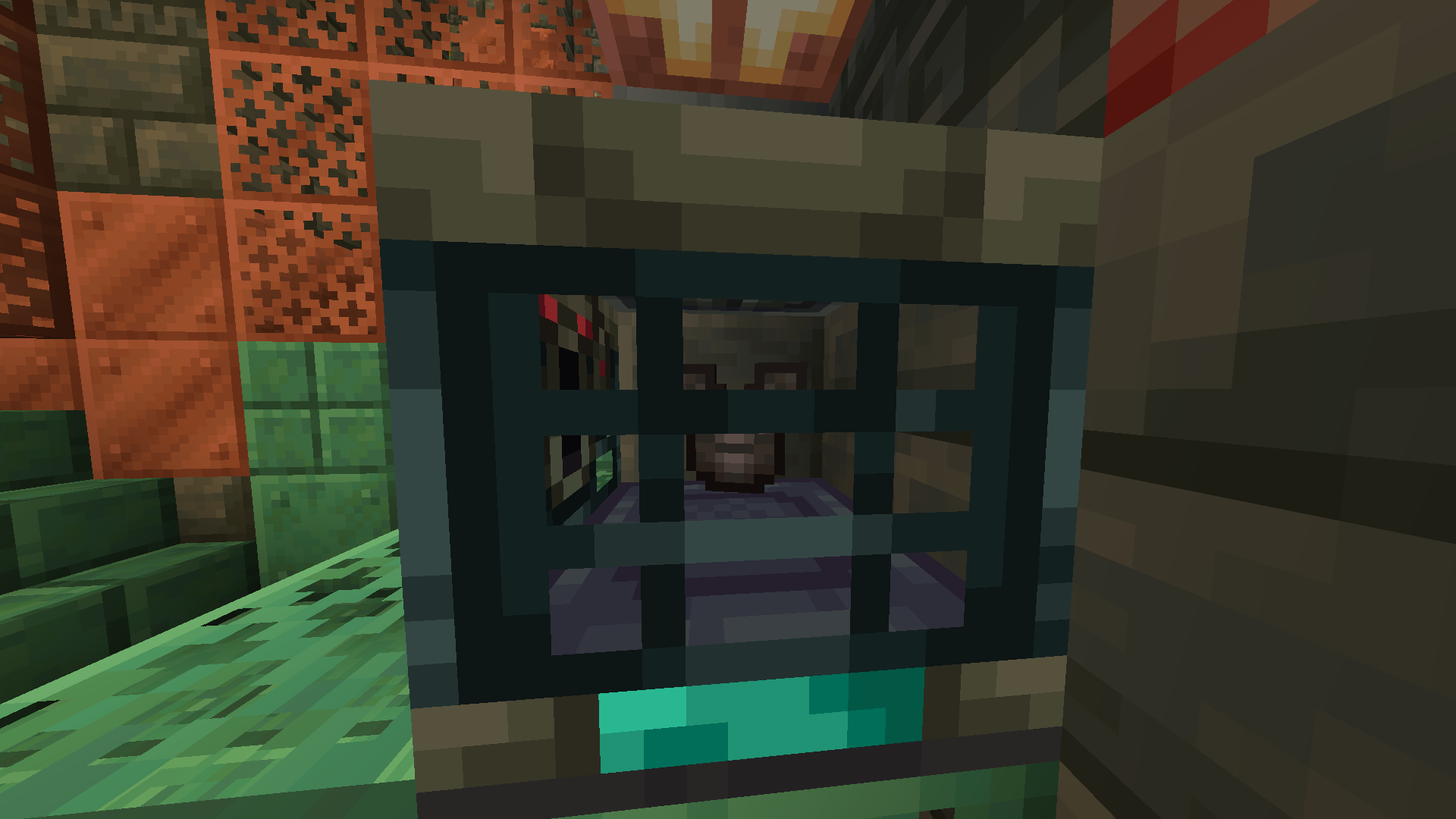
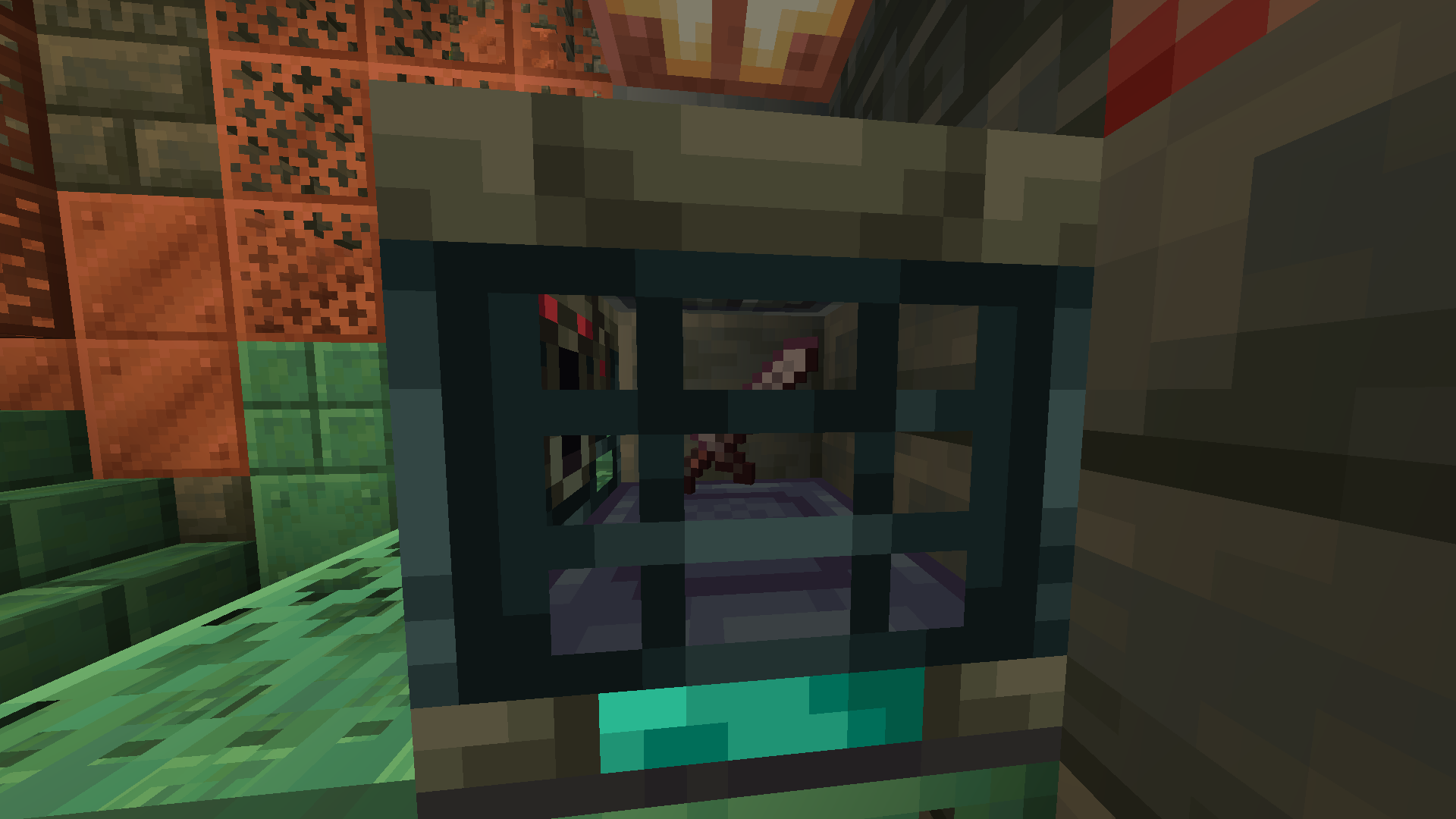
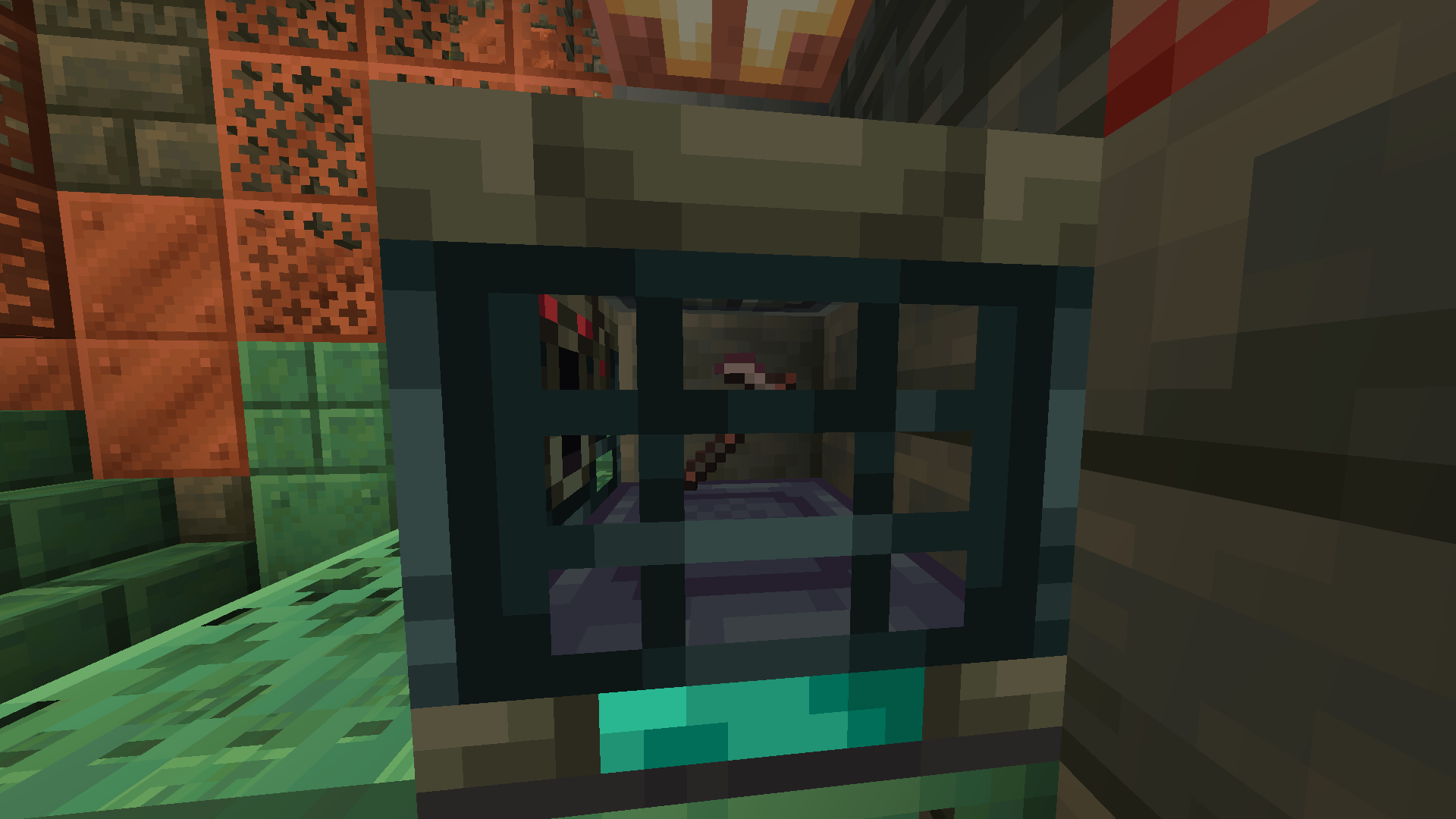
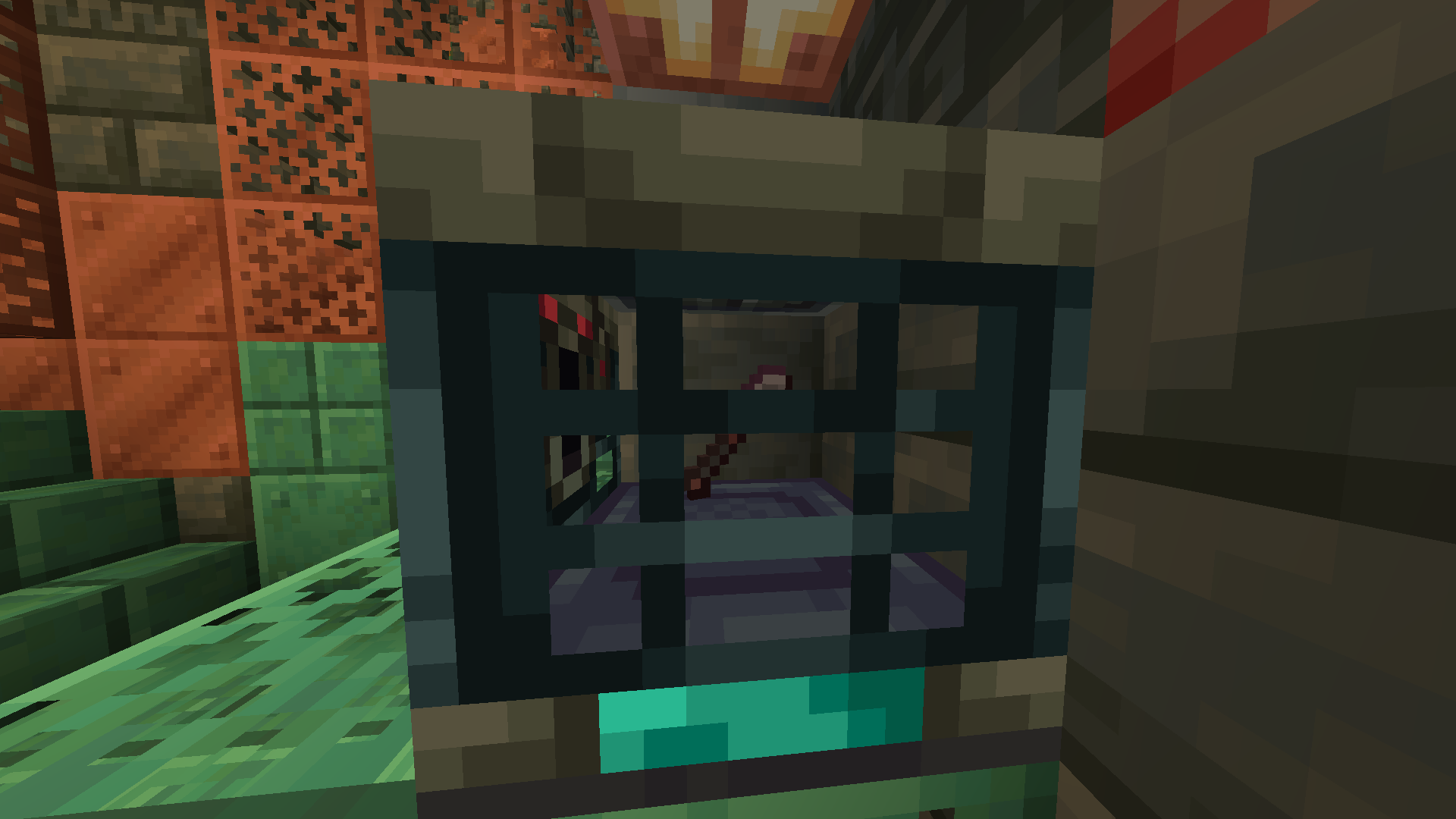
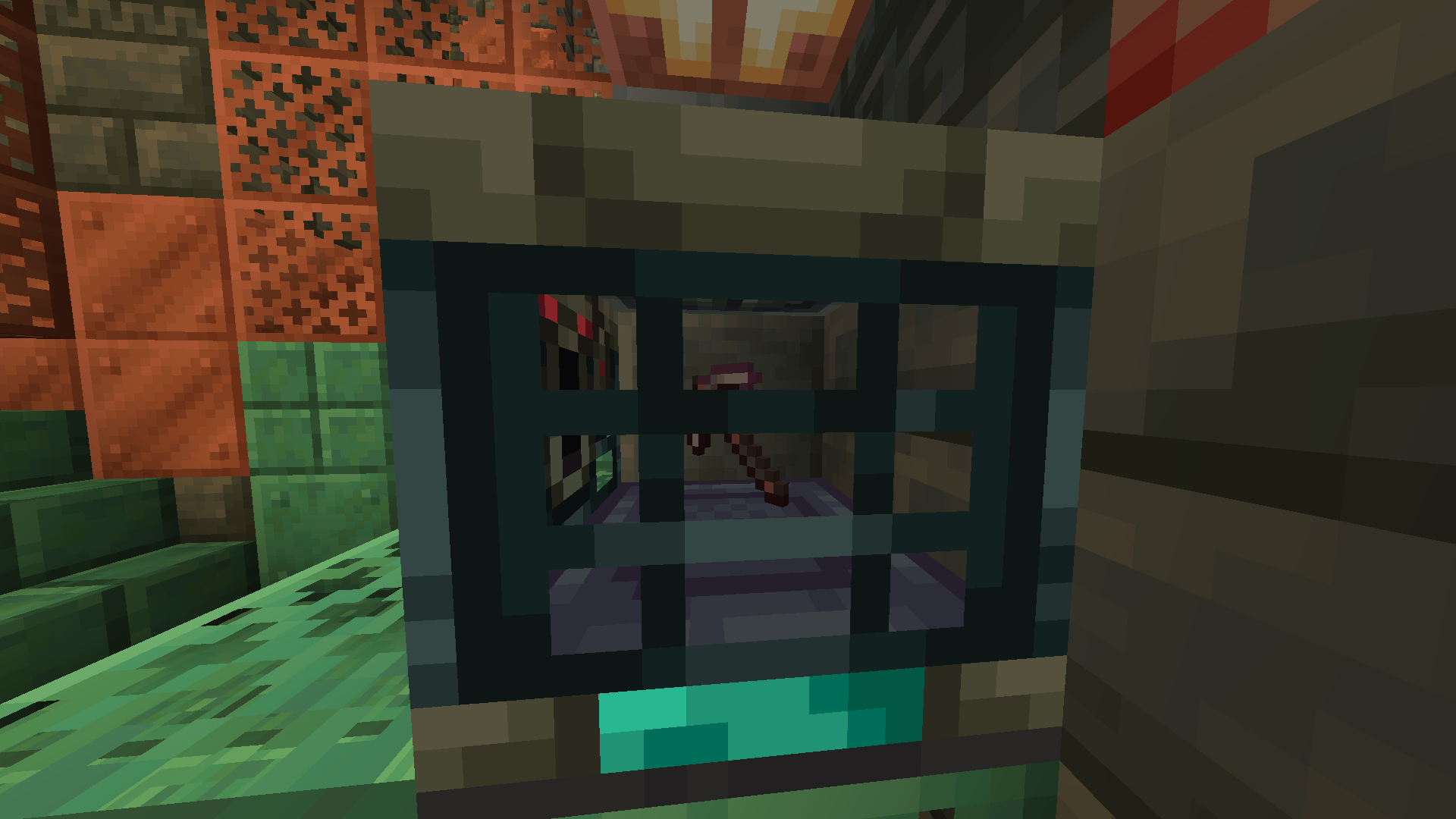
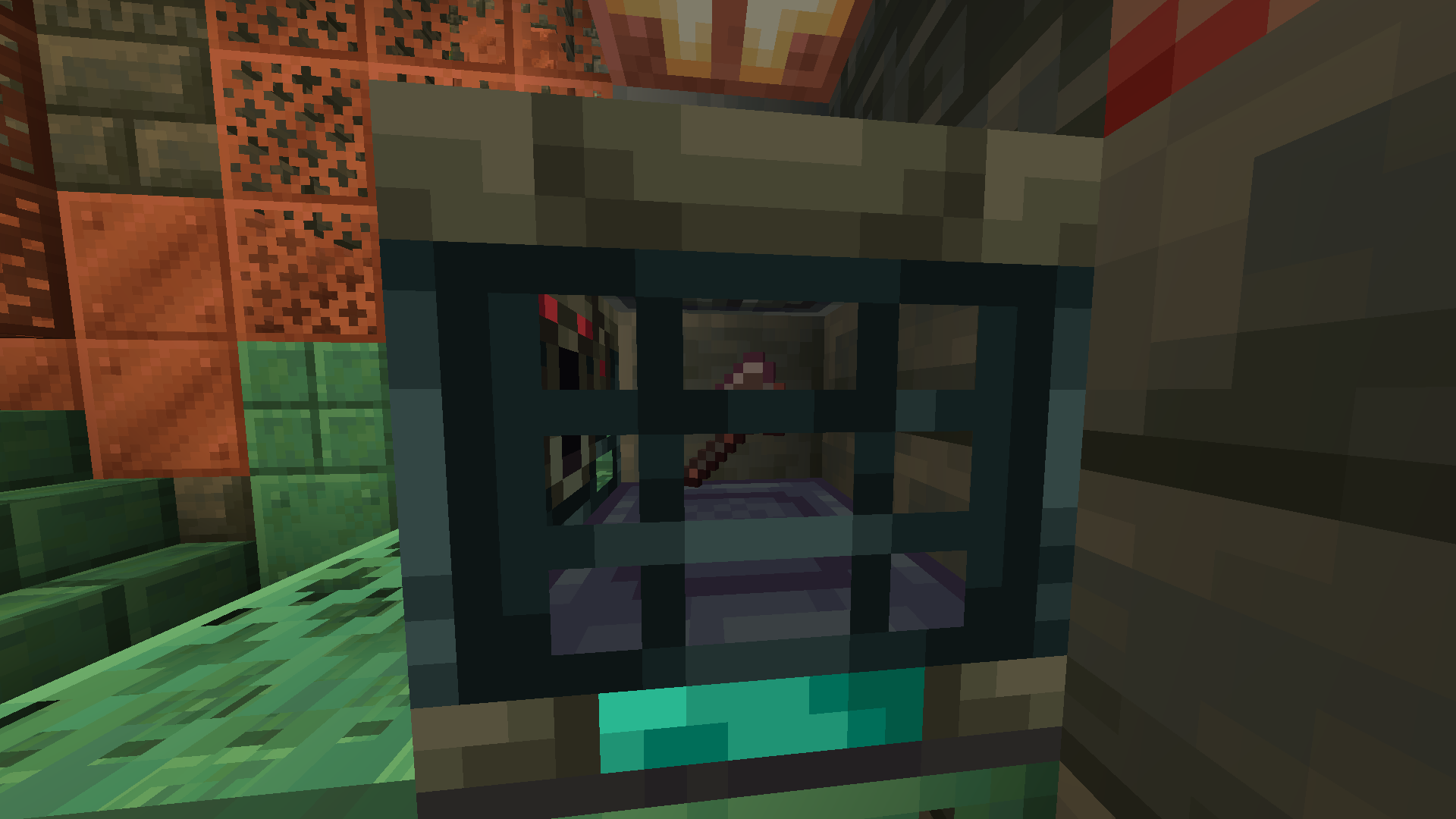
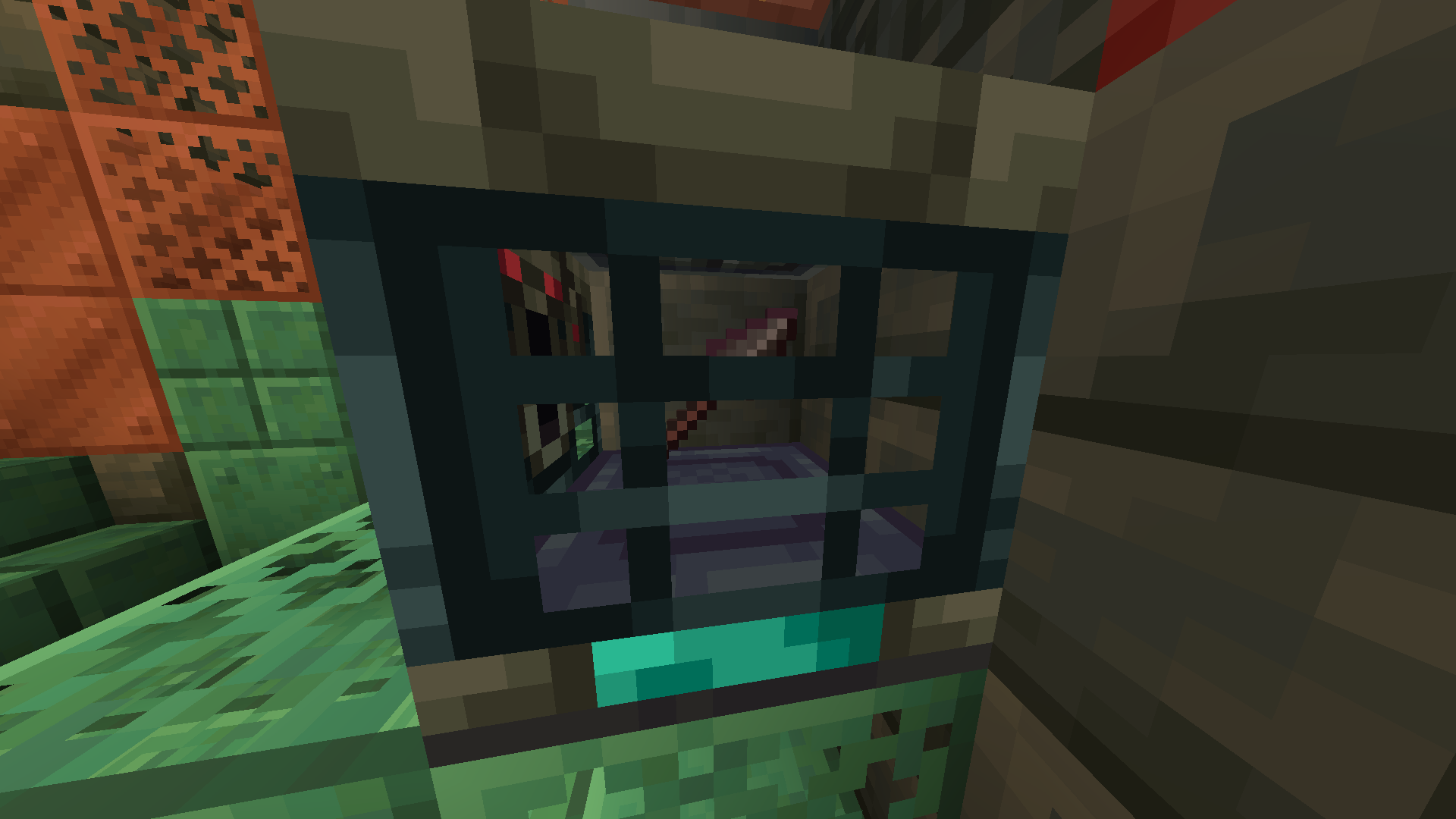
Adds netherite items to the Ominous Vault reward pool without replacing standard nether exploration!
截图
介绍
Netherite Items in Ominous Vault
Enhance your Ominous Vault loot with a chance to obtain valuable Netherite items without replacing primary methods in the nether.
This datapack/mod adds a variety of Netherite-related loot—including Ancient Debris, Netherite Scraps, Netherite Ingots, Netherite equipment, and even the extremely rare Netherite Block—to the Ominous Vault loot table. Every item has its own independent drop chance, making every vault opening more exciting.
Drop Chances
Materials
| Item | Type | Chance | Weight |
|——|——-:|——:|——:|
| Ancient Debris | Material | 10.0% | 4 |
| Netherite Block | Material | 0.3% | 1 |
| Netherite Ingot | Material | 2.5% | 2 |
| Netherite Scrap | Material | 8.0% | 3 |
| Netherite Helmet | Armor | 2.0% | 1 |
| Netherite Chestplate | Armor | 1.5% | 2 |
| Netherite Leggings | Armor | 1.5% | 1 |
| Netherite Boots | Armor | 2.0% | 2 |
| Netherite Sword | Weapon | 1.5% | 1 |
| Netherite Axe | Tool & Weapon | 1.5% | 1 |
| Netherite Pickaxe | Tool | 2.0% | 1 |
| Netherite Spear | Weapon | 15.0% | 5 |
| Netherite Hoe | Tool | 20.0% | 5 |
| Netherite Shovel | Tool | 20.0% | 5 |
Weight determines how likely an item is to be selected relative to other items within the loot pool. Higher weights increase the probability of being chosen.
Installation
Windows
Datapack
- Press
Win + R. - Enter
%appdata%\.minecraftand press Enter. - Open
saves. - Open your world folder.
- Open the
datapacksfolder. - Place the datapack
.zipfile inside.
Mod
- Press
Win + R. - Enter
%appdata%\.minecraftand press Enter. - Open the
modsfolder. - Place the
.jarfile inside.
MacOS
Datapack
- Open Finder.
- Press
Cmd + Shift + G. - Enter
~/Library/Application Support/minecraft. - Open
saves→ your world folder →datapacks. - Place the datapack
.zipfile inside.
Mod
- Open Finder.
- Press
Cmd + Shift + G. - Enter
~/Library/Application Support/minecraft. - Open the
modsfolder. - Place the
.jarfile inside.
Linux
Datapack
- Open
~/.minecraft/saves/[Your World Name]/datapacks. - Place the datapack
.zipfile inside.
Mod
- Open
~/.minecraft/mods. - Place the
.jarfile inside.
常见问题
Netherite Vault 支持哪些 Minecraft 版本?
Netherite Vault 支持 Minecraft Java 版 1.21.11–26.2,共 5 个版本,可用的加载器:Fabric / Forge / NeoForge / Quilt。下载时注意选择和你游戏版本一致的文件。
Netherite Vault 怎么安装?
先用 PCL2 或 HMCL 启动器安装对应版本的 Fabric / Forge / NeoForge / Quilt,再把下载的 .jar 文件放进游戏目录的 mods 文件夹,重新启动游戏即可。开启了版本隔离的,mods 文件夹在 versions/版本名 下面。运行环境:客户端 / 服务端。
SilverBreezed 的其他作品
查看全部 →
Mace “Faah” Sound Effect
Play the "Faah" meme sound effect when you smash an entity or player with the mace!
Mace “Faah” Sound Effect
Play the "Faah" meme sound effect when you smash an entity or player with the mace!
Netherite Vault
Adds netherite items to the Ominous Vault reward pool without replacing standard nether exploration!

Item Immunity
Prevent items from being destroyed by lava, explosions, and cactus with "Immutable" enchantment.
评论
登录后评论和评分