
Nerd’s Jukebox
Shift + right-click any jukebox to open a music player with play, pause, rewind, skip and a draggable progress bar.
截图
介绍
AI disclosure: This mod’s code was written with the help of AI (Anthropic’s Claude). The idea, the design choices, the interface and all the testing came from a human. Every feature was tested in the game, both by hand and with automated in-game tests. The icon is pixel art drawn by a small program that was also written with AI help. The screenshots below are real, unedited in-game captures.
What it does
Nerd’s Jukebox turns the vanilla jukebox into a small music player. It adds no new blocks, items or recipes. It only gives the jukebox you already have a proper set of controls.
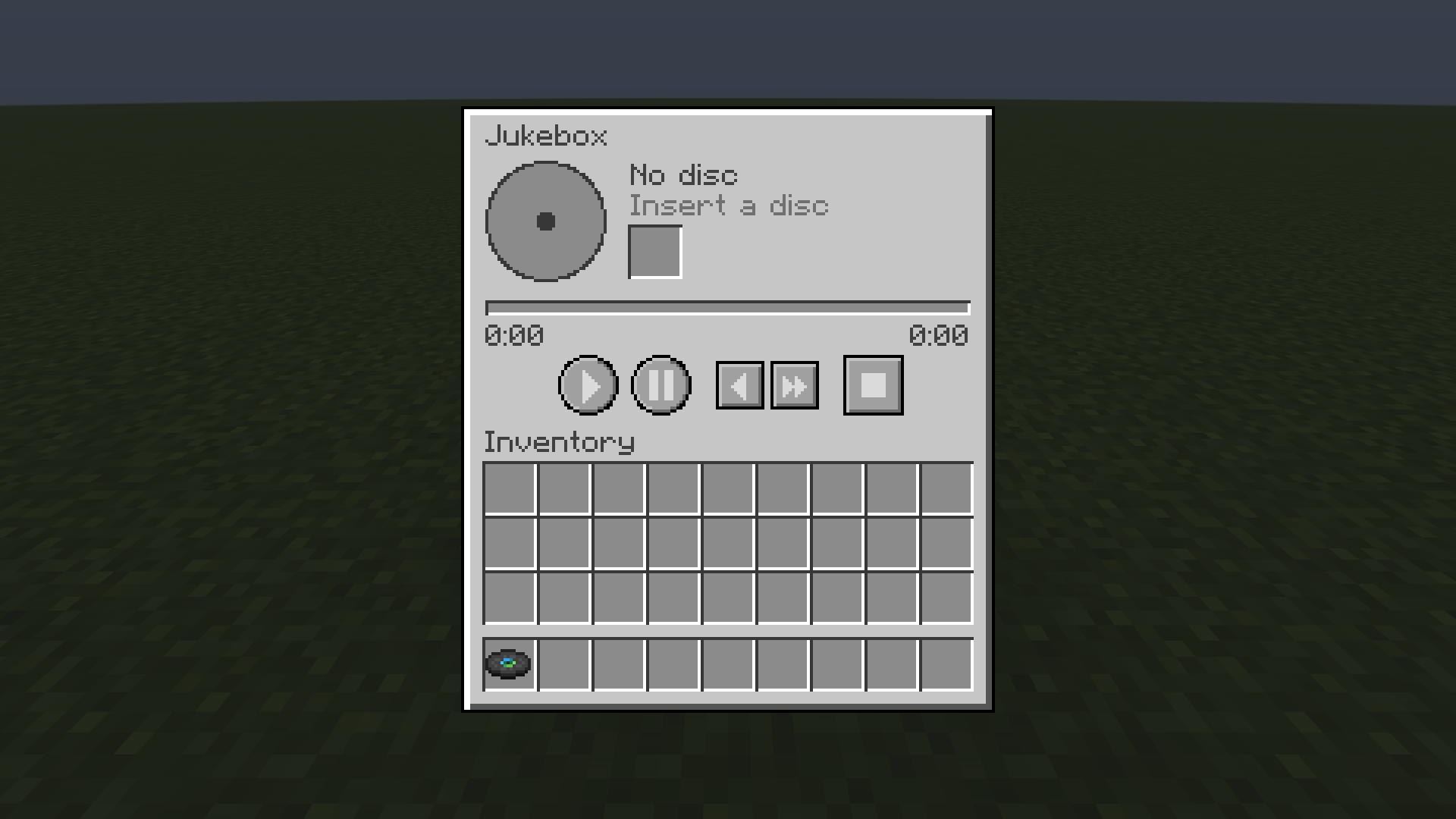
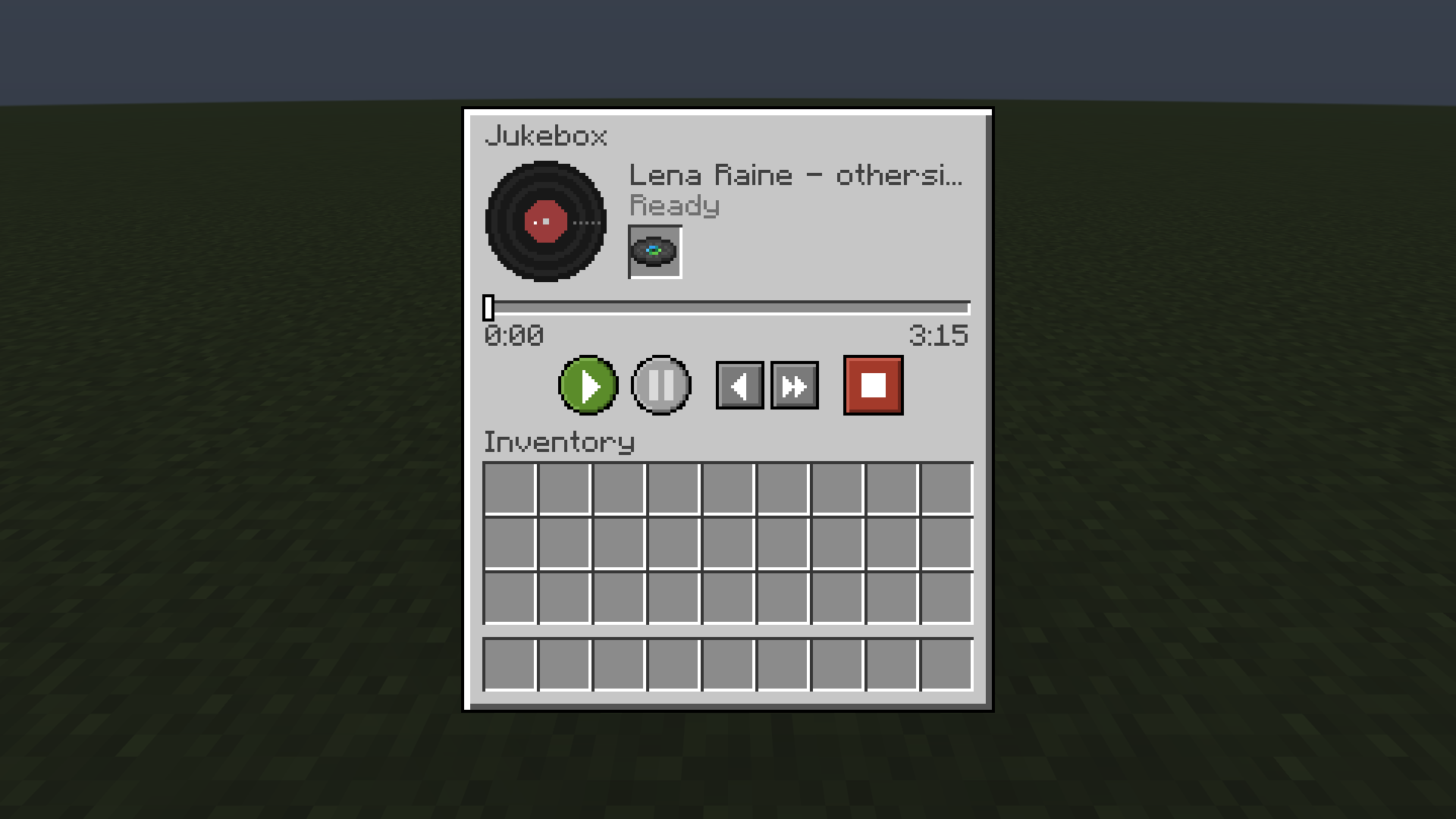
Shift + right-click a jukebox to open the player:
- Disc slot: put a disc in from your inventory. It does not start playing on its own.
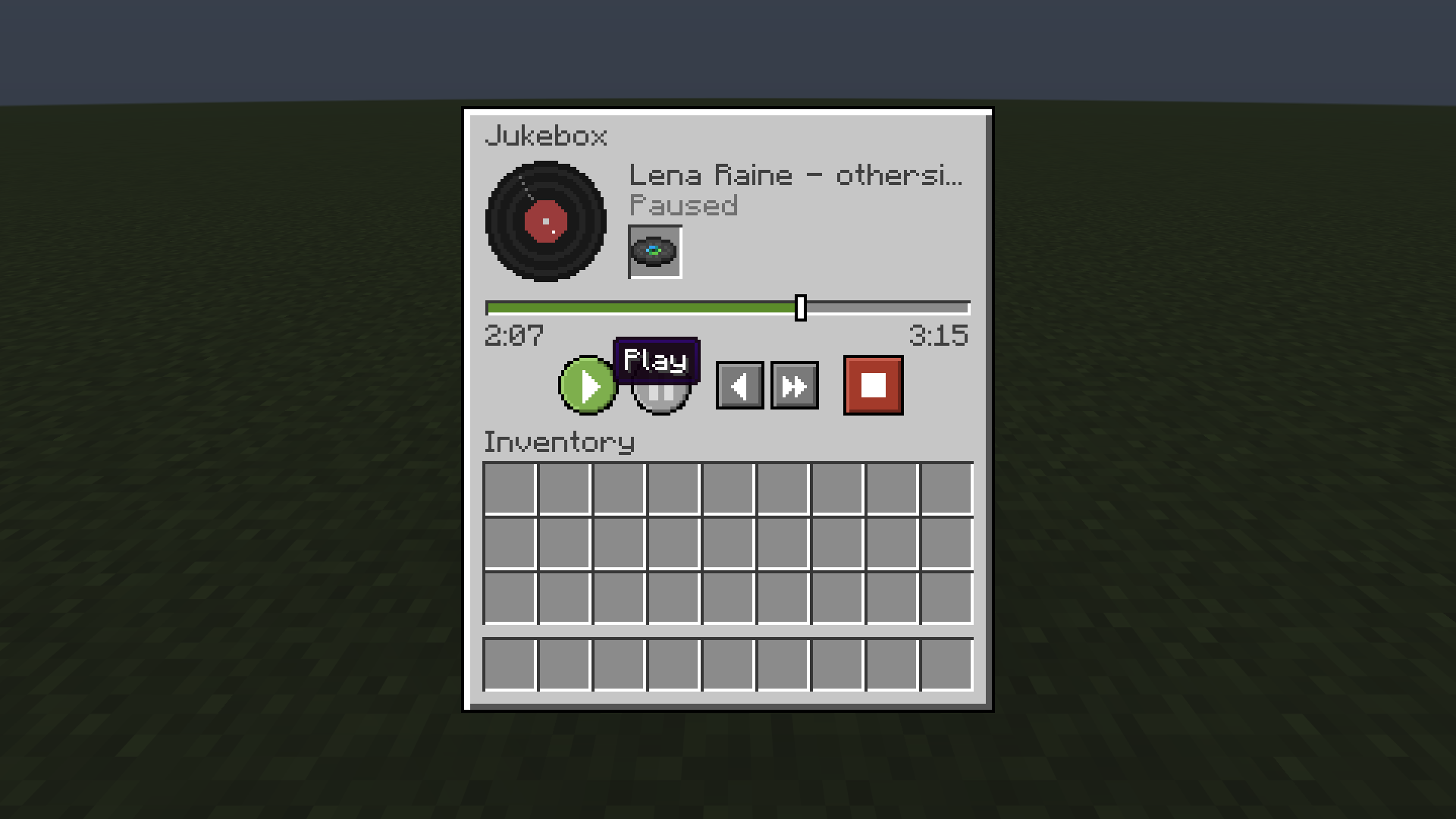
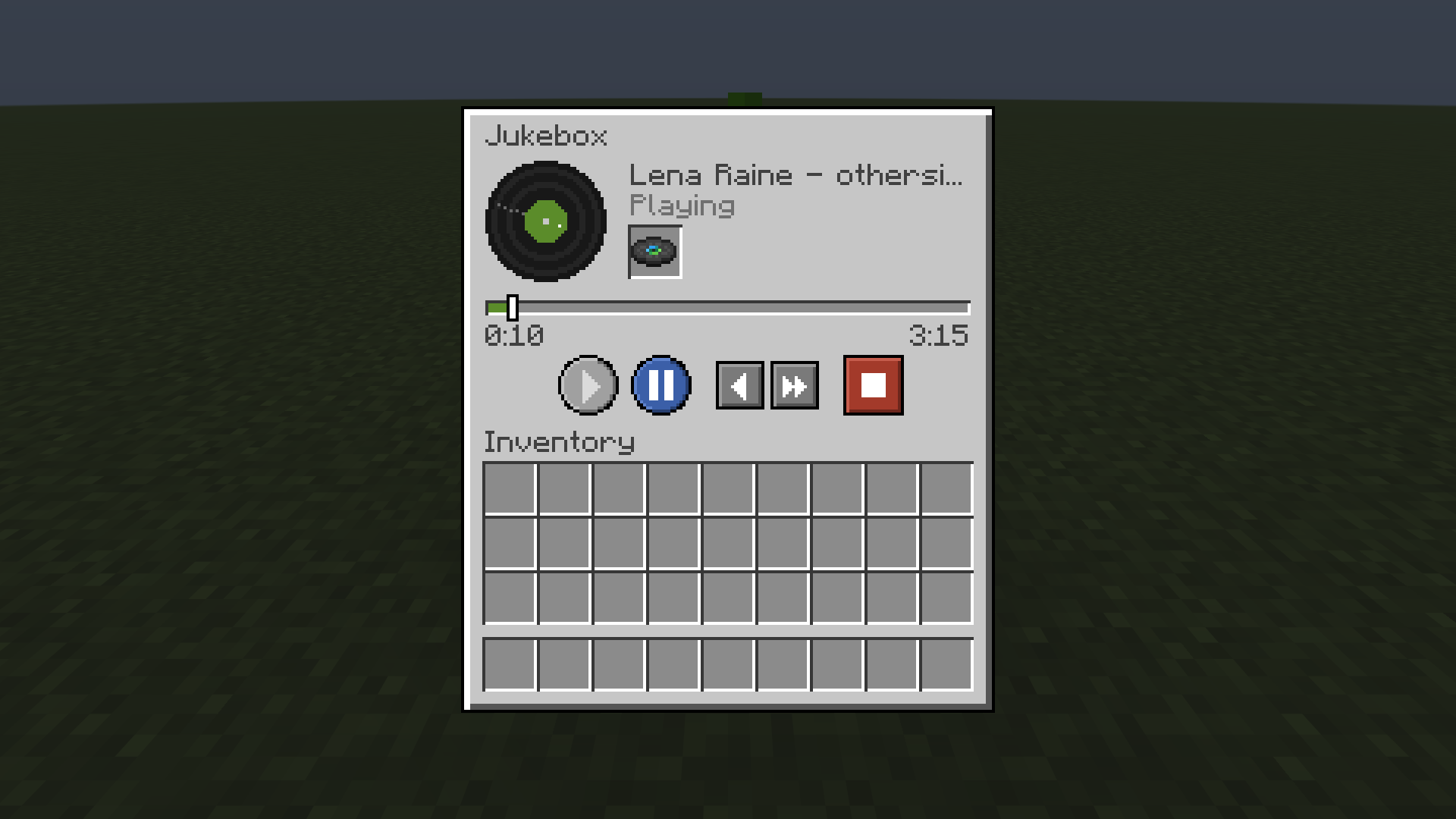
- Play (green): starts the song, or continues from where it was paused.
- Pause (blue): pauses the song at the exact spot.
- Back 5 seconds and Forward 10 seconds: small skip buttons.
- Stop (red): stops the music and pops the disc out of the jukebox, like vanilla does.
- Progress bar: shows the current time and the song length. Drag it to jump anywhere in the song.
- Spinning vinyl: the record spins while the song plays and stops when it’s paused.
- The menu title uses the jukebox’s name, so a jukebox renamed in an anvil shows its custom name.
Right-clicking without Shift still works exactly like vanilla.
Details
- Real jukebox audio. The mod controls the jukebox’s own sound. It doesn’t play a second copy on top, so volume, distance and the Jukebox/Note Blocks sound slider all behave as usual.
- Multiplayer sync. The server is in charge. Everyone nearby who has the mod hears the same pause, skip and seek. Players without the mod still hear the song start and stop, but skips restart the song from the beginning for them.
- Safe with your discs. Every action is checked on the server, and the disc slot reads directly from the jukebox, so discs can’t be duplicated or lost through the menu.
- Custom discs. Works with vanilla discs and with any disc added by a datapack or resource pack that uses the
minecraft:jukebox_playablecomponent. - Redstone. A paused jukebox stops sending its “playing” redstone signal.
- Saved. A paused song stays paused at the same spot after you leave and rejoin the world.
Requirements
- Minecraft 26.3
- Fabric Loader 0.19.5 or newer
- Fabric API
- Java 25
For multiplayer, install the mod on the server and on every player’s game. On a server without the mod, Shift + right-click just does the normal vanilla action.
Compatibility
The mod changes only the jukebox and the sound system, and it uses Fabric’s standard ways of hooking into the game. It doesn’t touch rendering, so performance mods like Sodium shouldn’t conflict with it. That hasn’t been tested yet, though. If you find a conflict, please report it.
Known limitations
- A player who walks into range while a song is already playing won’t hear it until the next play/pause/skip (vanilla jukeboxes behave the same way).
- Skipping far into a long song can take a moment before the sound resumes, because the game has to decode the audio up to that point.
Optional addon: Portable Jukebox
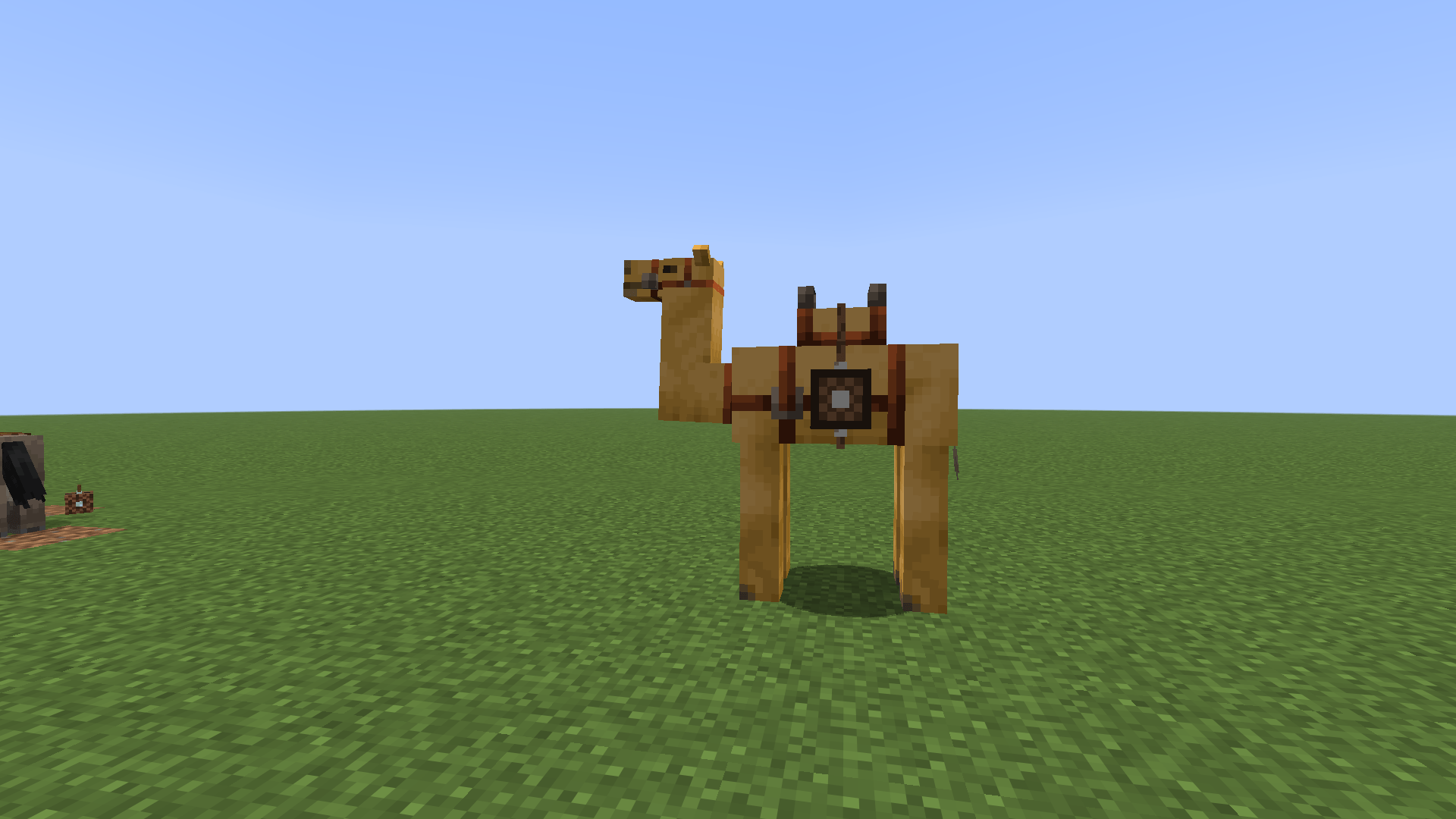
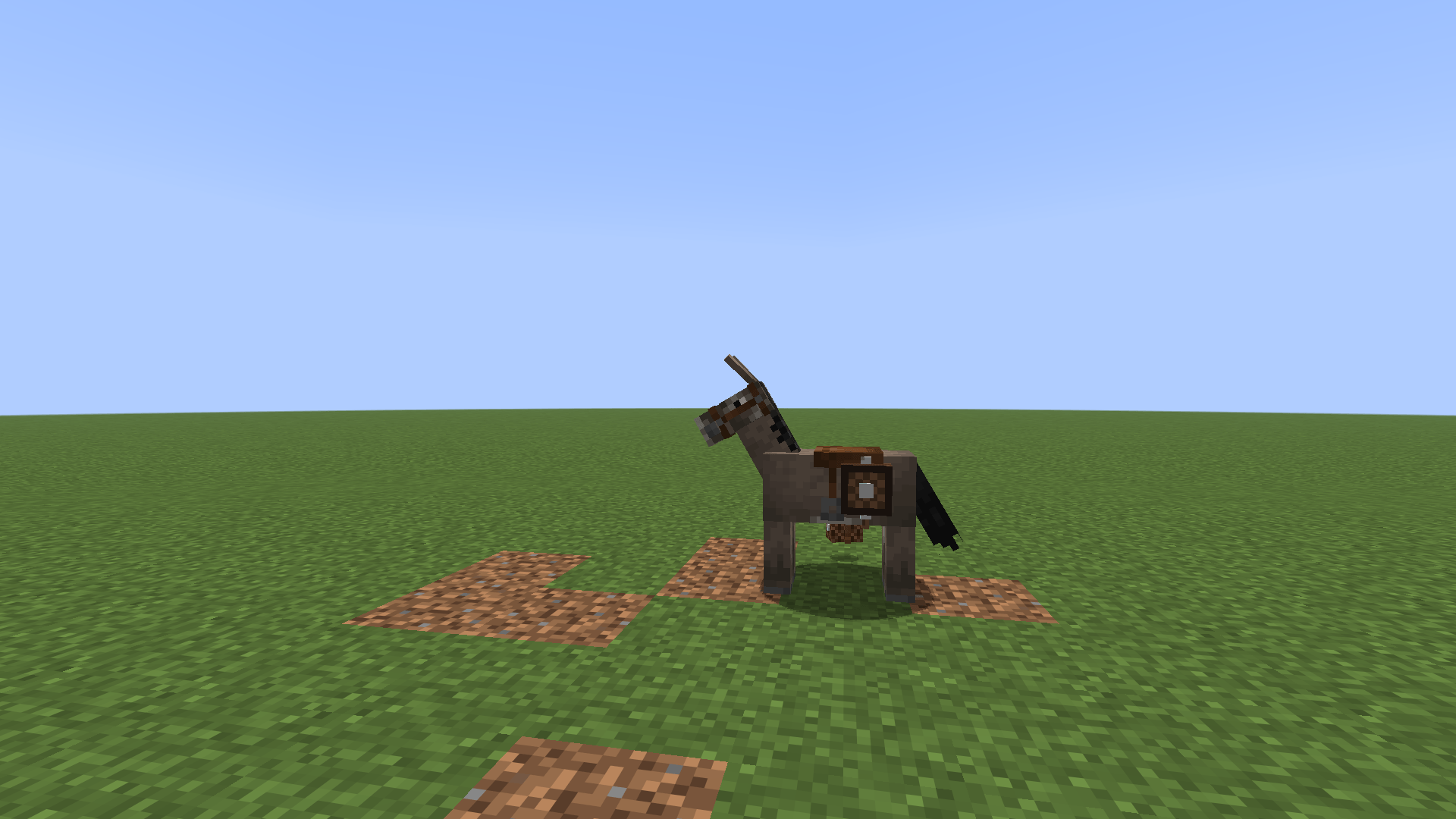
The Portable Jukebox is a small jukebox you strap onto a pack animal, so your music can travel with you.
How to craft it
| String | Lead | String |
| Iron Nugget | Jukebox | Iron Nugget |
| | Leather | |
How to use it
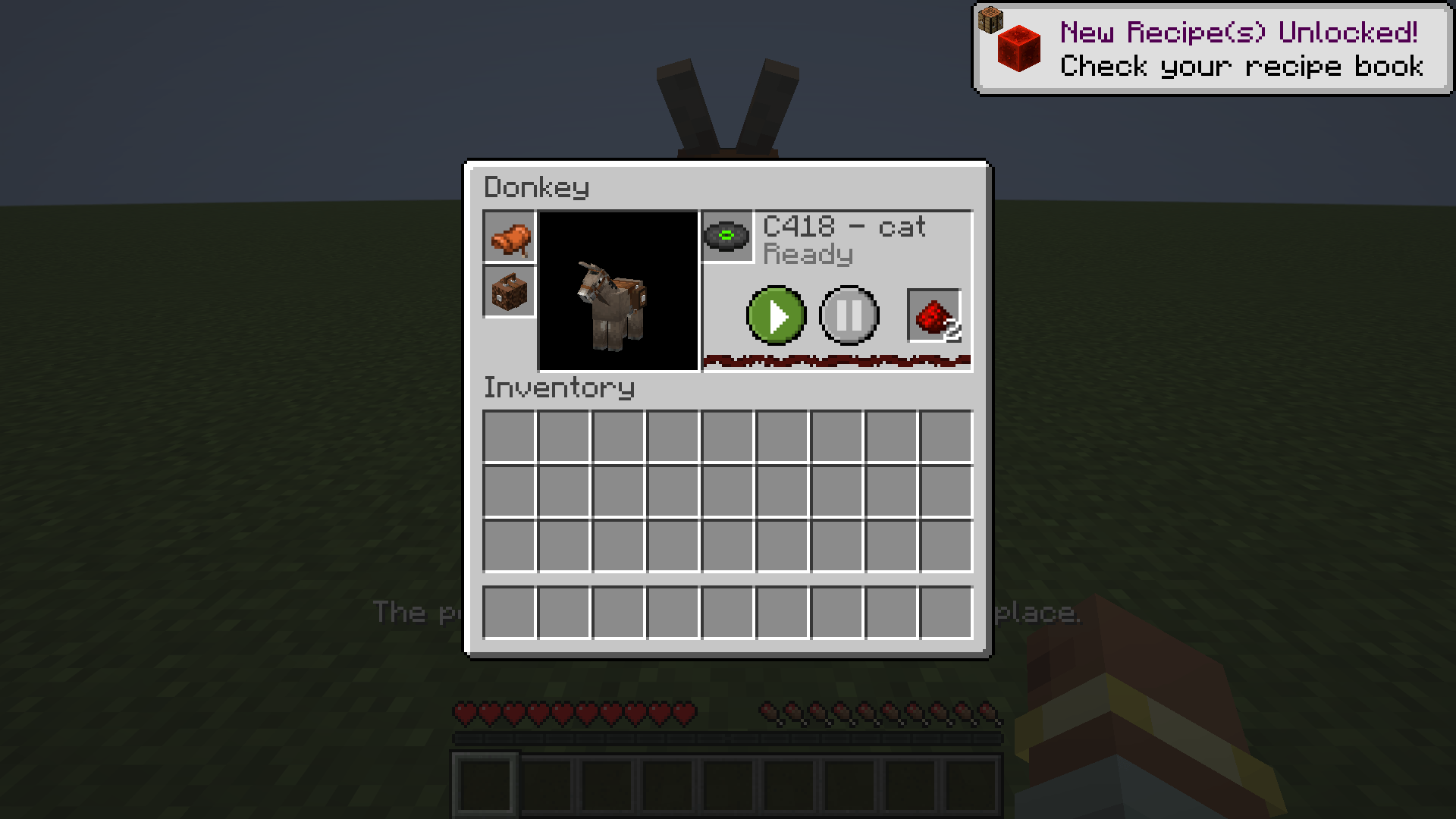
1. Put a saddle on a tamed donkey or mule, or on any adult camel.
2. Place the Portable Jukebox on the animal. Open its inventory and put the jukebox in the slot under the saddle, or right-click the animal with it.
3. Open the animal’s inventory (Shift + right-click) and put a disc in the disc slot.
4. Put redstone dust in the redstone slot. Each dust gives 5 minutes of music.
5. Press Play. You can pause and resume at any time.
**Good to know**
– On donkeys and mules, the jukebox takes the chest’s place, so the animal carries one or the other.
– To take it off, use shears or remove it from its slot. If the saddle comes off, the jukebox falls too.
– It can be heard from about 20 blocks away, and the sound gets muffled in rain and underwater.
– While playing underwater, it uses charge 4 times faster and breaks after 30 seconds.
– While the music plays, sculk sensors and Wardens pick it up, and hostile mobs come to destroy it. Zombies hit it, skeletons shoot it and creepers blow it up. If it breaks, you lose the jukebox, but the disc and redstone drop.
Download it from the Files tab. It already includes Nerd’s Jukebox, so you only need that file and Fabric API.
Credits
- Idea, design and testing: the project author.
- Code: written with the help of Claude (AI by Anthropic).
- Built with Fabric API. Not affiliated with Mojang or Microsoft.
常见问题
Nerd’s Jukebox 支持哪些 Minecraft 版本?
Nerd’s Jukebox 支持 Minecraft Java 版 26.3,可用的加载器:Fabric。下载时注意选择和你游戏版本一致的文件。
Nerd’s Jukebox 怎么安装?
先用 PCL2 或 HMCL 启动器安装对应版本的 Fabric,再把下载的 .jar 文件放进游戏目录的 mods 文件夹,重新启动游戏即可。开启了版本隔离的,mods 文件夹在 versions/版本名 下面。
评论
登录后评论和评分