
Neko’s Memory Warning
作者:neko37
A simple mod to warn you in case your Java memory is insufficient. Meant for modpack developers. Fully configurable.
截图


介绍
中文介绍正在准备中,下面暂时显示原文。
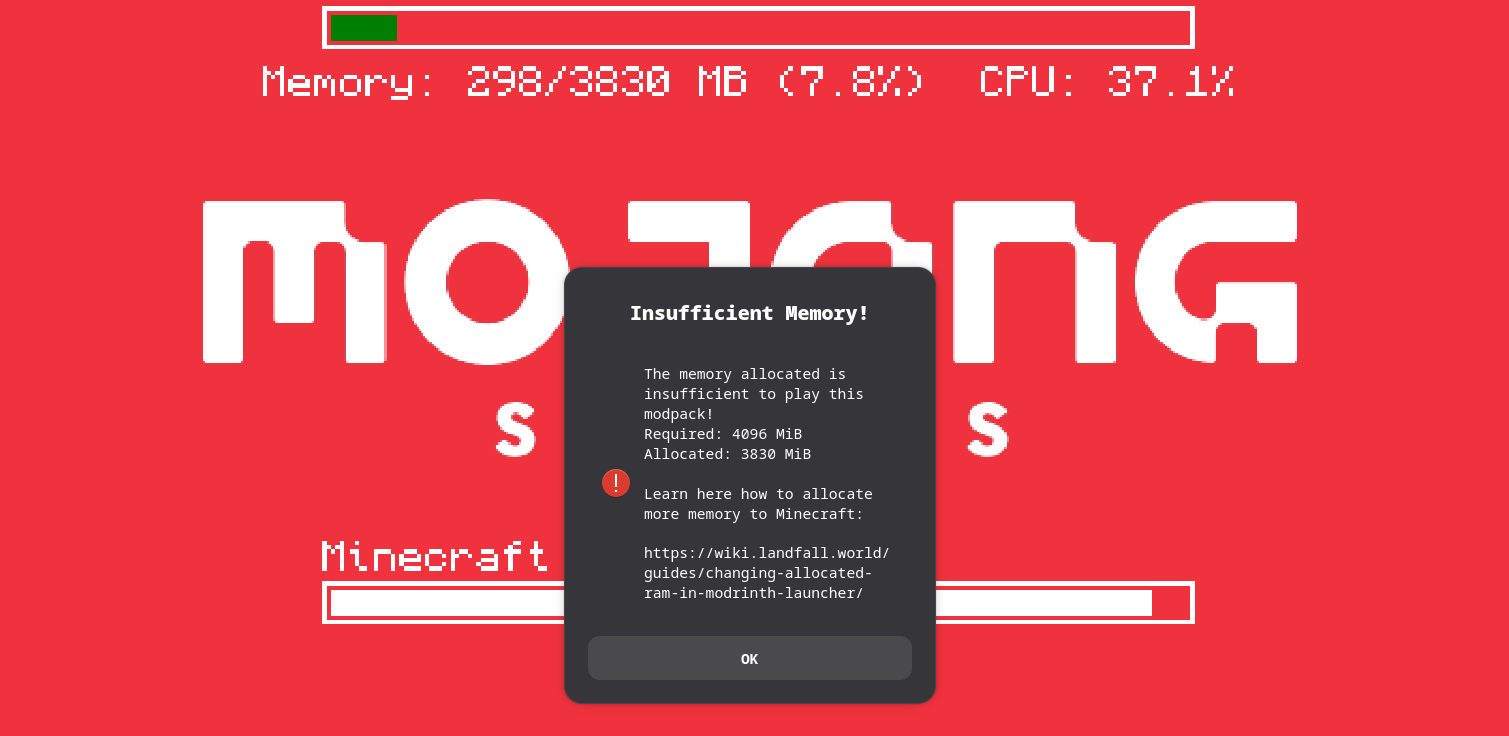
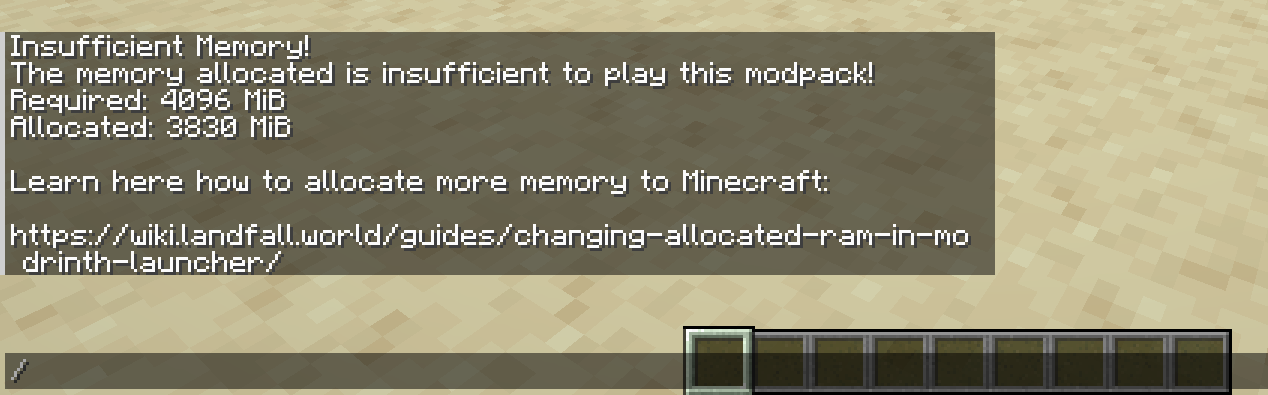
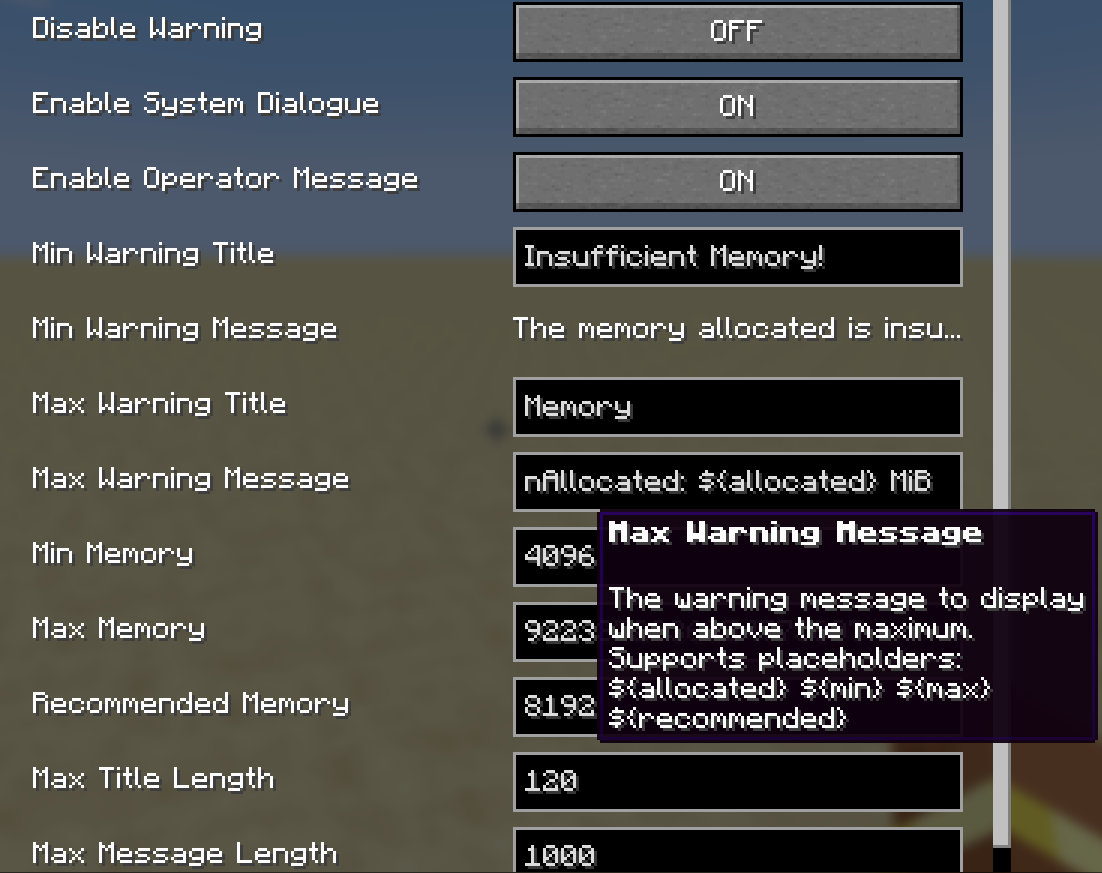
A simple mod that sends a system dialogue or a chat message (or a minecraft screen warning WIP) when the allocated memory is above or below a configurable threshold. This is meant for modpack developers. The config is at config/nekosmemorywarming-common and is also accessible via in-game client menu.
Tested on Linux and Windows 11
(the system pop-up probably doesn’t work on MacOS)
Configuration options:
- Disable Warning
- Enable System Dialogue
- Enable Operator Message (on join)
- Minimum Warning Title
- Minimum Warning Message
- Maximum Warning Title
- Maximum Warning Message
- Minimum Memory
- Maximum Memory
- Recommended Memory
- Maximum Title Length
- Maximum Message Length
常见问题
Neko’s Memory Warning 支持哪些 Minecraft 版本?
Neko’s Memory Warning 支持 Minecraft Java 版 1.21–1.21.1,共 2 个版本,可用的加载器:NeoForge。下载时注意选择和你游戏版本一致的文件。
Neko’s Memory Warning 怎么安装?
先用 PCL2 或 HMCL 启动器安装对应版本的 NeoForge,再把下载的 .jar 文件放进游戏目录的 mods 文件夹,重新启动游戏即可。开启了版本隔离的,mods 文件夹在 versions/版本名 下面。运行环境:客户端 / 服务端。
评论
登录后评论和评分