
截图


介绍
Neko UI
Introduction
_Neko UI enhances your gaming experience by modifying the original HUD and adding a range of practical interfaces._
Important Notes
- Cores Mod Users: If you have the
Coresmod installed, please download the file without the “all” suffix to avoid conflicts. - JS Code Support: If you need to use JavaScript code to customize the interface, please additionally download and install the
GraalJSmod.(Run with Nashorn when the graaljs mod is not present)
Usage Guide
### General Usage
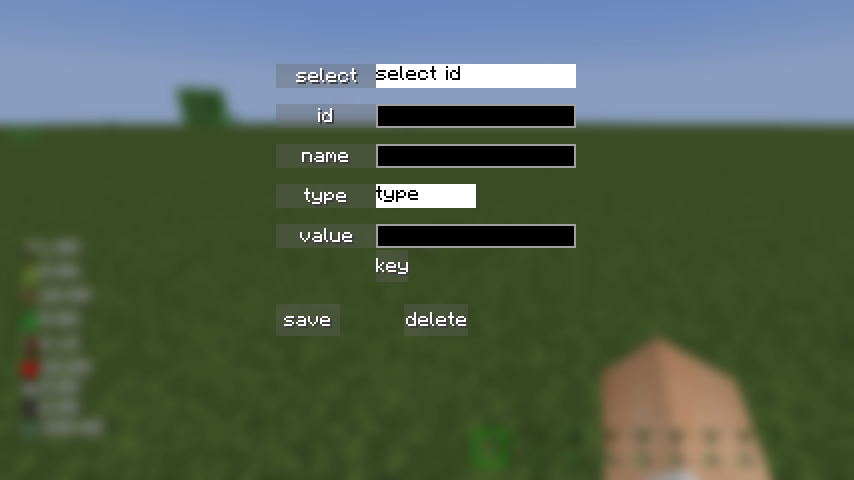
Neko UI offers extensive customization options. If you’re not satisfied with the default interface, you can modify the configuration files to customize the HUD display to your liking.
If you encounter any issues during customization, please refer to the WIKI documentation or contact me using the contact information below.
***
### JS Code Example
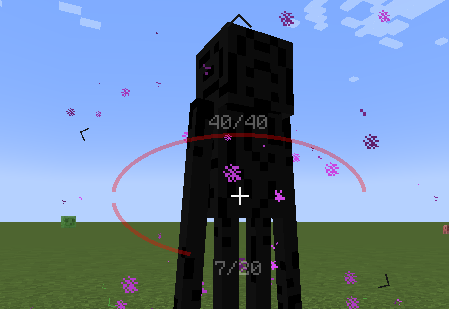
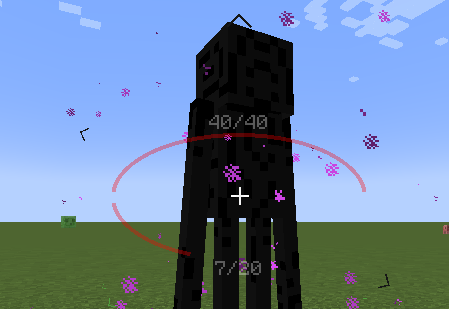
With JavaScript code, you can draw custom UI elements on the screen, such as two elliptical health bars.
Example: Center Health Bar
Interface Preview
Here are some interface previews of Neko UI, showcasing its features and customization options.
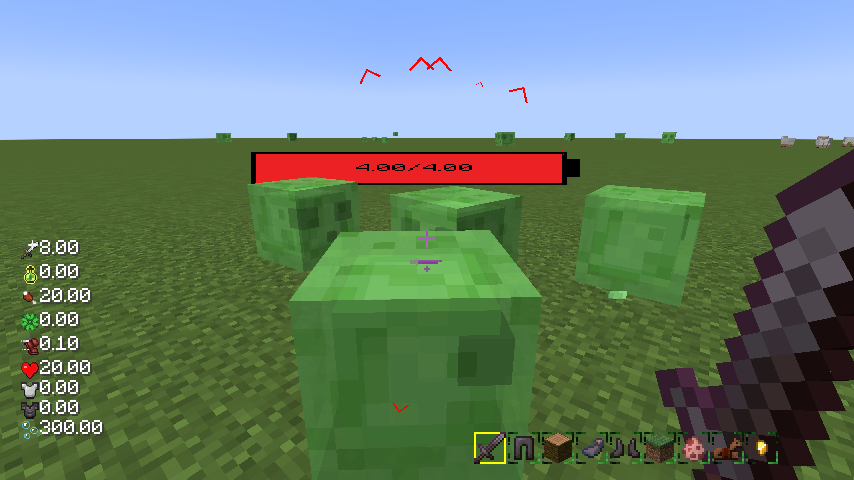
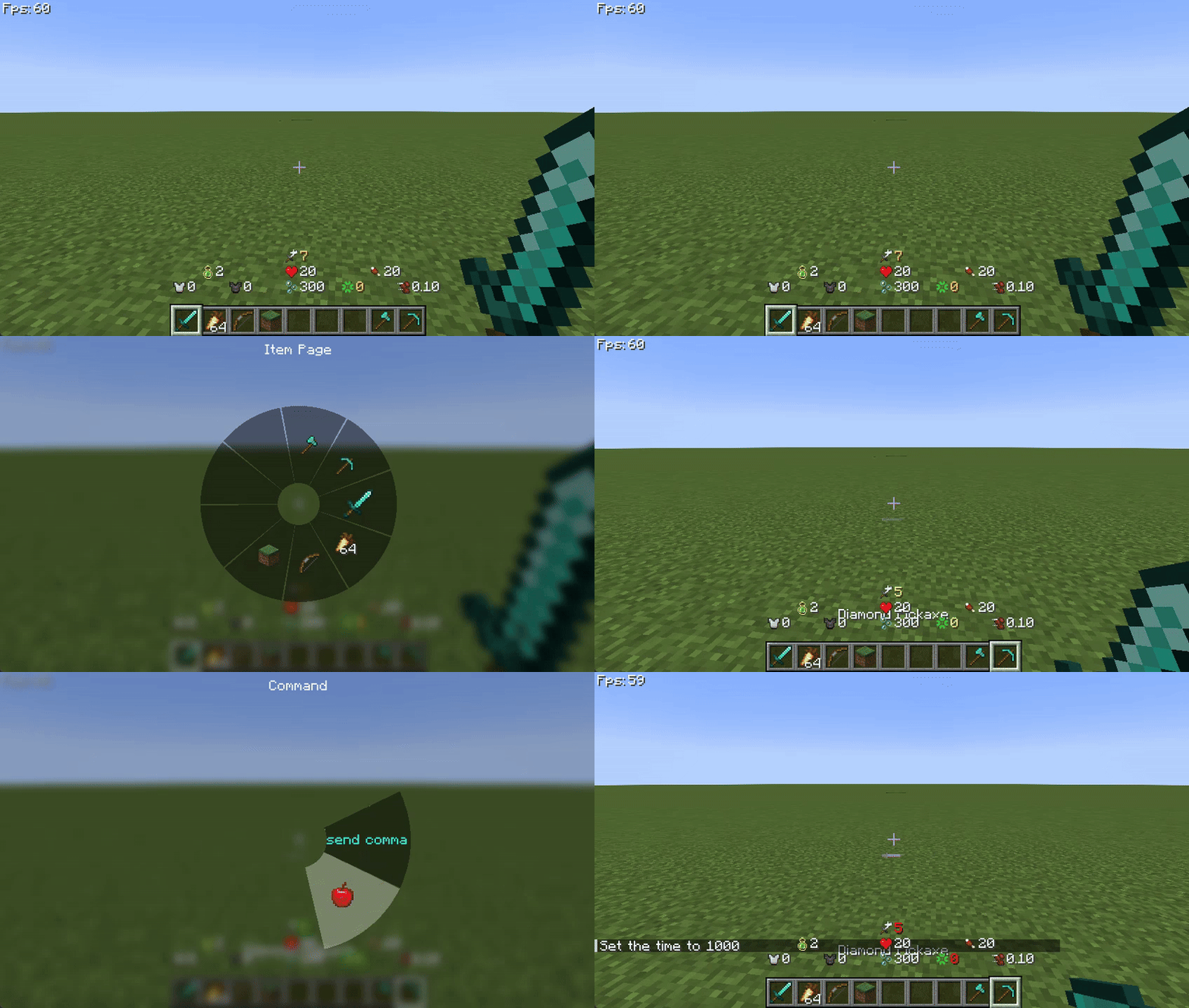
Custom HUD: The health bar, hunger bar, experience bar, and hotbar have been redesigned and can be enabled or disabled individually.
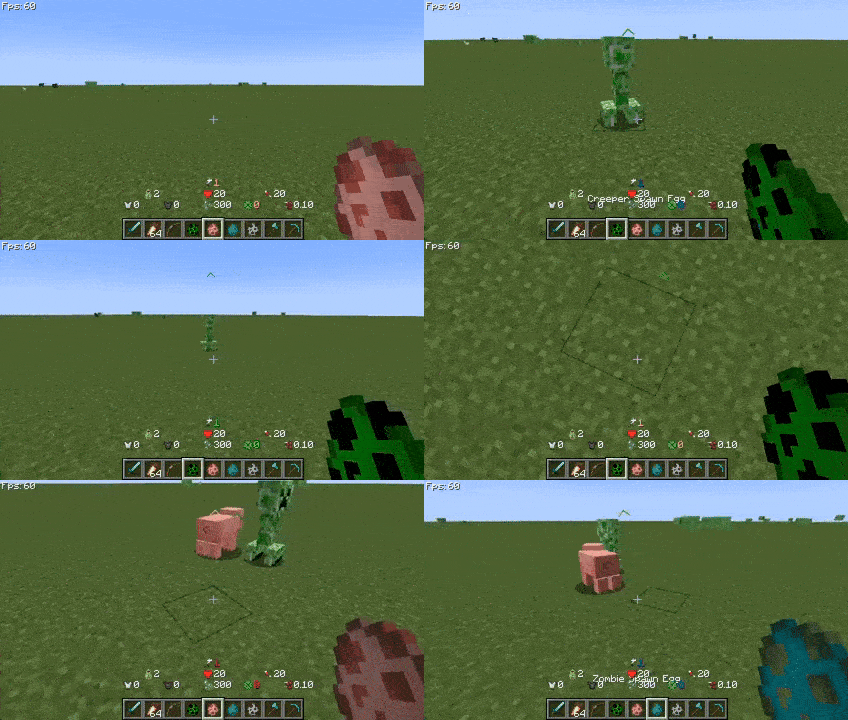
Creature Direction Indicator: Real-time display of creatures relative to your position, with dynamic scaling of icons based on distance for easy tracking.
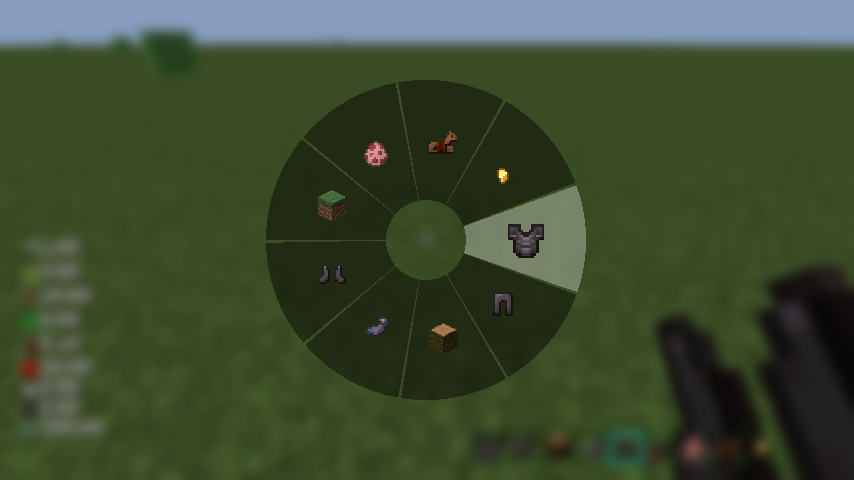
Quick Menu: Hold down the
TABkey to open the quick menu, switch interfaces with the left and right mouse buttons, slide to the desired option, and releaseTABto trigger.
More Information
If you have any questions, suggestions, or feedback, please feel free to contact me through the following methods.
Happy gaming!
Contact Information
常见问题
Neko UI 支持哪些 Minecraft 版本?
Neko UI 支持 Minecraft Java 版 1.20.1–26.3,共 14 个版本,可用的加载器:Forge / NeoForge。下载时注意选择和你游戏版本一致的文件。
Neko UI 怎么安装?
先用 PCL2 或 HMCL 启动器安装对应版本的 Forge / NeoForge,再把下载的 .jar 文件放进游戏目录的 mods 文件夹,重新启动游戏即可。开启了版本隔离的,mods 文件夹在 versions/版本名 下面。运行环境:仅客户端。


评论
登录后评论和评分