
Natural Motion BlurZ
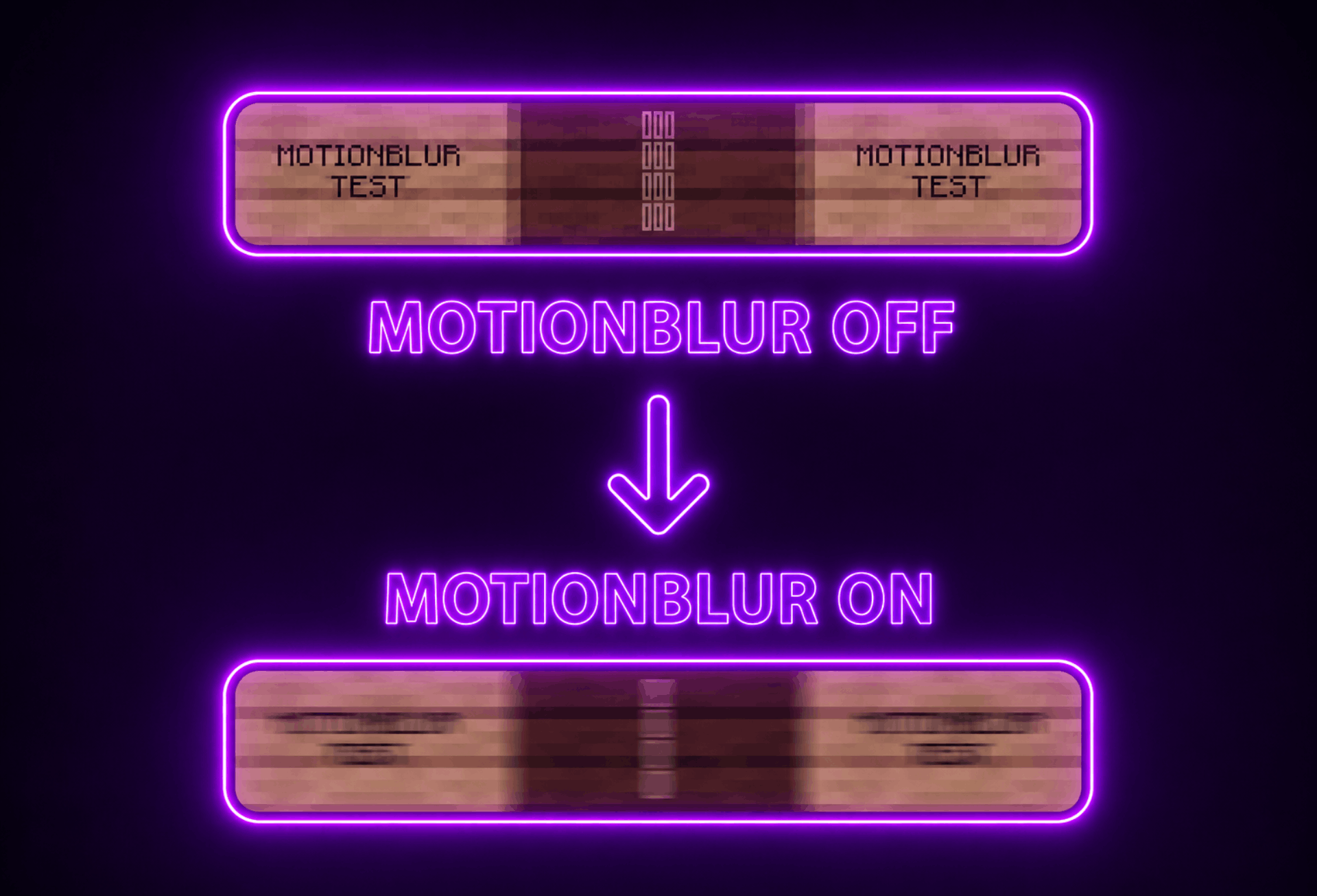
A motion blur mod that tries to mimic human vision motion blur by blending frames together, reducing stroteoscopic effects and making motion appear more fluent and amazing.
介绍
Natural Motion BlurZ
This mod aims to mimic the way human vision motion blur works by blending frames together, reducing stroboscopic effects and making motion appear more fluent.
It is recommended to use the default strength value (1).
The config GUI can be accessed via these commands: /motionblur /mb

Feautre List
- Blur Toggle – Including adjustable Keybind (B)
- Refresh Rate Scaling – Adjusts blur strength based on FPS and refresh rate
- Blur Strength Adjustment
- Multiple Blur Methods
- Velocity Based (Default)
- Frame Blending
- Hybrid Blending
- Accumulation Max
- Accumulation Mix
- OBS Recording Output
OBS Recording Output
Since version 1.4.0 of the mod you now have the ability to directly output a frame blended game in OBS via a spout sender. This is a good option for people who can’t or don’t want to record in 240 FPS or more to create smooth gameplay videos. You can now simply use this option and record at a normal FPS rate.
To set this up follow these instructions:
- Download the Spout2 Plugin Installer from https://github.com/Off-World-Live/obs-spout2-plugin
- Run the installer, then enable the plugin via OBS > Tools > Plugin Manager
- In OBS, add a new Source and select “Spout2 Capture”
- Enable the in-game option
Instructions can also be viewed in the in-game GUI.
This Mod Is Made By Vonkar Sen
常见问题
Natural Motion BlurZ 支持哪些 Minecraft 版本?
Natural Motion BlurZ 支持 Minecraft Java 版 1.21.1,可用的加载器:Fabric。下载时注意选择和你游戏版本一致的文件。
Natural Motion BlurZ 怎么安装?
先用 PCL2 或 HMCL 启动器安装对应版本的 Fabric,再把下载的 .jar 文件放进游戏目录的 mods 文件夹,重新启动游戏即可。开启了版本隔离的,mods 文件夹在 versions/版本名 下面。
评论
登录后评论和评分