
NanoBuild
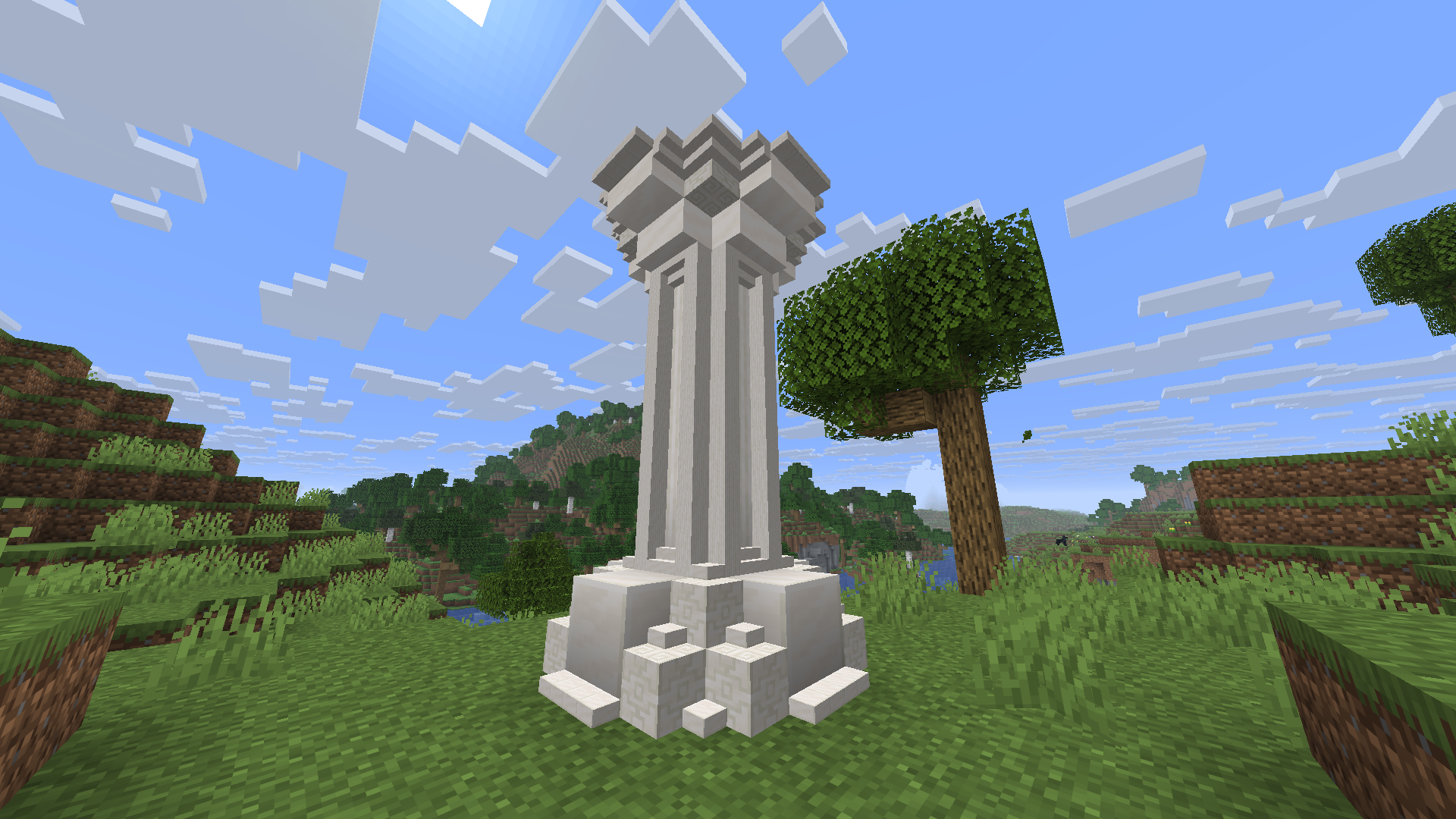
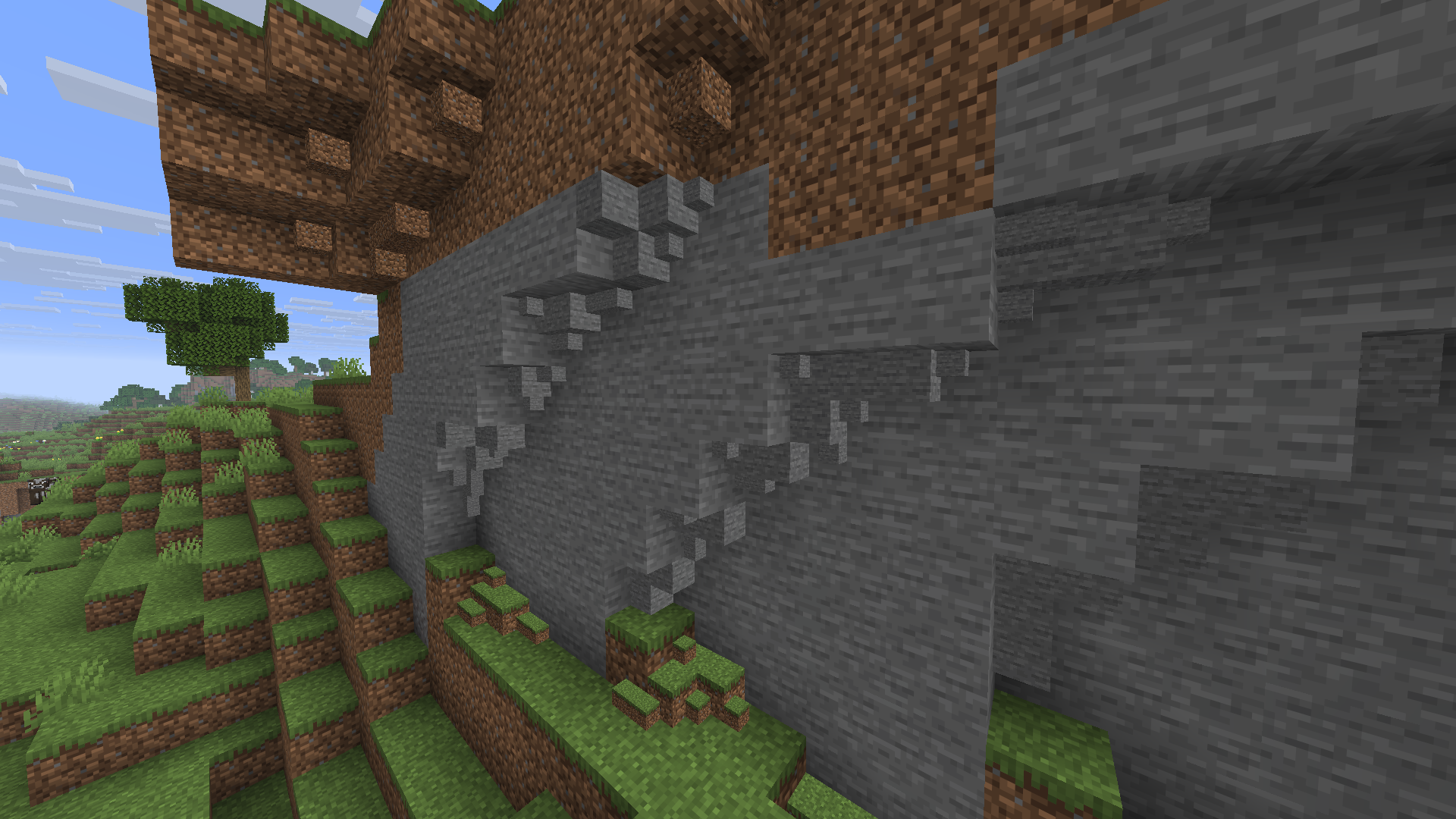
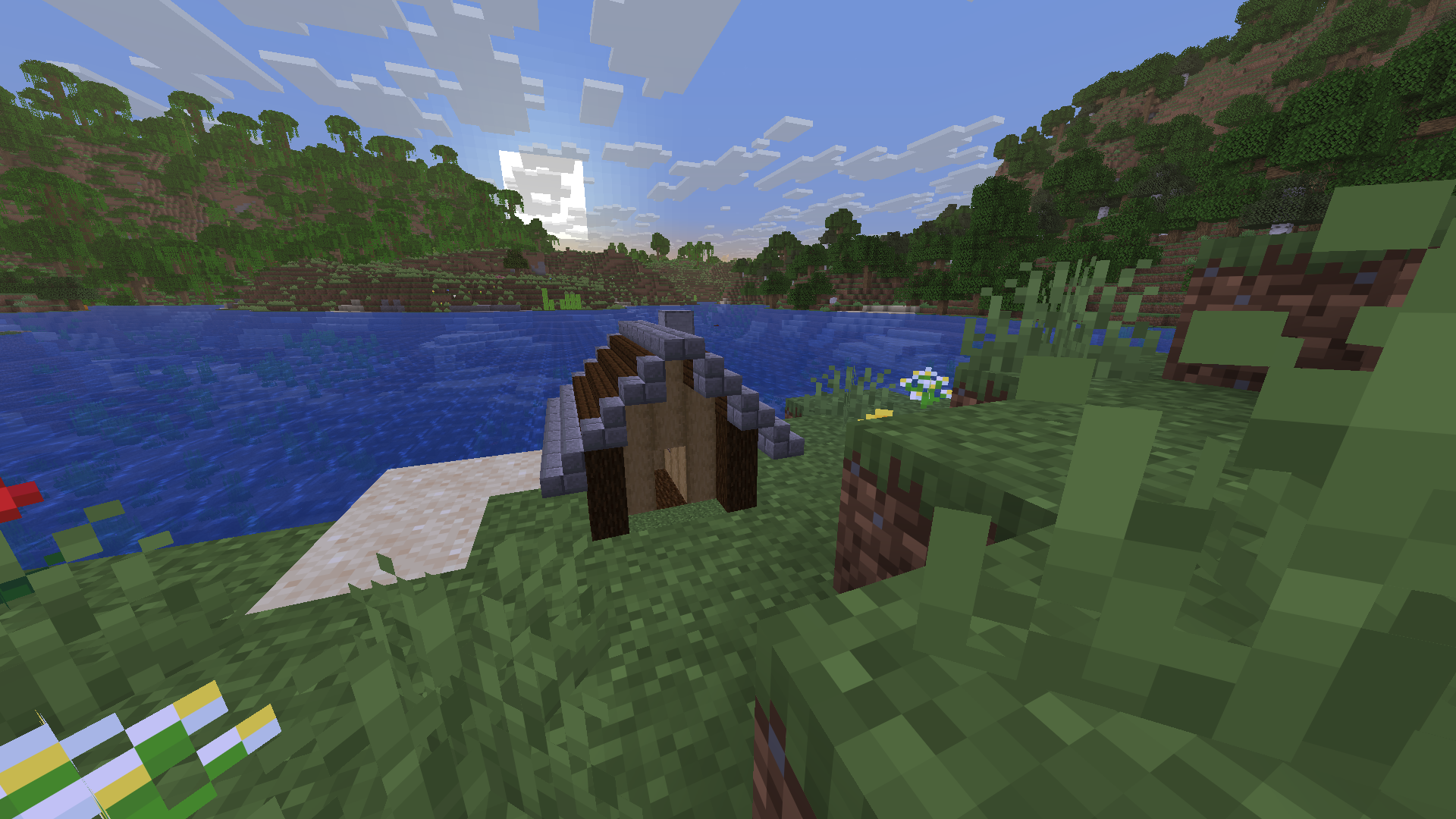
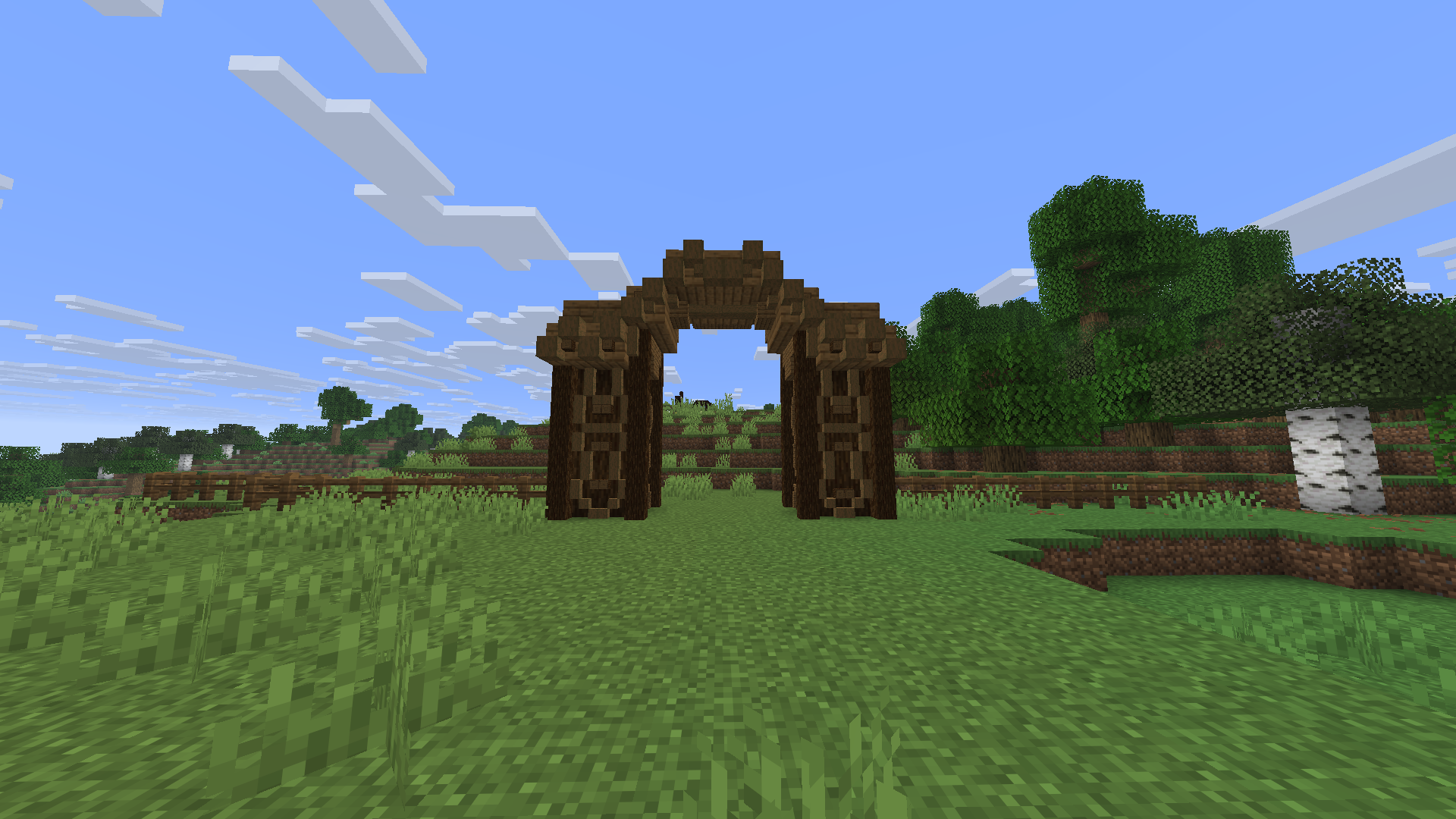
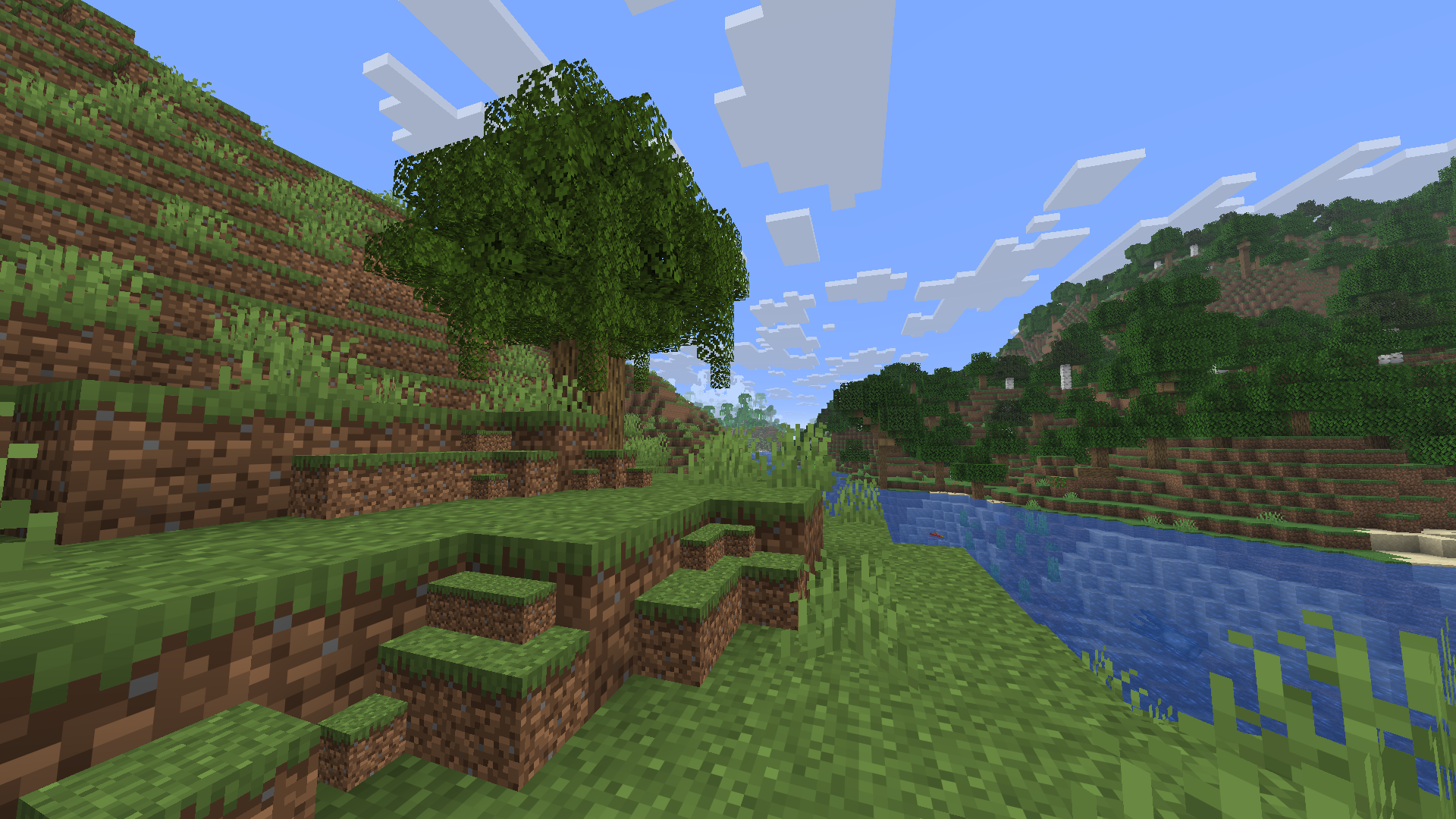
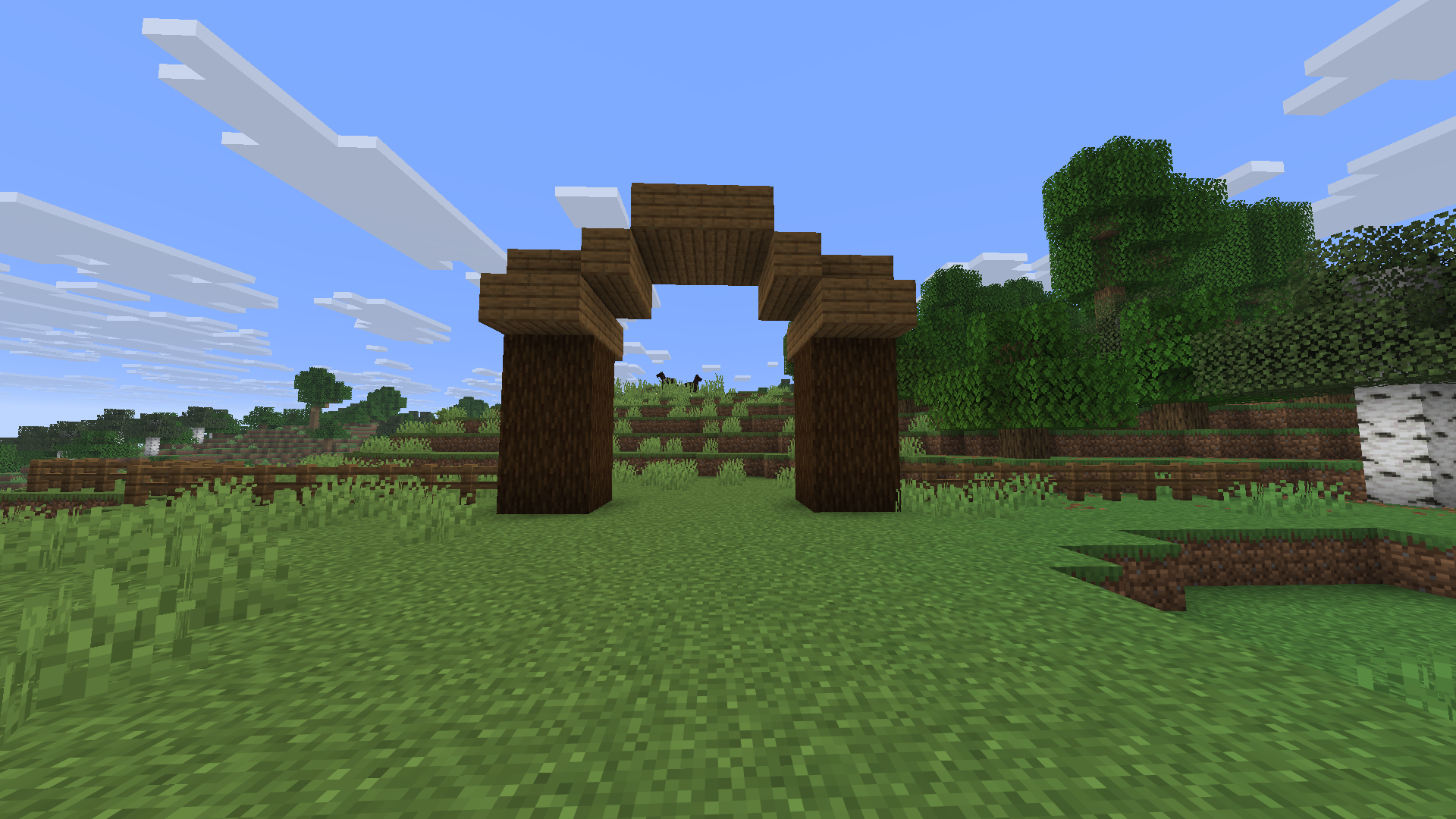
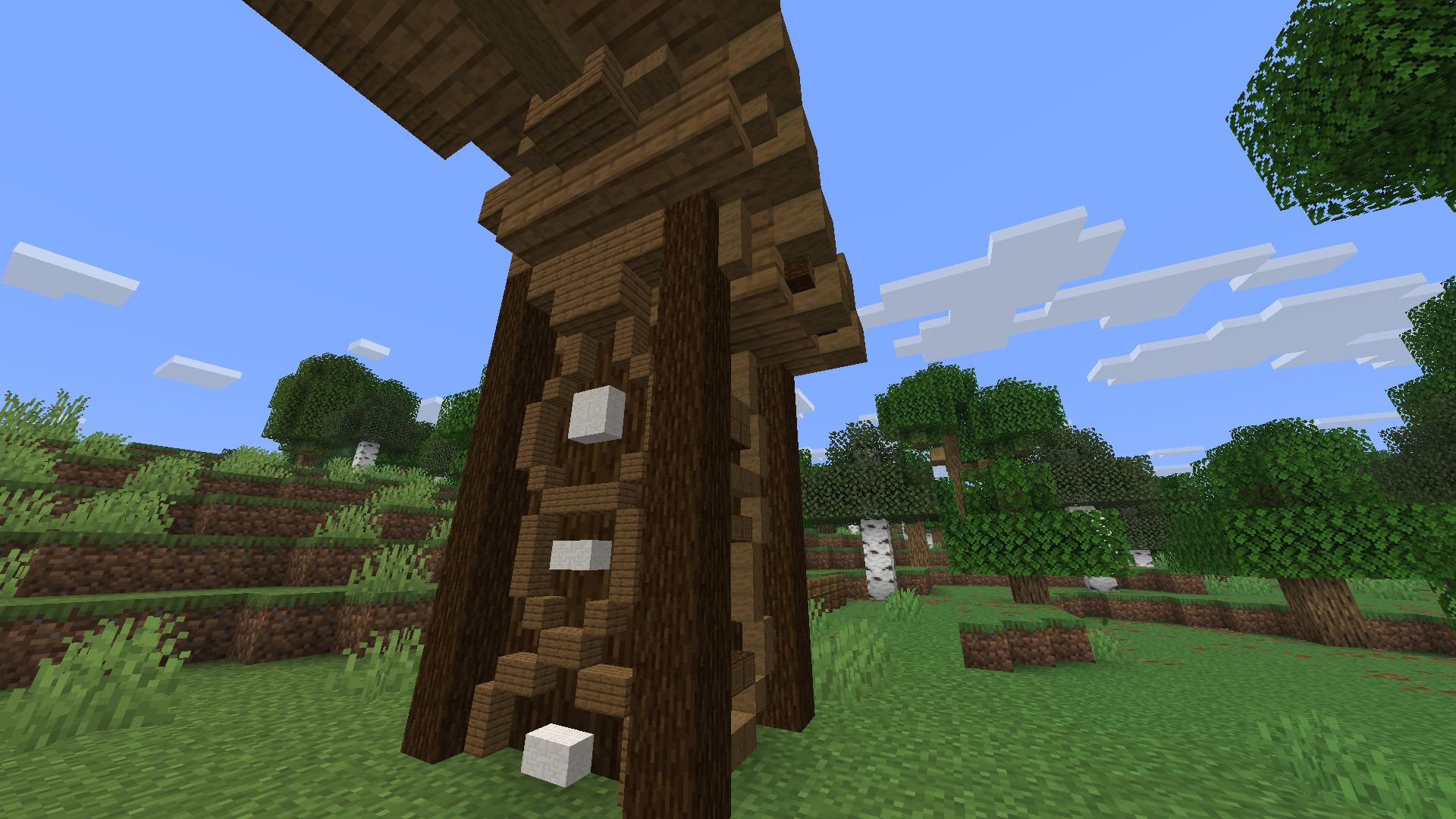
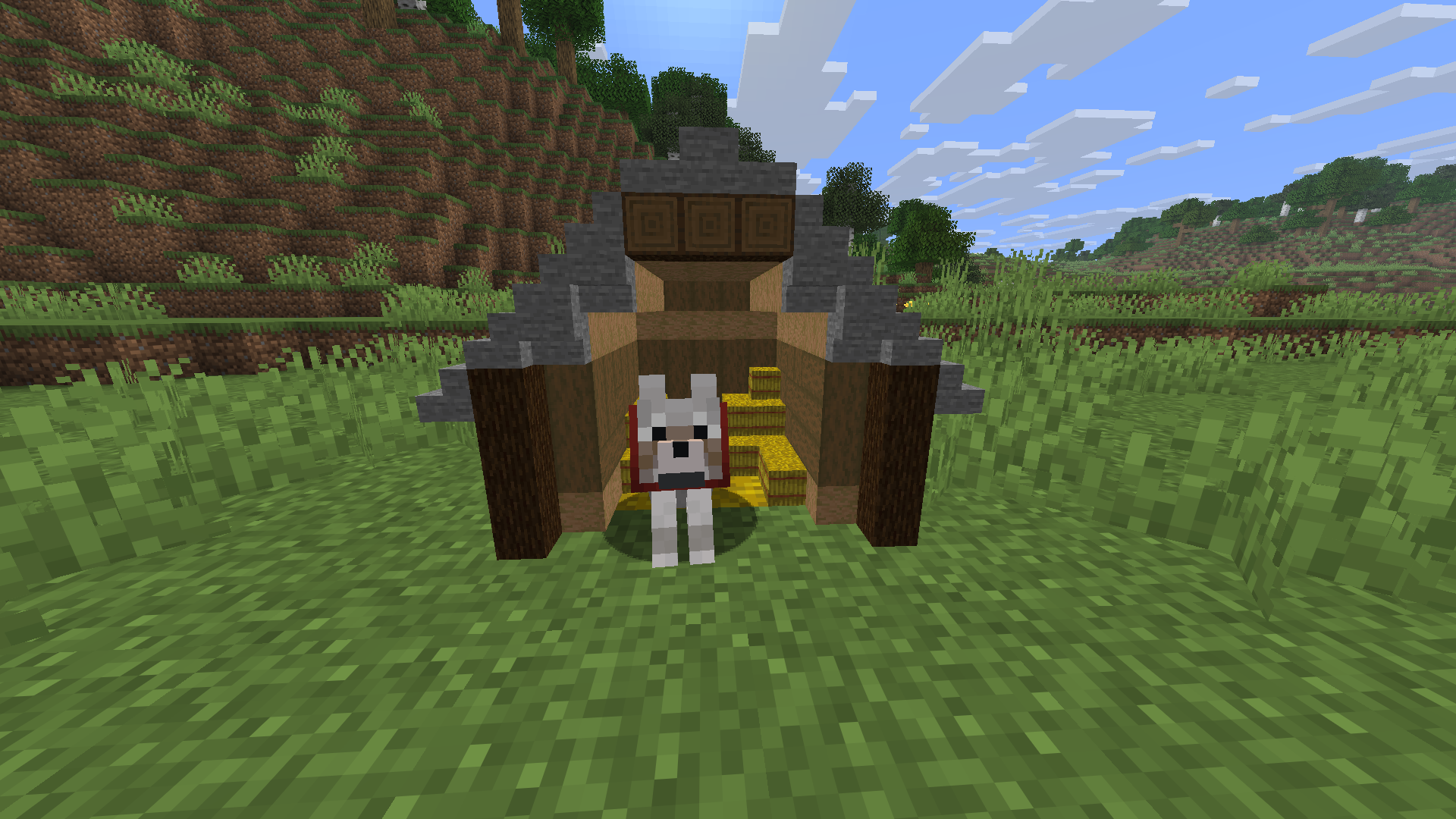
Place Minecraft blocks at 1/2 and 1/4 scale, including mini slabs, stairs, connecting fences, interactive fence gates, torches and lanterns.
截图
介绍
NaNo Blocks
Mini Blocks allows you to place supported Minecraft blocks at 1/2 or 1/4 of their normal size.
Create detailed decorations and builds using miniature full blocks, slabs, stairs, fences, fence gates, torches and lanterns.
Controls
- V — cycle between normal placement, 1/2 size and 1/4 size
- H — show or hide the HUD size indicator
- Right Click — place a mini block
- Left Click — remove the mini block part targeted by the crosshair
- Middle Mouse Button / Pick Block — copy the selected mini block and its size
- Right Click on a mini fence gate — open or close the gate
- Shift + Right Click on a mini fence gate — place another mini block instead of opening the gate
Key bindings can be changed in:
Options → Controls → Key Binds → Mini Blocks
The selected mini-block size remains active after changing the held block and after restarting the game.
Features
- 1/2 and 1/4 scale placement
- Mini slabs with top, bottom and double variants
- Mini stairs with straight, inner and outer corners
- Connecting mini fences
- Interactive mini fence gates
- Mini torches and lanterns with light emission
- Correct block sounds, collision and biome colors
- Survival and Creative mode support
- Multiplayer support
Unsupported functional blocks use their normal vanilla behaviour instead of being converted into mini blocks.
Requirements
- Minecraft Java Edition 26.1.2
- Fabric Loader 0.19.3 or newer
- Fabric API 0.155.2+26.1.2 or newer
- Java 25 or newer
The mod and Fabric API must be installed on both the client and server when playing multiplayer.
Installation
- Install Fabric Loader for Minecraft 26.1.2.
- Download and install Fabric API.
- Place
miniblocks-1.4.1.jarin the Minecraftmodsfolder. - Start the game using the Fabric profile.
常见问题
NanoBuild 支持哪些 Minecraft 版本?
NanoBuild 支持 Minecraft Java 版 26.1.2,可用的加载器:Fabric。下载时注意选择和你游戏版本一致的文件。
NanoBuild 怎么安装?
先用 PCL2 或 HMCL 启动器安装对应版本的 Fabric,再把下载的 .jar 文件放进游戏目录的 mods 文件夹,重新启动游戏即可。开启了版本隔离的,mods 文件夹在 versions/版本名 下面。运行环境:客户端和服务端都要装。
BaXu 的其他作品
查看全部 →
lucent-realms-shaders
A cinematic Minecraft Java shader pack featuring realistic water reflections, volumetric lighting, custom dimension skies, animated foliage and atmospheric effects.

Virelia Shaders
Vibrant and realistic shaders with volumetric clouds, smooth shadows, water reflections and atmospheric lighting for OptiFine and Iris.

Crown & Hearth 32x
A detailed 32x medieval resource pack for Minecraft Java Edition, featuring redesigned blocks, items, plants, terrain and OptiFine-compatible textures.
LumaTorch
A simple Fabric mod that lets players place, adjust and remove invisible light sources using the Light Tool.
评论
登录后评论和评分