
Name Changer
A mod that allows you to change your name to anything on the Client and server.
截图
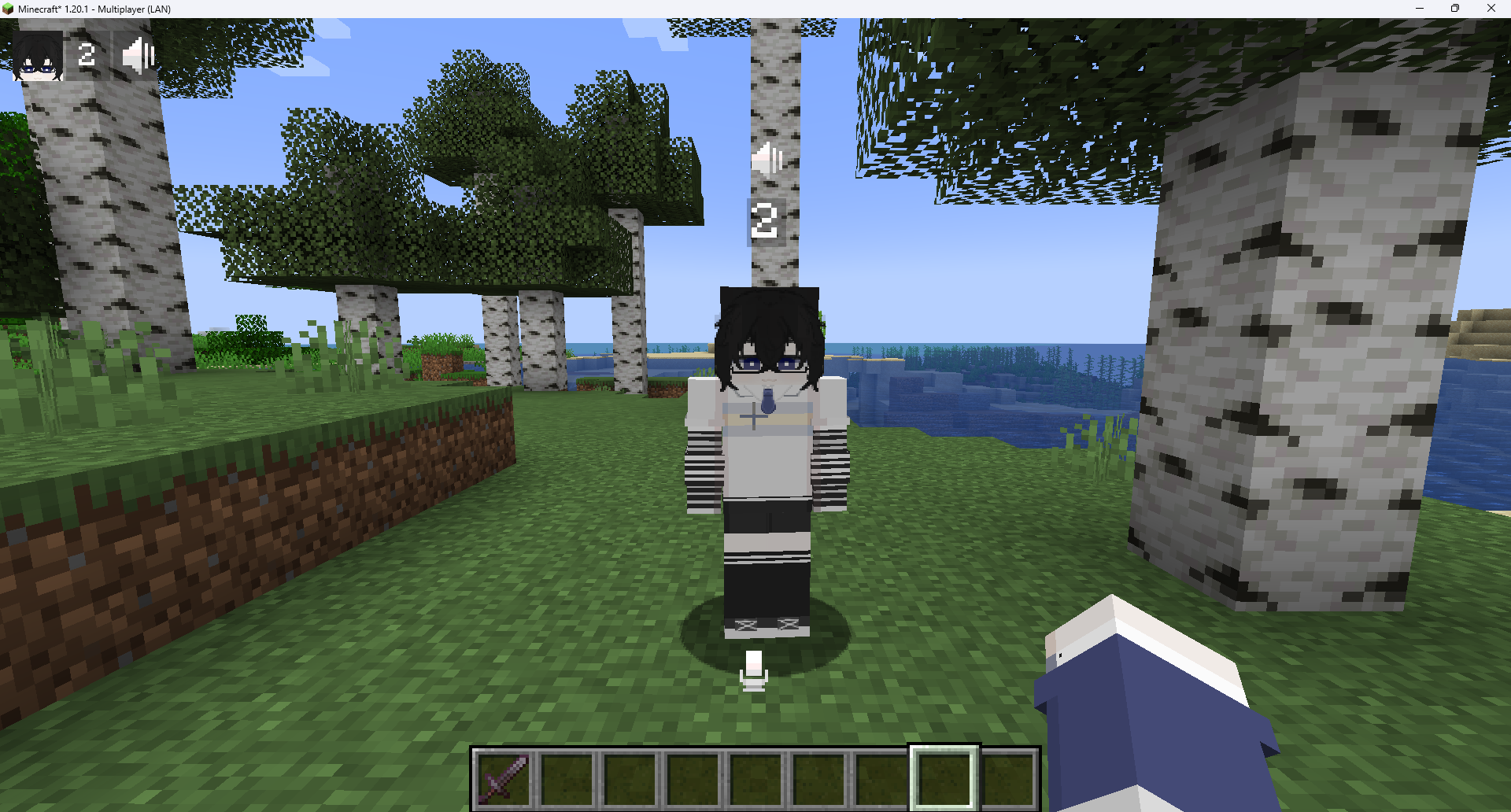
介绍
Name Changer is mod that adds a simple nickname
Name Changer is a mod created specifically to _support roleplay gameplay_ It allows players to use their character names instead of their real account names, helping maintain immersion and preventing the roleplay experience from breaking
Features
Players can set their own nickname using /nick
Reset back to the real name
OP can toggle “hide all player names” server-wide with /nick hide on/off
Hold U to temporarily reveal real names while hide mode is enabled
⌨️Commands
/nick name <name> or /nick <name> — set nickname (max 32 chars)

/nick reset — reset nickname

/nick hide on — hide all names (OP only)

/nick hide off — disable hide all names (OP only)
📥Installation
Fabric
- Install Fabric API
- Place
name-changer-x.x.x.jarinto yourmodsfolder
Forge
- Install Forgified Fabric API
- Install Sinytra Connector
- Place
name-changer-x.x.x.jarinto yourmodsfolder
ℹ️Notes
If the nickname is longer than 32 characters, it won’t change and will warn the player
Hide mode removes floating name labels completely until you hold U to reveal temporarily
常见问题
Name Changer 支持哪些 Minecraft 版本?
Name Changer 支持 Minecraft Java 版 1.20.1–1.21.1,共 2 个版本,可用的加载器:Fabric / Forge / NeoForge。下载时注意选择和你游戏版本一致的文件。
Name Changer 怎么安装?
先用 PCL2 或 HMCL 启动器安装对应版本的 Fabric / Forge / NeoForge,再把下载的 .jar 文件放进游戏目录的 mods 文件夹,重新启动游戏即可。开启了版本隔离的,mods 文件夹在 versions/版本名 下面。运行环境:客户端和服务端都要装。


评论
登录后评论和评分