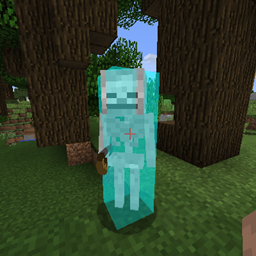
截图
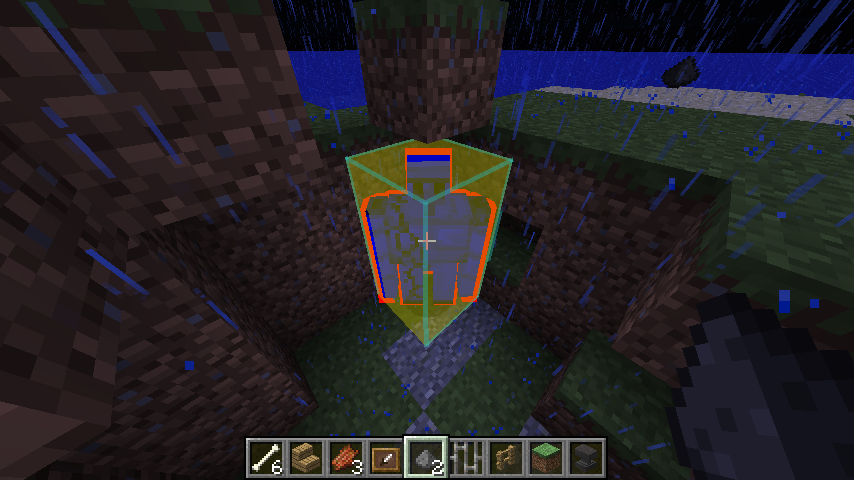
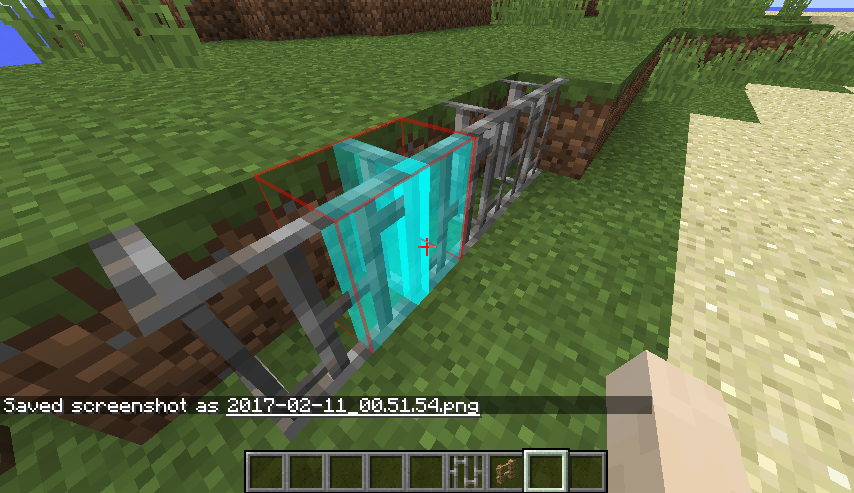
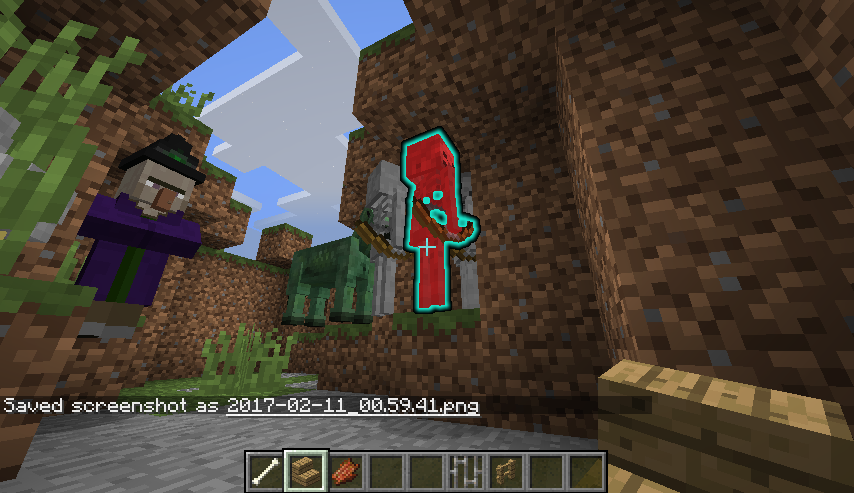
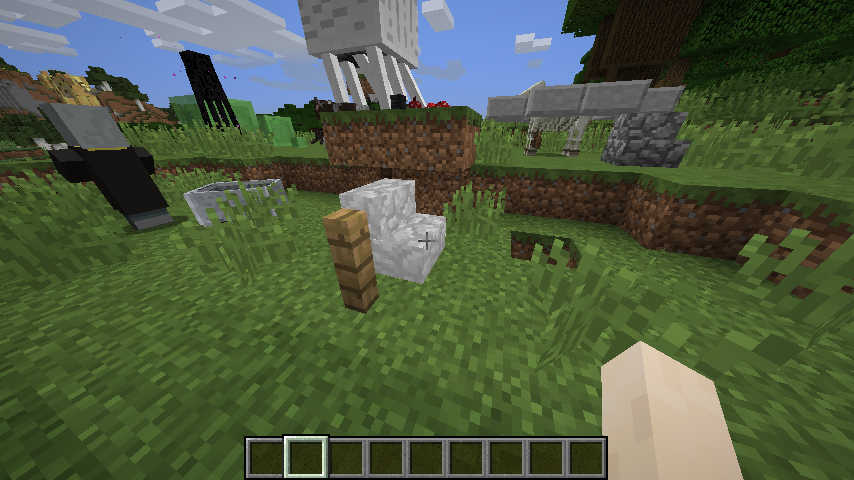
介绍
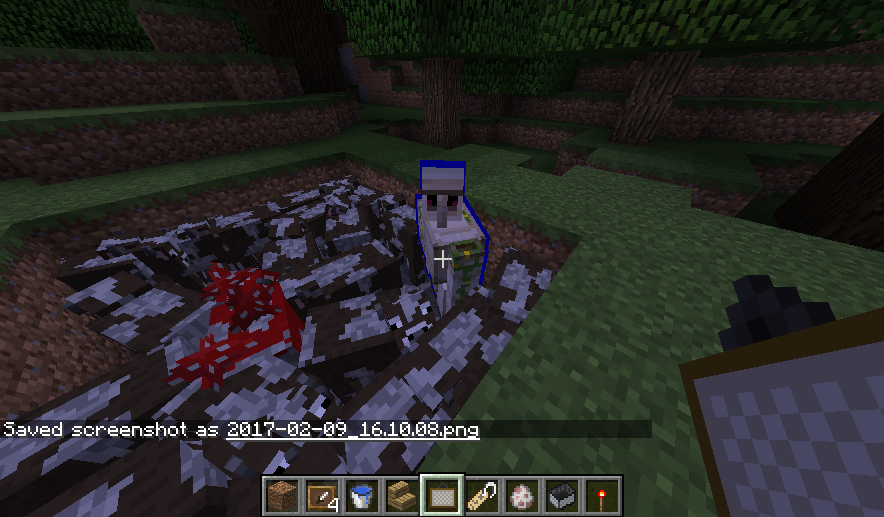
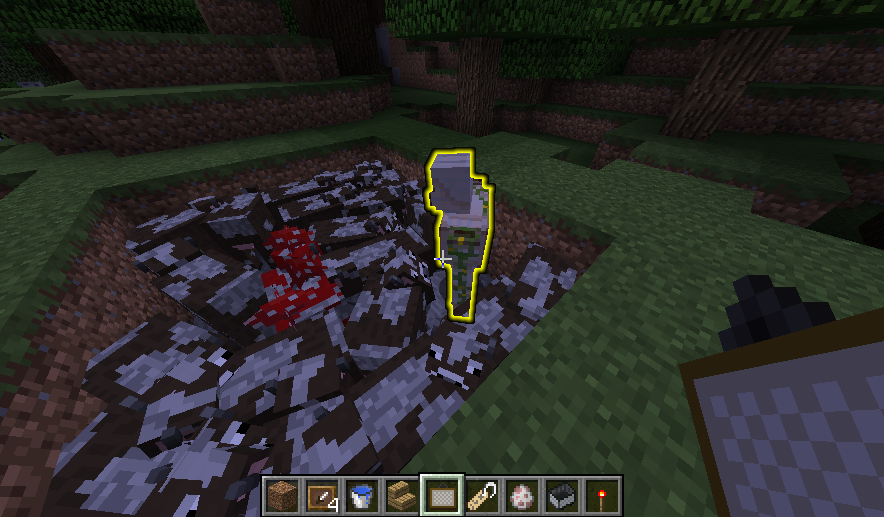
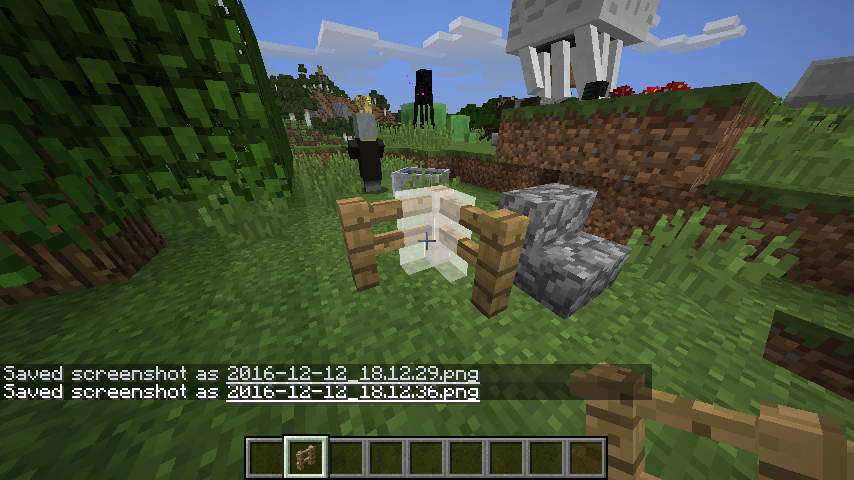
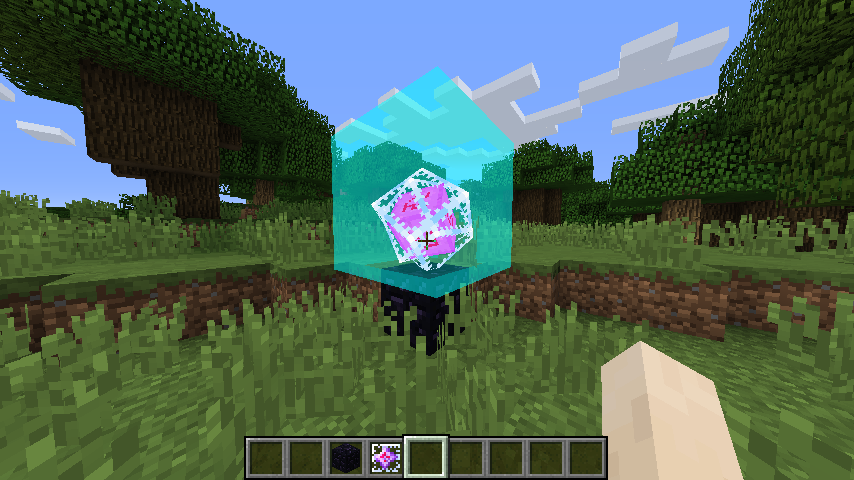
Allows you to change/disable vanilla’s block highlighting when you look at a block and adds similar highlighting for mobs.
For block highlights, you can choose between no highlights, an outline like vanilla or a filled box (or both).
For mobs, you can choose the same options for their hitboxes, can overlay a colour on mobs’ models, can display an outline like the glowing effect or display a custom outline.
You can change the colour and transparency of block and mob hitbox highlights.
For all other highlights, you can change the colour, but not transparency.
For block and entity hitbox outlines, you can also change the width of the lines if you want.
The config can be accessed and changed in-game: http://imgur.com/a/HQsnN (no need to restart)
—————-
When looking at a block, an outline is displayed that lets you know if you can reach that block. But when looking at a mob, there’s no visual indication that you’re in range. I had a quick look for a mod that would add a visual indication, but couldn’t find one, so I made my own.
I added a few extra features and config controls and I am now releasing the mod for other people to use.
—————-
You may add this mod to any modpack without needing to get permission or notify me (though I will appreciate being notified if you decide to add this mod to a public modpack).
This mod is entirely client side and will do nothing if you happen to add it to a server by mistake
常见问题
MystHighlights 支持哪些 Minecraft 版本?
MystHighlights 支持 Minecraft Java 版 1.10.2–1.12.2,共 5 个版本,可用的加载器:Forge。下载时注意选择和你游戏版本一致的文件。
MystHighlights 怎么安装?
先用 PCL2 或 HMCL 启动器安装对应版本的 Forge,再把下载的 .jar 文件放进游戏目录的 mods 文件夹,重新启动游戏即可。开启了版本隔离的,mods 文件夹在 versions/版本名 下面。

评论
登录后评论和评分