
Mystcraft: Ageless
Mystcraft: Ageless is an attempt at reviving the original Mystcraft Minecraft mod by XCompWiz as it was before it became tedious and over-powered (pre 1.4.7) while expanding it to be a fully polished mod.
截图
介绍
Mystcraft: Ageless
A fresh take on bringing Myst lore to Minecraft
This mod is a re-imagination of the early concepts of Mystcraft
_Mystcraft: Ageless is not associated in any way with Mystcraft, Mystcraft 2, XCompWiz or Cyan inc.
DO NOT report bugs to them_
Bringing the Myst lore to minecraft
Mystcraft: Ageless aims to bring the lore of the classic video-game Myst to Minecraft in a fun and engaging way!
Travel Through dimensions
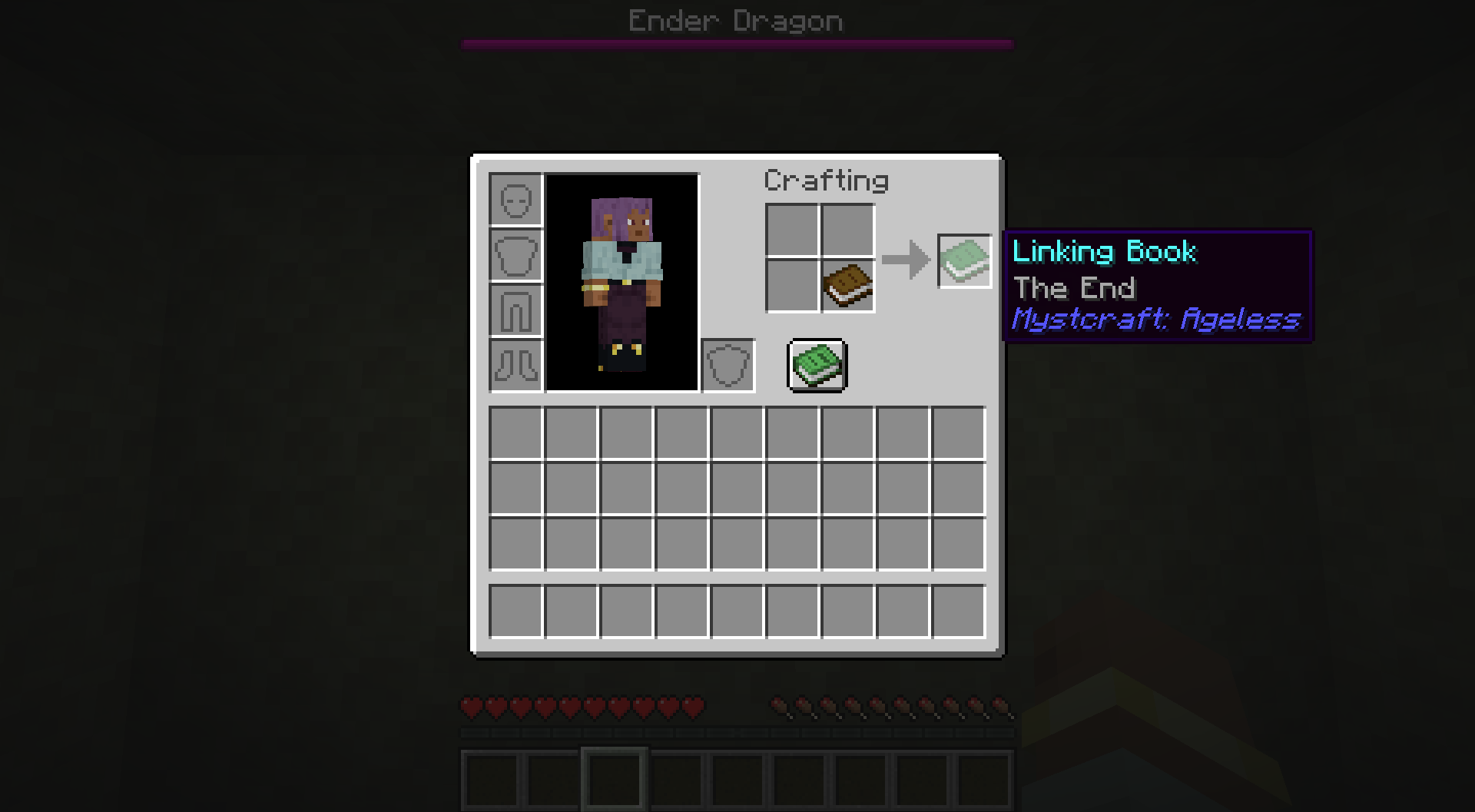
Use magical books to travel across minecraft’s dimensions and infinitely more known as ages.

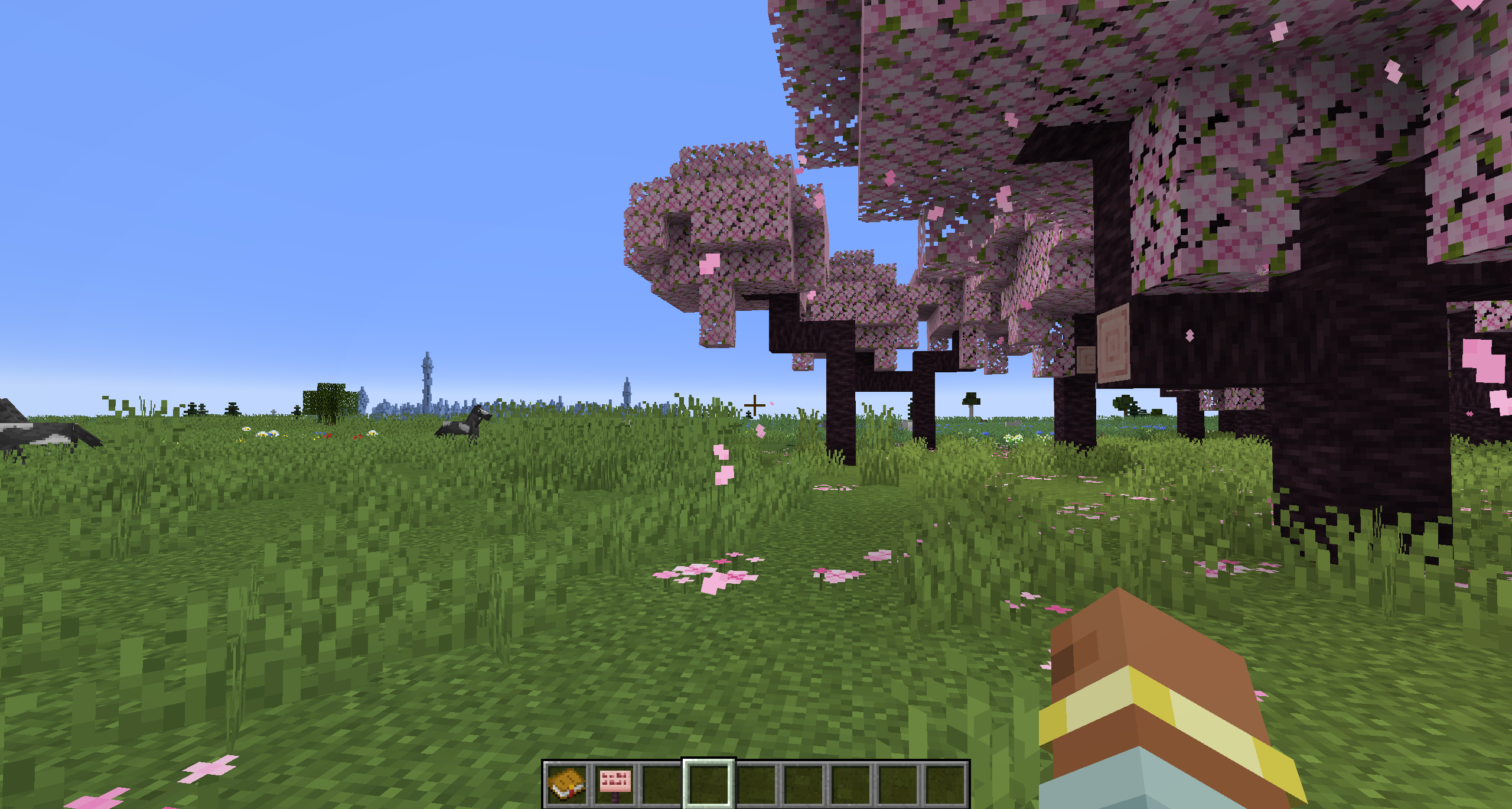
This Age appears to be completely flat!
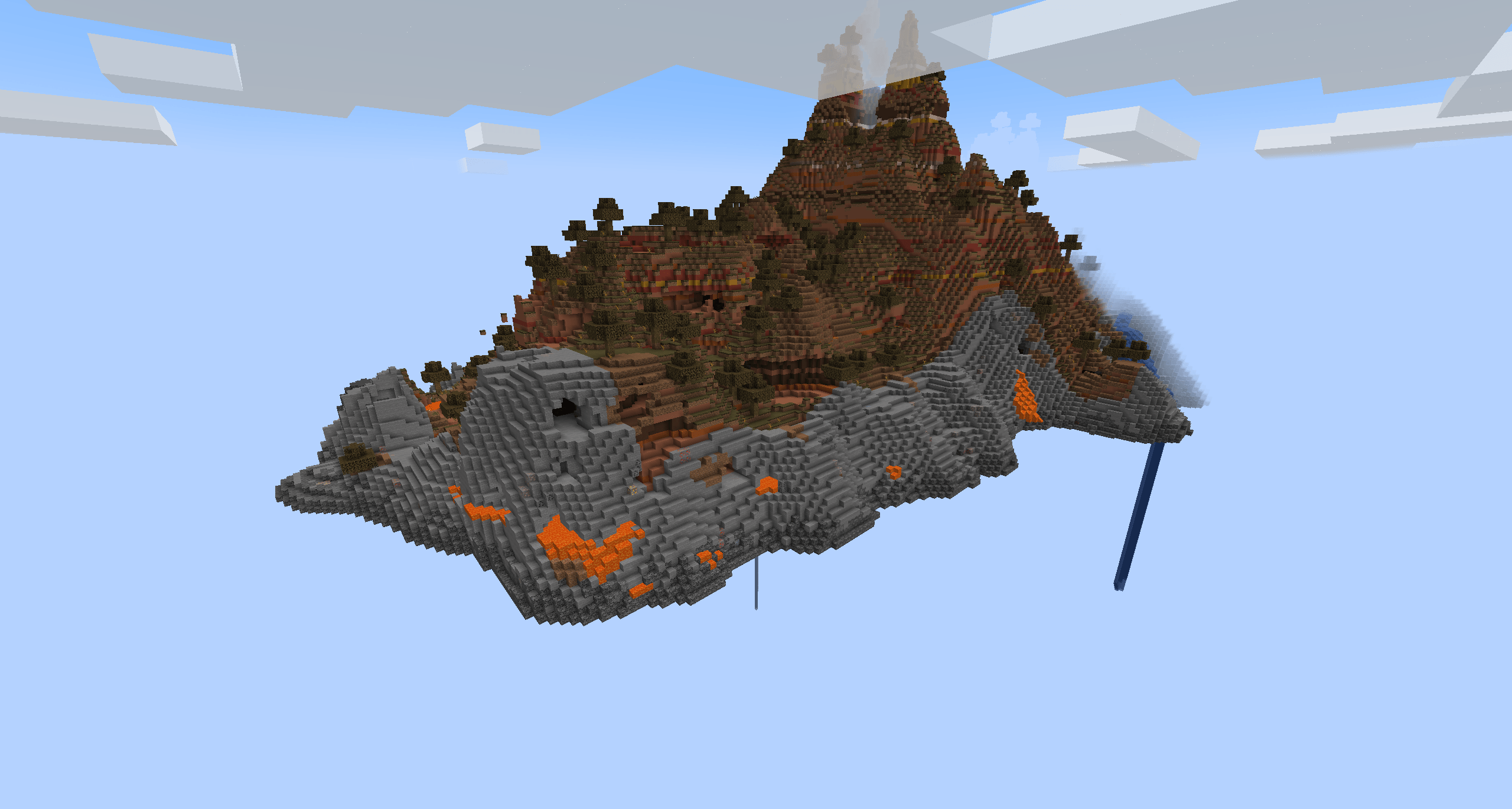
And this one is comprised of floating islands!
AGES ARE A WORK IN PROGRESS AND ARE THEREFORE NOT STABLE AND MAY KILL YOU ON ENTRY, YOU HAVE BEEN WARNED
Create dimensional portals
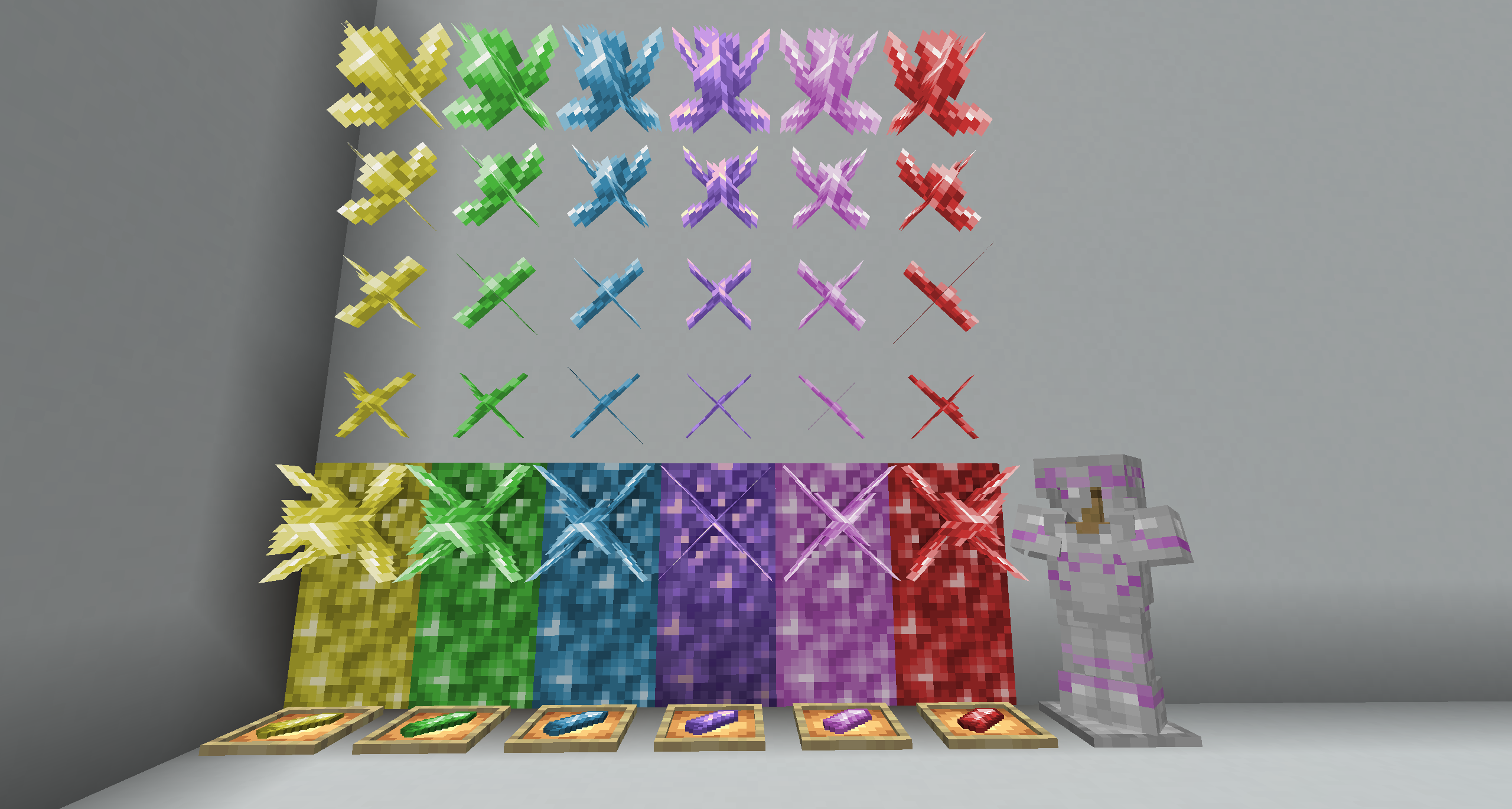
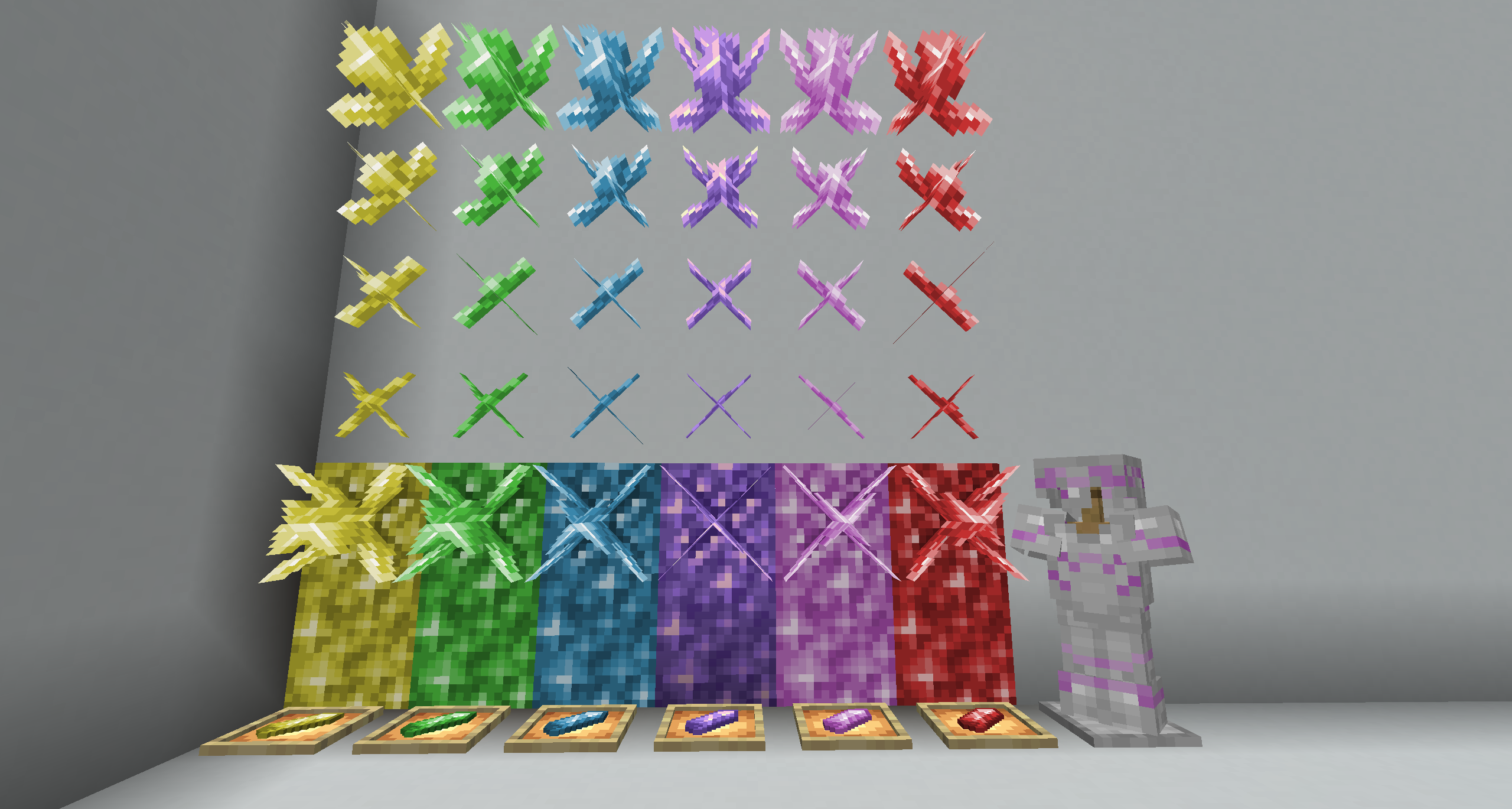
Find crystals in Ages and harness their power to create portals that can lead you anywhere you desire.
Use the pink crystal to trim your armor with the all new pink crystal armor trim
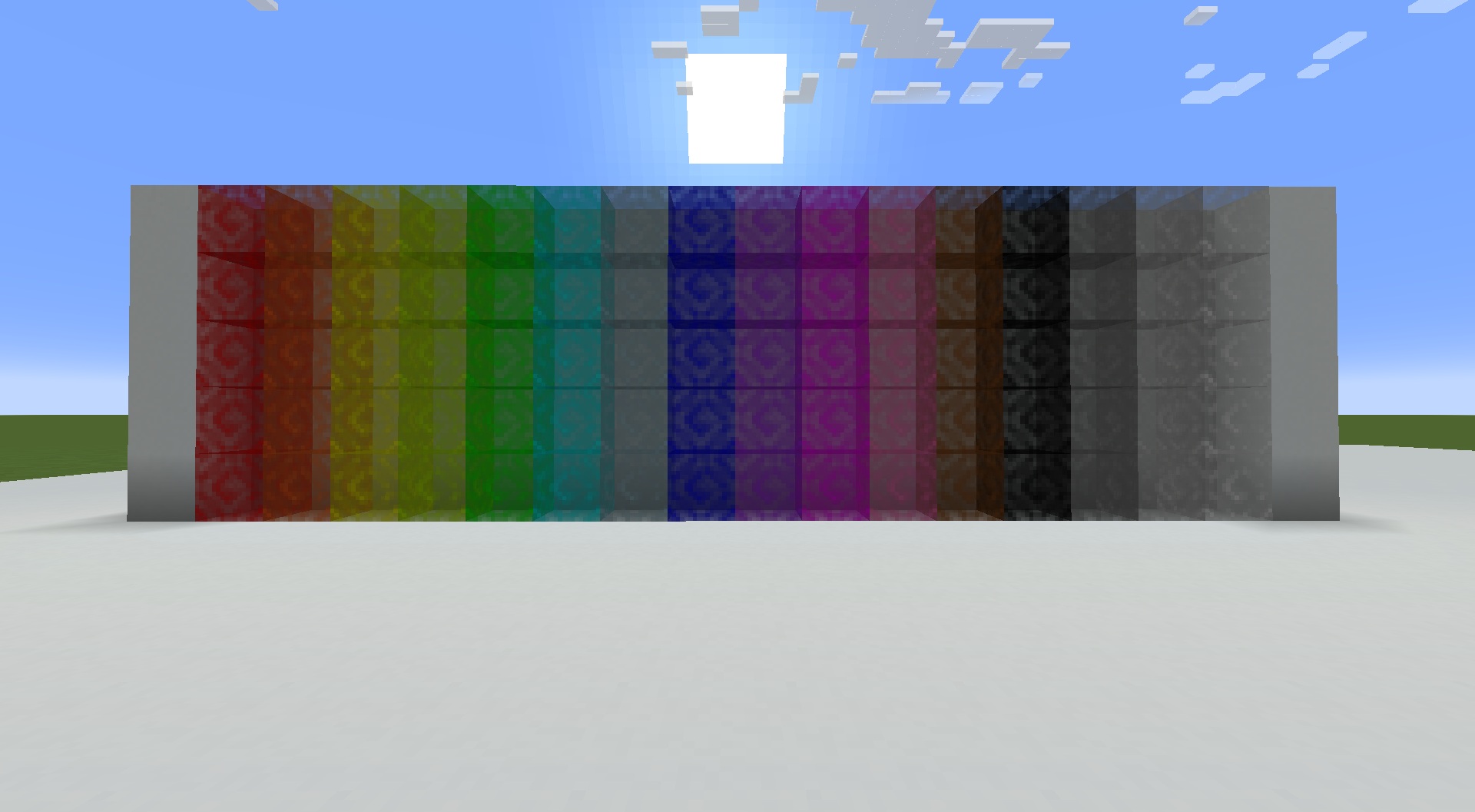
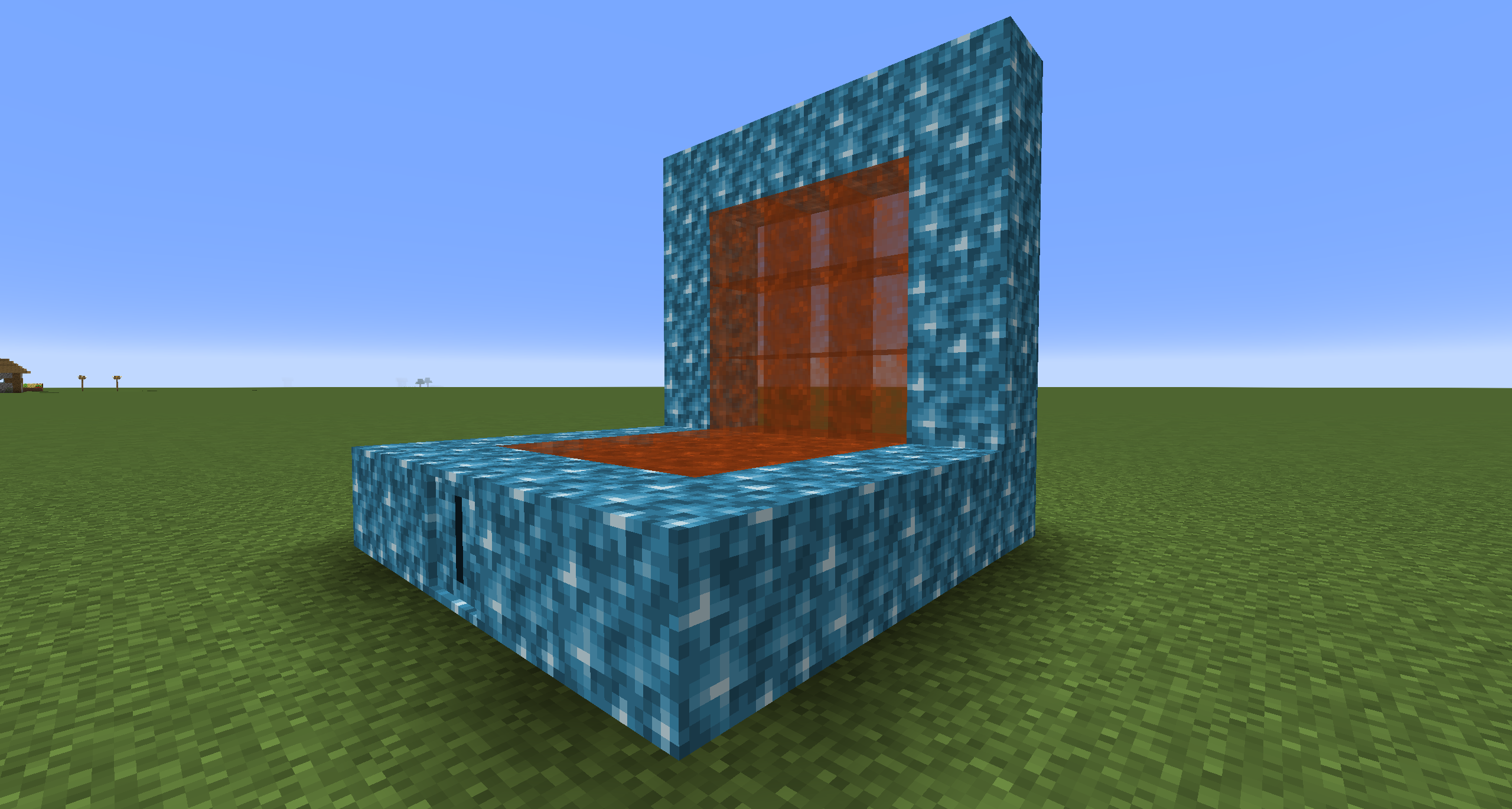
Portals may take all sorts of shapes and sizes!
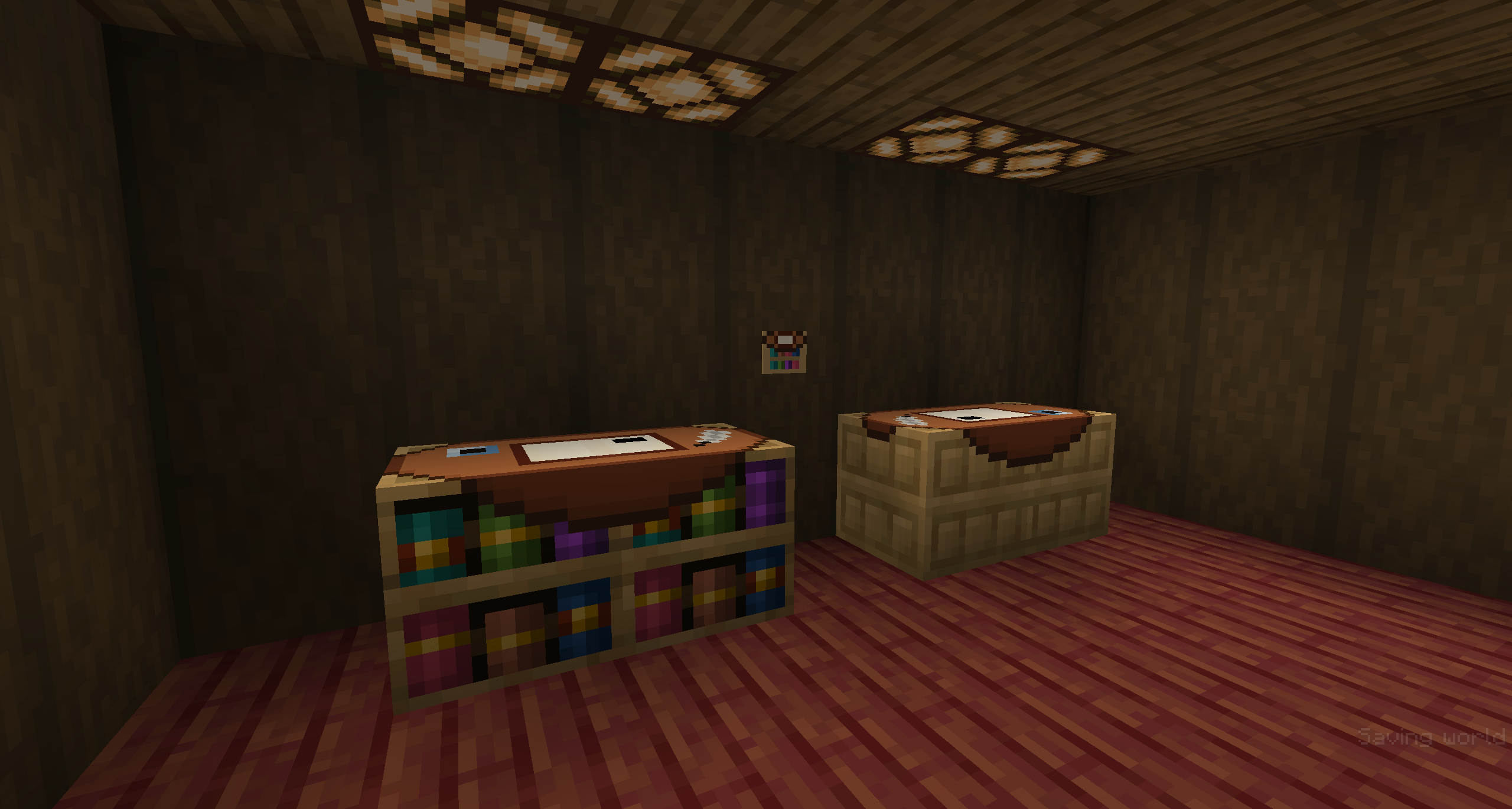
Create your own worlds [WIP]
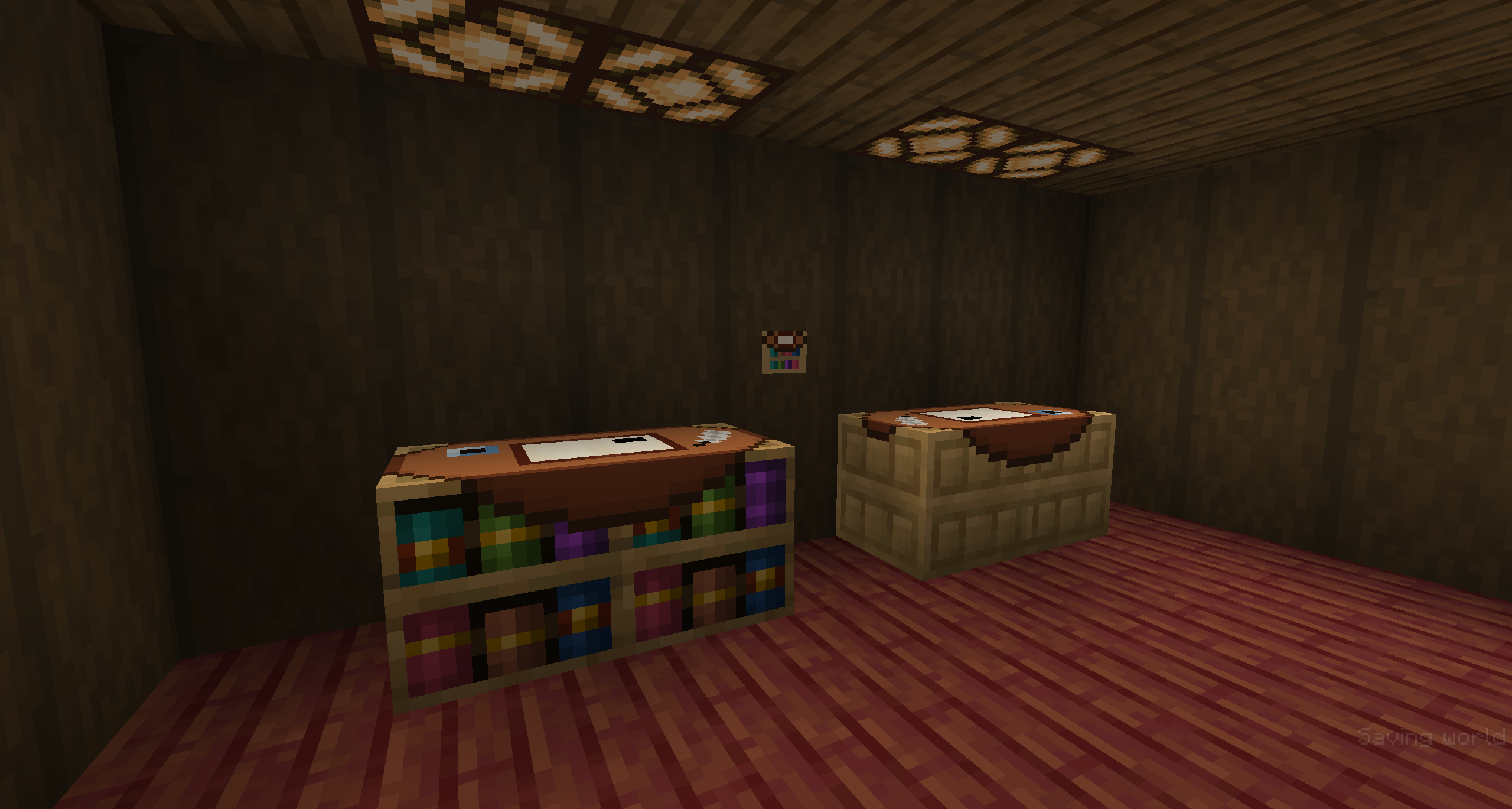
Use the writing desk to create worlds that fit your every need

常见问题
Mystcraft: Ageless 支持哪些 Minecraft 版本?
Mystcraft: Ageless 支持 Minecraft Java 版 1.21–1.21.4,共 5 个版本,可用的加载器:NeoForge。下载时注意选择和你游戏版本一致的文件。
Mystcraft: Ageless 怎么安装?
先用 PCL2 或 HMCL 启动器安装对应版本的 NeoForge,再把下载的 .jar 文件放进游戏目录的 mods 文件夹,重新启动游戏即可。开启了版本隔离的,mods 文件夹在 versions/版本名 下面。运行环境:客户端和服务端都要装。
MyNamesRaph 的其他作品
查看全部 →
Chiseled
Re-shape any [modded] blocks in a vanilla friendly way!

Past-el Palettes
Bringing back classic colors as dyes
Past-el Palettes
Bringing back classic colors as dyes

The Sword of Legend
Adds four cool looking sticks to fight with.
评论
登录后评论和评分