
截图
介绍
#MyServer
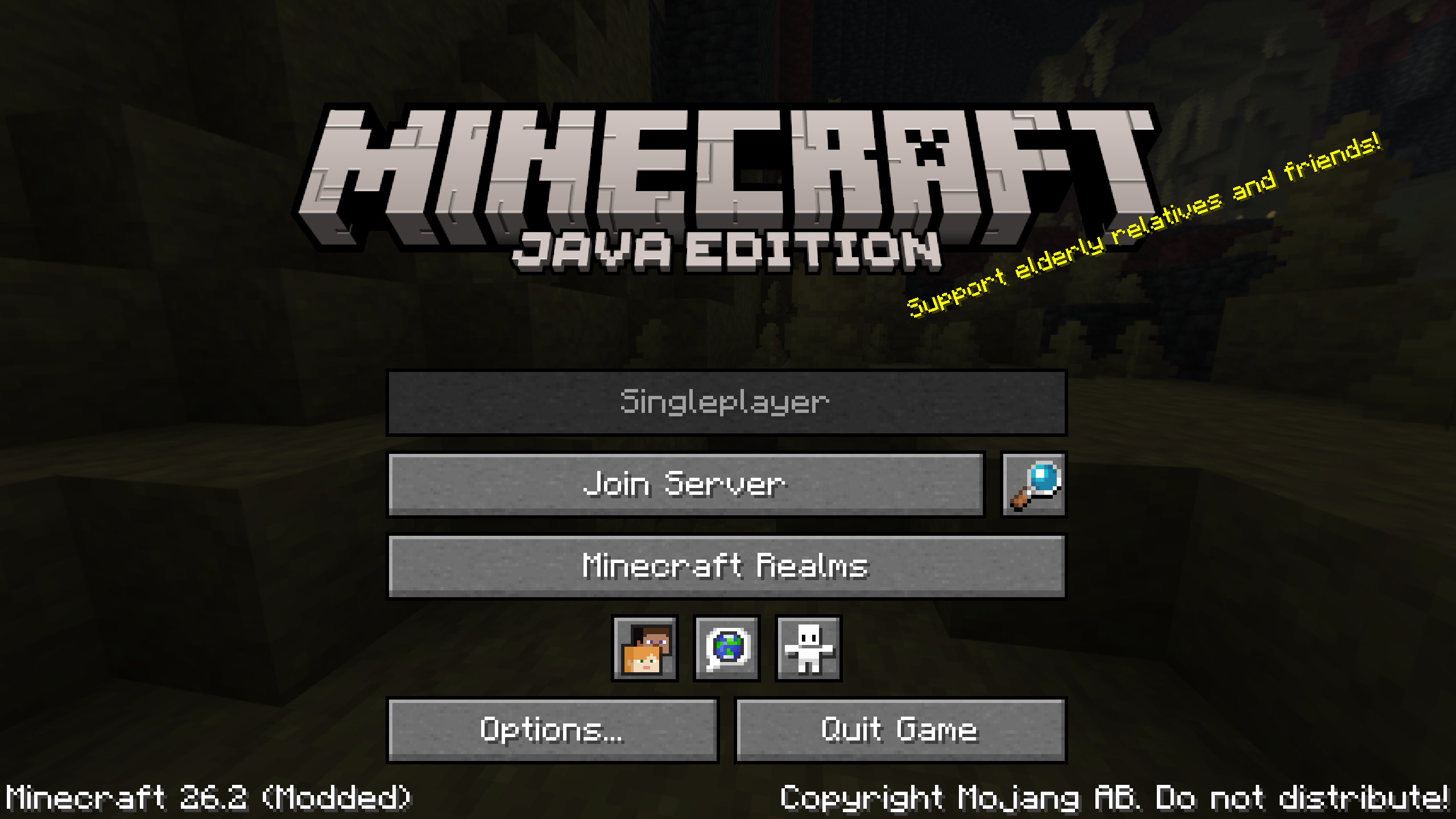
Shrinks the “Multiplayer” button, and replaces it with one to connect to a configured server, front-and-center. Inspired by Auto Connect To Multiplayer Server, but does things a bit different!

What?
The “Join Server” button connects directly to the configured server (configurable through Mod Menu, or by editing myserver.json). Disconnecting from this server will return to the title screen.
Server resource packs can be configured to automatically be accepted (default) or prompt on join. This mod is designed for mod packs tied to a specific server, where its behavior is entirely known.
To connect to a different server, the regular multi-player menu can still be accessed via the magnifying glass button.
Additionally, for servers that intend only for players to connect to a server, the “Singleplayer” button can be disabled temporarily through the configuration file.
How?
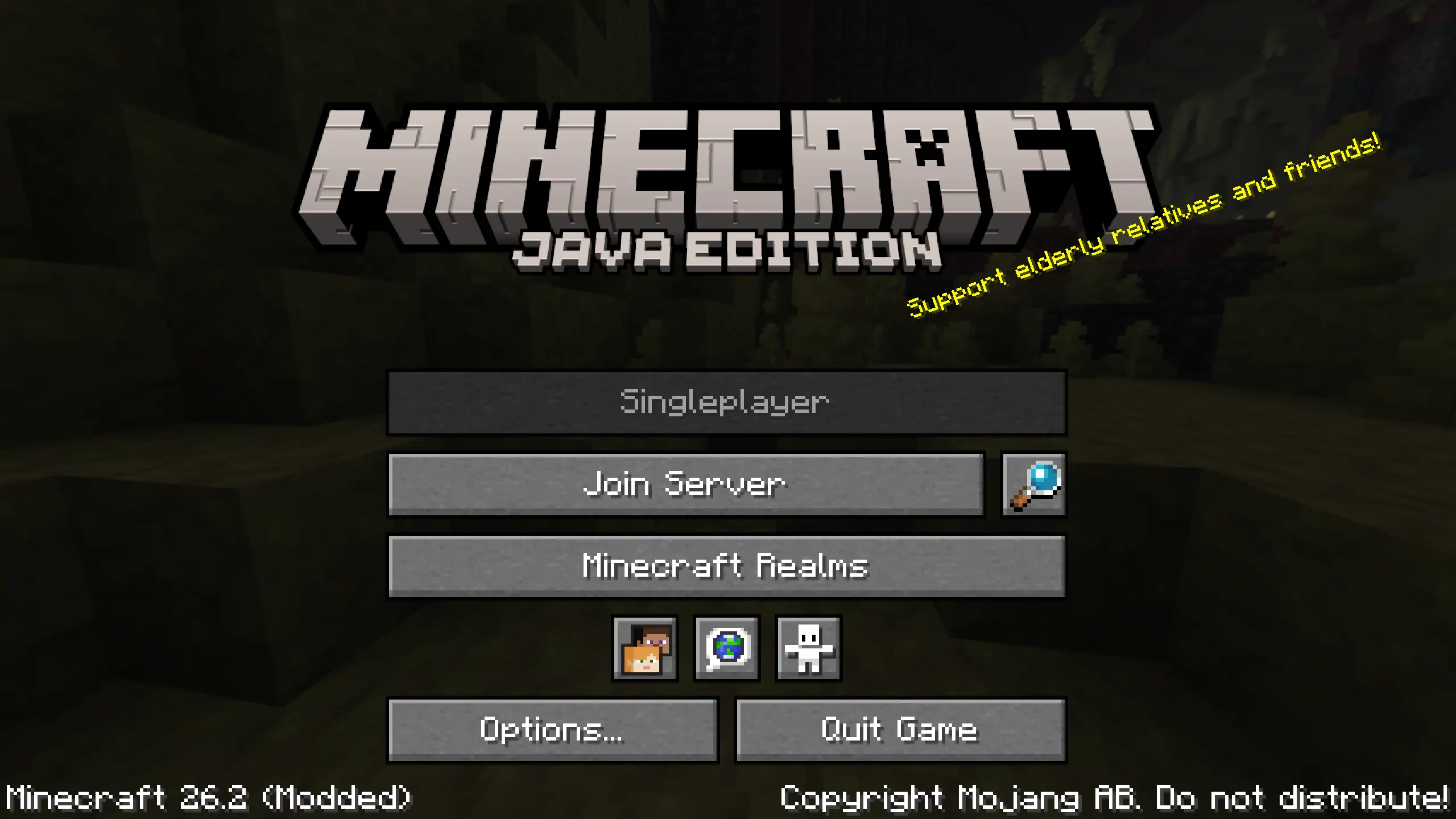
This is a two-mixin mod that reduces the width and positioning of the “Multiplayer” button, then creates a new one in its place. If configured to, it disables the “Singleplayer” button as well. Simple as that!
Why?
For mod packs that are designed for use with a specific server in mind, access to the entire multi-player menu might not be desirable. Similarly, shipping a brittle servers.dat file can easily cause issues, either user-facing (servers list getting overwritten every update) or developer-facing (server not getting added to the list).
This mod provides a separate way to configure a server without finangling with the server list itself. Overwriting the config file is safe, as no player should be modifying it themselves.
FAQ
Will this be ported to more mod loaders?
In the future, probably.
Will this be ported to more Minecraft versions?
In the future, probably.
常见问题
#MyServer 支持哪些 Minecraft 版本?
#MyServer 支持 Minecraft Java 版 26.2,可用的加载器:Fabric。下载时注意选择和你游戏版本一致的文件。
#MyServer 怎么安装?
先用 PCL2 或 HMCL 启动器安装对应版本的 Fabric,再把下载的 .jar 文件放进游戏目录的 mods 文件夹,重新启动游戏即可。开启了版本隔离的,mods 文件夹在 versions/版本名 下面。运行环境:仅客户端。
encode42 的其他作品
查看全部 →
Estrogen
一个围绕自我表达、流体处理和探索的模组。这个模组添加了大量新物品、方块、机制等内容!

Packed
Vanilla-styled visual, auditory, and gameplay improvements packed into the client.

Smithed Summit ’26
A convention celebrating the community-made content of vanilla Minecraft. Supplemental mod pack, not required!
Smithed Summit ’26
A convention celebrating the community-made content of vanilla Minecraft. Supplemental mod pack, not required!
评论
登录后评论和评分