
MyChatEmotes
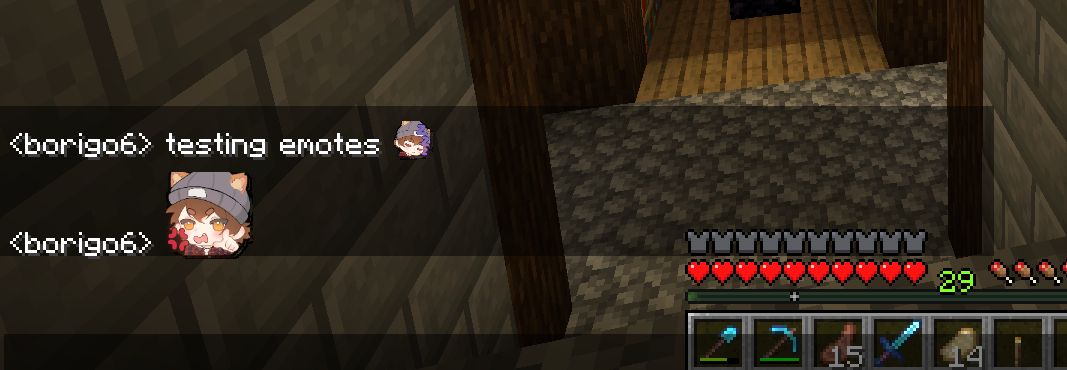
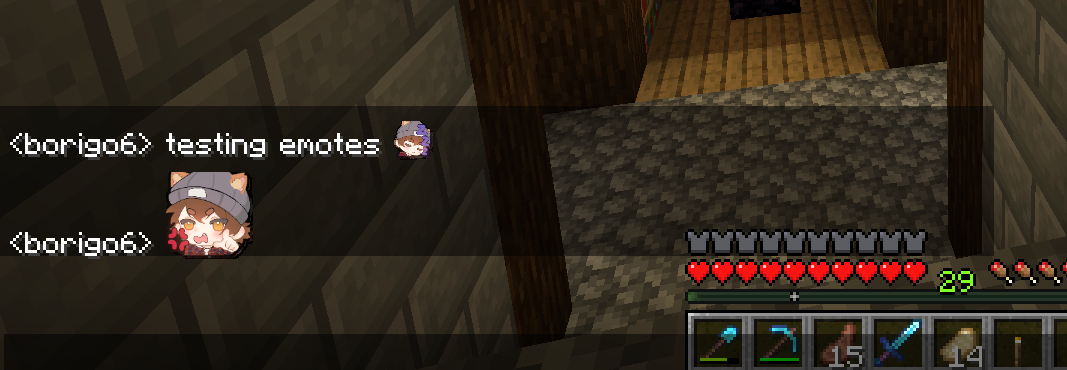
MyChatEmotes adds custom Twitch/Discord-style :shortcode: emotes to Minecraft chat - the server owner drops in images and every player with the mod auto-downloads and renders them inline. One vanilla-safe Fabric jar, with an in-game picker and live sync.
截图
介绍
MyChatEmotes
Bring Twitch/Discord-style emotes to Minecraft chat. Type :shortcode: and it
renders as an image inline, right where the text was. The server owner drops PNGs
into a folder, and every player with the mod sees them automatically – no manual
downloads, no resource-pack juggling, no client config.
Features
- Inline
:shortcode:emotes – custom emotes render directly in chat, laid out and wrapped by vanilla, so they scroll and screenshot cleanly. - Jumbo emotes – a message that is only emotes renders them large, Discord-style.
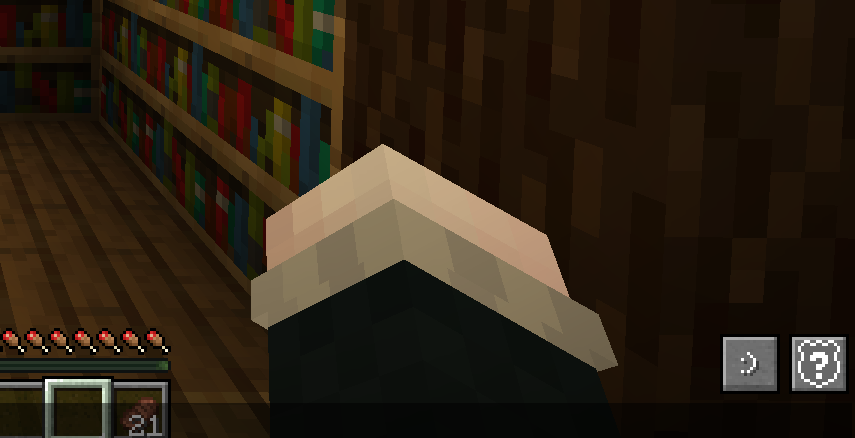
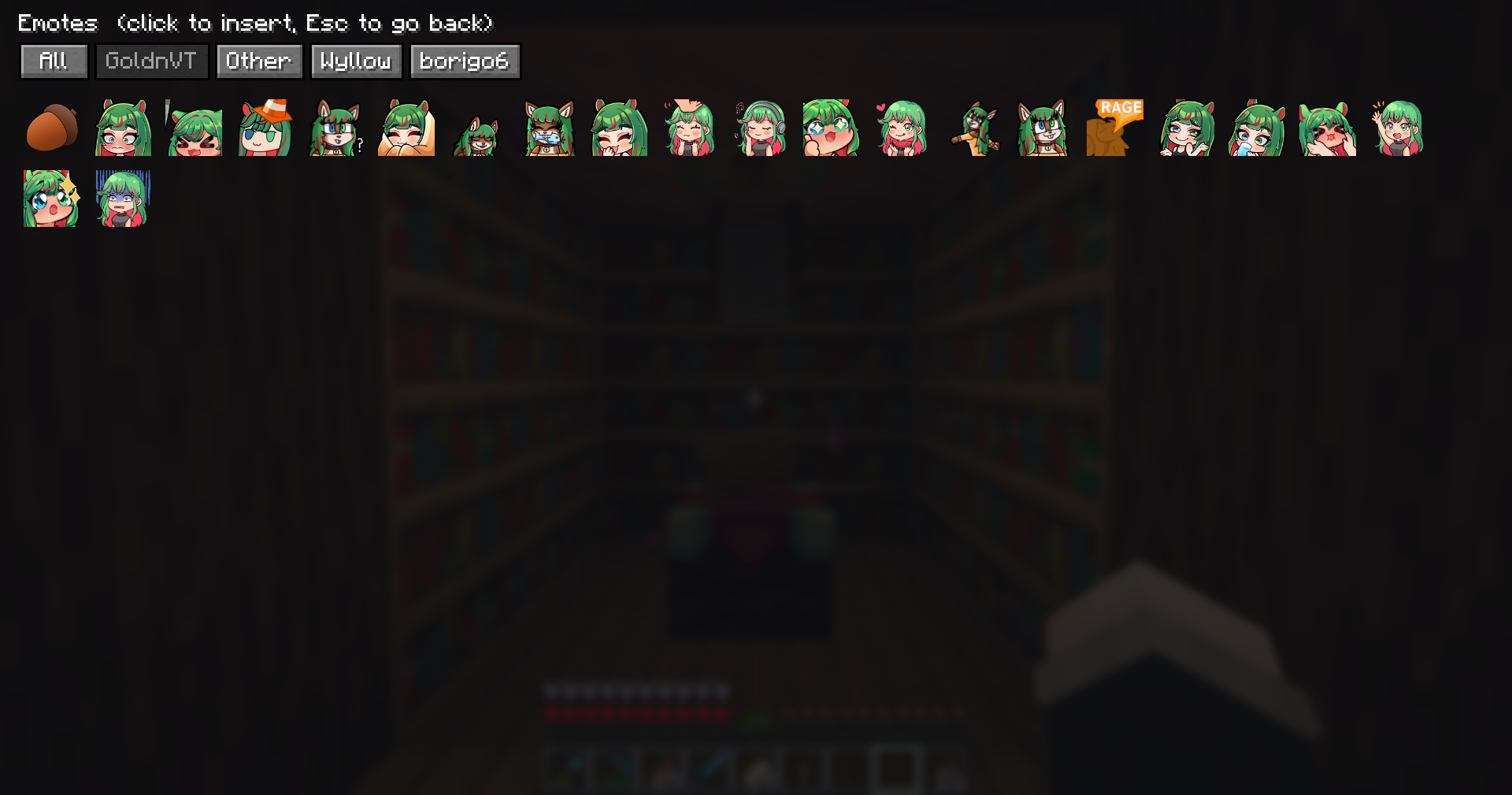
- In-game picker – a button on the chat screen opens a tabbed grid (one tab per pack) to browse and insert emotes.
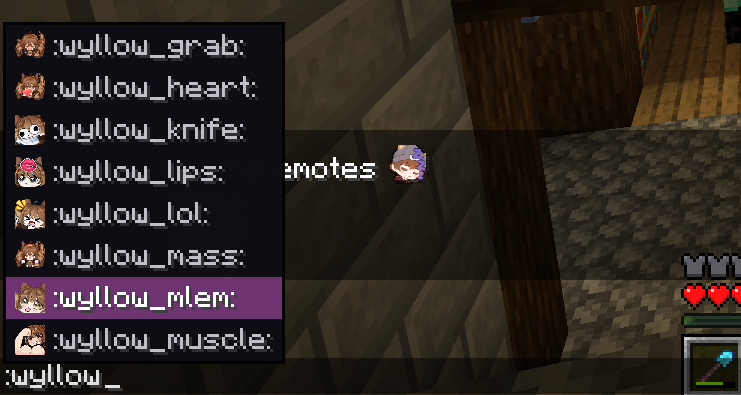
:autocomplete – start typing a shortcode and a suggestion popup appears over the chat input.- Animated GIF emotes – animated emotes play inline, in the picker, and jumbo.
- Automatic sync – the server streams emotes to clients on join; they are cached on disk so they only download once.
- Live uploads – drop new emotes into the folder and they push to online players instantly, no restart or relog.
- Per-server scoping – each server’s emotes are cached separately and cleared on disconnect, so emotes never leak between servers.
- Vanilla-safe – clients without the mod can still join; they just see the plain
:shortcode:text.
For server owners
- Install the mod on your server.
- A
Server_Emotes/folder is created in the server directory. - Add images: each subfolder becomes a pack; loose files go in an “Other” pack. The file name (minus extension) is the
:shortcode:. - Players with the mod installed download them automatically on join. Drop new images in any time – they sync live.
Ops can run /emotes reload to force a rescan.
For players
Install the mod on your client. Emotes download automatically when you join a
server that has ChatEmotes. Use the picker button on the chat screen or type
: to autocomplete.
Compatibility
- Minecraft: 26.2
- Loader: Fabric (requires Fabric API)
- Sides: works client + server from one jar, and in singleplayer.
- Vanilla clients can join a ChatEmotes server without issue.
常见问题
MyChatEmotes 支持哪些 Minecraft 版本?
MyChatEmotes 支持 Minecraft Java 版 26.2,可用的加载器:Fabric。下载时注意选择和你游戏版本一致的文件。
MyChatEmotes 怎么安装?
先用 PCL2 或 HMCL 启动器安装对应版本的 Fabric,再把下载的 .jar 文件放进游戏目录的 mods 文件夹,重新启动游戏即可。开启了版本隔离的,mods 文件夹在 versions/版本名 下面。运行环境:客户端 / 服务端。
评论
登录后评论和评分