
My Totem Doll
Replaces vanilla totems with autogenerated 2D or 3D totems for EVERY player in Minecraft! Rename your totem to player's nickname to use it's skin.
截图


介绍


💬 Description
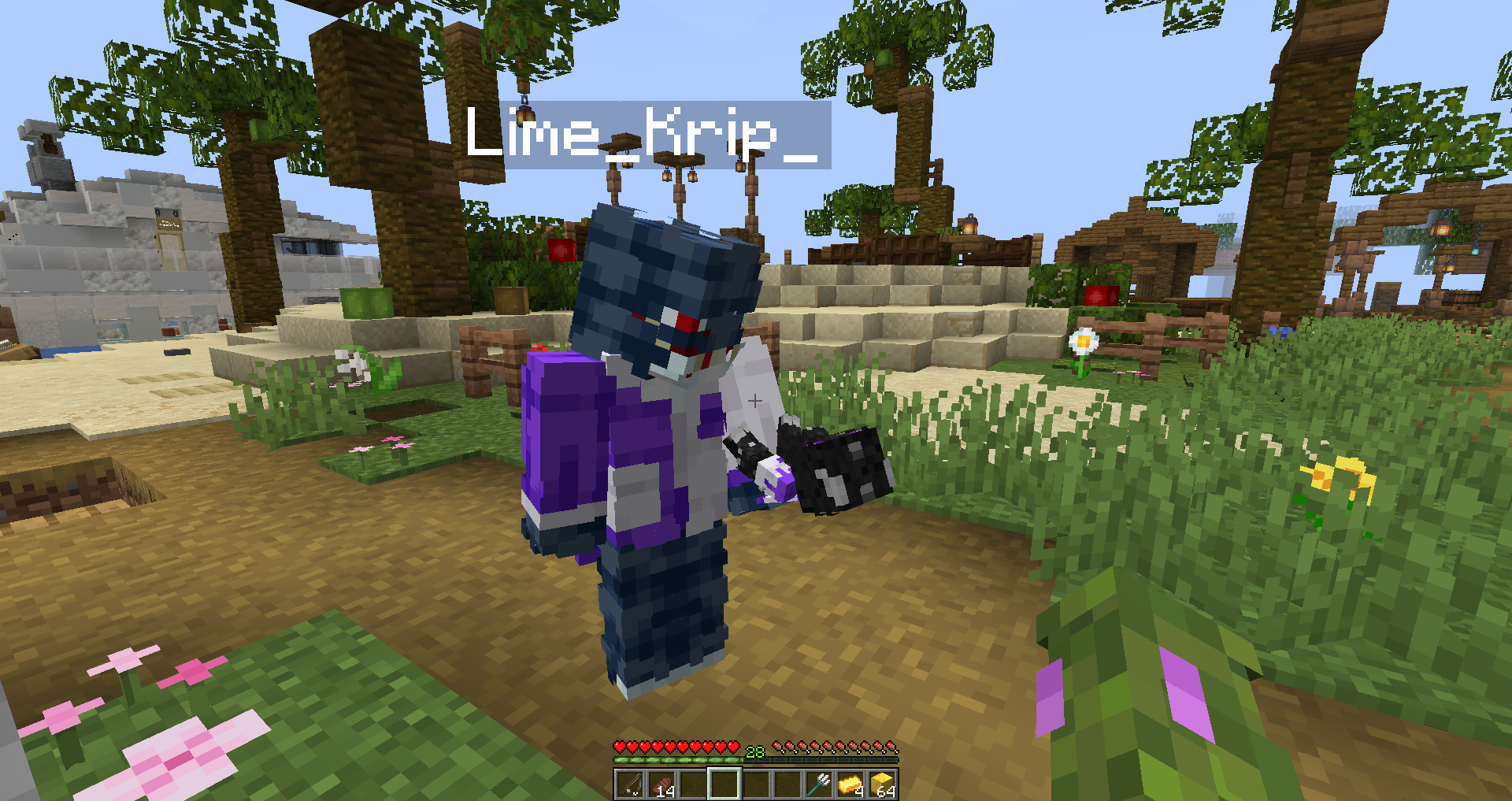
My Totem Doll — Client-side mod which replaces all totems with player dolls. Rename your totem to any player’s nickname to use it’s skin. Also supports capes and custom models!
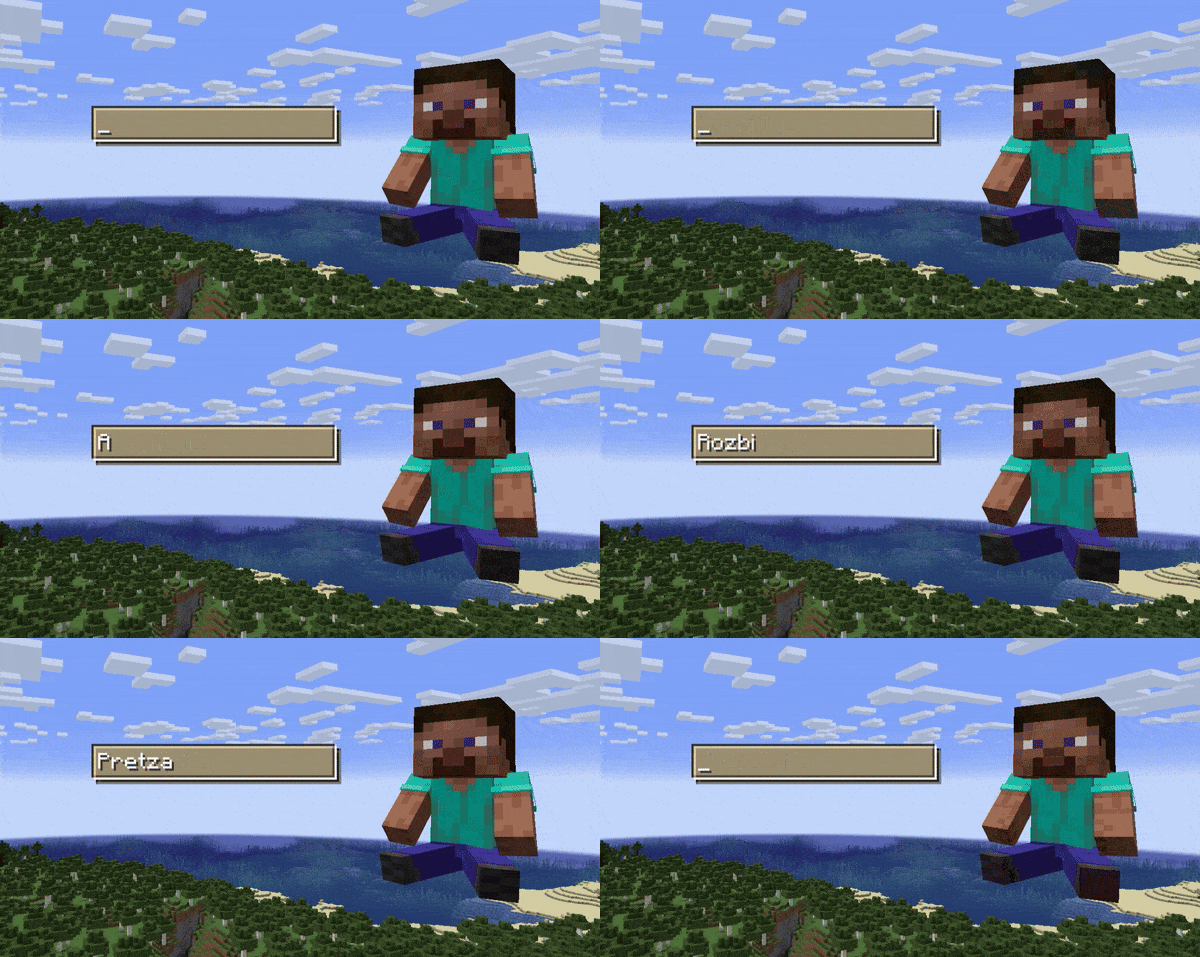
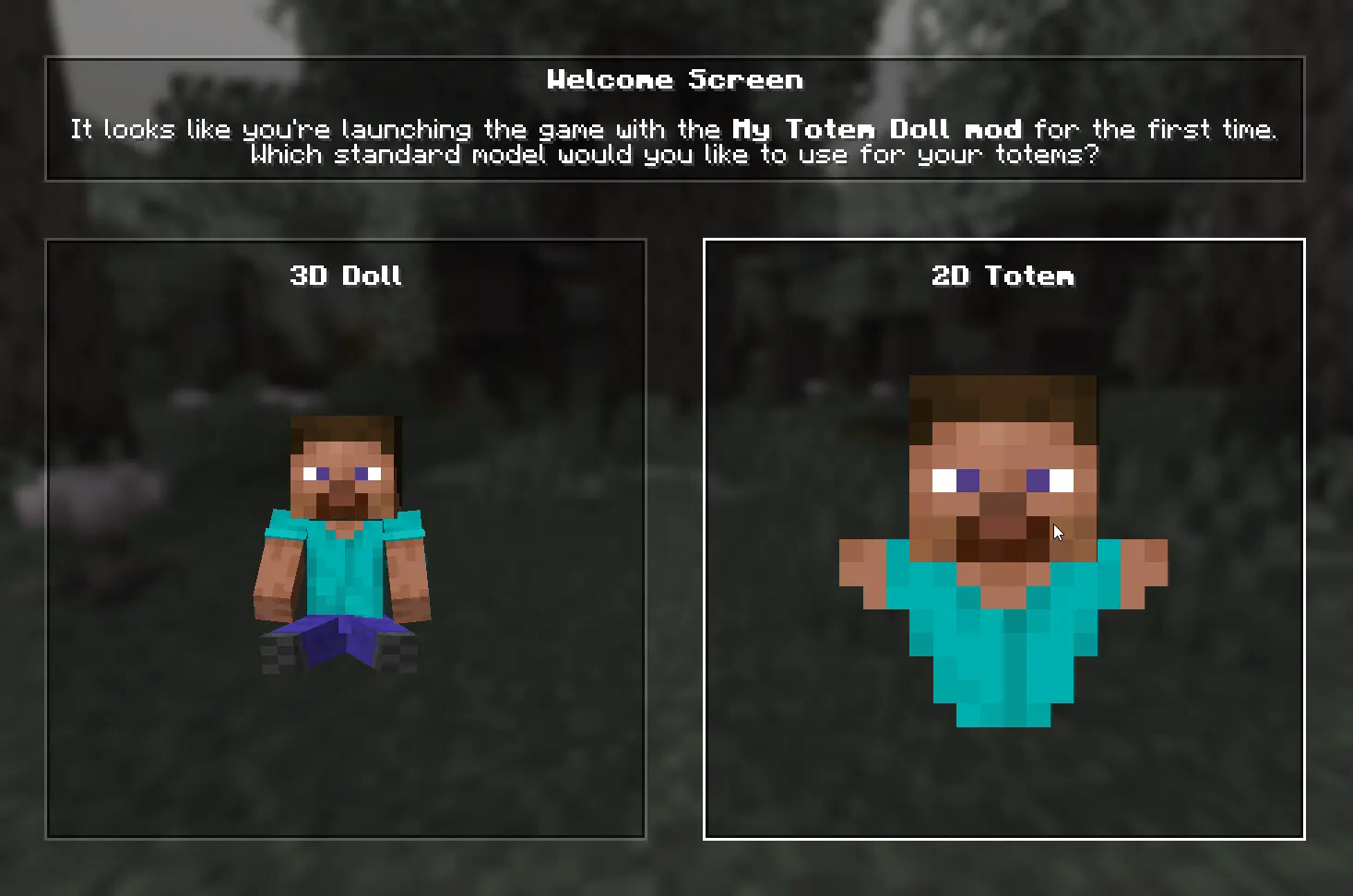
👋 Welcome Screen
When you launch game with mod for the first time, you will be greeted with a Welcome Screen. Here you will select your default totem:
⚙️ Configuration
1) Rendering
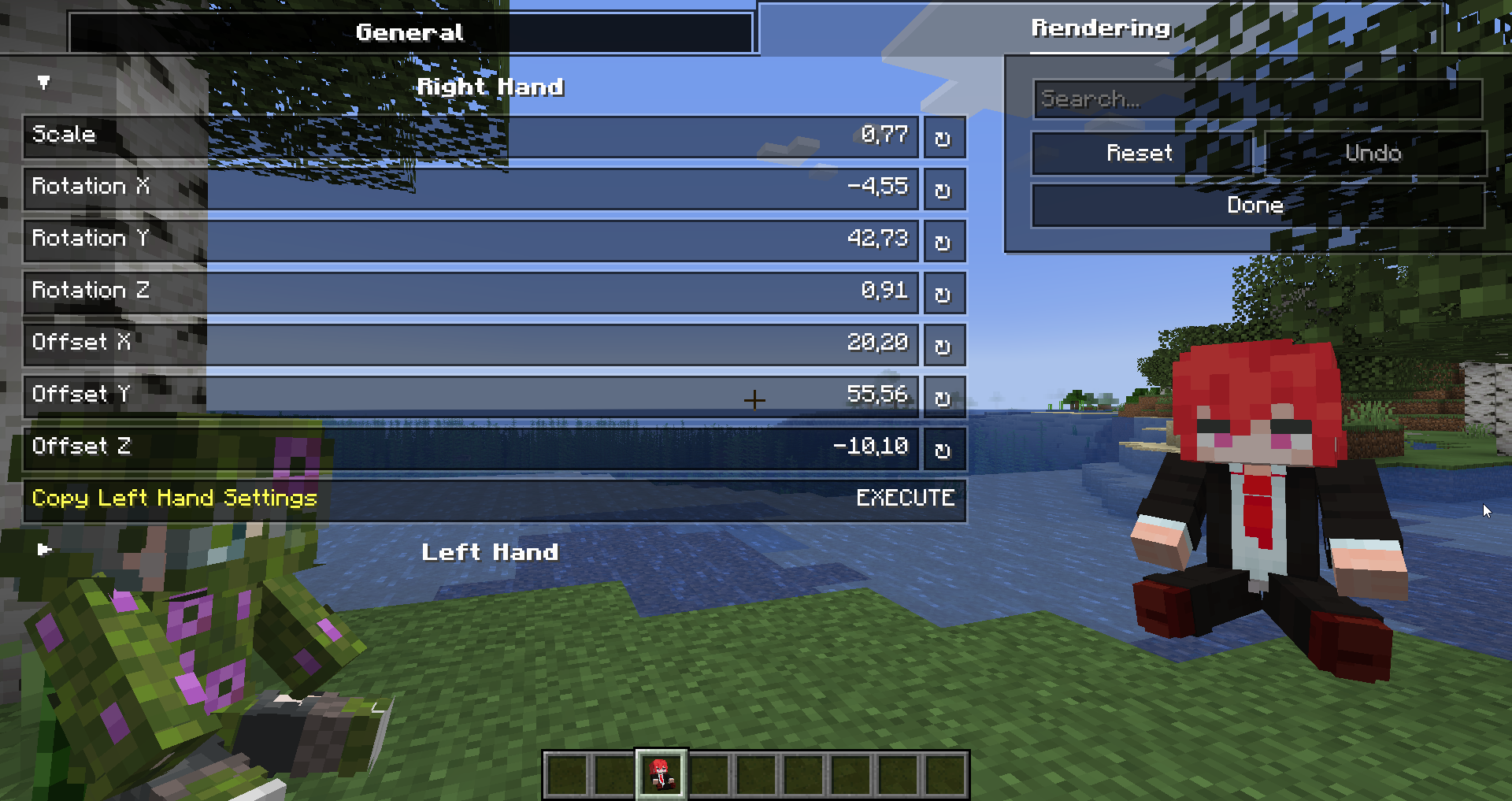
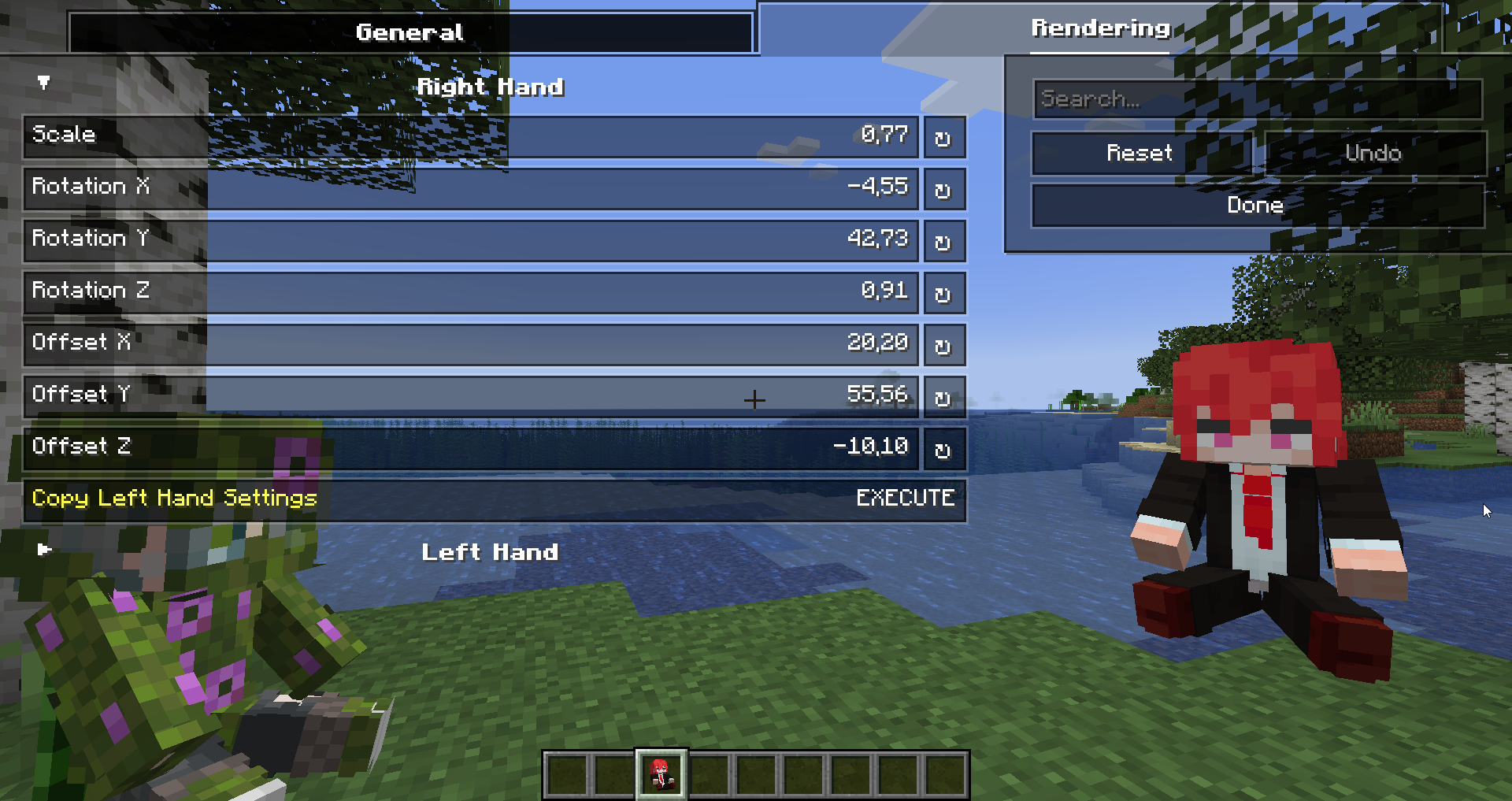
You can configure the rendering of totems in the first person. Open My Totem Doll configuration screen from Mod Menu and go to the Rendering tab, there you will find options for configuring the left and right hand:
2) Standard Doll
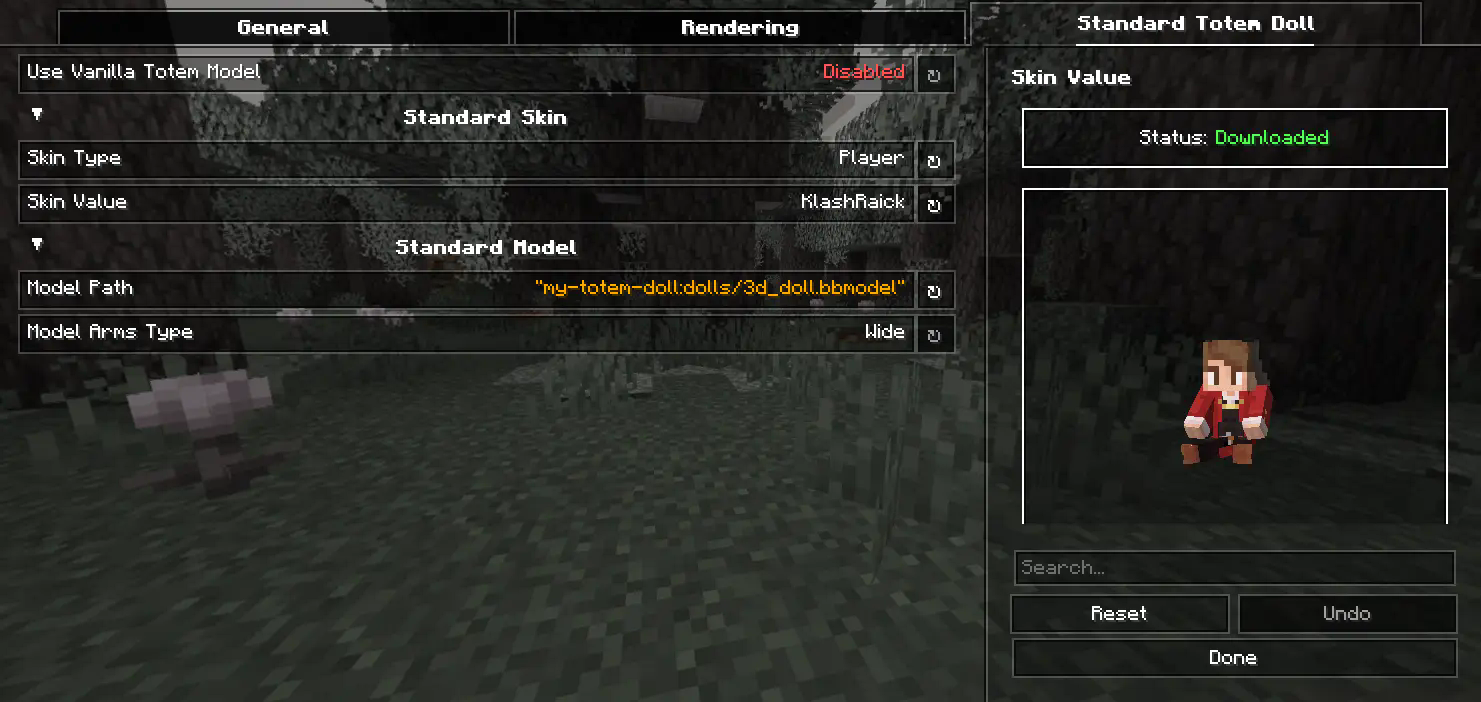
You can also customize the hands, model, skin textures for your standard totem!
3) Selecting Standard Doll Model
If you want to change your standard doll model, just hover to Model Path button and click on it. After that you will see Standard Model Selection Screen, there you can choose your standard doll model.
🍃 Refresh Player Skins
My Totem Doll also has some commands for refreshing the totem skins:
/my-totem-doll refresh all – To refresh skins for all loaded players.
/my-totem-doll refresh player [<NICKNAME>] – To refresh skin for specific player.
🧵 Totem Customization
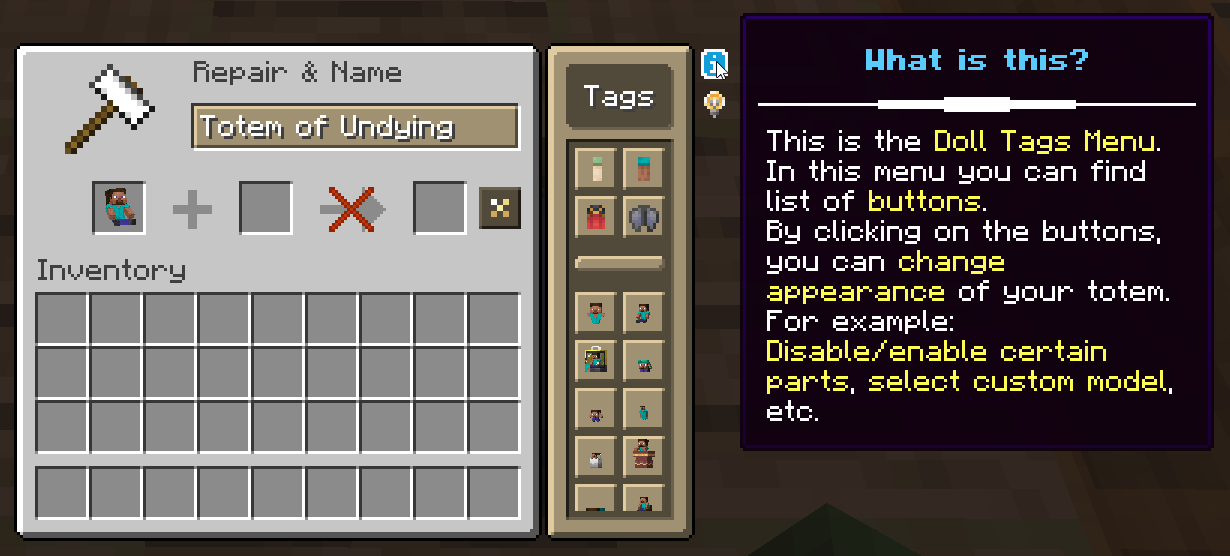
You can customize individual totems in the anvil! Put your totem in the anvil to the first slot to see the Tags menu button. Click on it to open the Tags menu.
🔥 Custom Models
You can even add your own models by following this wiki.
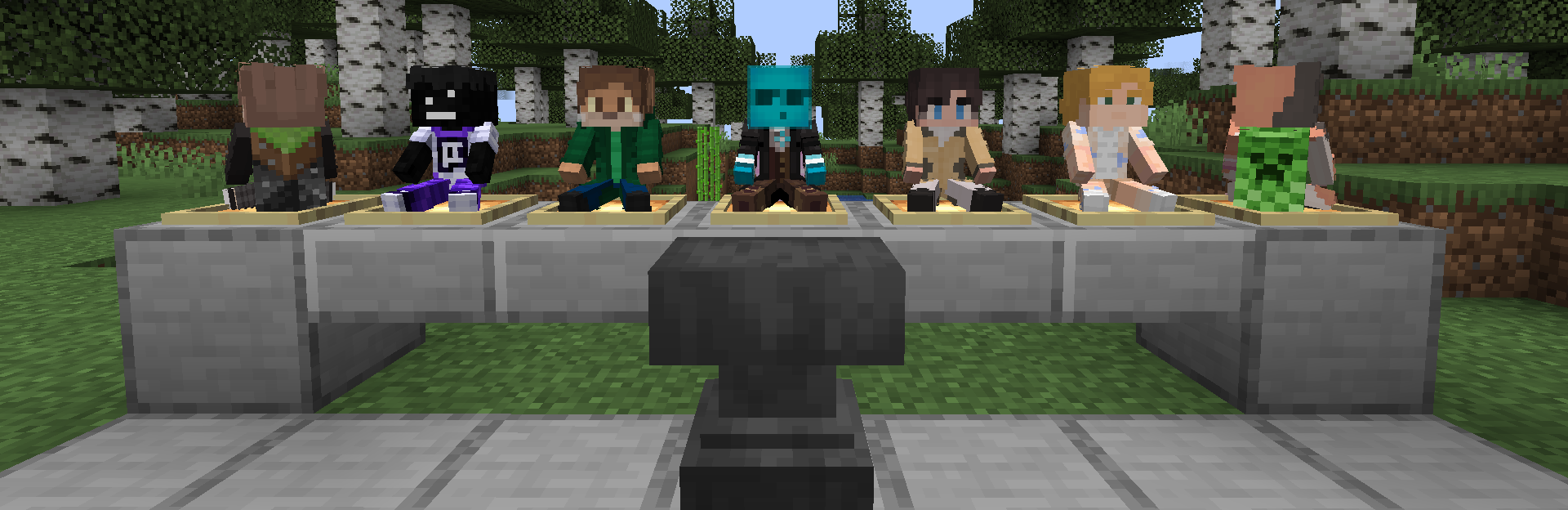
A good example is My Totem Doll Model Pack made by community. It has over 40 new models (some were even added to the mod!).

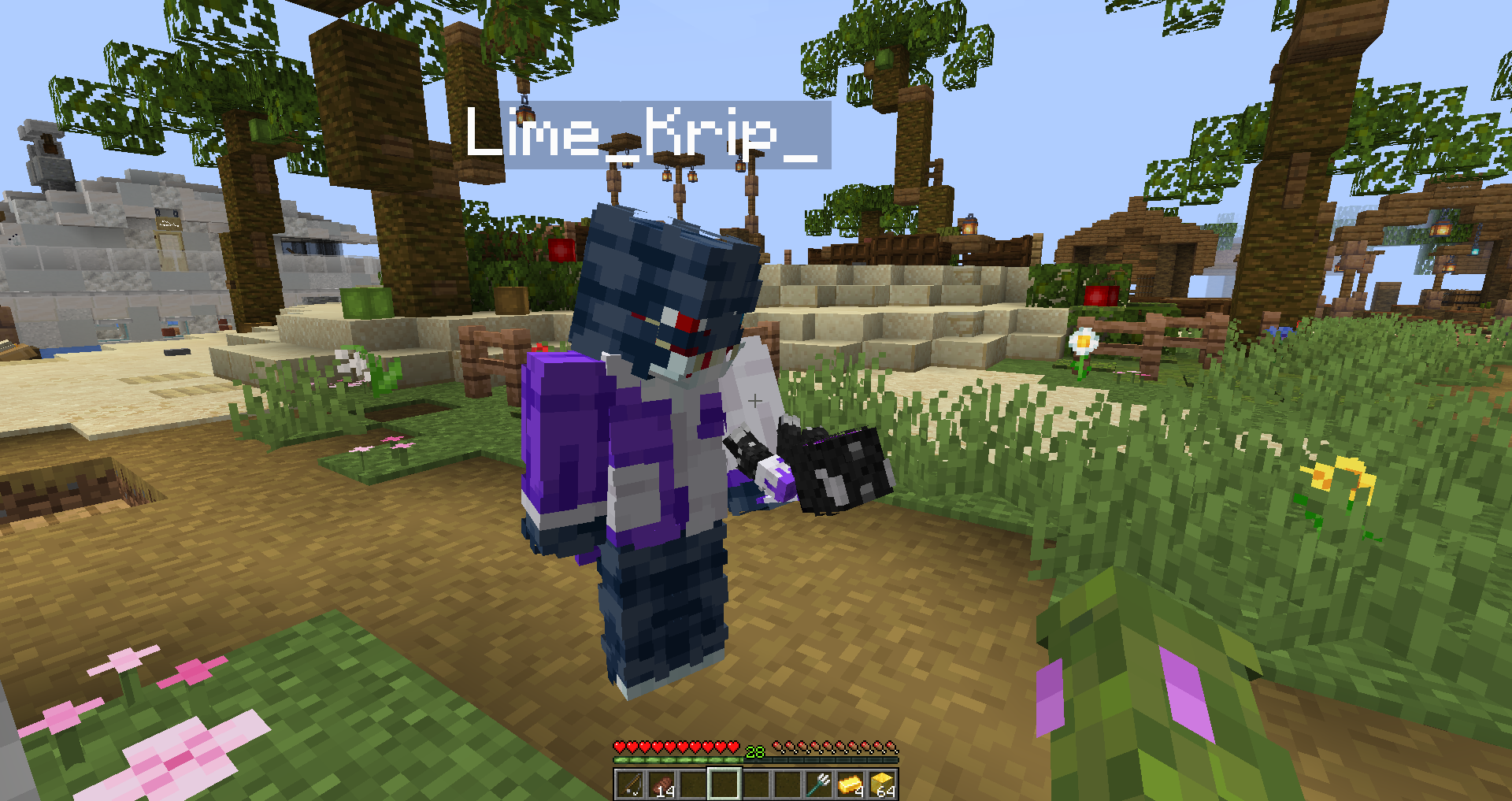
🎮 Multiplayer Support
You can also see other players’ totems! Without mod on the server.
🧥 Using NameMC Skins
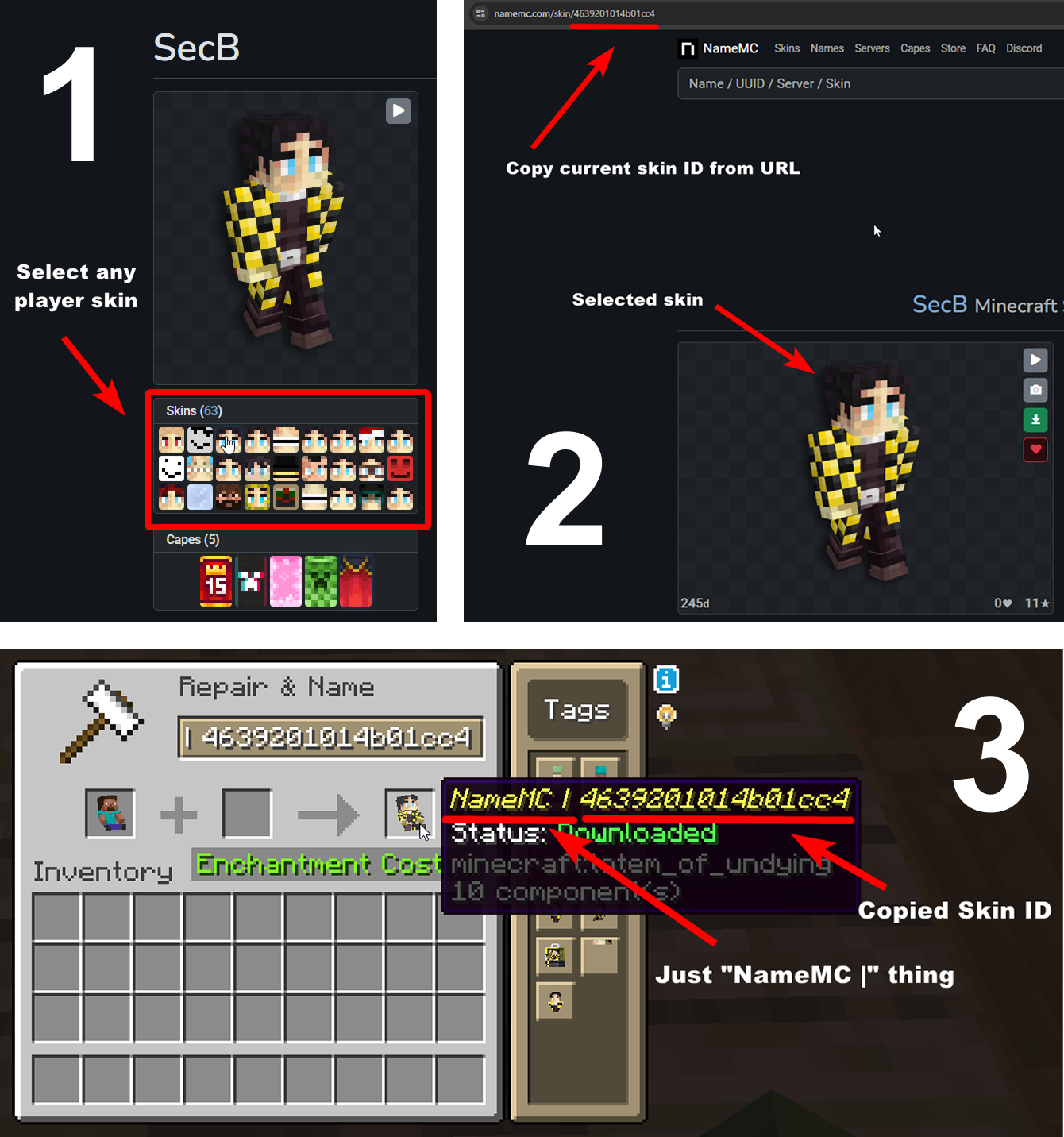
Yeah, you also can use NameMC skins on your totems. To use it, just select any player skin, copy skin id, rename your totem to NameMC | and paste copied skin id. And that’s all!
常见问题
My Totem Doll 支持哪些 Minecraft 版本?
My Totem Doll 支持 Minecraft Java 版 1.20–26.3,共 24 个版本,可用的加载器:Fabric / Forge / NeoForge。下载时注意选择和你游戏版本一致的文件。
My Totem Doll 怎么安装?
先用 PCL2 或 HMCL 启动器安装对应版本的 Fabric / Forge / NeoForge,再把下载的 .jar 文件放进游戏目录的 mods 文件夹,重新启动游戏即可。开启了版本隔离的,mods 文件夹在 versions/版本名 下面。运行环境:仅客户端。
K-TEAM 的其他作品
查看全部 →
Particle Effects
视觉模组,为 Minecraft 原版的每种效果添加独特的粒子纹理!
SchematicPreview
3D schematic previews & other utilities for litematica

VisualKeys
Utility mod that adds screen keyboard with all keybindings

ImagineBook
Clientside images in books
评论
登录后评论和评分