MurkBrew
以黑暗风格重新构想 Minecraft 炼药。新增炼金台、8 种独特花朵、《炼金术士法典》,以及 20 种新药水;整体采用怀旧的 1.7.10 纹理风格,适用于 1.20.X。
截图
介绍
MurkBrew is a mod that reimagines brewing in Minecraft, adding a grim yet cozy alchemical atmosphere. If you’ve ever felt that the vanilla brewing stand lacked depth, and the nostalgia for 1.7.10 texture packs still lingers in your heart—this mod is for you.
We intentionally aged the textures so they resemble the old days: slightly rough, but incredibly dear to the heart. The mod is made for those who appreciate coziness and atmosphere in Minecraft, but want new mechanics that fit organically into the game.
What awaits you:
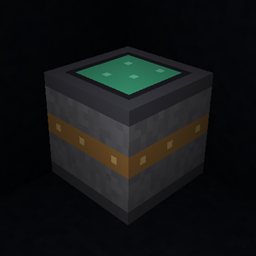
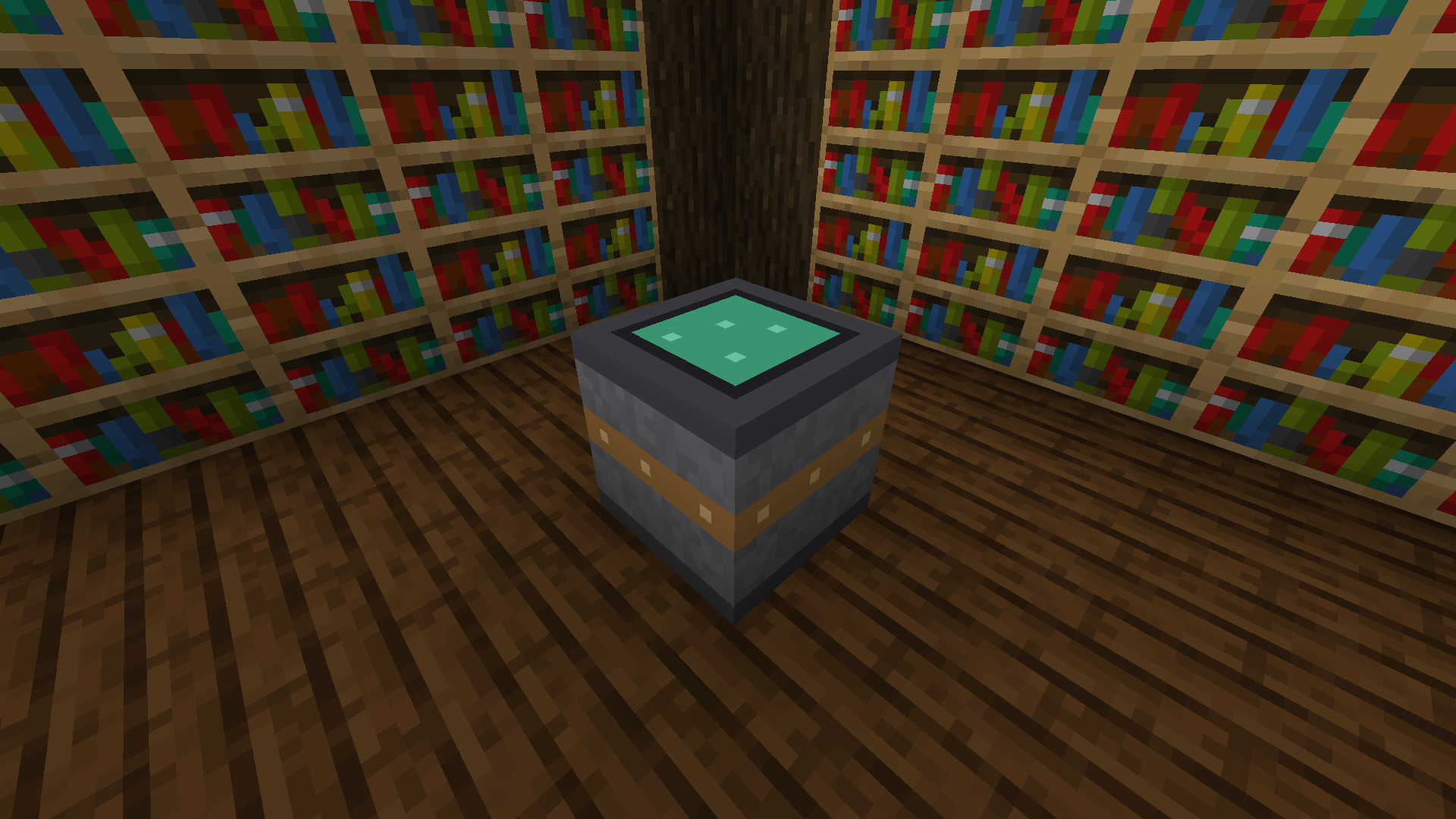
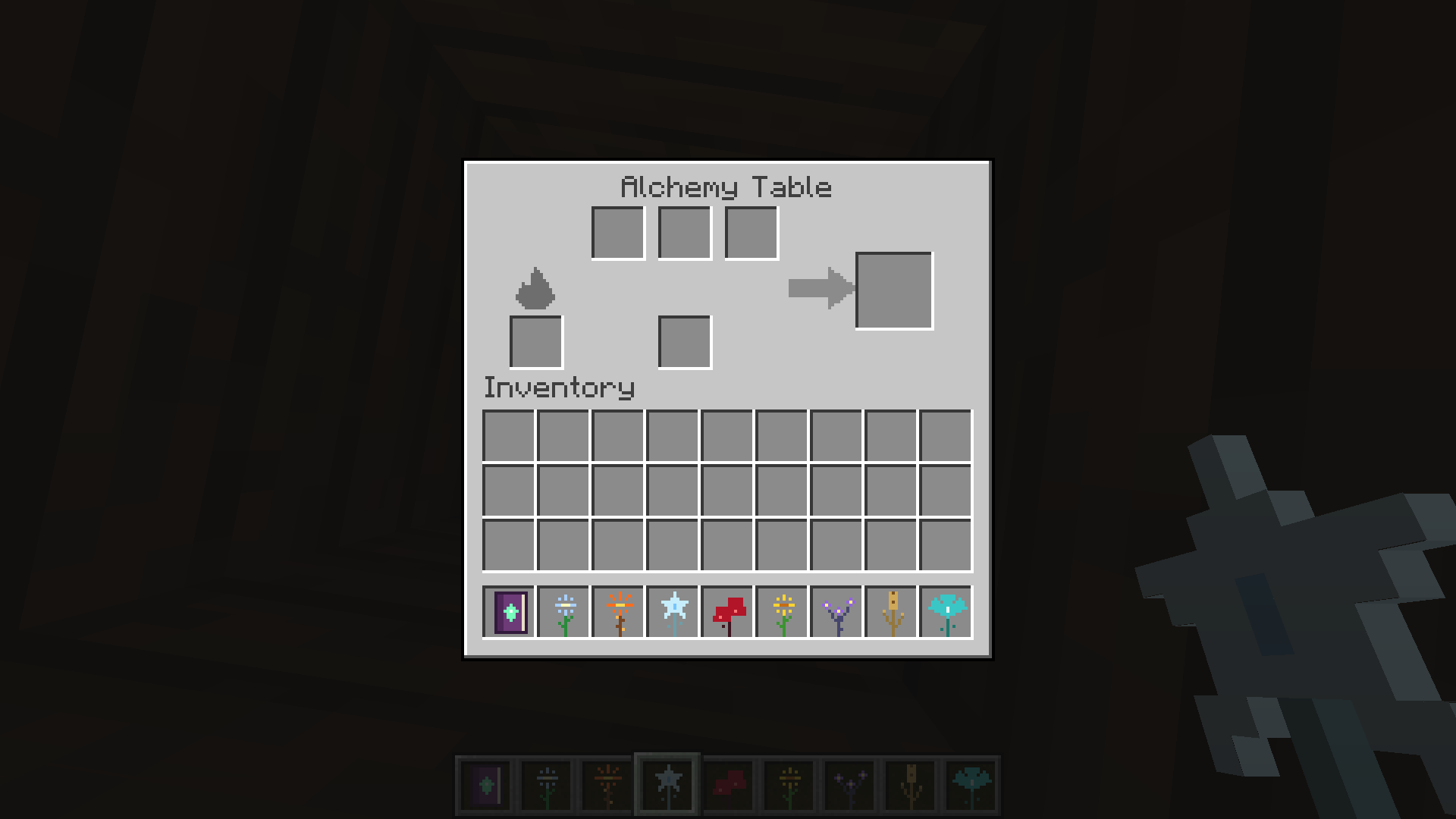
🧪 Alchemy Table – A new multifunctional block that will become the heart of your laboratory. No more running back and forth between the crafting table and the brewing stand: everything you need is gathered in one place.
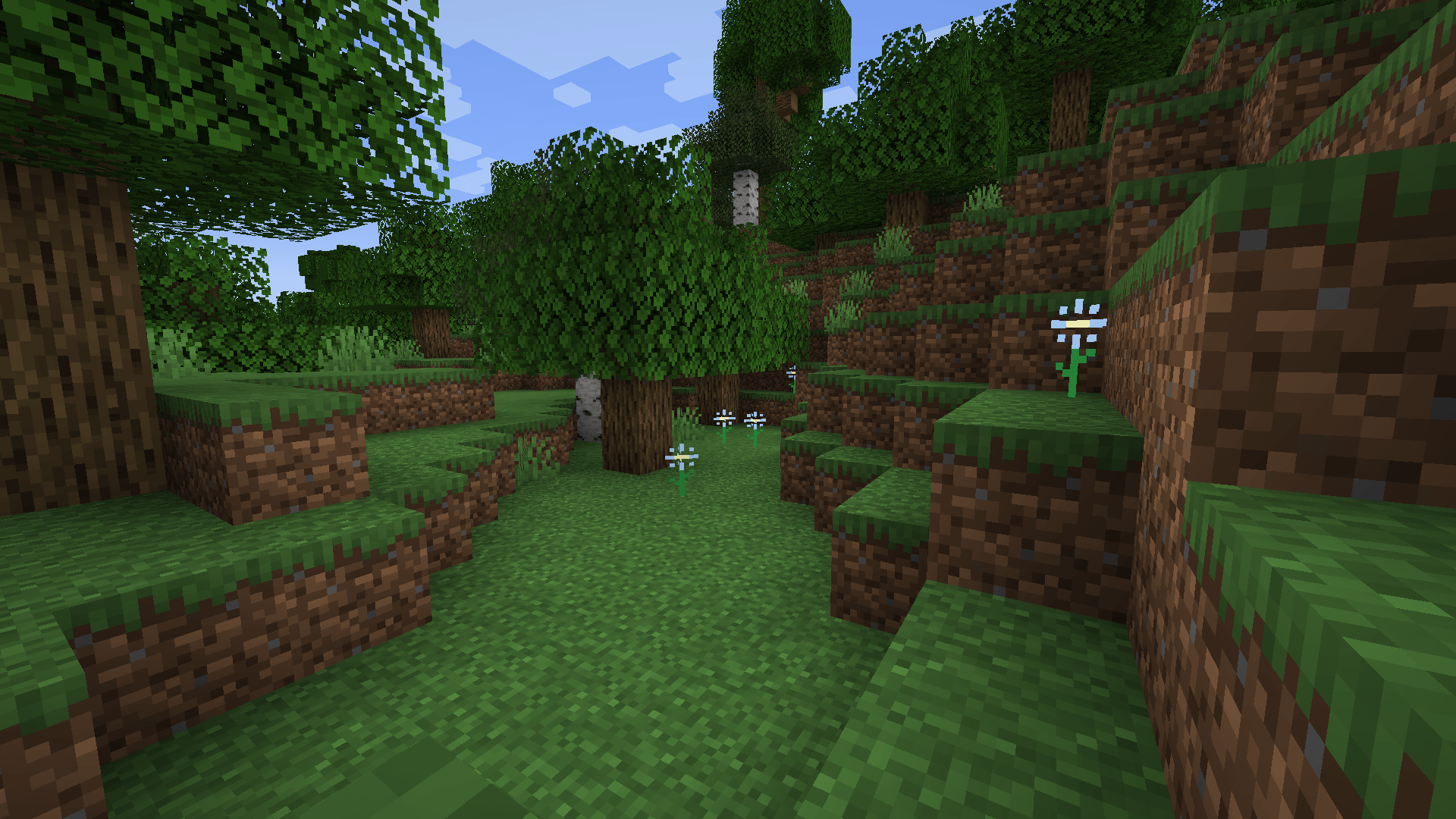
🌸 8 Unique Flowers – Rare plants, each with its own character and properties. Collect them all to unlock the full alchemical potential.
✨ New Ingredients – Grind flowers into special potion dust. Meanwhile, charcoal dust, along with regular coal and blaze rods, is used directly in the brewing process, unlocking new recipes and possibilities.
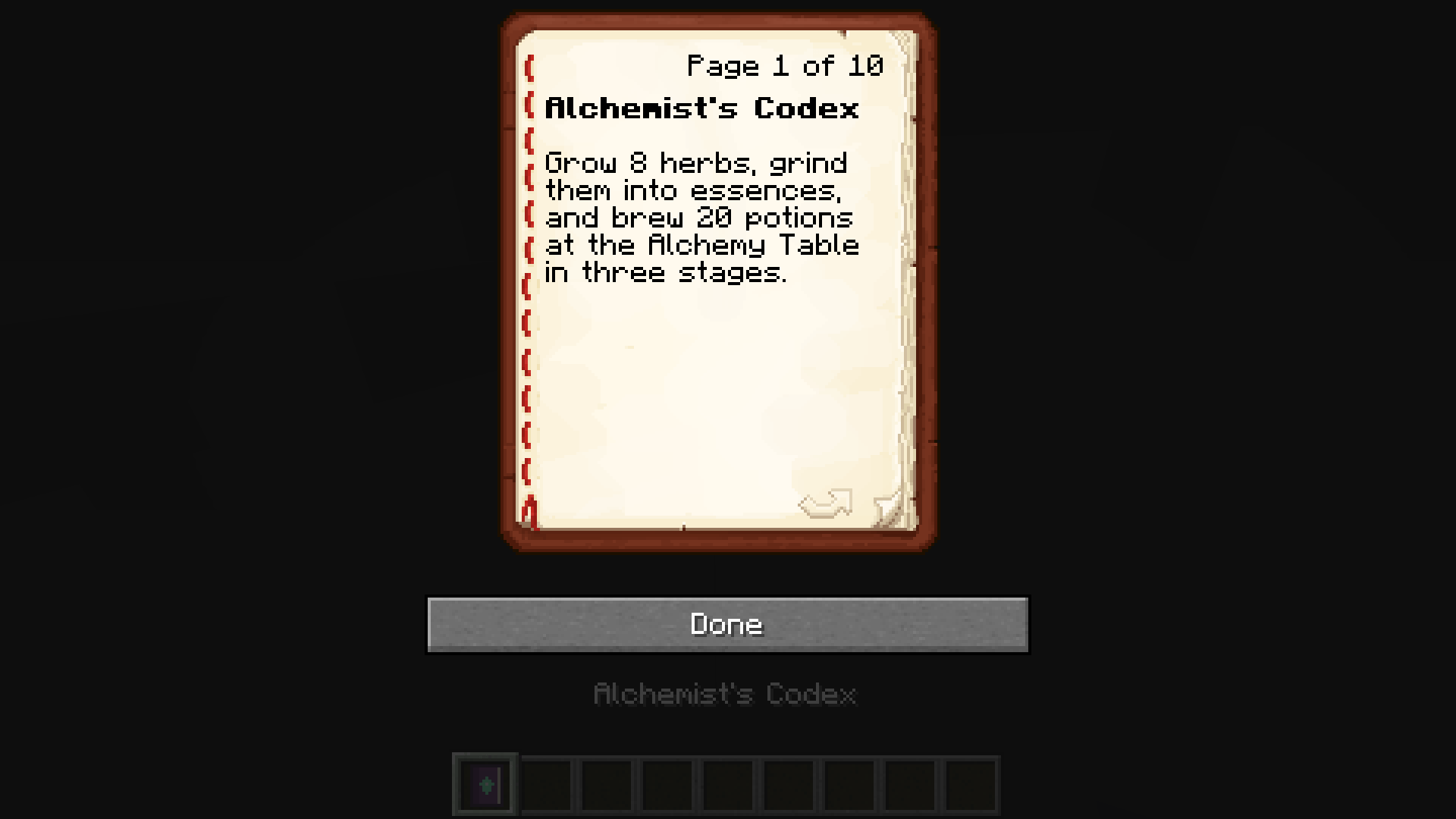
📖 Alchemist’s Codex – A detailed in-game guide that will hold your hand through all the mod’s mechanics. No wiki needed—everything is right at your fingertips.
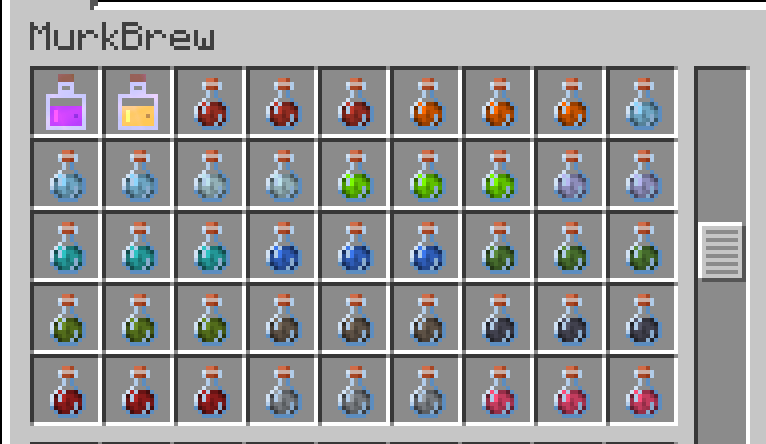
🧪 20 Unique Potions – From useful and healing to strange and dangerous. Every potion is carefully designed and fits the game’s balance.
Compatibility:
Minecraft Version: 1.20.X (Forge). Support for other versions may come in the future – stay tuned for updates!
The mod is actively updated and developed.
If you find a bug or have a suggestion – feel free to write in the comments. Thanks to the community for the support!
常见问题
MurkBrew 支持哪些 Minecraft 版本?
MurkBrew 支持 Minecraft Java 版 1.20.1–1.20.6,共 6 个版本,可用的加载器:Forge。下载时注意选择和你游戏版本一致的文件。
MurkBrew 怎么安装?
先用 PCL2 或 HMCL 启动器安装对应版本的 Forge,再把下载的 .jar 文件放进游戏目录的 mods 文件夹,重新启动游戏即可。开启了版本隔离的,mods 文件夹在 versions/版本名 下面。
评论
登录后评论和评分