截图
介绍
MultiMC – Makes Multiplayer in Minecraft Easier
MUST USE FORGE 49.2.4+ NOT 49.2.3 OR LESS!
Tired of complicated server setups just to play with friends? MultiMC simplifies everything, letting you jump into multiplayer in seconds.
With easy-to-use commands, you can host and manage your game without dealing with confusing configs or external tools.
Commands:
/connect (port) (servername)
Quickly set up a server your friends can join.
– First, open your world to LAN and choose a port.
– Then use /connect with that port and any server name you like.
– Share the details with your friends, and they can connect instantly!
Example:
/connect 25565 MyWorld
/authmode (true/false)
Toggle online authentication mode.
– true -> Enables online-mode (secure, uses Minecraft accounts)
– false -> Disables online-mode (offline/cracked access)
Example:
/authmode true
Important:
– If one player is using a cracked version and the other has premium, the player using CRACKED must create the server for it to work properly.
Why use MultiMC?
– No complicated setup
– Fast multiplayer hosting
– Simple commands, powerful control
– Perfect for playing with friends anytime
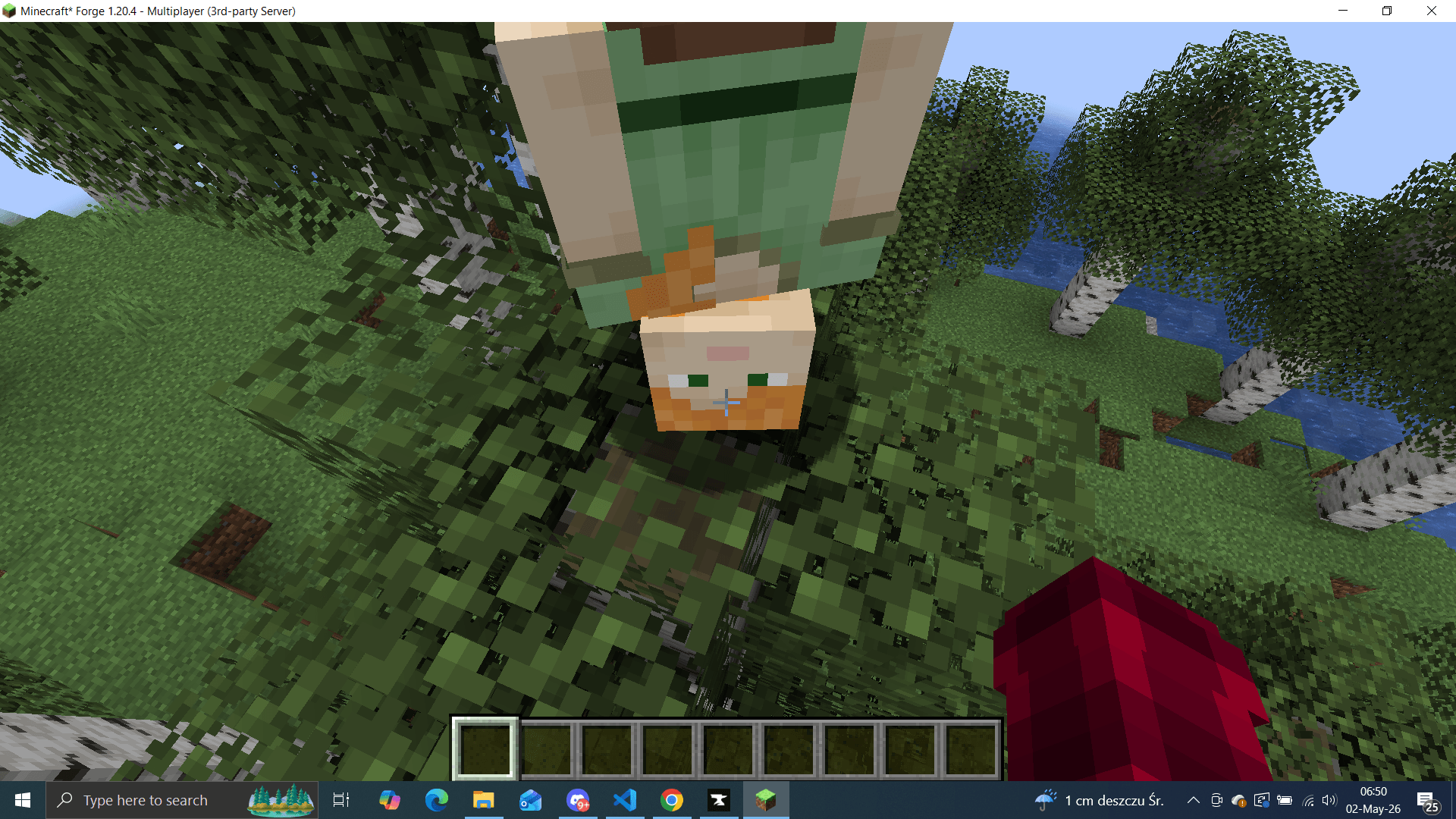
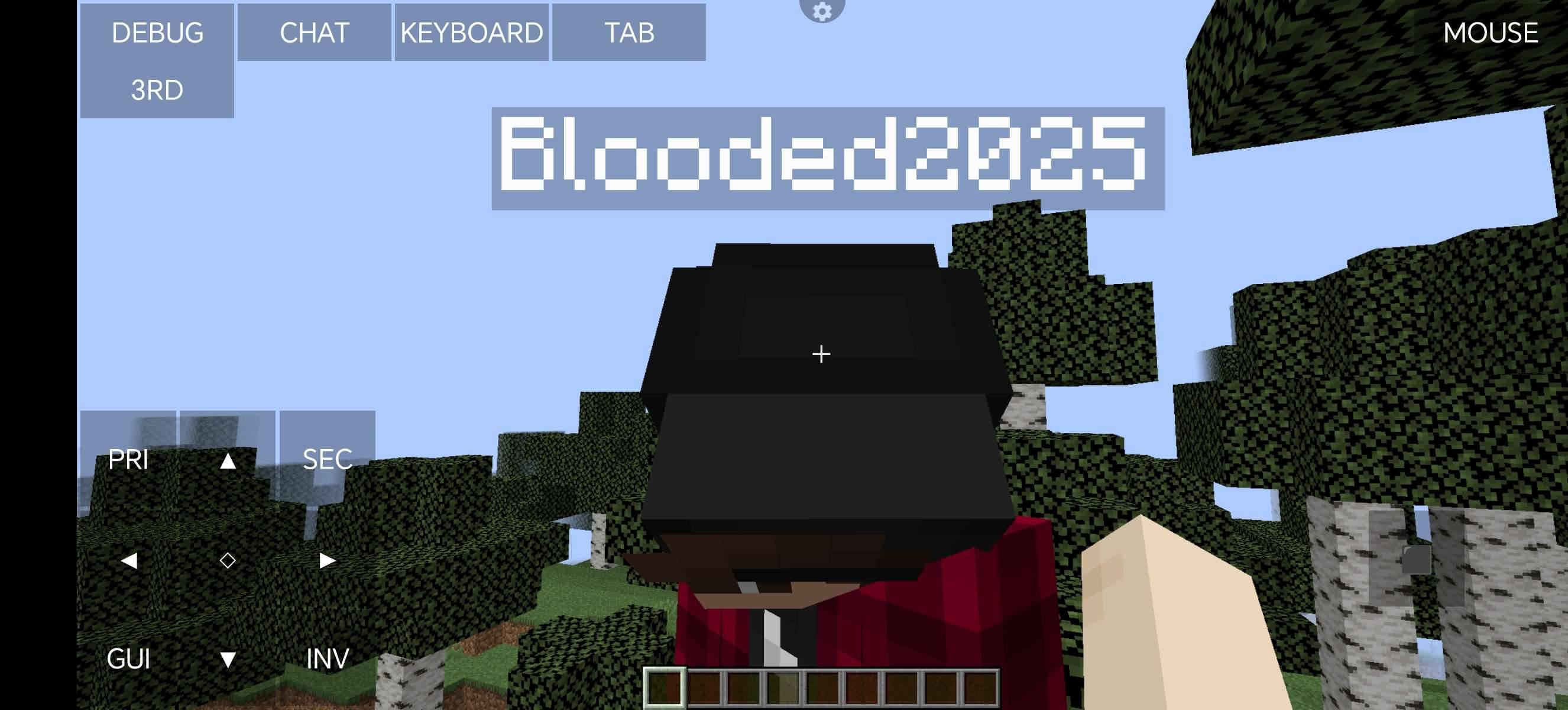
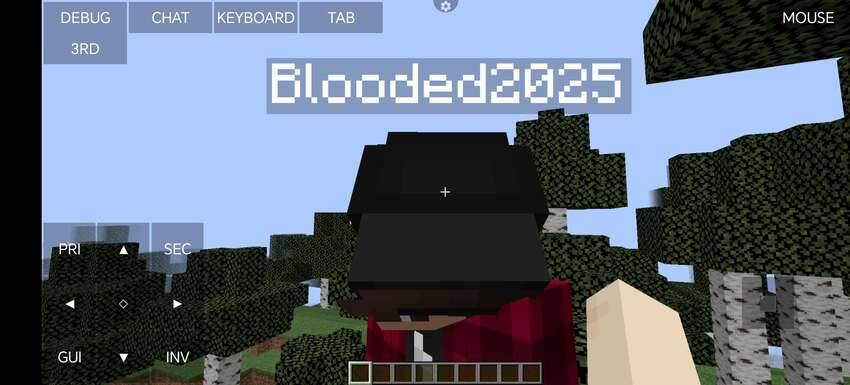
TEST SCREENSHOTS!
常见问题
MultiMC 支持哪些 Minecraft 版本?
MultiMC 支持 Minecraft Java 版 1.20.4,可用的加载器:Forge。下载时注意选择和你游戏版本一致的文件。
MultiMC 怎么安装?
先用 PCL2 或 HMCL 启动器安装对应版本的 Forge,再把下载的 .jar 文件放进游戏目录的 mods 文件夹,重新启动游戏即可。开启了版本隔离的,mods 文件夹在 versions/版本名 下面。
BloodedVR 的其他作品
查看全部 →
Final Time
Your pet died. They never really left. Craft a Lens to see them, paper to free them, or an enchanted golden apple to bring them back. But if you are the one who killed them, they remember - and they will come for you.

Throwable Torches!
Throwable Torches That Even Stick To Ceilings!
评论
登录后评论和评分