
Multi-Sided Blocks
作者:Maronn
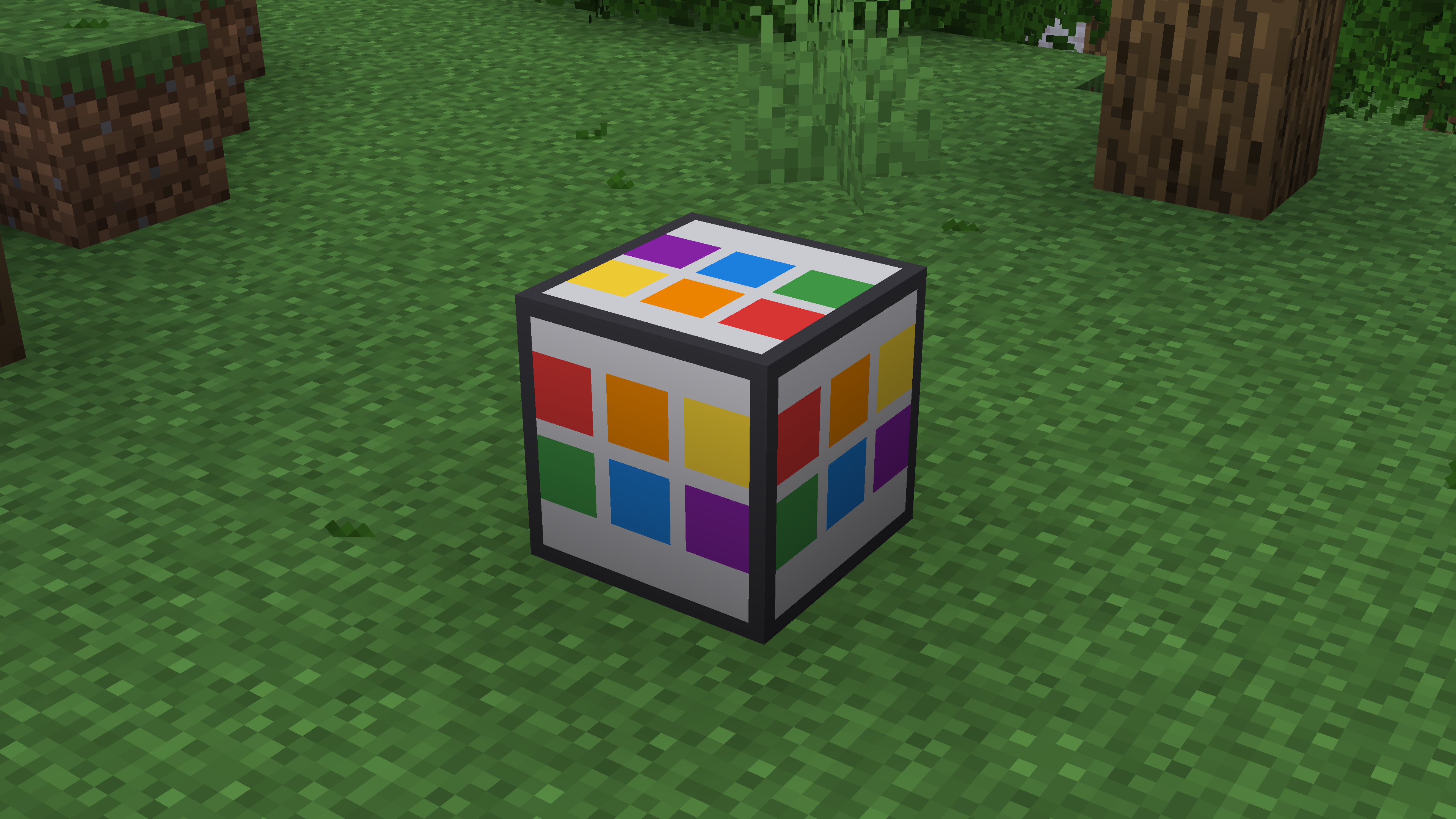
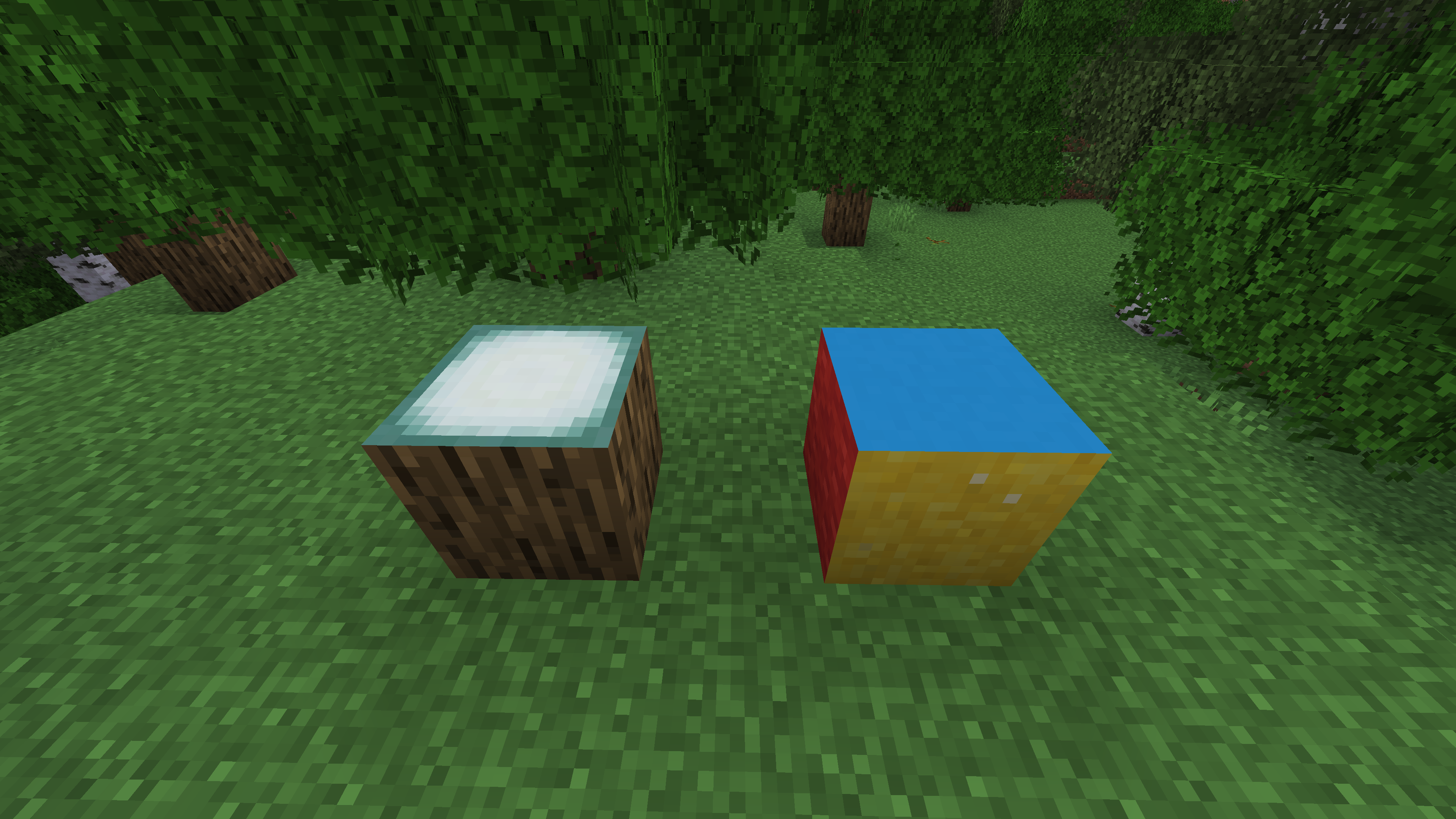
Assign a different block texture to each of the six faces of a single block.
截图
介绍
中文介绍正在准备中,下面暂时显示原文。
Multi-Sided Blocks
One block — six independent faces.
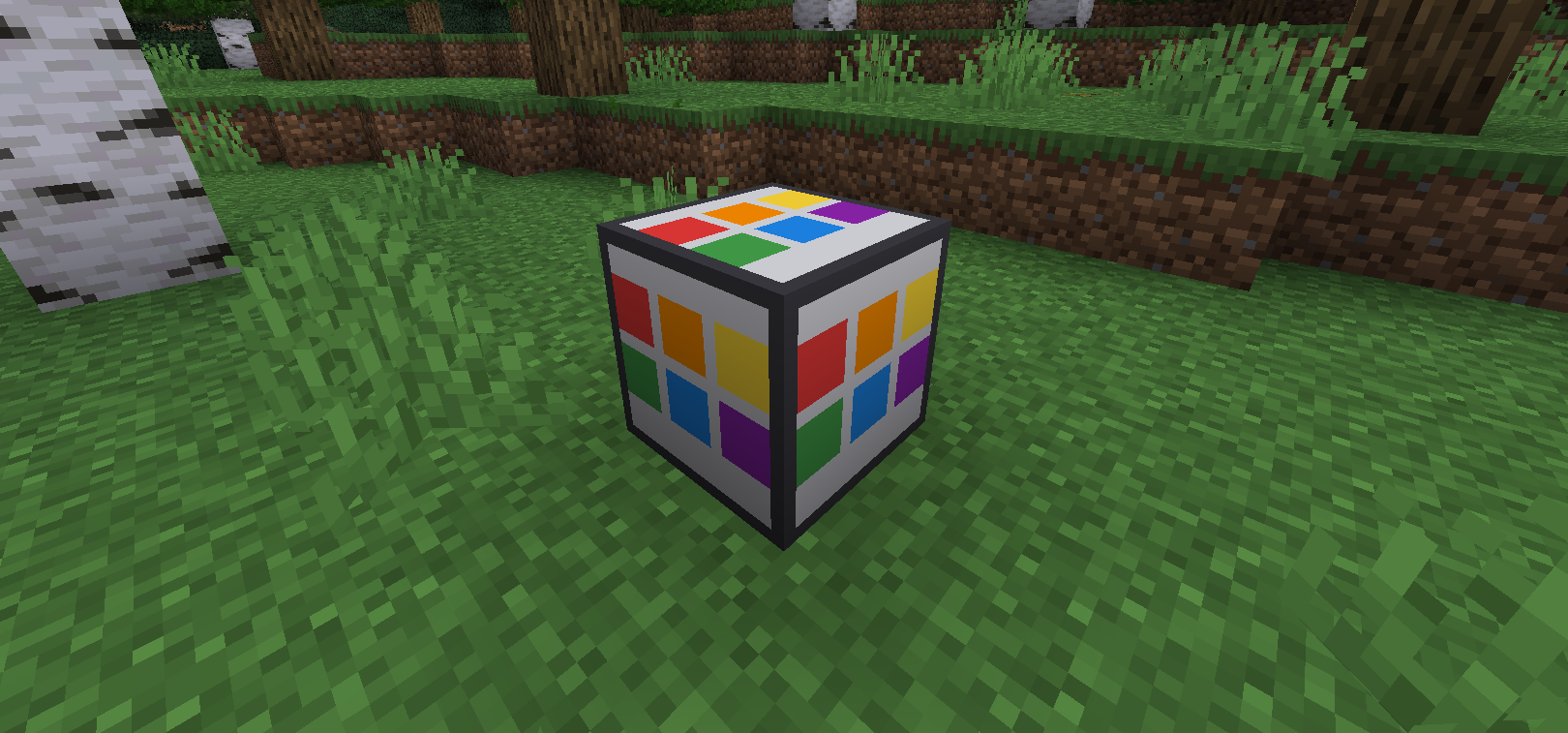
Multi-Sided Blocks adds a customizable building block whose six faces can display
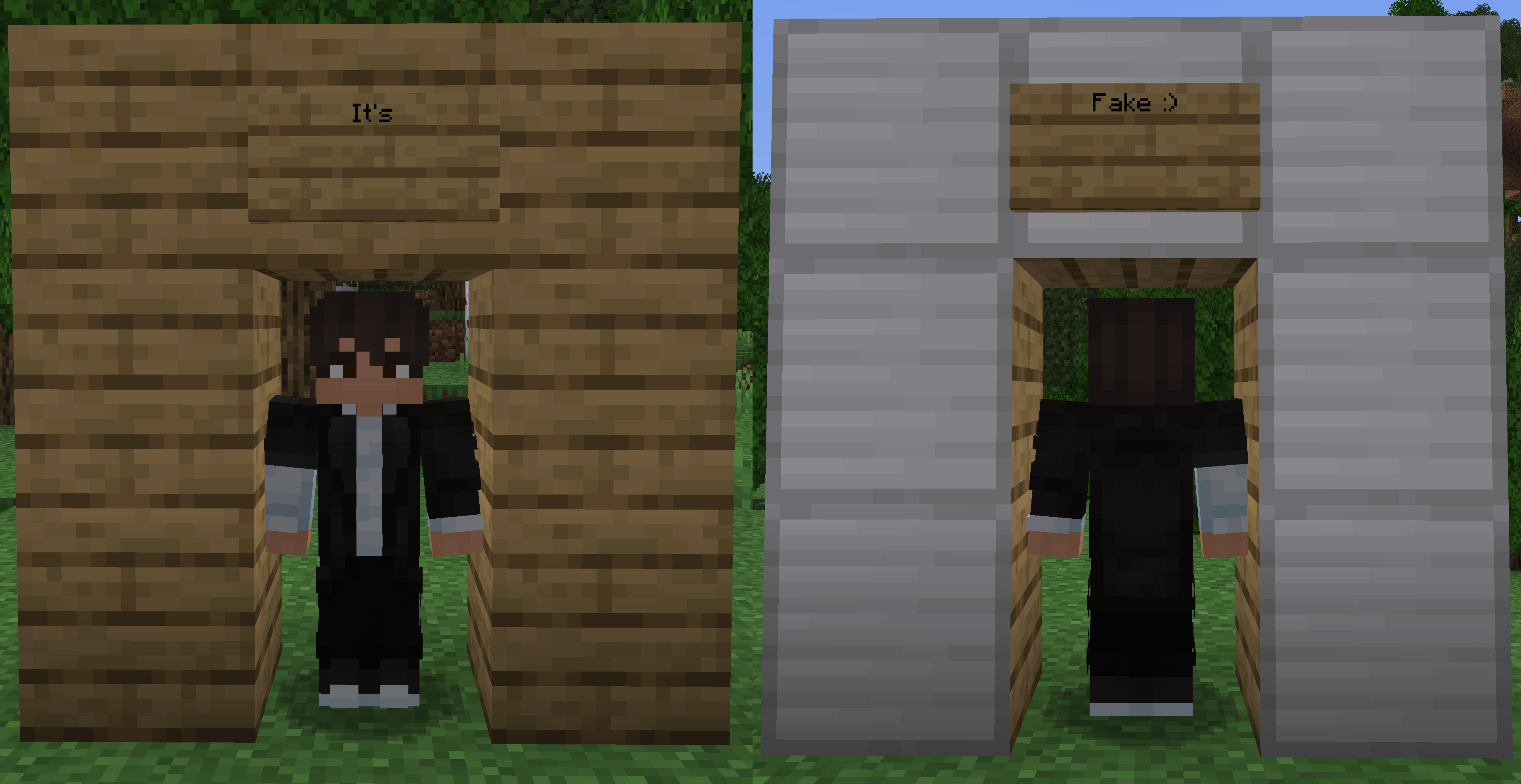
textures from different blocks. It is useful for realistic buildings where the
outside and inside of a wall should look different without constructing double walls.
Features
- Assign a separate block texture to each of the six faces.
- Supports vanilla and modded block textures.
- Preserves biome tinting for blocks such as grass and leaves.
- Face configuration is saved in the world through BlockEntity NBT.
- Broken blocks retain their configured faces.
- Creative pick block copies the configured faces.
- Compatible with resource packs.
- Compatible with Sodium when Indium is installed.
Usage
- Place a Multi-Sided Block.
- Hold another block in your hand.
- Right-click the desired face.
- The selected face receives the held block’s texture.
- Sneak and right-click with an empty hand to reset a face.
Each face can be configured independently.
Renderer compatibility
The mod uses Fabric Renderer API for dynamic face rendering.
- Vanilla renderer / Indigo: supported.
- Sodium 0.5: install Indium.
- Sodium without Indium: only the default base texture is displayed.
Requirements
Server installation
The mod must be installed on both the client and server.
常见问题
Multi-Sided Blocks 支持哪些 Minecraft 版本?
Multi-Sided Blocks 支持 Minecraft Java 版 1.20.1,可用的加载器:Fabric。下载时注意选择和你游戏版本一致的文件。
Multi-Sided Blocks 怎么安装?
先用 PCL2 或 HMCL 启动器安装对应版本的 Fabric,再把下载的 .jar 文件放进游戏目录的 mods 文件夹,重新启动游戏即可。开启了版本隔离的,mods 文件夹在 versions/版本名 下面。运行环境:客户端和服务端都要装。
评论
登录后评论和评分