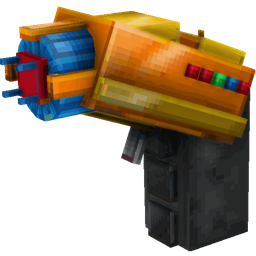
截图
介绍
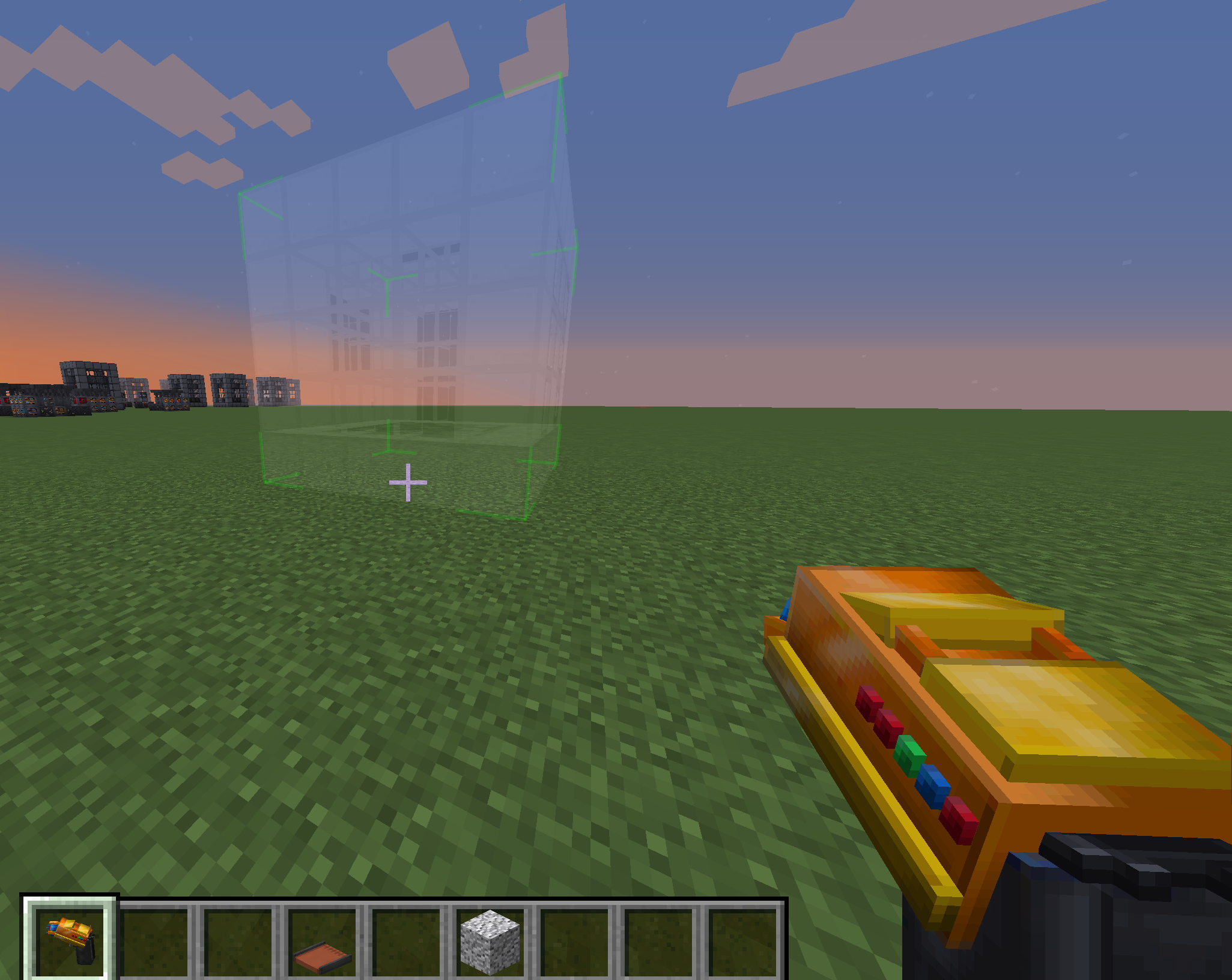
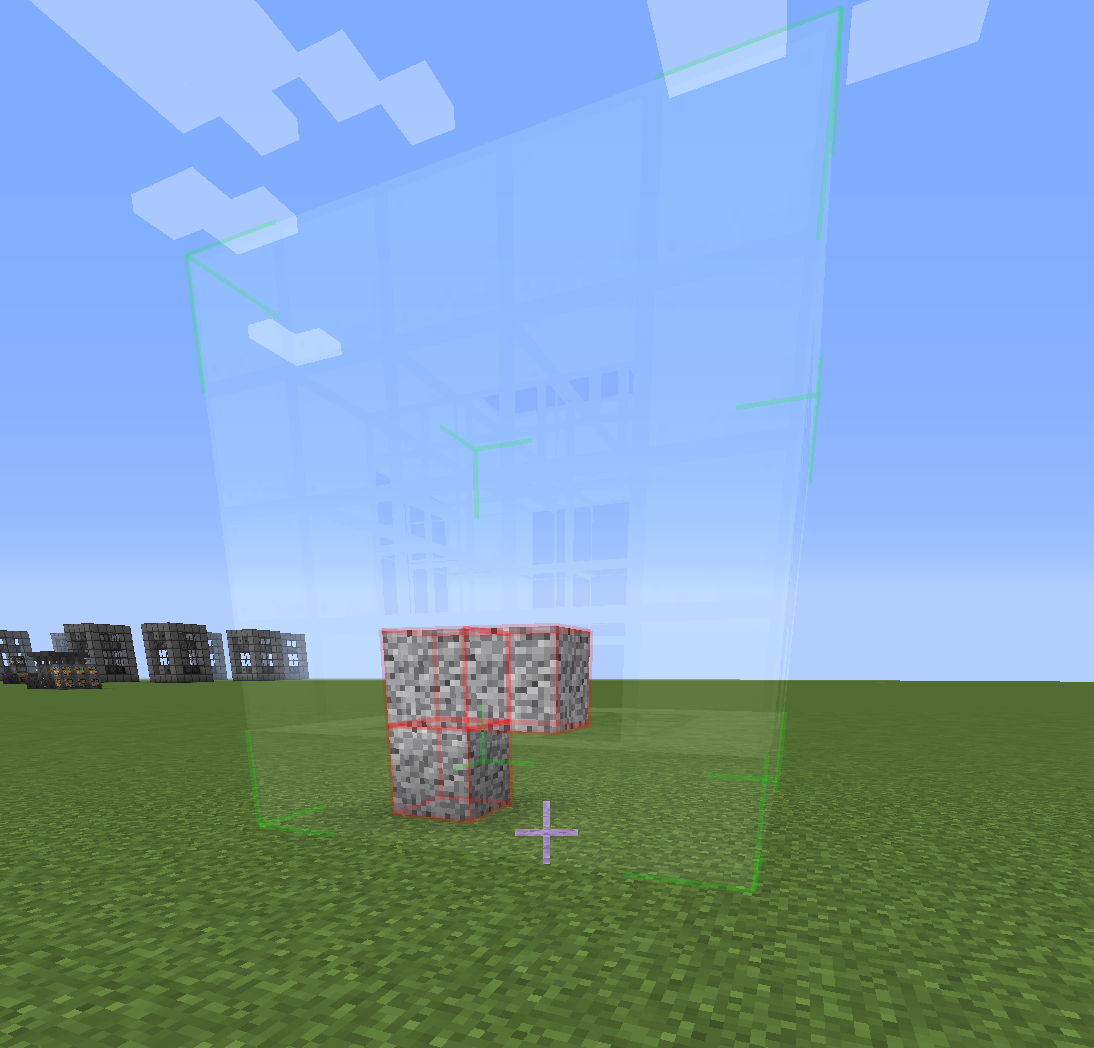
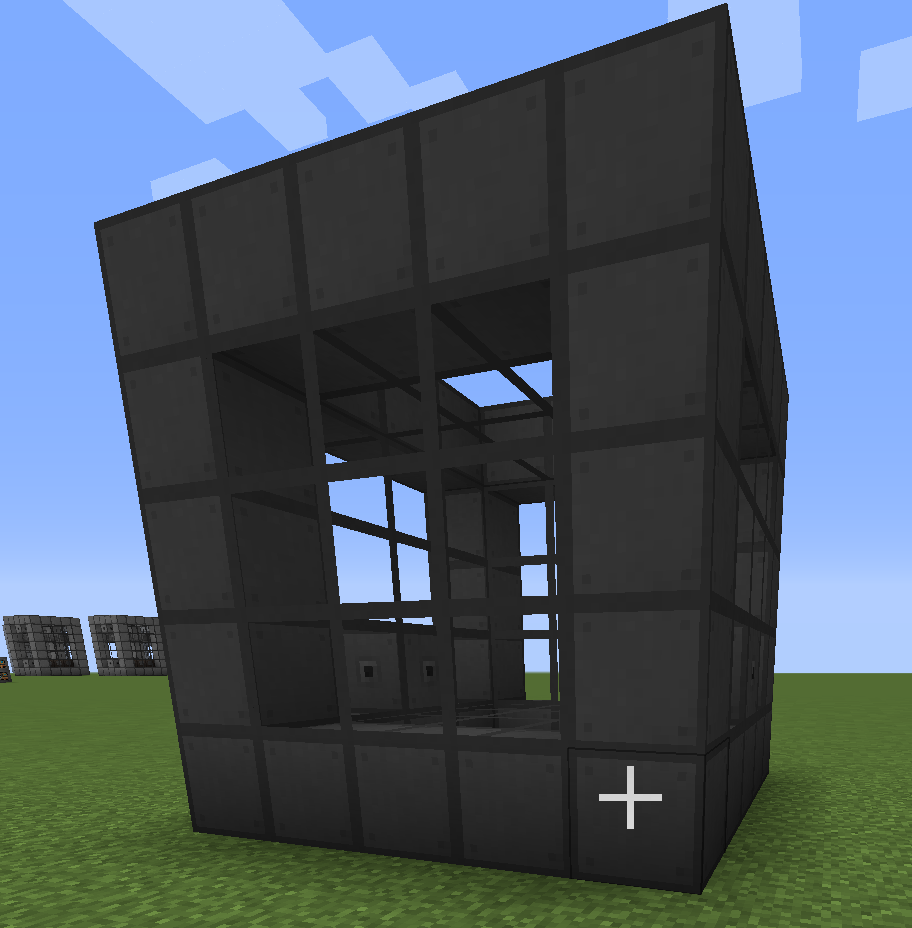
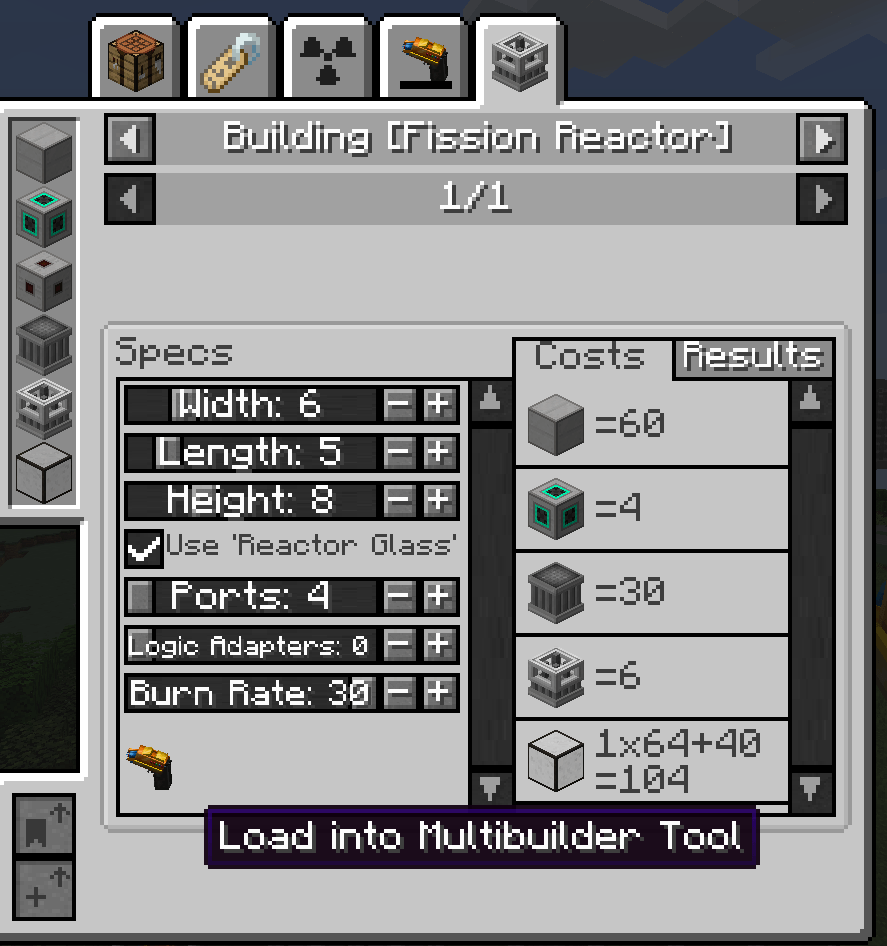
Tired of building numerous structures by hand?
undefined
Use MBTool!
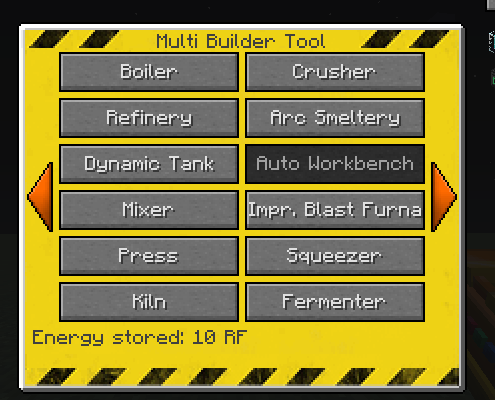
Structures included by default for mods:
- Mekanism
- Mekanism Generators
- NuclearCraft: Neoteric
- Tinkers Construct
- Immersive Engineering
- Blood Magic
- Extreme Reactors
Grouping structures:
If you like to group structures you can simply create a sub-folder in mbtool_structures folder eg. “reactors”, and place all reactor structures inside. This also can be done with kubejs, see example below.
Kube JS support:
MbtoolKJSEvents.InitMbtoolStructures(event => {
    for(let i = 0; i < event.structures.length; i++) {
        console.log(event.structures[i].getId());
        console.log(event.structures[i].getName());
        console.log(event.structures[i].getStructureNbt());
        console.log(event.structures[i].getGroup());

        event.structures[i].setStructureNbt(CompoundTag.fromJSON({})); // set structure nbt (you can use this to change the structure, but be careful!)
        var nbt = event.structures[i].getStructureNbt(); // get structure nbt
        nbt.palette[0].Name = 'minecraft:iron_block'; // change first block in palette to iron block
        event.structures[i].setStructureNbt(nbt); // set structure nbt again
        //if you wish to remove structure, then set some non existing block
        nbt.palette[0].Name = 'minecraft:not_existing_block';
        event.structures[i].setStructureNbt(nbt); // set structure nbt again

        // Example if you wish to pack all reactors into Group
        if (event.structures[i].getId().toString().toLowerCase().includes('reactor')) {
            event.structures[i].setGroup('Reactors');
        }
    }
});

Description for 1.20+
-
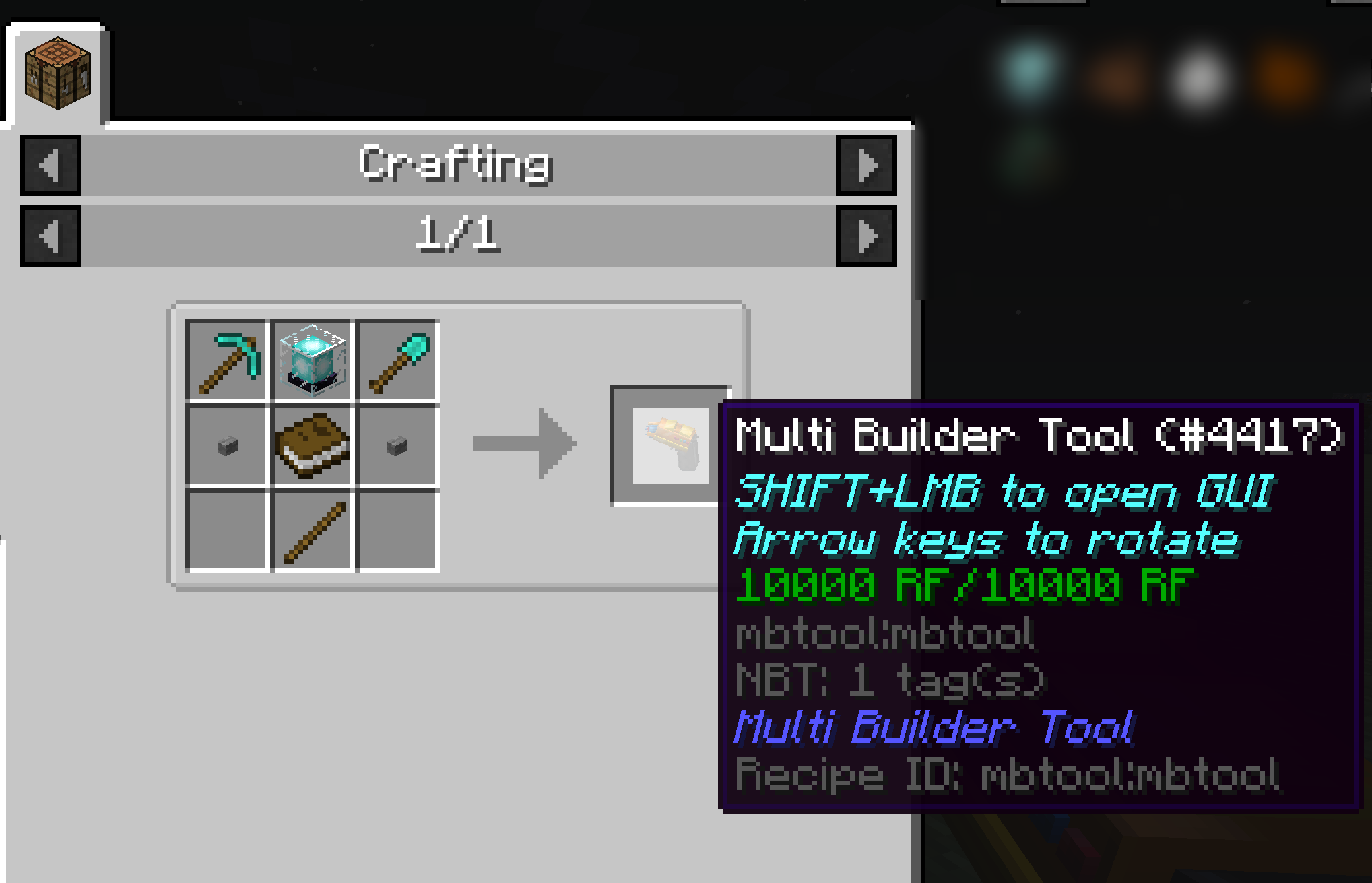
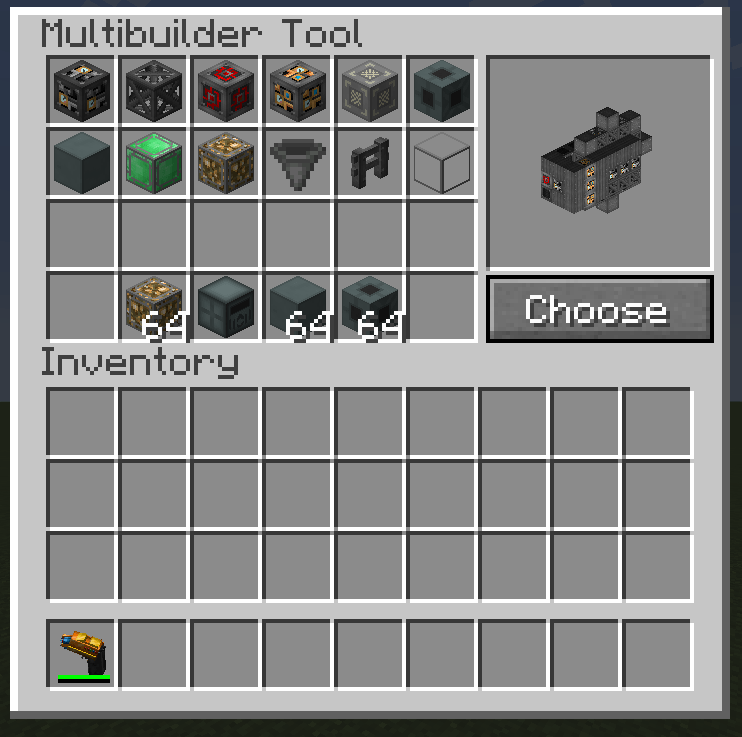
SHIFT+use to open GUI
-
SHIFT+SCROLL to rotate structure before placement
-
Multibuilder Tool has own inventory where you store blocks needed for building
-
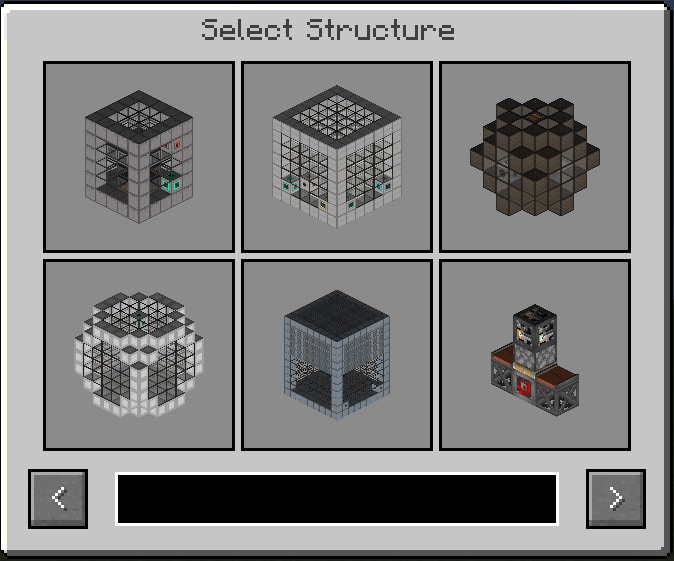
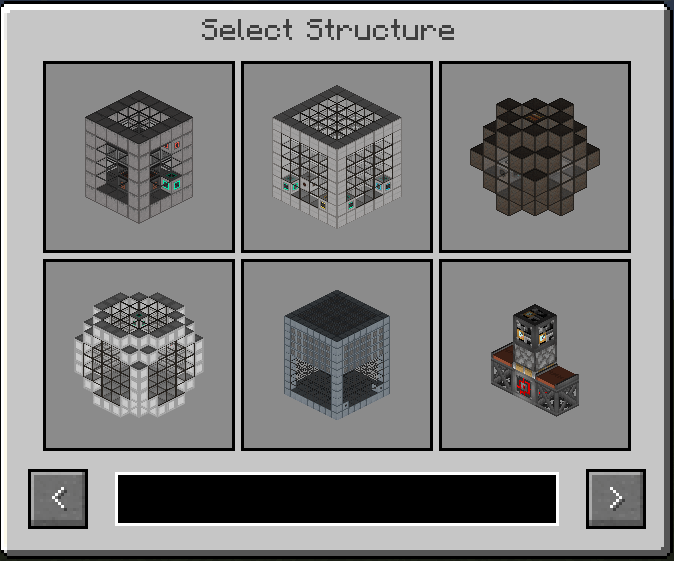
Better structure selection GUI with search field and multiblocks previews
-
Implemented server-client sync. When client joins the server, it will have only structures what server sent
-
Easy to add new structures. In your data pack locate NBT structure files in following path: data/mbtool/mbtool_structures/my_custom_structure.nbt
Add translations for your structure: “mbtool.structure.my_custom_structure”: “Your structure name”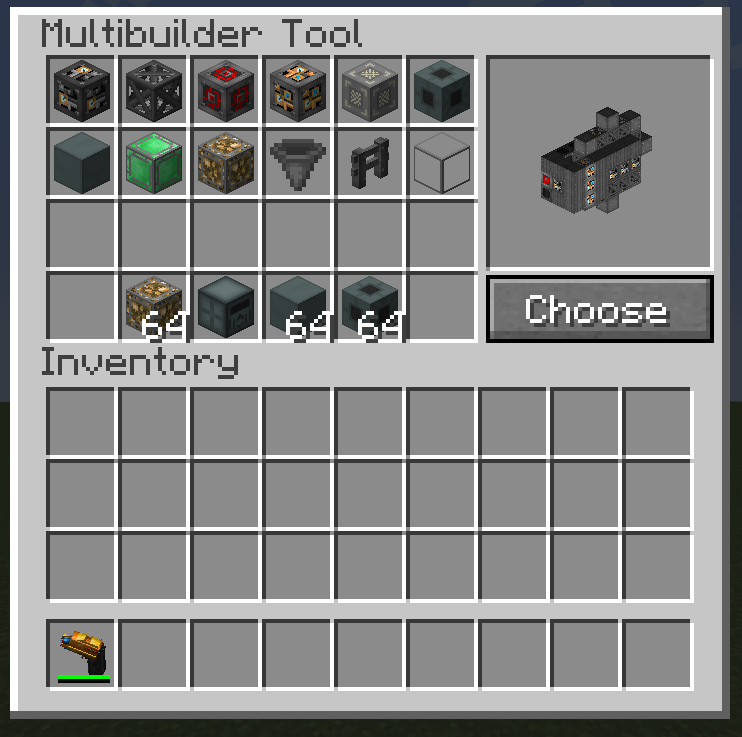
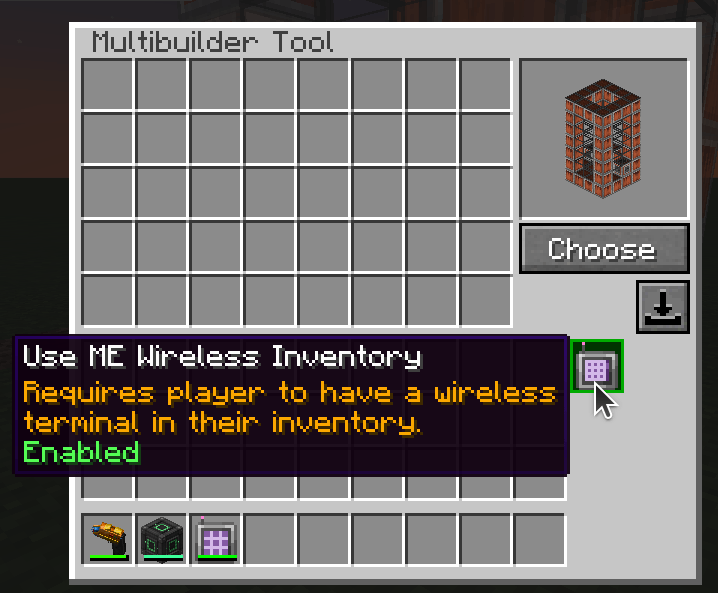
Allows to use AE2 ME storage for buildings if you have linked Wireless terminal in your inventory
Description for MC 1.12.2
Supports structures from: Mekanism, Immersive Engineering, Immersive Petroleum, NuclearCraft, QMD, IC2, TConstruct, Extreme Reactors, Draconic Evolution
Add your own multistructures.
undefined
undefined
常见问题
Multi Builder Tool 支持哪些 Minecraft 版本?
Multi Builder Tool 支持 Minecraft Java 版 1.12.2–26.1.2,共 4 个版本,可用的加载器:Forge / NeoForge。下载时注意选择和你游戏版本一致的文件。
Multi Builder Tool 怎么安装?
先用 PCL2 或 HMCL 启动器安装对应版本的 Forge / NeoForge,再把下载的 .jar 文件放进游戏目录的 mods 文件夹,重新启动游戏即可。开启了版本隔离的,mods 文件夹在 versions/版本名 下面。
igentuman 的其他作品
查看全部 →
Better Fusion Reactor for Mekanism PLUS
Reinvention of Fusion Reactor and new stuff

NuclearCraft Neoteric
This is a re-creation of old but gold NuclearCraft on a modern MC version

Blocks Tickrate Booster
Boost your machines with Forge Energy

Ender Storage continuation
Linked chests and fluid/gas/mana tanks
评论
登录后评论和评分