
Mob Spawn Indicator
Highlights block surfaces where hostile mobs can spawn using color-coded overlays
截图
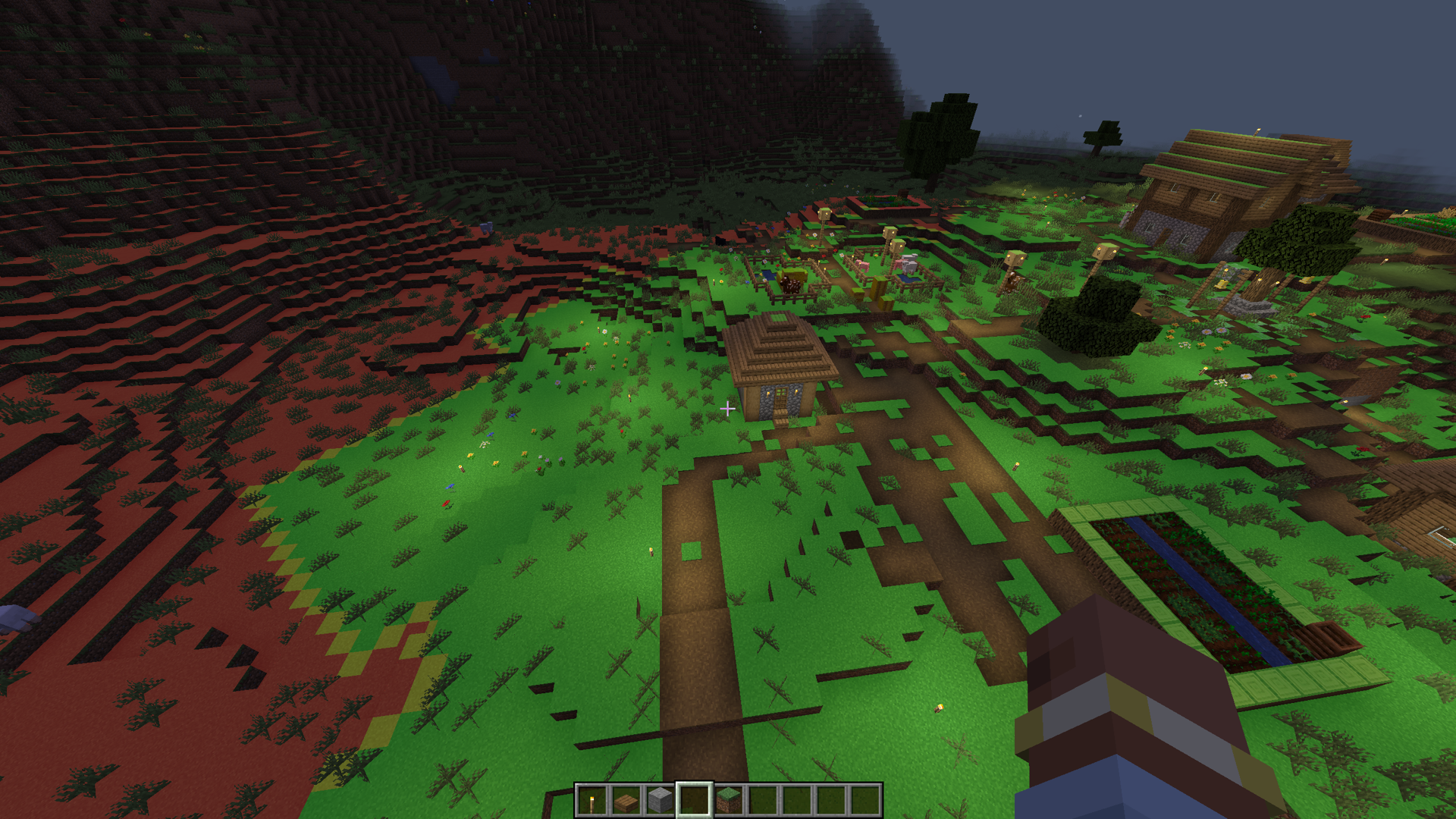
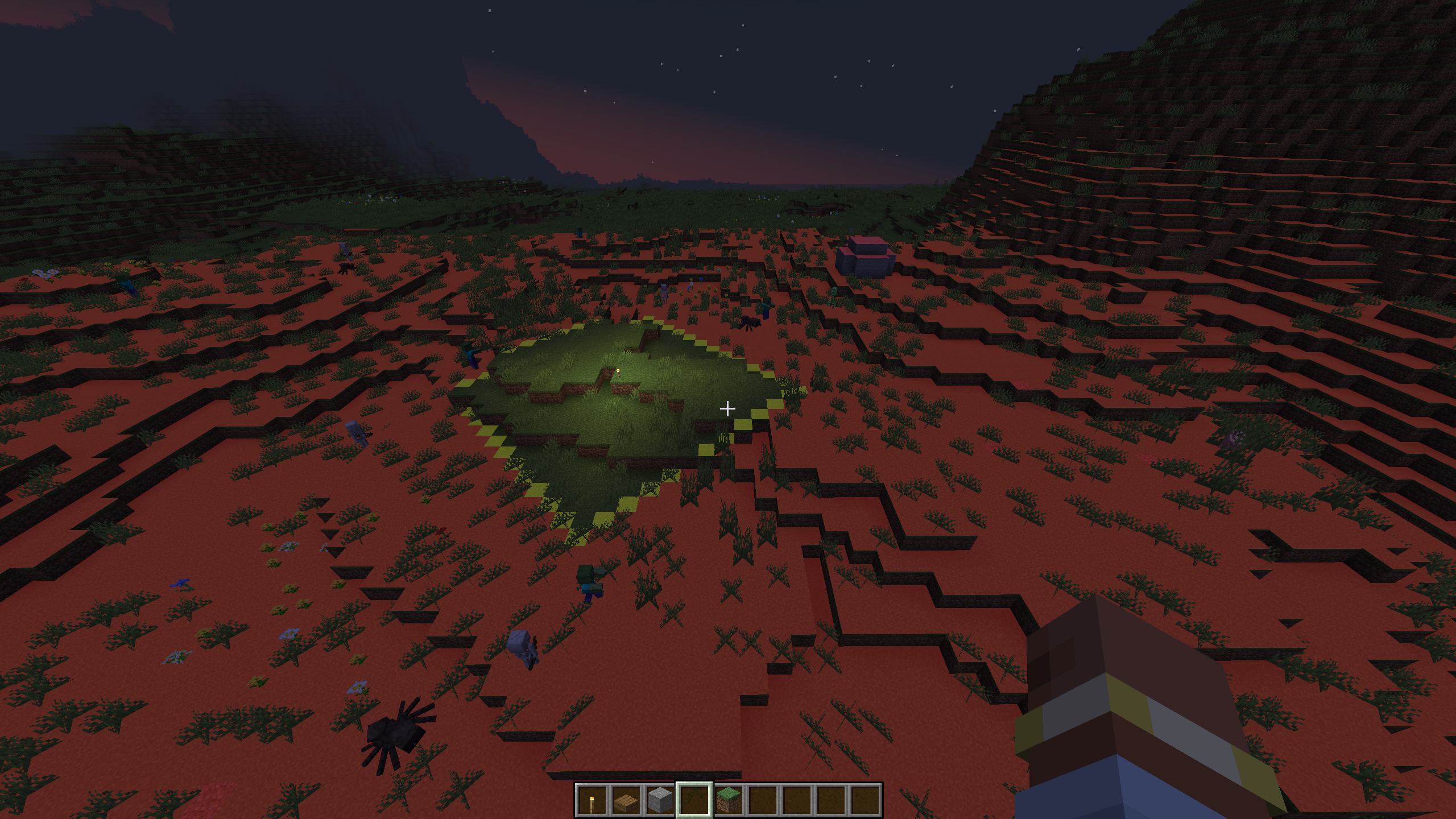
介绍
Mob Spawn Indicator highlights valid mob spawn floors in your vicinity with color-coded overlays. It uses vanilla spawn rules, so it works on any server without needing to be installed server-side.
Features
- Color-coded overlays on valid spawn floors: red (danger), yellow (warn), green (safe)
- Configurable render distance, opacity, and which colors to display
- Settings GUI accessible from the Options screen or via commands
- Client-side only — works on vanilla servers, SMPs, and modded servers
Commands
/msi settings— open the settings GUI/msi toggle— toggle the overlay on/off/msi on|/msi off— enable or disable the overlay/msi reset— reset all settings to defaults
Configuration
Default keybind: J (toggle overlay)
Config file: config/msi-common.toml
| Option | Default | Description |
|—|—|—|
| render_rad | 16 | Render distance in blocks |
| overlay_opacity | 0.5 | Overlay transparency |
| show_danger | true | Show red overlay (valid spawn, no space for mobs) |
| show_warn | true | Show yellow overlay (valid spawn, 1 block space) |
| show_safe | false | Show green overlay (valid spawn, 2+ block space) |
Notes
- Uses vanilla Minecraft spawn rules: slabs, stairs, trapdoors, glass, and leaves are correctly excluded as non-spawnable
- Overlays update every 5 ticks
- Works in singleplayer, LAN, and multiplayer
常见问题
Mob Spawn Indicator 支持哪些 Minecraft 版本?
Mob Spawn Indicator 支持 Minecraft Java 版 1.21.1,可用的加载器:NeoForge。下载时注意选择和你游戏版本一致的文件。
Mob Spawn Indicator 怎么安装?
先用 PCL2 或 HMCL 启动器安装对应版本的 NeoForge,再把下载的 .jar 文件放进游戏目录的 mods 文件夹,重新启动游戏即可。开启了版本隔离的,mods 文件夹在 versions/版本名 下面。运行环境:仅客户端。
评论
登录后评论和评分