
截图
介绍
MPDCraft 🎵
Ever wanted to control your music without Alt-Tabbing out of Minecraft? Me too.
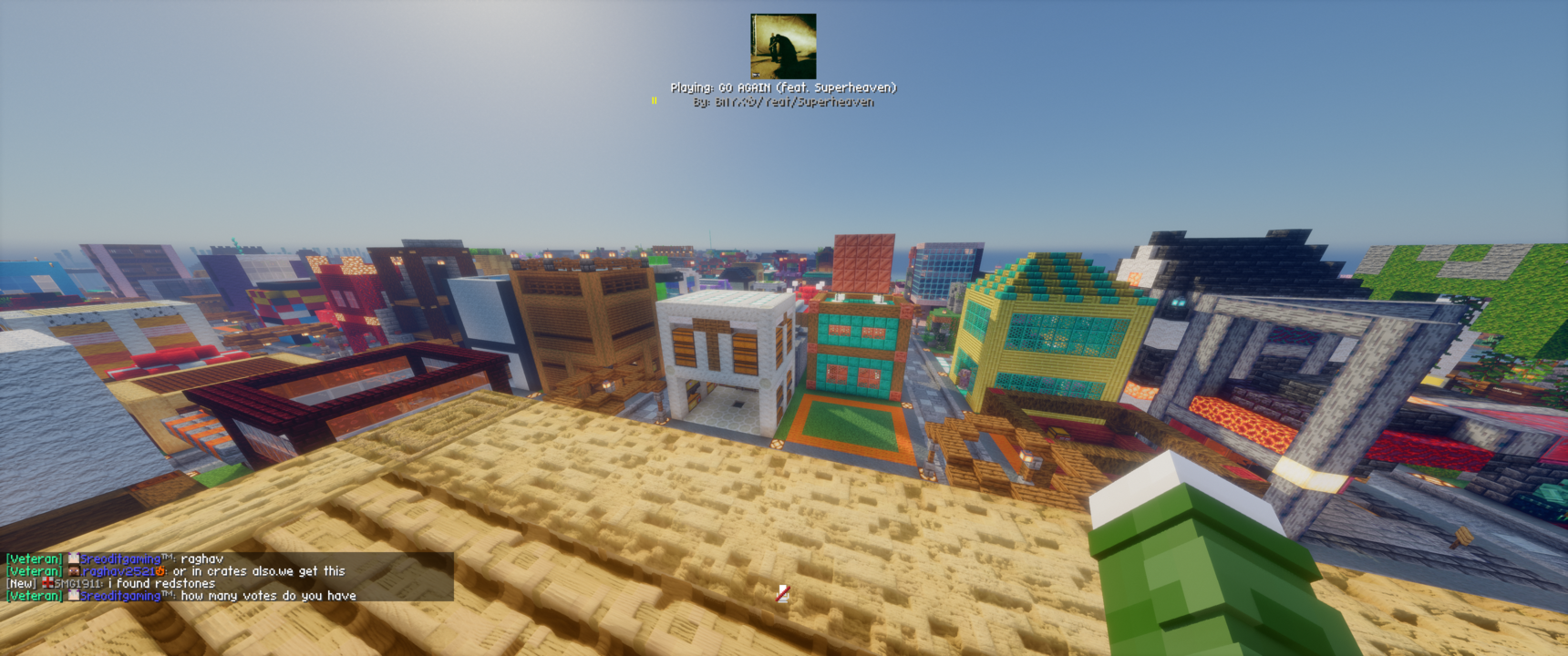
MPDCraft is a simple mod for Fabric that connects to your Music Player Daemon (MPD) instance. It shows you what’s currently playing, displays album art right in your HUD, and adds keybinds for pretty much everything you’d need during a mining session.
Features
- HUD Overlay: Shows track name, artist, and playback status.
- Album Art: Fetches and displays cover art directly from MPD.
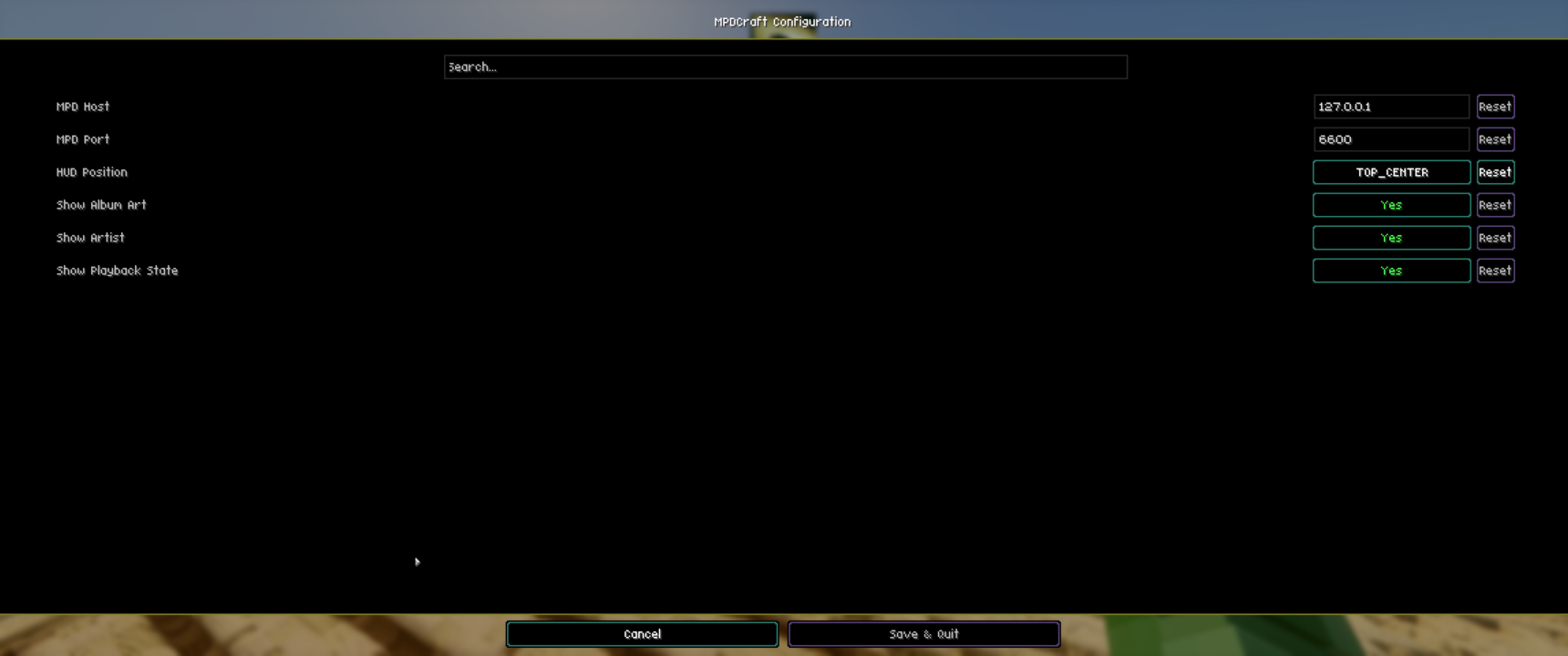
- Configurable Connection: Change your MPD host and port via ModMenu (defaulting to localhost:6600).
- In-game Controls: Standard keybinds for Play/Pause, Skip, and Previous track.
⚙️ How to Configure
Everything is configurable through ModMenu!
- Go to the “Mods” screen in Minecraft.
- Find MPDCraft.
- Click the “Configure” button.
- From here, you can set your MPD Host (e.g.,
127.0.0.1) and Port (e.g.,6600).
⌨️ Keybindings
The mod adds a new category called MPDCraft in the standard Minecraft controls menu.
- Play/Pause:
Numpad 5(default) - Next Track:
Numpad 6(default) - Previous Track:
Numpad 4(default) - Cycle Overlay Position:
Numpad 8(default)
Note: You can rebind these to whatever keys you prefer in Options > Controls > Key Binds.
Why did I make this?
Mostly because I use MPD for everything and wanted a “cleaner” way to skip tracks while playing. It’s still a work in progress, but it works for me!
Feel free to open an issue or a PR if you have ideas on how to make it better.
License: CC0
常见问题
mpdCraft 支持哪些 Minecraft 版本?
mpdCraft 支持 Minecraft Java 版 1.21.11,可用的加载器:Fabric。下载时注意选择和你游戏版本一致的文件。
mpdCraft 怎么安装?
先用 PCL2 或 HMCL 启动器安装对应版本的 Fabric,再把下载的 .jar 文件放进游戏目录的 mods 文件夹,重新启动游戏即可。开启了版本隔离的,mods 文件夹在 versions/版本名 下面。运行环境:仅客户端。
评论
登录后评论和评分