
More Useful Copper
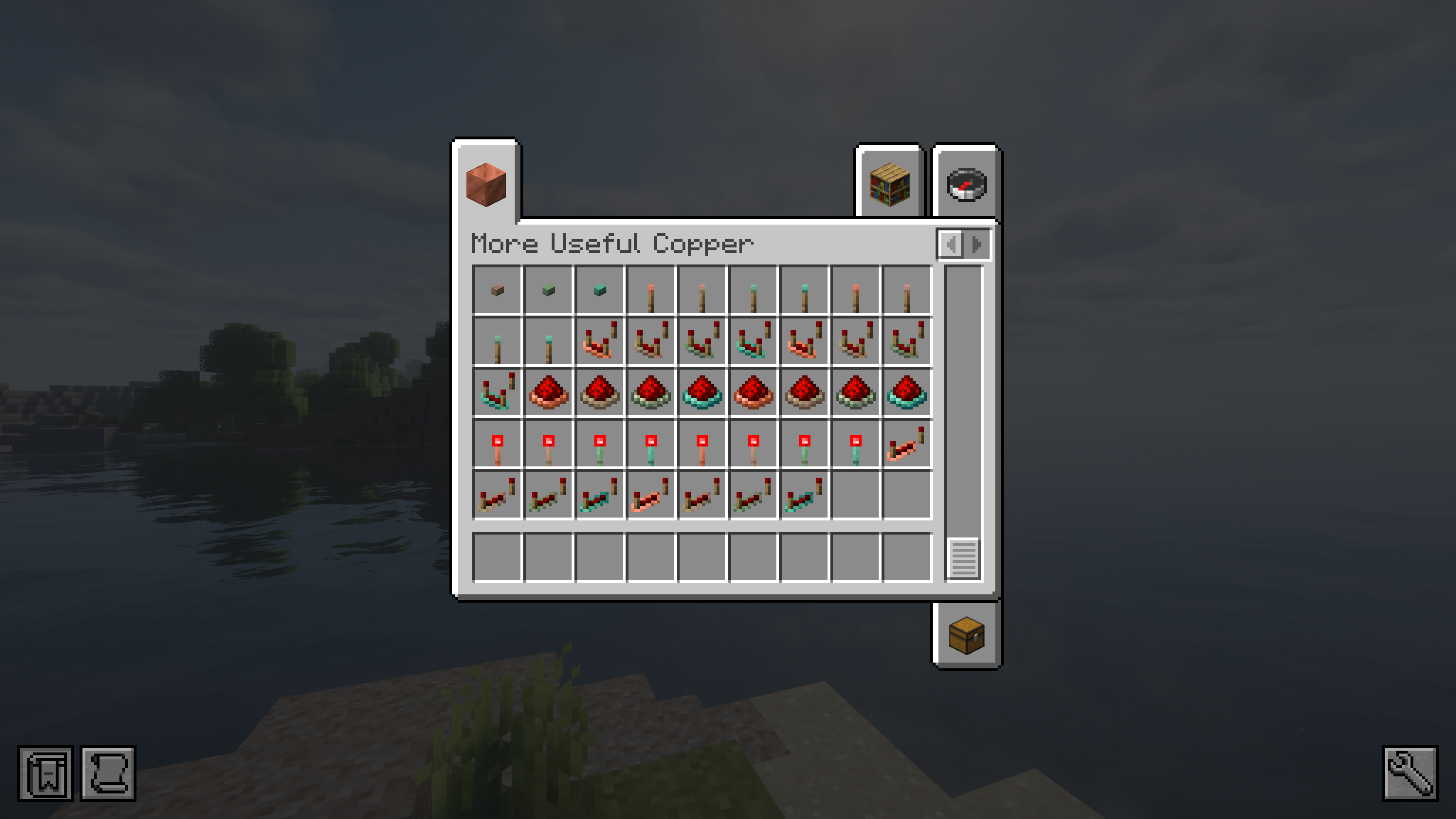
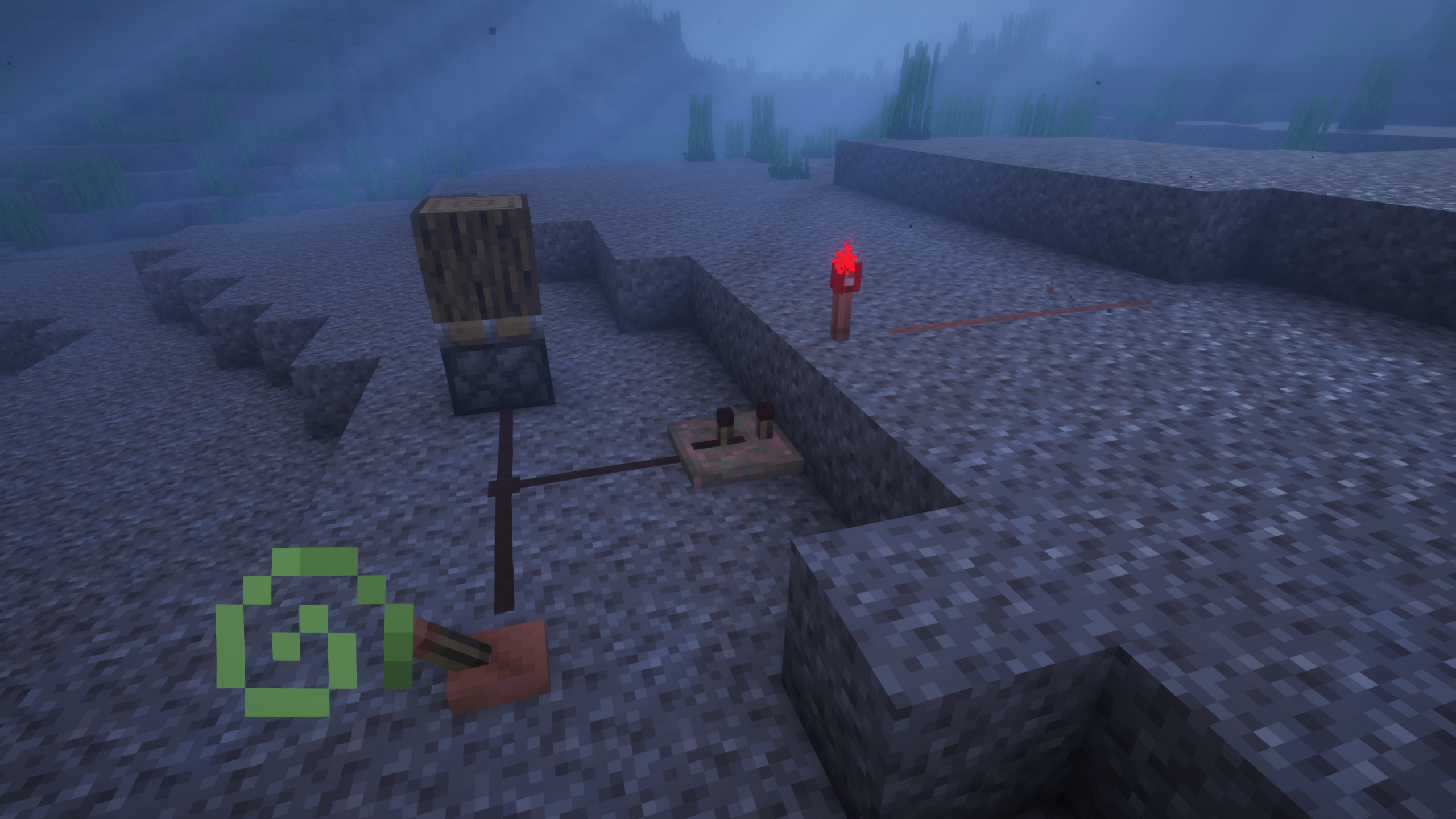
New uses for copper, such as statues, aquatic redstone, and many other tools!
截图





介绍

Update 3.0 NOW AVAILABLE!
When Minecraft added copper, the whole community had the same opinion, what is its real use? Unfortunately, copper has little use, very little use…
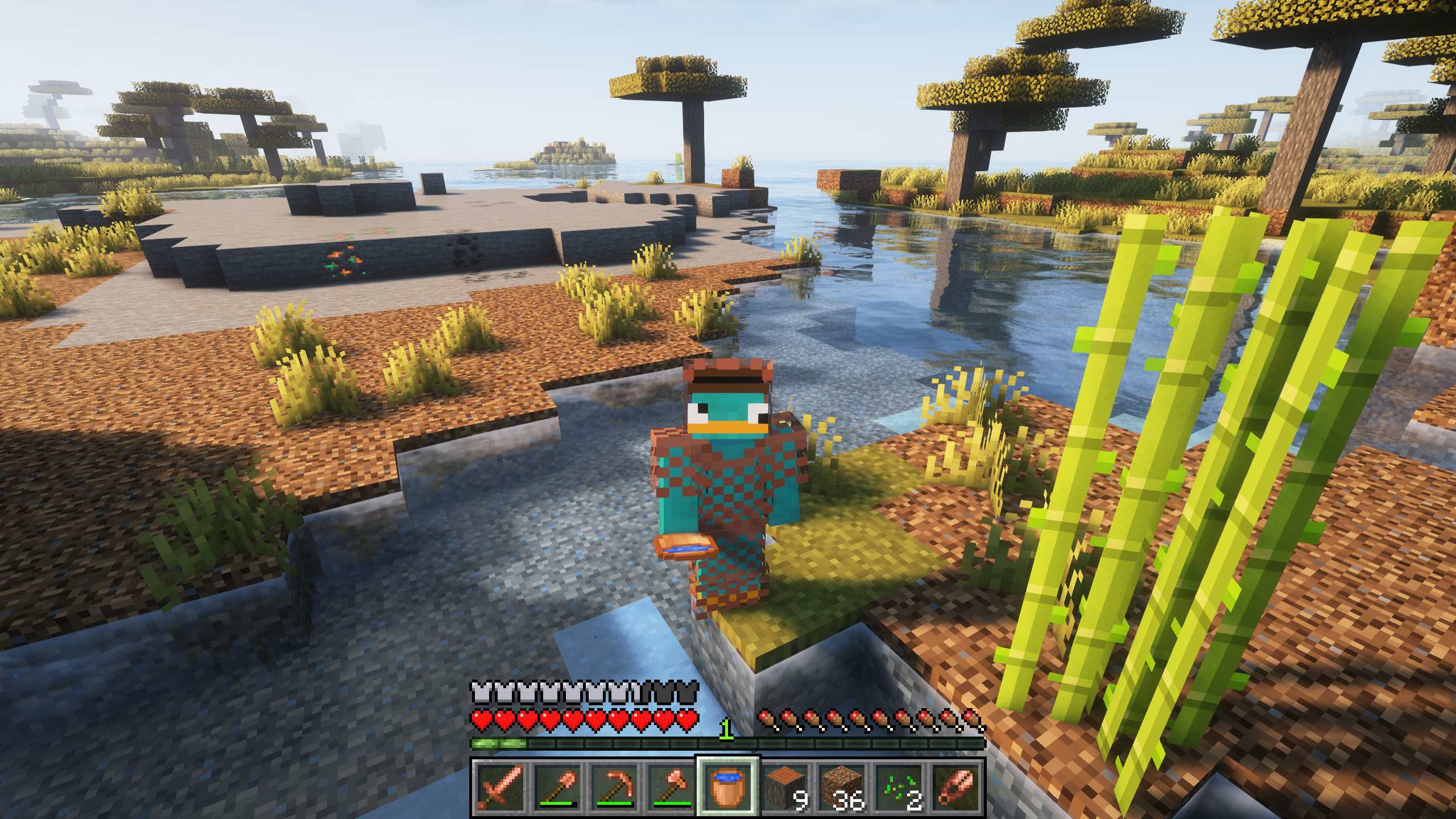
That’s why we have decided to give it much more use, adding copper variants to some of the default items, although with the goal of continuing to expand and add unique items.
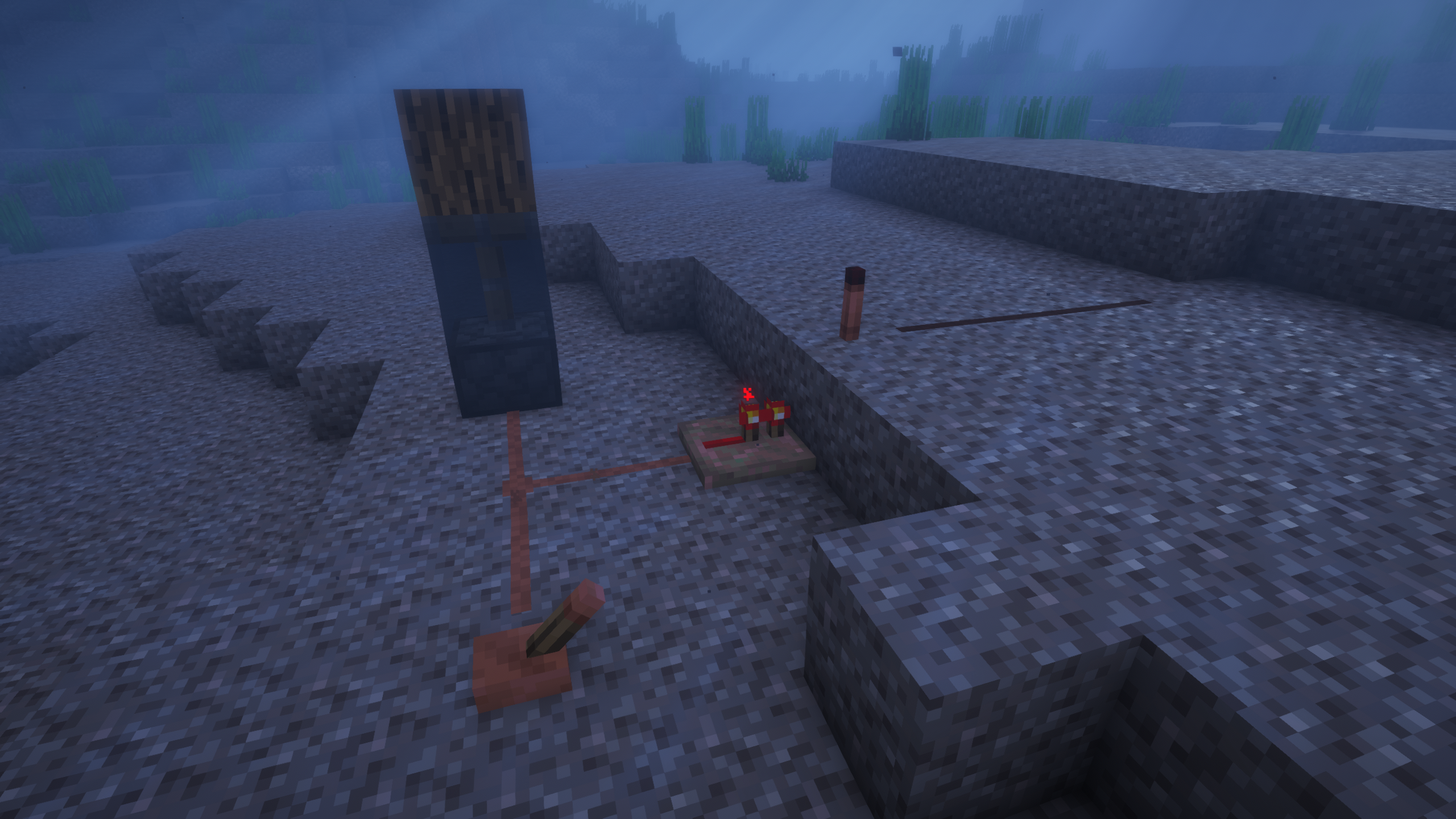
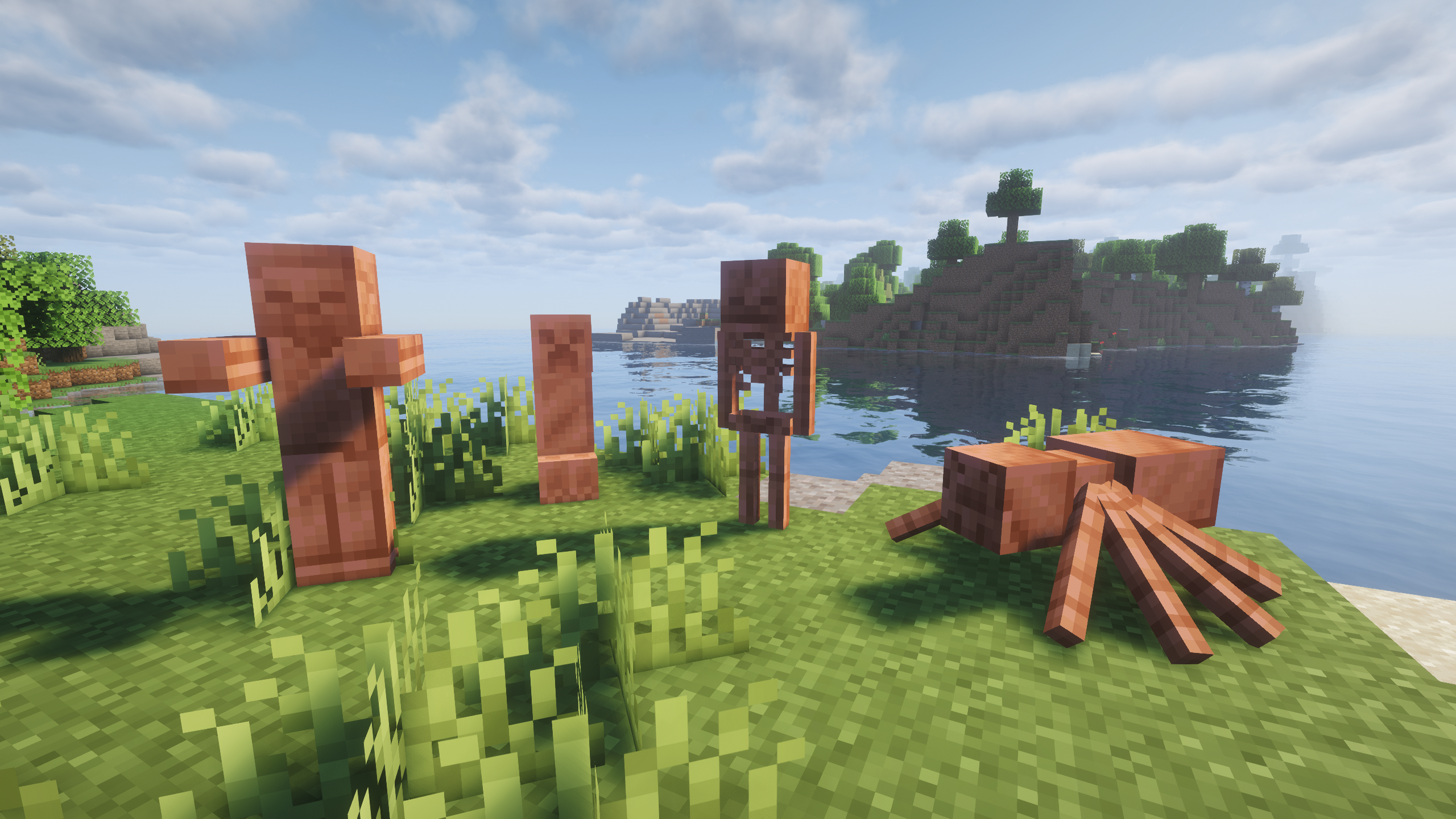
Among the new features added in version 3.0, we want to highlight the ability to use redstone underwater, with the new copper redstone, or the new statues!
Do you need a server to play with your friends?

For exceptional server hosting services, look no further than BisectHosting. Of course, you can install all the mods or modpacks you want, and their support team is always available to help you.
With the code “Lupin” you will get a 25% discount! Click here!

A fantastic addition for copper lovers! Don’t you think copper should have many more uses? We think so too… and that’s why we have created this mod, which will allow players to craft a lot of new useful items for their games.

Does it work on servers?
###
Sure! Remember that the best way to play with mods and friends is with BisectHosting, and by clicking on this link you can get a 25% discount.
Can this mod be used in modpacks?
###
Of course! As long as it is published only on Modrinth or CurseForge. Uploading it to any other platform would be violating our rights and is not allowed at all.
However, we are really grateful if you consider adding it to your Modrinth or CurseForge modpack. If you need any small changes or have any questions, contact us!


.
常见问题
More Useful Copper 支持哪些 Minecraft 版本?
More Useful Copper 支持 Minecraft Java 版 1.20–26.1.2,共 9 个版本,可用的加载器:Fabric / Forge / NeoForge。下载时注意选择和你游戏版本一致的文件。
More Useful Copper 怎么安装?
先用 PCL2 或 HMCL 启动器安装对应版本的 Fabric / Forge / NeoForge,再把下载的 .jar 文件放进游戏目录的 mods 文件夹,重新启动游戏即可。开启了版本隔离的,mods 文件夹在 versions/版本名 下面。运行环境:客户端和服务端都要装。
jason13official 的其他作品
查看全部 →
[Let’s Do] Vinery
阳光洒满的葡萄园,吱呀作响的木桶,凉爽酒窖里落满灰尘的酒瓶。种植葡萄,压榨自酿葡萄酒,打造你梦想中的酒庄。

MonoLib
一个适用于 Fabric、Forge 和 NeoForge 的非侵入式前置库模组。

Dis-Enchanting Table
从附魔武器或附魔书中回收附魔!

Golden Foods!
In the style of Golden Apples and Enchanted Golden Apples, this mod incorporates different gold-dipped vanilla foods, as well as enchanted gold versions.
评论
登录后评论和评分