
截图
介绍
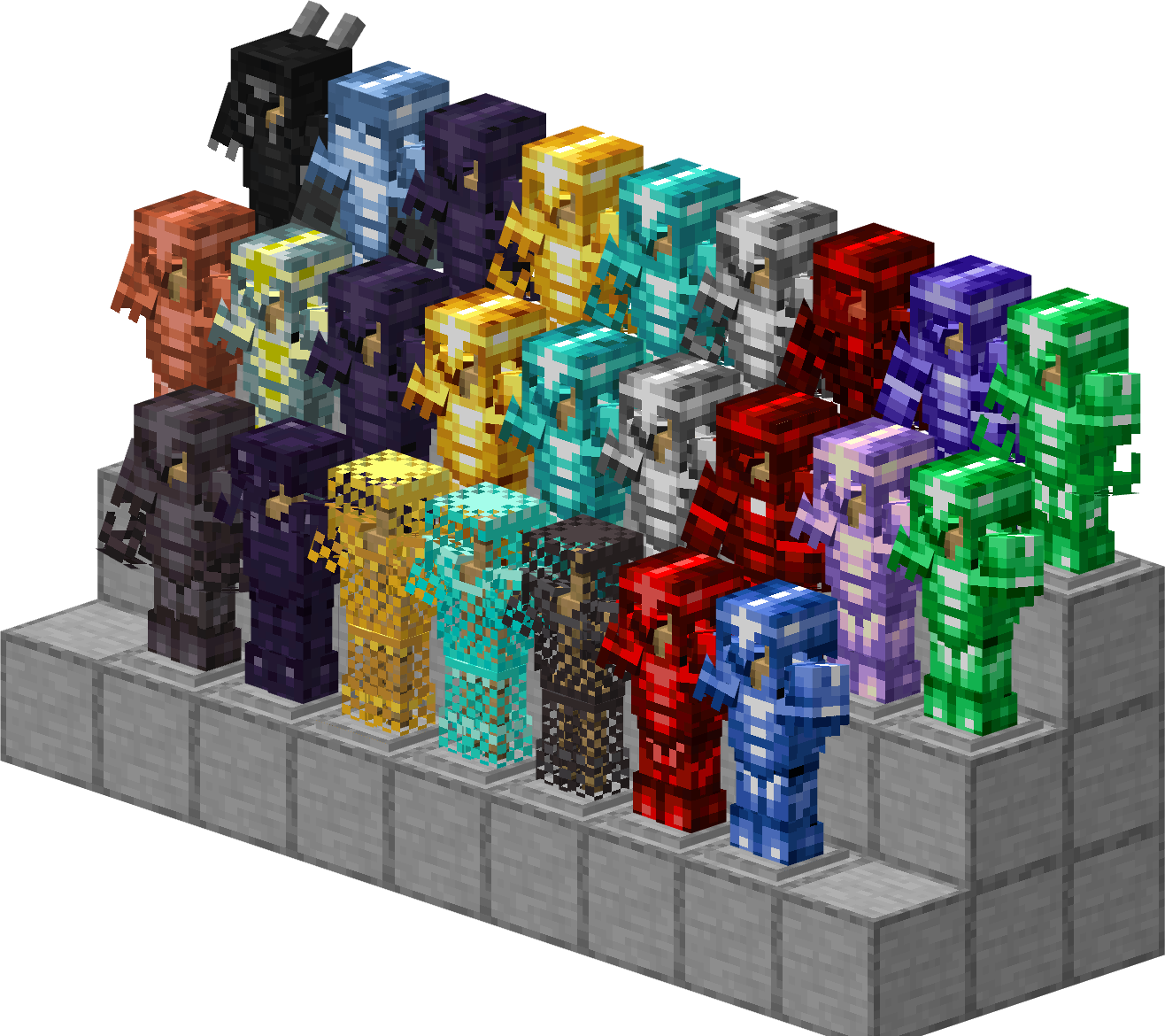
Are you tired of the limited selection of armor in vanilla Minecraft? Iron, Gold, Diamond, Netherite — this upgrade path has been walked by countless players. More Upgrade Template (MUT) completely rewrites the game’s equipment system, bringing you a truly layered, content-rich, large-scale armor upgrade tree.
Core Features:
-
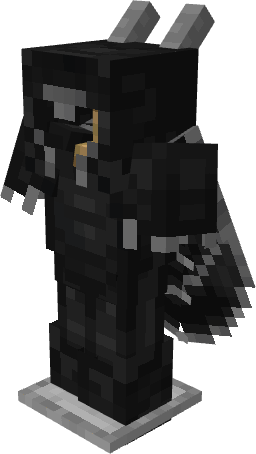
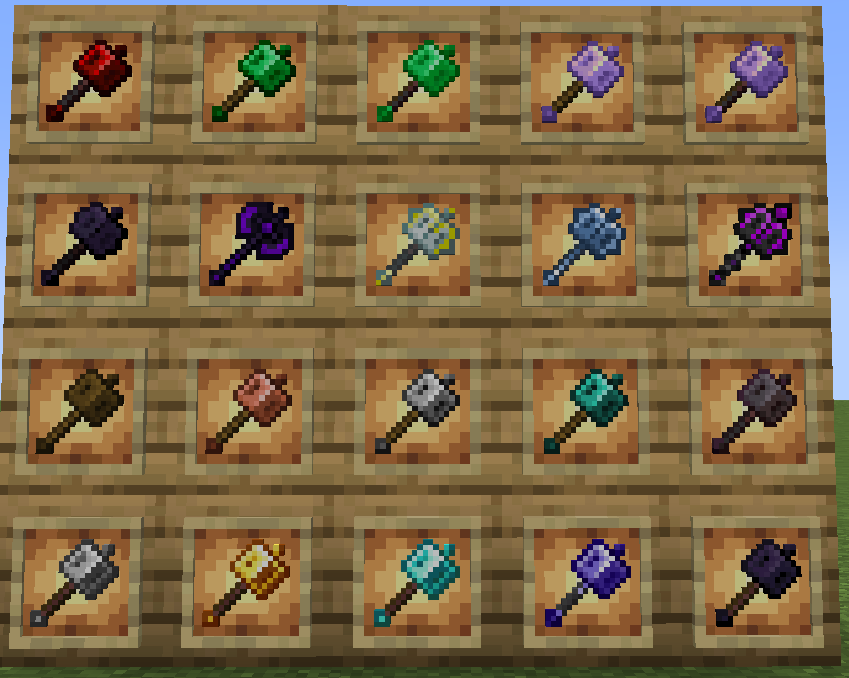
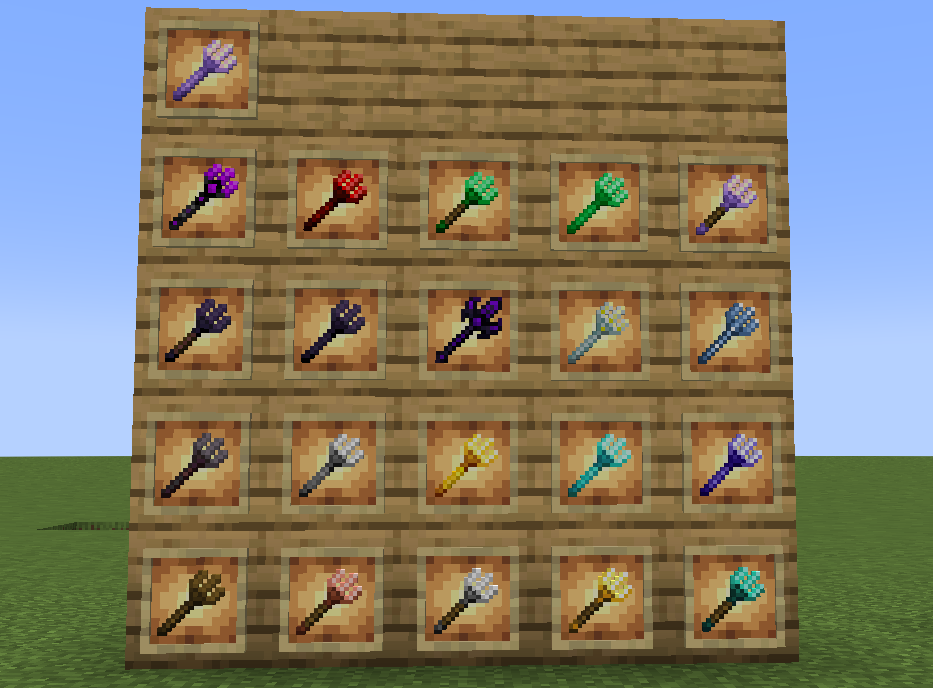
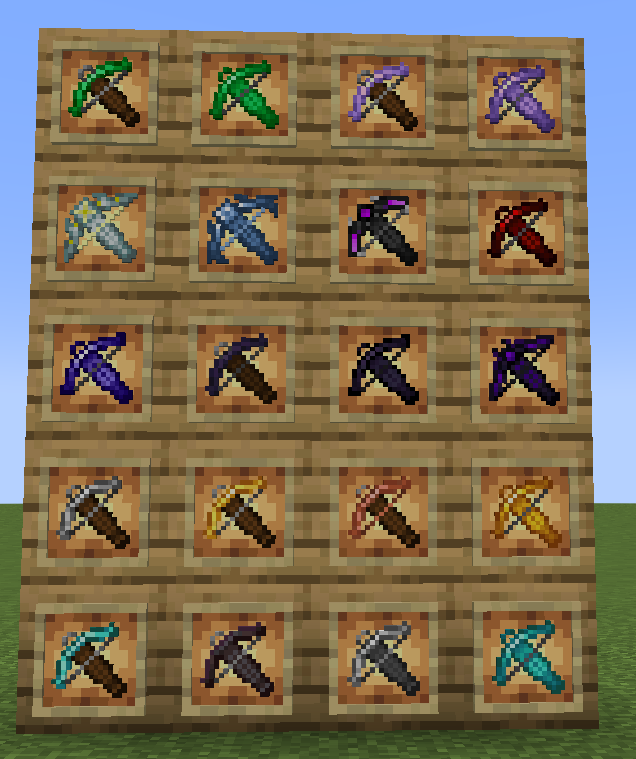
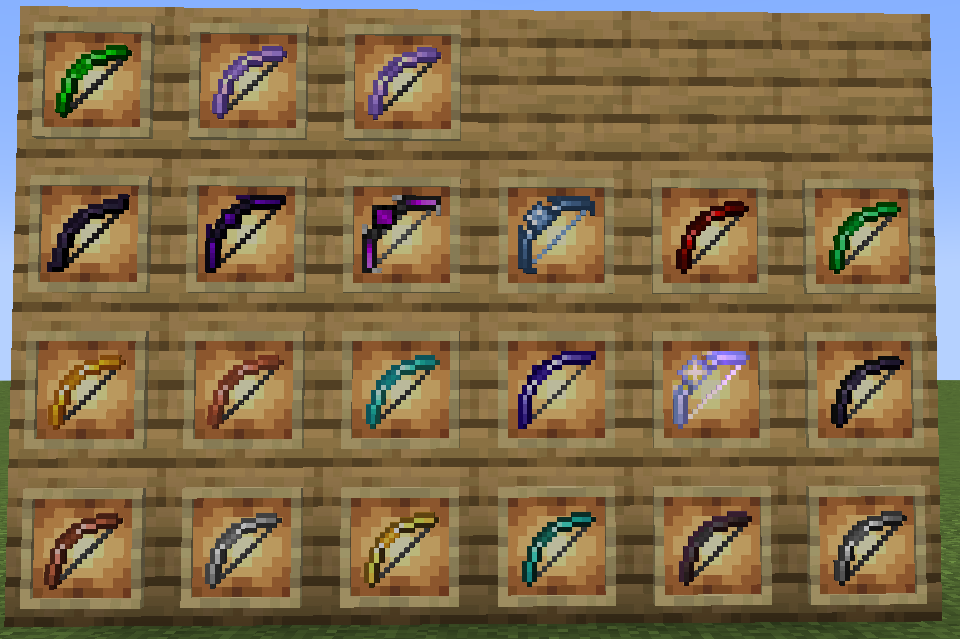
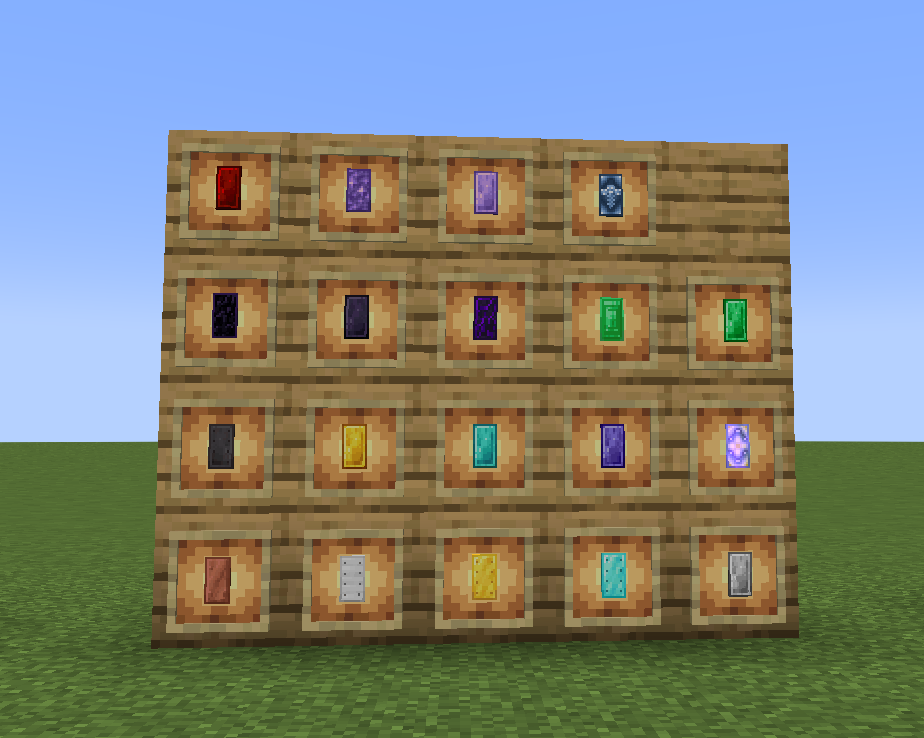
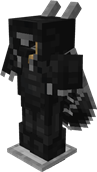
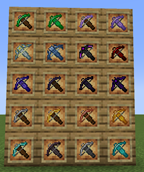
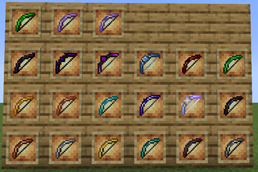
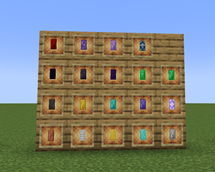
Vast Material System: From Copper, Steel, Advanced Steel, to Obsidian, Blue Diamond, Gilding, Crying Obsidian, and the ultimate Dragon Scale Armor — over 15 brand-new armor materials await your discovery.
-
Progressive Upgrade Path: Each new material requires upgrading through the Smithing Table using specific upgrade templates and corresponding materials, step by step. Iron → Steel → Advanced Steel, Diamond → Obsidian → Netherite Obsidian → Crying Obsidian… every step brings a sense of achievement.
-
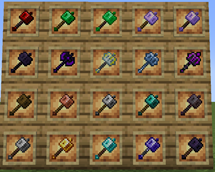
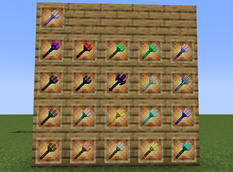
Rich Equipment Variety: In addition to standard swords, pickaxes, axes, hoes, and shovels, new shields, bows, and chainmail armor variants are also included. Every material has a complete set of tools and weapons.
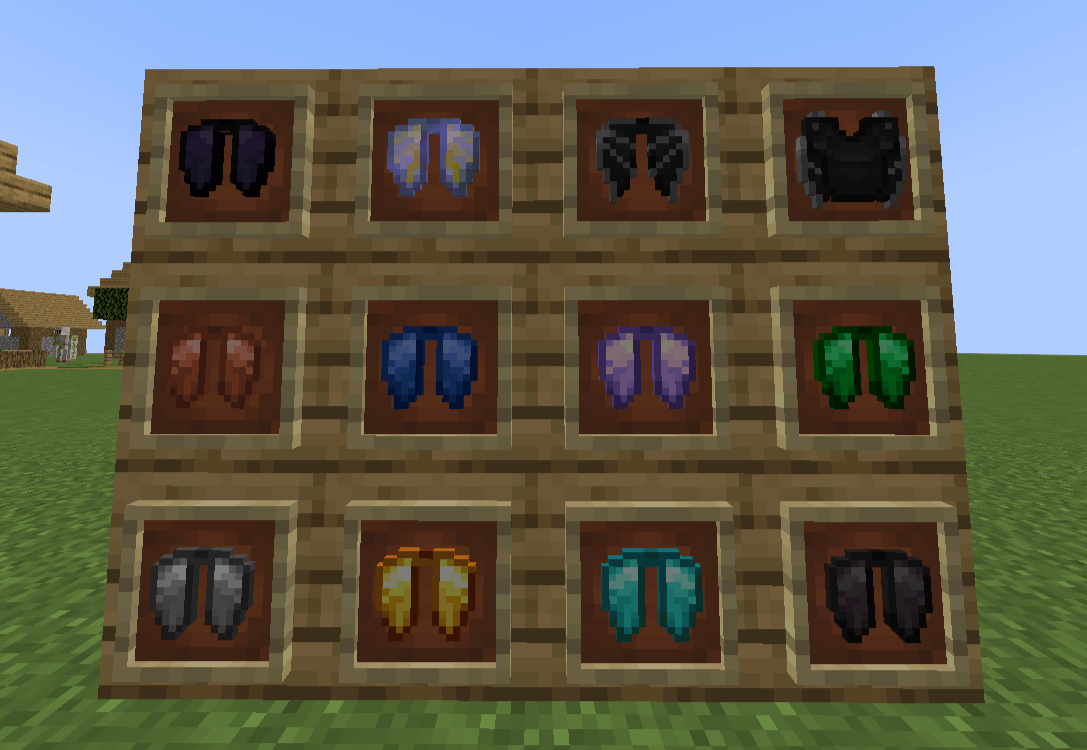
Brand-New Elytra System: Adds standalone elytra items for four base materials (Iron, Gold, Diamond, Netherite) — no more relying on just the vanilla elytra.
-
Exploration & Mining Joy: New ores and minerals are scattered throughout the Overworld and Nether, waiting to be unearthed.
MUT is not just a simple addition of a few new gear pieces — it is a complete, replayable RPG-style equipment progression system. Paired with its add-on mod MUT: ATS, you can even fuse chestplates with elytra and unlock a brand-new aerial combat experience!
tips: version 1.20.1 is only for Chinese language ,version 1.21.1 is for both English and Chinese.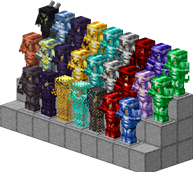
常见问题
MoreUpgradeTemplate|更多锻造模板 支持哪些 Minecraft 版本?
MoreUpgradeTemplate|更多锻造模板 支持 Minecraft Java 版 1.20.1–1.21.1,共 2 个版本,可用的加载器:Forge / NeoForge。下载时注意选择和你游戏版本一致的文件。
MoreUpgradeTemplate|更多锻造模板 怎么安装?
先用 PCL2 或 HMCL 启动器安装对应版本的 Forge / NeoForge,再把下载的 .jar 文件放进游戏目录的 mods 文件夹,重新启动游戏即可。开启了版本隔离的,mods 文件夹在 versions/版本名 下面。

评论
登录后评论和评分