
More Tools and Other Adds (temporary name)
(Work in progress) Add a lot of cool stuff, new Ores, usefull items and a new dimension !
截图
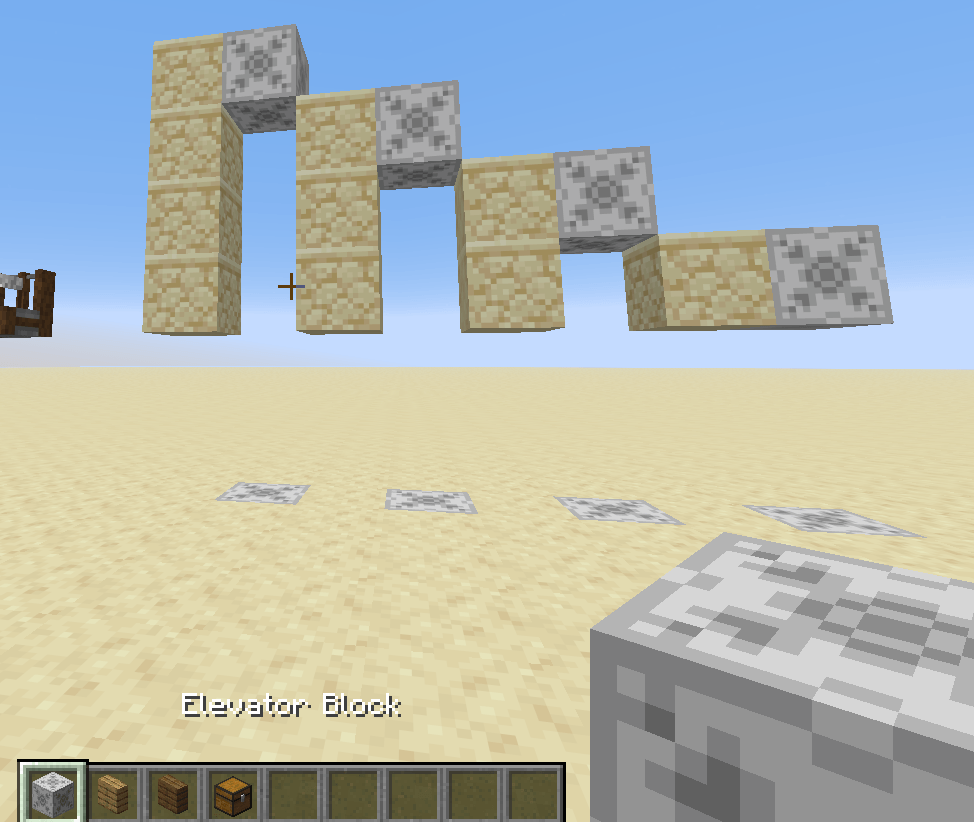
介绍
This mod for is for miners and lover of utilities adds for the game and is the spiritual following of Miner’s and vegetale update !
This mod comport:
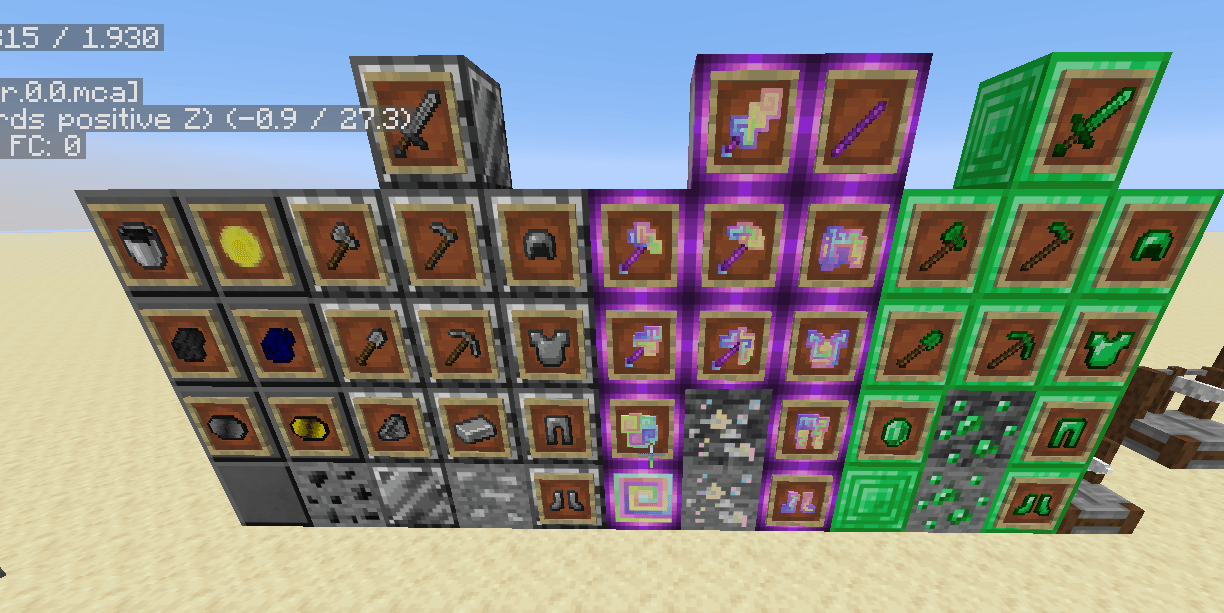
– New ores : Bismuth, Titanium, and Plastic (is not a ore but you know ek) (the amethyste ore was aded in the first version of that mod in 2019 but minecraft add it in the game so sniff)
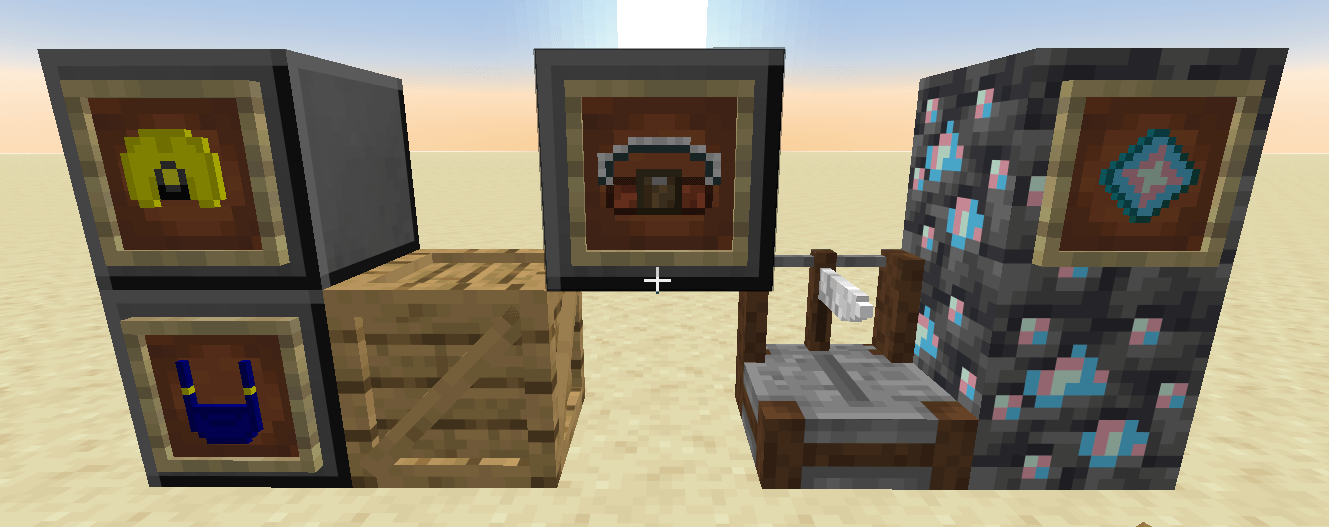
– New stuffs : Amethyste stick, Bismuth stuff, Titanium stuff, and Miner armor, Inventory Belt (partially usable), Ancient Shard.
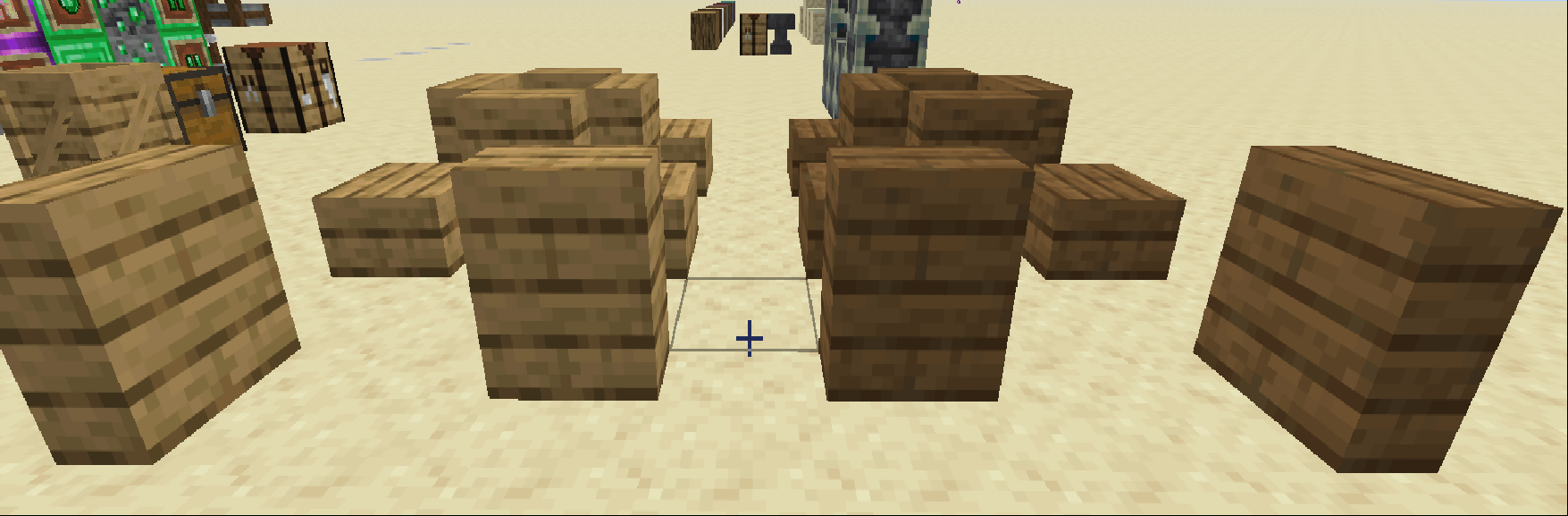
– New Blocks : Bismuth block (beacon base), Titanium block (beacon base), ( the black cobblestone and black stone where in the first version of this mod but miencraft add the deepslate and cobble deepslate so sniff too! fun fact i worked on a cherry tree and 2 weeks later the cherry update was released ;w;), Wood Crate, Wood cutter (non usable for now), Vertical Slabs (only oak planks and spruce planks for the moment work in progress too).
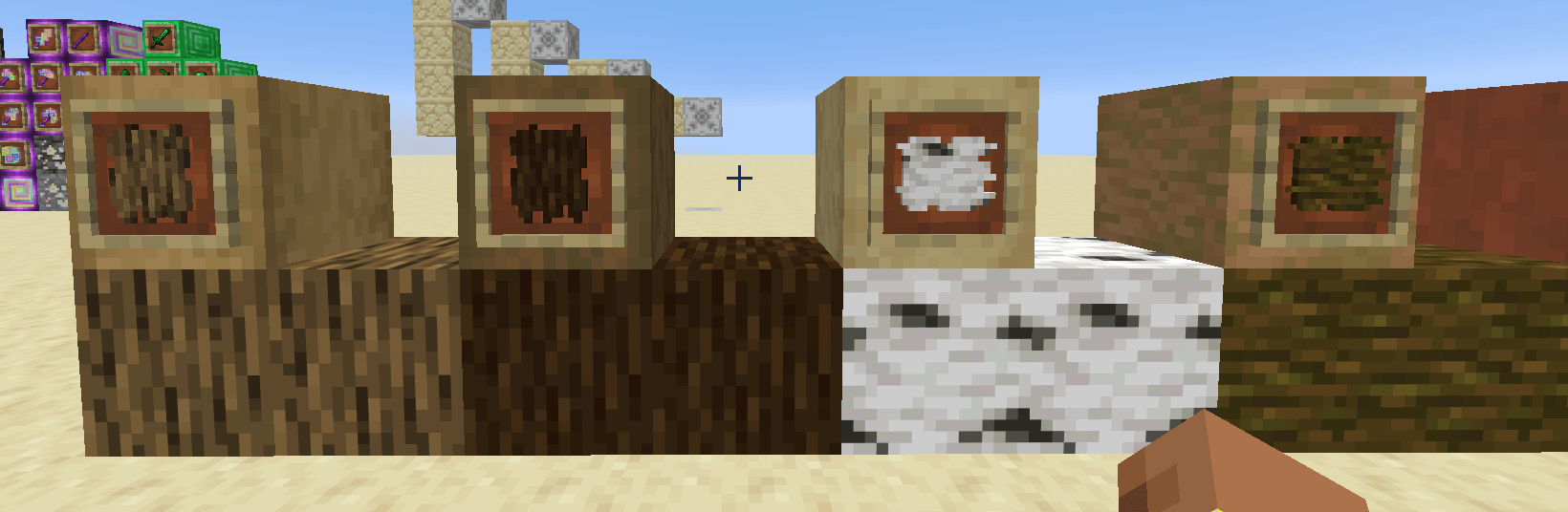
– New items : Wood barks of all wood type that you can use as a fuel, Gold lantern (iron have nuggets and a lantern i was thinking maybe gold can have one i wanted to create one with copper but i feel like Mojang reed my mind and steel all my ideas lmao).
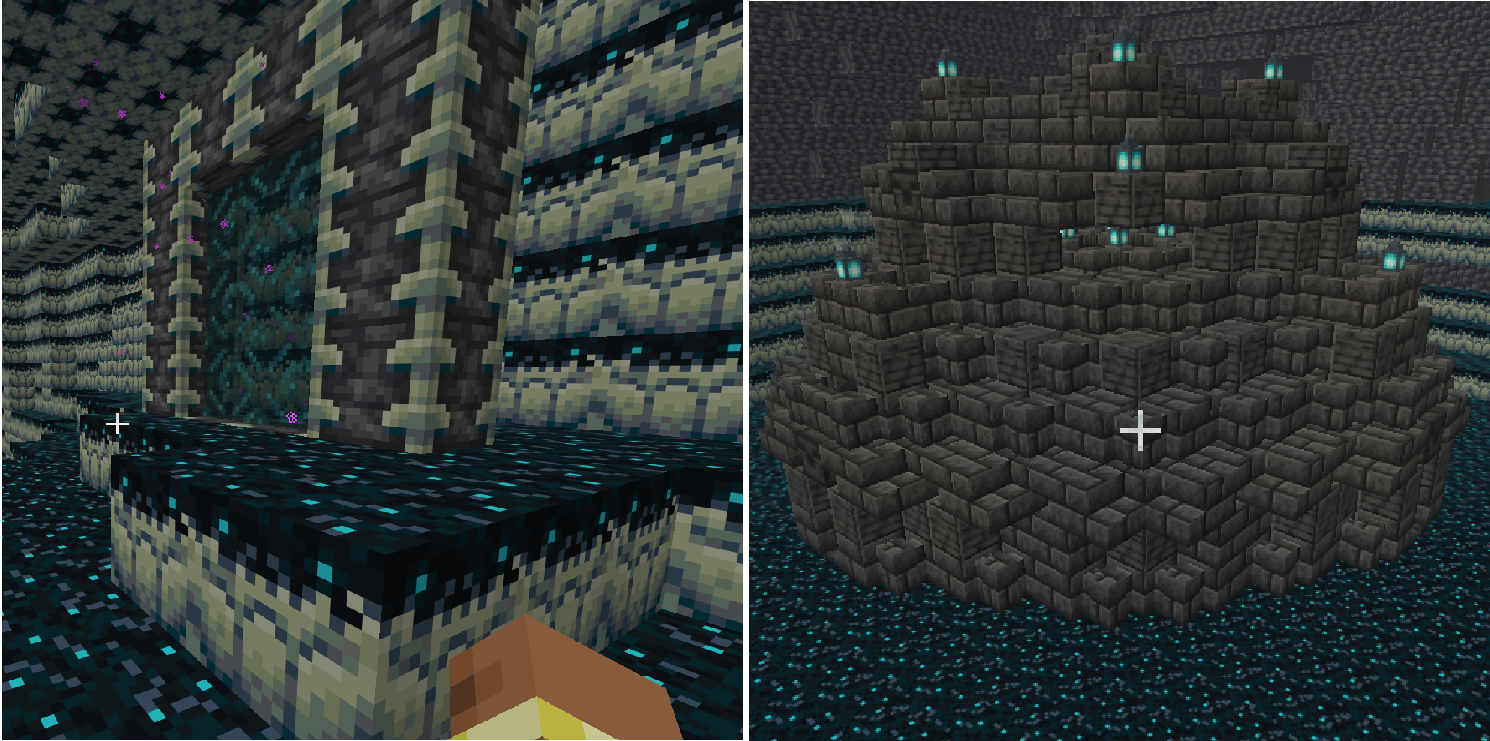
– A new dimension : The warden dimension is aded ! the work is mostly in progress i strongly recommend you to not use this dimension a lot, she doesn’t have any ore, juste 2 types of block and 1 strucure who can spawn but nothing very usefull for now except a chest where you can have a very cool item ;3.
I have wait ’til mcreator allows to be on a stable neoforge version to release the “first version” online hope you’ll enjoy it ^w^ !
ZaidenFR, your modding girl !
常见问题
More Tools and Other Adds (temporary name) 支持哪些 Minecraft 版本?
More Tools and Other Adds (temporary name) 支持 Minecraft Java 版 26.1.2,可用的加载器:NeoForge。下载时注意选择和你游戏版本一致的文件。
More Tools and Other Adds (temporary name) 怎么安装?
先用 PCL2 或 HMCL 启动器安装对应版本的 NeoForge,再把下载的 .jar 文件放进游戏目录的 mods 文件夹,重新启动游戏即可。开启了版本隔离的,mods 文件夹在 versions/版本名 下面。
评论
登录后评论和评分