
More Than Forensics
Turn a survival world into a crime scene. Find fingerprints, collect biological and trace evidence, compare samples, and follow fading tracks with rank-based Detective Mode.
截图
介绍
About
This is my first mod, and this project is still in beta, so many things are still experimental. I would really appreciate your feedback in the comments.
Getting started
1. Install the requirements and place the mod JAR in the instance `mods` folder.
2. Enter a world and level up your detective level by investigating and tracking.
3. Press V to toggle Detective Mode. Change the key in Controls if desired.
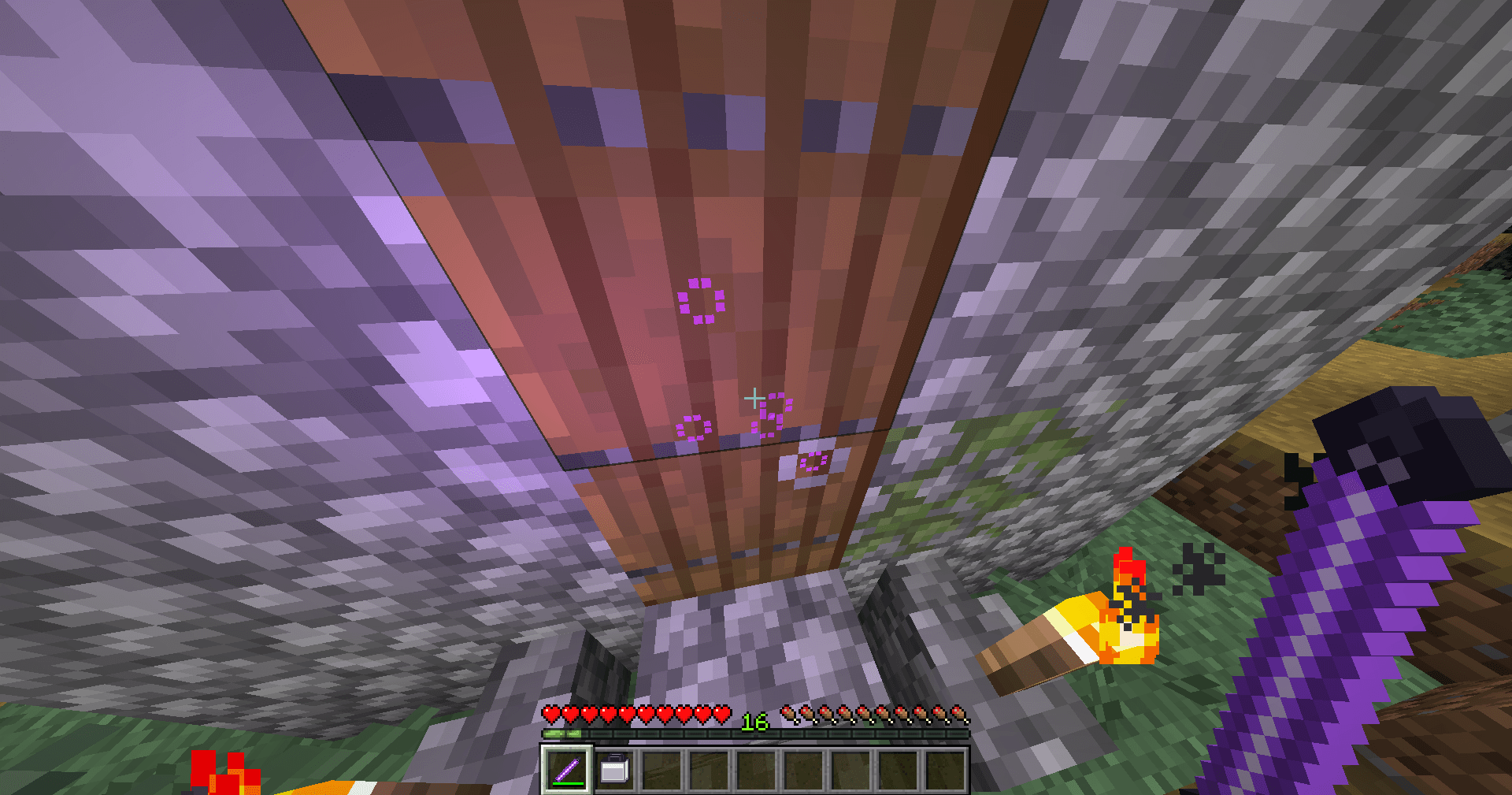
4. Hold the UV Stick to reveal nearby fingerprint and blood details.
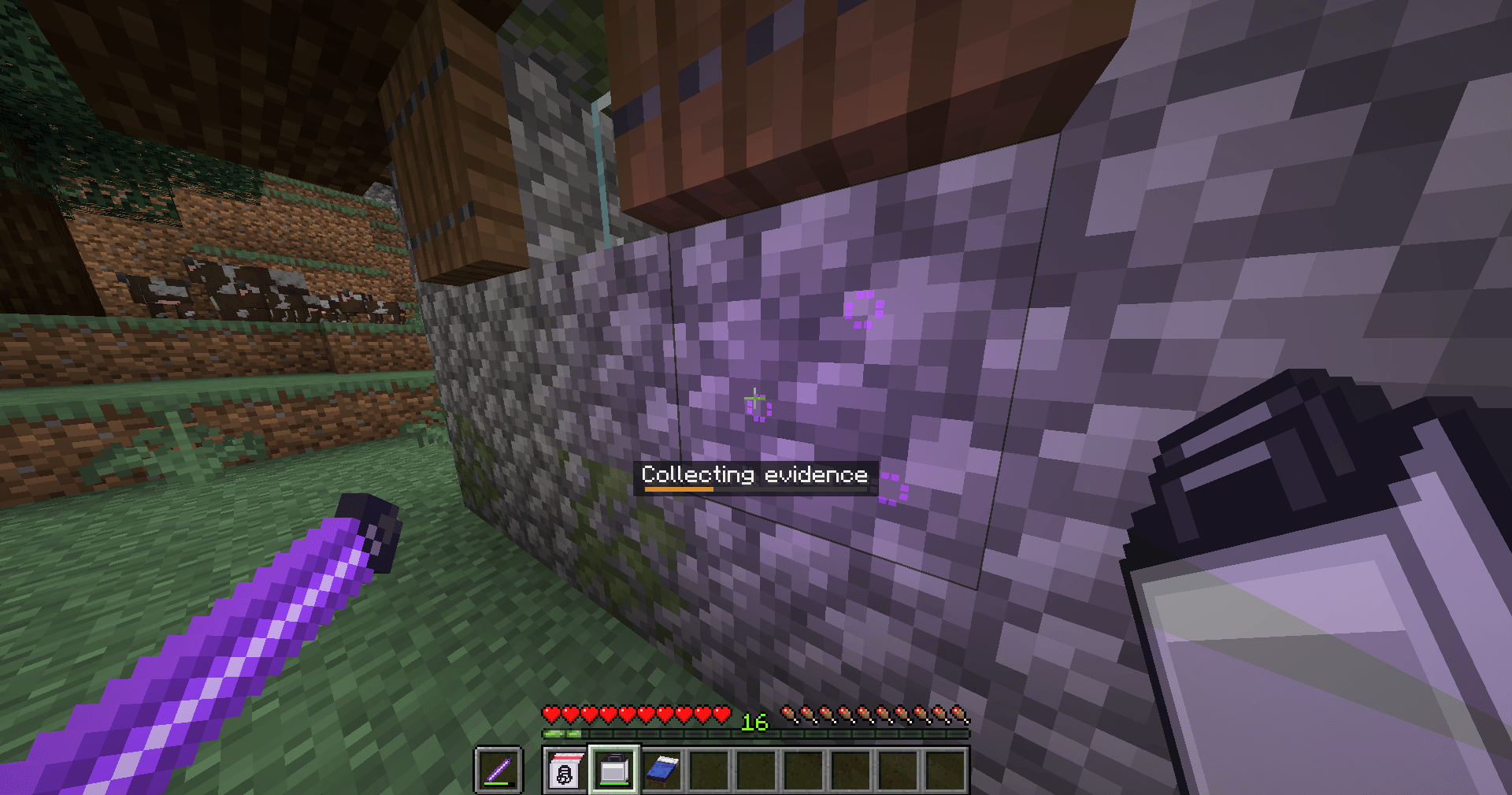
5. Use the Forensics Kit on a targeted mark or fingerprint; keep using it for about three seconds to finish collection.
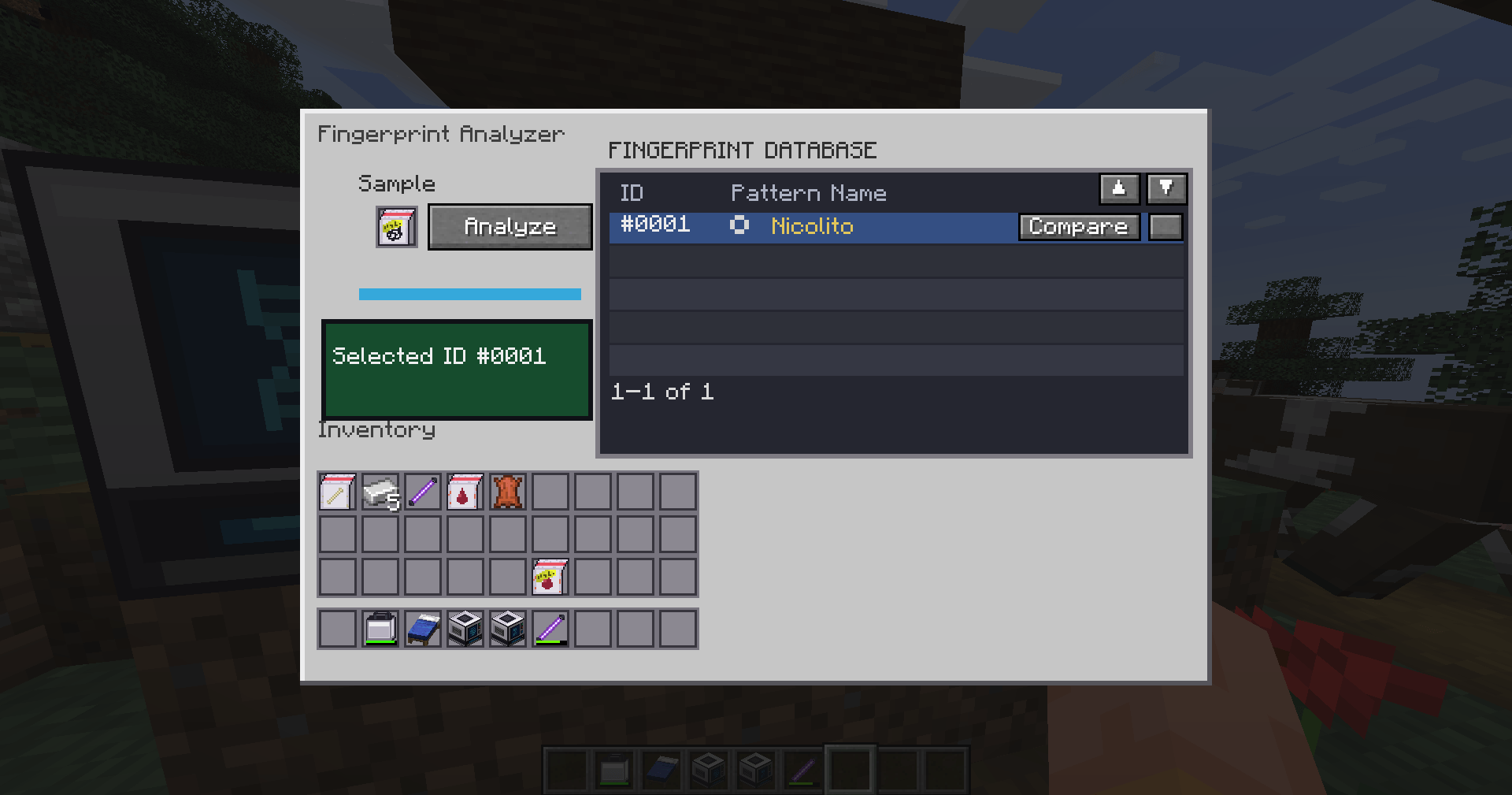
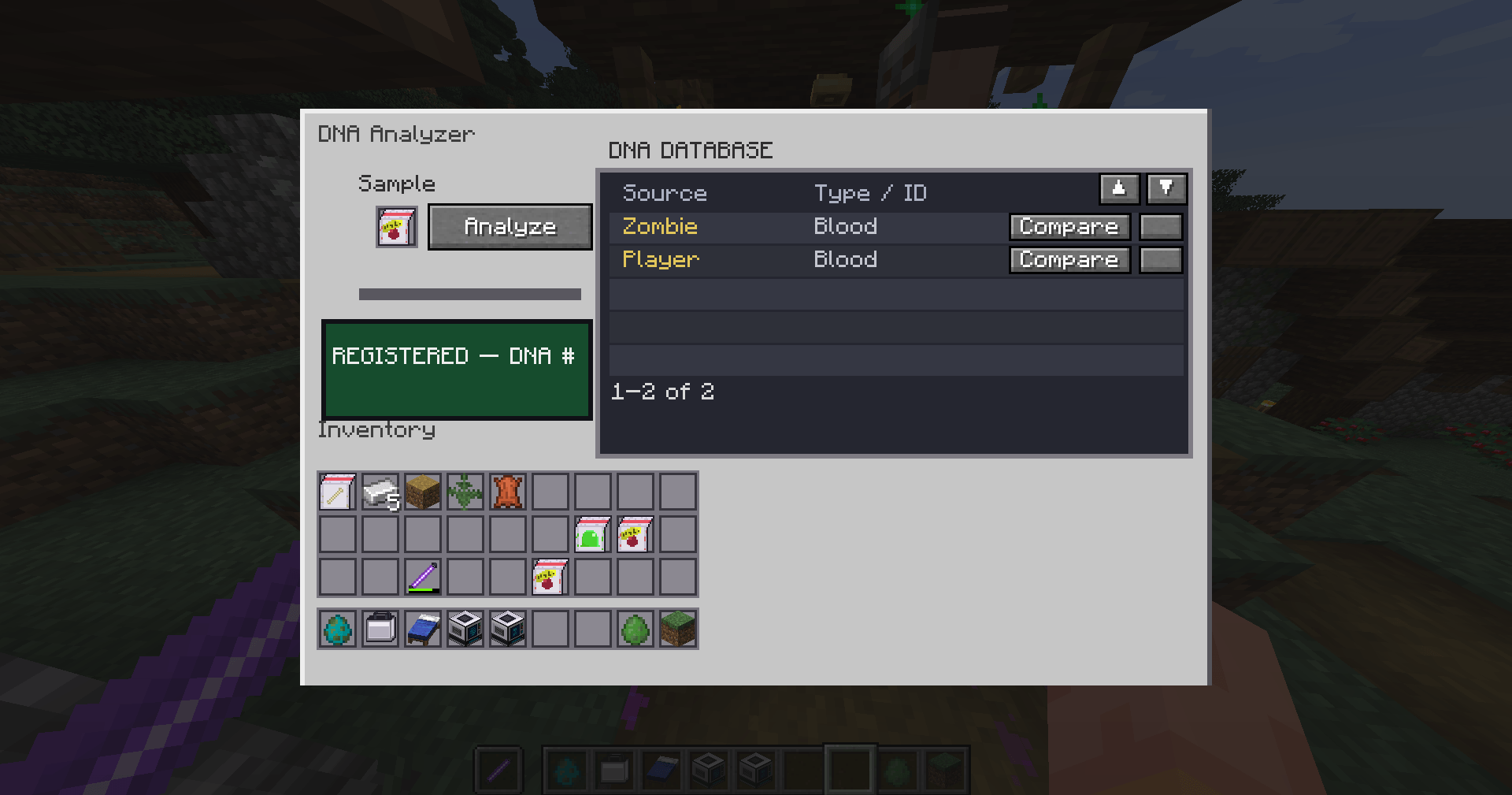
6. Place evidence into the matching analyzer, choose Analyze, and use its database to register or compare identities.
Evidences
- Persistent, distinct player fingerprint profiles.
- Multiple prints can accumulate on block surfaces and items.
- Aim and hold the Forensics Kit to collect an individual fingerprint or scene sample.
- UV Stick reveals violet forensic marks nearby.
- Register, rename, compare, and delete entries in per-machine fingerprint and DNA databases.
- DNA samples identify blood, goo, rust, bone, or gunpowder sources where supported.
- World evidence and progression persist across save/restart.
Tracking
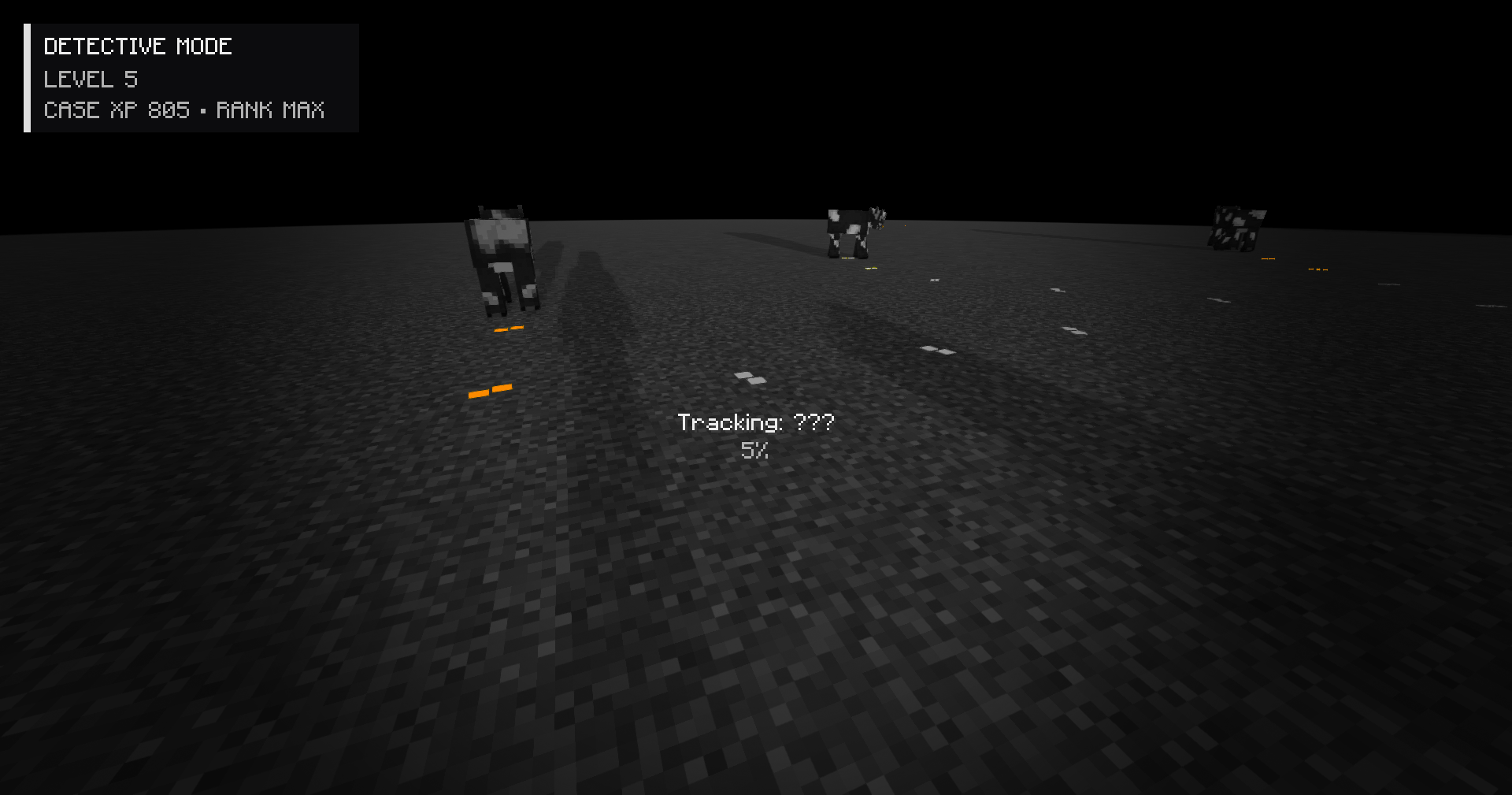
- Turn On detective mode to investigate for footsteps.
- On higher levels, detective mode can identify evidences without UV.
- Paired, directional footsteps decay over time and respond to ground and rain.
- Investigation XP for looking at known and unknown trails and discovering track types.
- Five server-controlled Detective Mode ranks with increasing detection range.
常见问题
More Than Forensics 支持哪些 Minecraft 版本?
More Than Forensics 支持 Minecraft Java 版 1.21.1,可用的加载器:NeoForge。下载时注意选择和你游戏版本一致的文件。
More Than Forensics 怎么安装?
先用 PCL2 或 HMCL 启动器安装对应版本的 NeoForge,再把下载的 .jar 文件放进游戏目录的 mods 文件夹,重新启动游戏即可。开启了版本隔离的,mods 文件夹在 versions/版本名 下面。
评论
登录后评论和评分