
More Capes
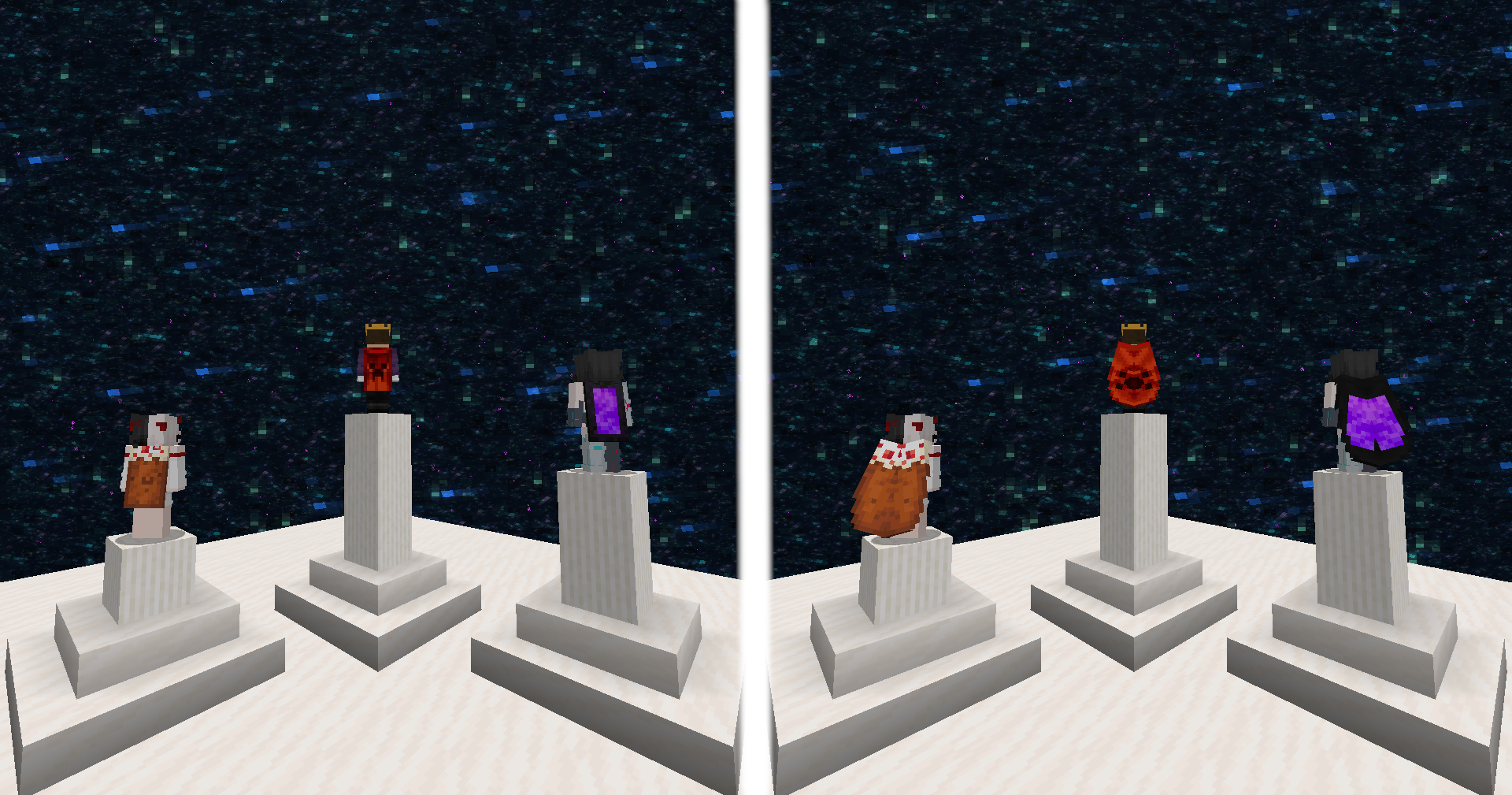
Client-side custom capes, directly manageable in-game, and visible to anyone using this mod!
截图
介绍
More Capes
With this mod, you can use any cape you want and everyone who has this mod installed will also see it.

Change your cape
There are two ways to change your cape. Both are done by running a command directly in-game.
After changing your cape:
- if you are playing singleplayer, you must restart your game
- if you are playing multiplayer, simply reconnect to the server and the cape will be updated for all players
1. From URL
This is the easiest way to change your cape. Simply use the /cape set url [url] command in-game.
Please note that the URL must point to a texture hosted on Mojang’s official servers.

You can find a list of some URLs here.
2. From file
Open your config directory. Inside, you should see a directory named more-capes (otherwise, create it).
You can now put .png files to be used as capes in this directory.
With the command /cape set file [path] you can now upload any PNG file to be used as your cape.
If you don’t see any capes while typing the command, you should use the /cape reload command.

Once your cape is applied, its URL is provided. Feel free to join my Discord and share your capes in the #more-capes-gallery channel!
3. Reset your cape
You can remove your cape by running the /cape reset command.
How does it work?
All capes are uploaded to Mojang servers. This allows us to have a URL in this format http://textures.minecraft.net/texture/[hash] where [hash] represents a 64-character-long hexadecimal string.
This 64-character-long string can be stored as 8 pixels using the _#AARRGGBB_ format.
These pixels are stored in the top-left corner of the player skin.

As you can see on this image, an additional pixel is placed exactly on (0,0). It allows the mod to know which players have a cape embedded in their skin.
常见问题
More Capes 支持哪些 Minecraft 版本?
More Capes 支持 Minecraft Java 版 1.21.8–26.3,共 7 个版本,可用的加载器:Fabric。下载时注意选择和你游戏版本一致的文件。
More Capes 怎么安装?
先用 PCL2 或 HMCL 启动器安装对应版本的 Fabric,再把下载的 .jar 文件放进游戏目录的 mods 文件夹,重新启动游戏即可。开启了版本隔离的,mods 文件夹在 versions/版本名 下面。运行环境:仅客户端。
KGriffon 的其他作品
查看全部 →
Shulker Preview
无需放置潜影盒即可查看其中的物品。

Lambda
Add various commands to your server
Lambda
Add various commands to your server

Better Elytra Render
This mod aims to improve the look of elytra
评论
登录后评论和评分