
Money Talks
An economy mod that adds coins, wallets, shops, and much more! With enough coins, you can get some pretty good stuff.
截图
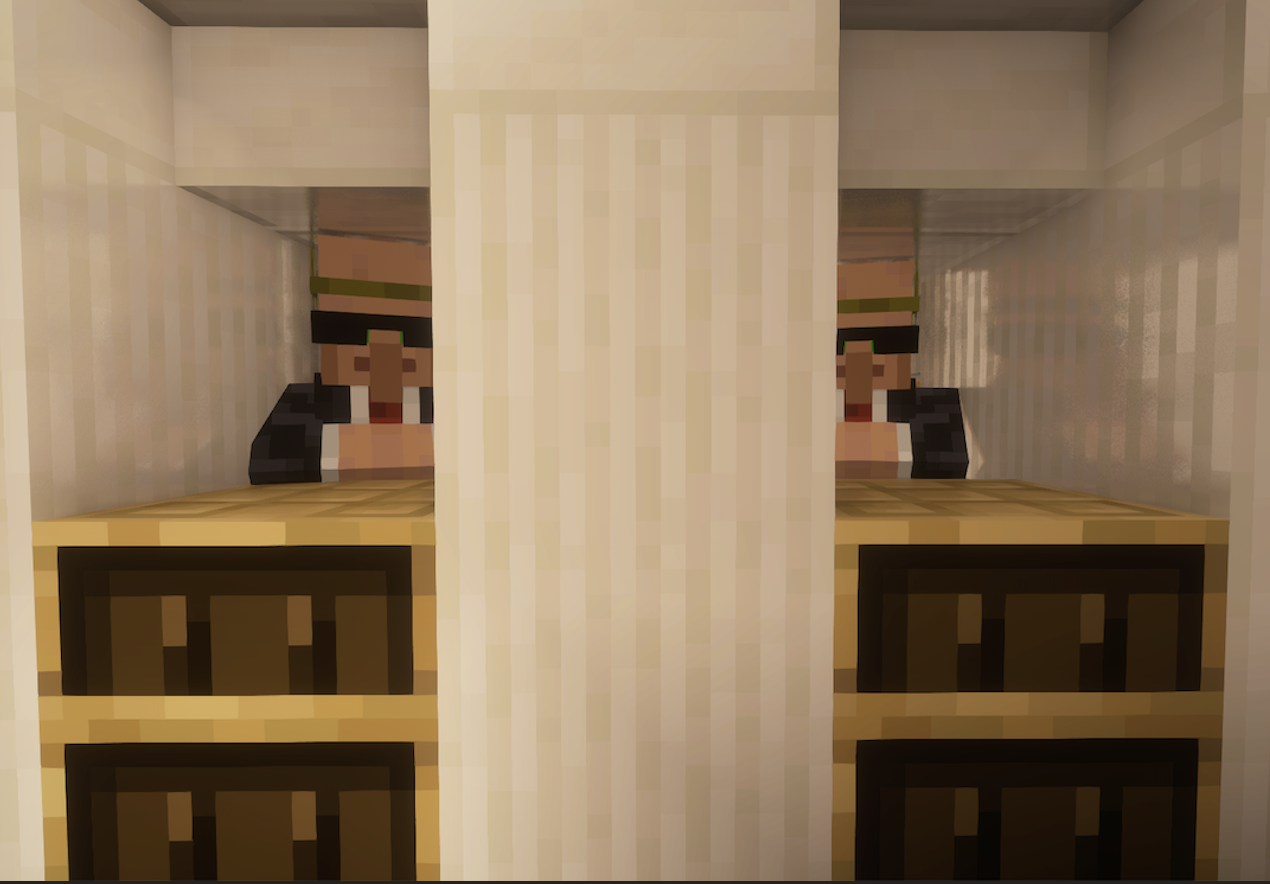

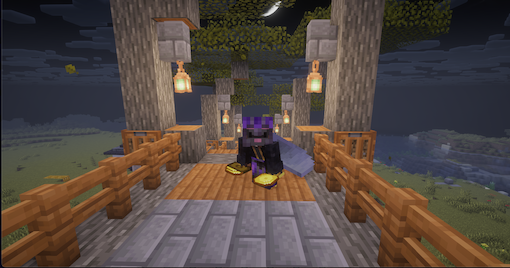
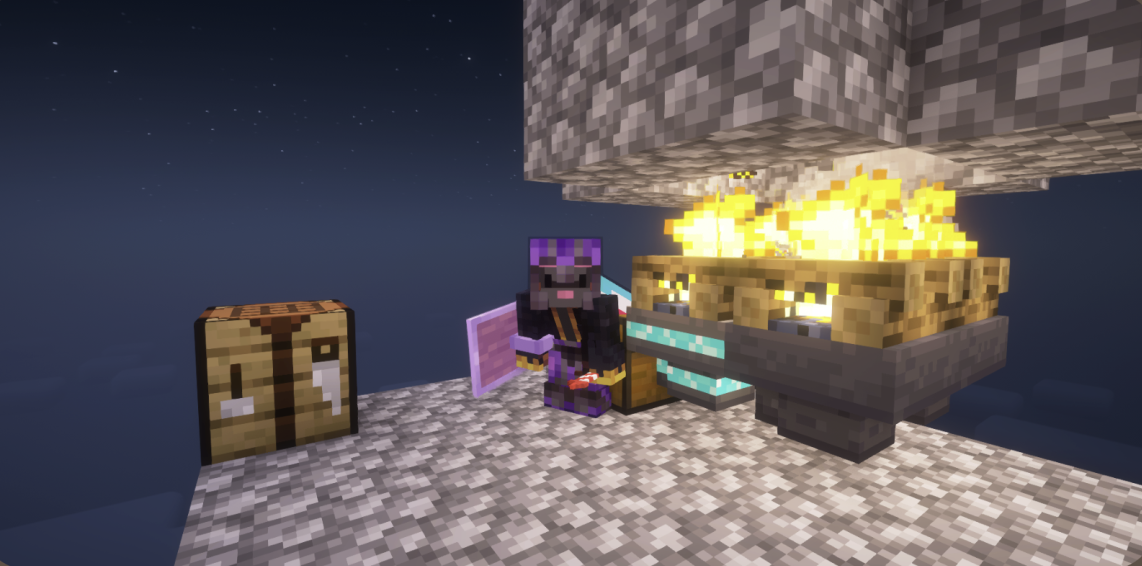
介绍

NOTE: Versions below 26.3 are outdated and buggy; play at your own risk!
📖 About
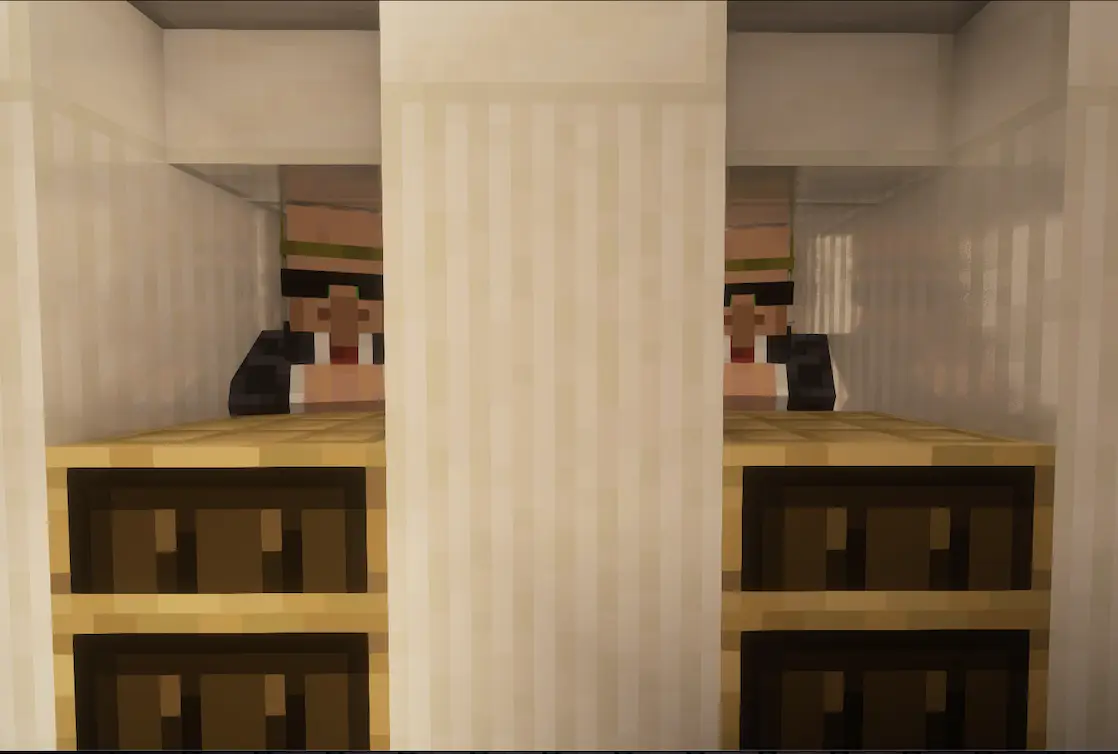
A unique Economy mod for Minecraft, designed for keep-inventory servers. You get money (Coins) from the investor villager. The villager uses the Merchant’s Carpet as a workstation. If you don’t want to clog your inventory, feel free to get the Wallet from him too. The mod aims to discourage death by making you drop your hard-earned coins upon death, even if your wallet is in a chest.
⭐ Features:
- Coins – The currency of the mod, obtained from the investor villager. Cannot be stored.
- Wallet – A bundle-like item that can store infinite coins and can be put in a chest, obtained via the investor villager. More info below.
- Merchant’s Carpet – Sell items to other players for coins, crafted with wool. More info below.
- Investor villager – Your source of coins; get him with a Merchant’s Carpet.
- Trimmed Hopper – Teleports items to Merchant’s Carpets if those items are being sold (basically auto-restock). Unlock recipe with diamonds.
- Double Trimmed Hopper – Teleports items to a linked container (like a chest), shift-right-click to link. Unlock recipe with diamonds. More info below.
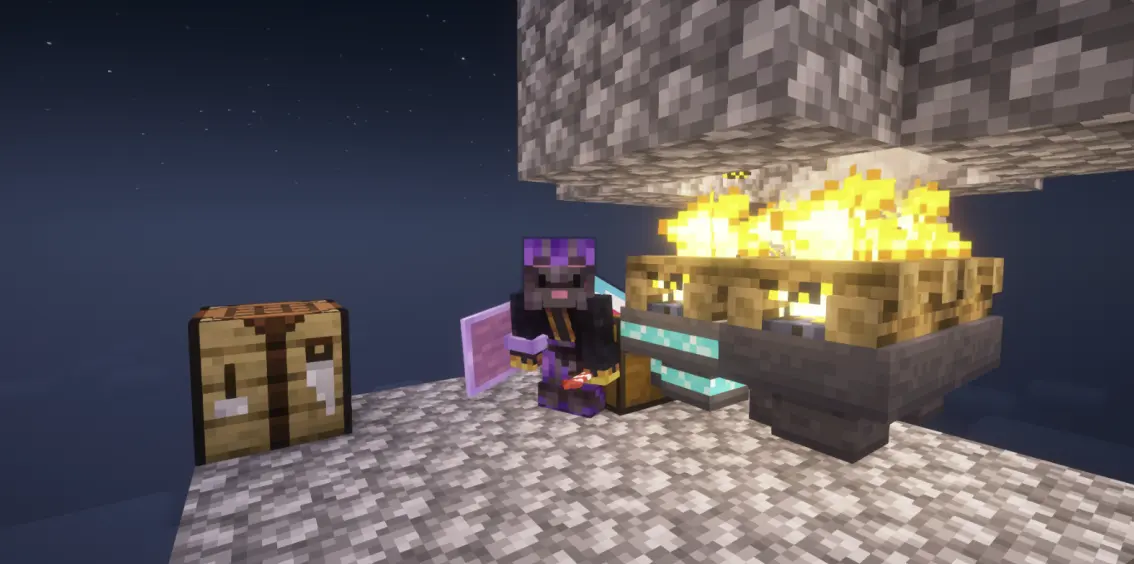
- (✨ New!) Doubloon Compressor – Fuel with blaze powder and right-click with a filled-up wallet to convert coins into Doubloons.
- (✨ New!) Doubloon – A placable form of coins that can be uncrafted into coins. Cannot be stored.
📜 More Information:
The Wallet
💼 The Wallet:
- Place unlimited coins inside in the same way you place items in a bundle
- Lets you place coins into containers (like chests)
- Every wallet has an owner: the person who used it last (input/output coins)
- If the owner dies, they drop 15% of the coins in their wallet (keep-inventory on or not)
- Obtained from the investor villager for 1 coin
The Merchant’s Carpet
🧶 The Merchant’s Carpet
General
A very thick carpet that comes in all dye colors by placing 3 wool in a row in a crafting table. The person who places it down is now the owner, and they’re the only one who can modify its properties. When someone buys something, it will notify you with an action bar message notifying you about the details of the purchase. Non-owners will find it very hard to break the carpet, but for the owner, it’s one click and all the items input will fall out.
How to set up
To set up, place down the carpet and put any amount of coins in it (it has to be coins, and they will be deducted) – that will be the price. If you see a floating coin appear, the price is set. Place the item you want to sell next; the amount you enter there determines how much you will get per purchase, and it will also be added to the inventory. Now, you can’t modify what you set; you can only buy from yourself or restock the carpet with the same item. If the carpet runs out of stock, the coin will appear again to notify you. The less stock there is, the slower the item will spin. The more, the faster.
How to buy
The block does not show prices, so the cost-to-item ratio should be shown on a sign. Interact with the block with a coin, and the amount will be deducted from your balance. The stuff you bought will pop out, but be warned: if you don’t pick it up, someone can steal it.
Collecting the money
There are two main ways to collect money from your carpet: right-clicking on it with an empty hand or linking it to a Wallet. To link your carpet to a wallet, simply right-click on it with the Wallet of your choice, and it will become enchanted. Now your wallet will auto-collect money from any purchase, even if you’re offline.
Double Trimmed Hopper
💎 Double Trimmed Hopper
- Craft with a hopper in the middle and two columns of diamonds on the sides
- Behaves like a hopper (but teleports :O)
- Link to a container (like a chest) by shift-right-clicking on it
- If linked, it gets an enchanted glow
- Any items in the hopper will be transferred into the chest it’s linked to
- Chunks the chest is in, and the hopper is in both need to be loaded to work
Trades
🧑🌾 Trades:
Level #1 (guaranteed)
- 2 Dollars -> Wallet (1 use)
- 8 Emeralds -> Dollar (10 uses)
Level #2 (random)
- 8 Logs (Acacia, Spruce, Oak) -> Dollar (10 uses)
- Dollar -> 8 Logs (Acacia, Spruce, Oak) (10 uses)
Level #3 (guaranteed)
- 4 Diamonds -> 3 Dollars (3 uses)
Level #4 (random)
- 4 Dollars -> 2 Diamonds (10 uses)
- 9 Dollars -> 1 Golden Carrot (10 uses)
- 12 Dollars -> 1 Golden Apple 10 uses)
Level #5 (random)
- Netherite Ingot -> 50 Dollars (3 uses)
- 64 Dollars -> Netherite Ingot (1 use)
- 38 Dollars -> Totem of Undying (2 uses)
- 40 Dollars -> Enchanted Golden Apple (2 uses)
- 64 Dollars -> Nether Star (1 use)
Legend:
- Random – the following trades are not guaranteed to show up; only two of them can.
- Guaranteed – All trades shown WILL show up
- Uses – How many times can you trade before you have to wait again?
🖼️ Gallery:
常见问题
Money Talks 支持哪些 Minecraft 版本?
Money Talks 支持 Minecraft Java 版 1.21.11–26.3,共 6 个版本,可用的加载器:Fabric / NeoForge。下载时注意选择和你游戏版本一致的文件。
Money Talks 怎么安装?
先用 PCL2 或 HMCL 启动器安装对应版本的 Fabric / NeoForge,再把下载的 .jar 文件放进游戏目录的 mods 文件夹,重新启动游戏即可。开启了版本隔离的,mods 文件夹在 versions/版本名 下面。运行环境:客户端和服务端都要装。
DingleTheRat 的其他作品
查看全部 →
Deep Overworld
Adds a deep forest biome that contains deepslate on the surface of the overworld.

Dingle’s Create Wonderland
A modern Create modpack letting you expand and shape your Minecraft world however you please
Create: Remixed Casings
A Create: Mixed Casings inspired mod that utilizes Create: Encased to allow you to encase any machine.
评论
登录后评论和评分