Mojanimated
An animated Mojang Studios intro with its jingle on the loading screen. Works with FancyMenu and resource reloads on NeoForge.
截图
介绍
Found a bug or have an idea? Please post it on GitHub Issues instead of the comments. That’s where every report gets read and tracked.
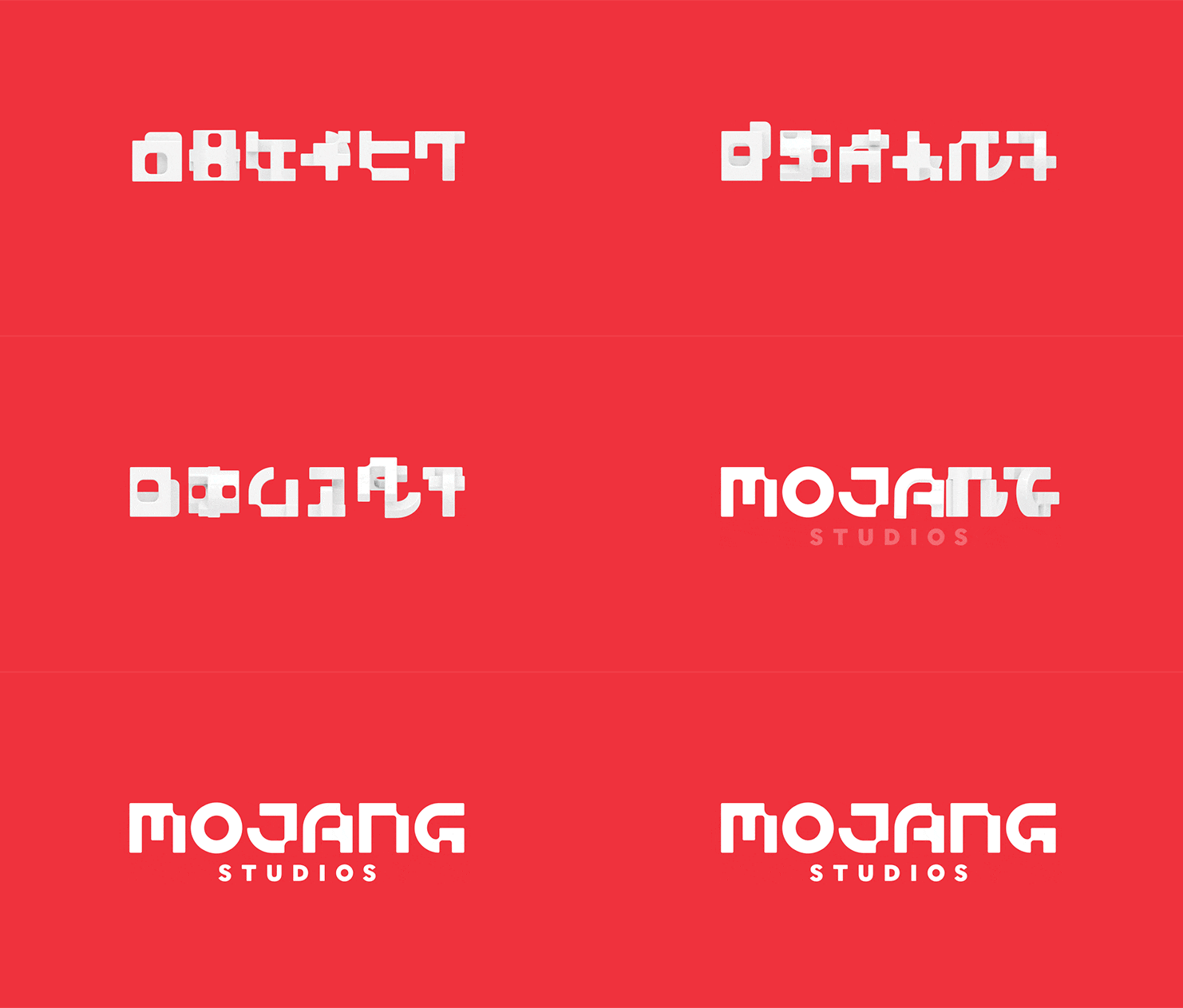
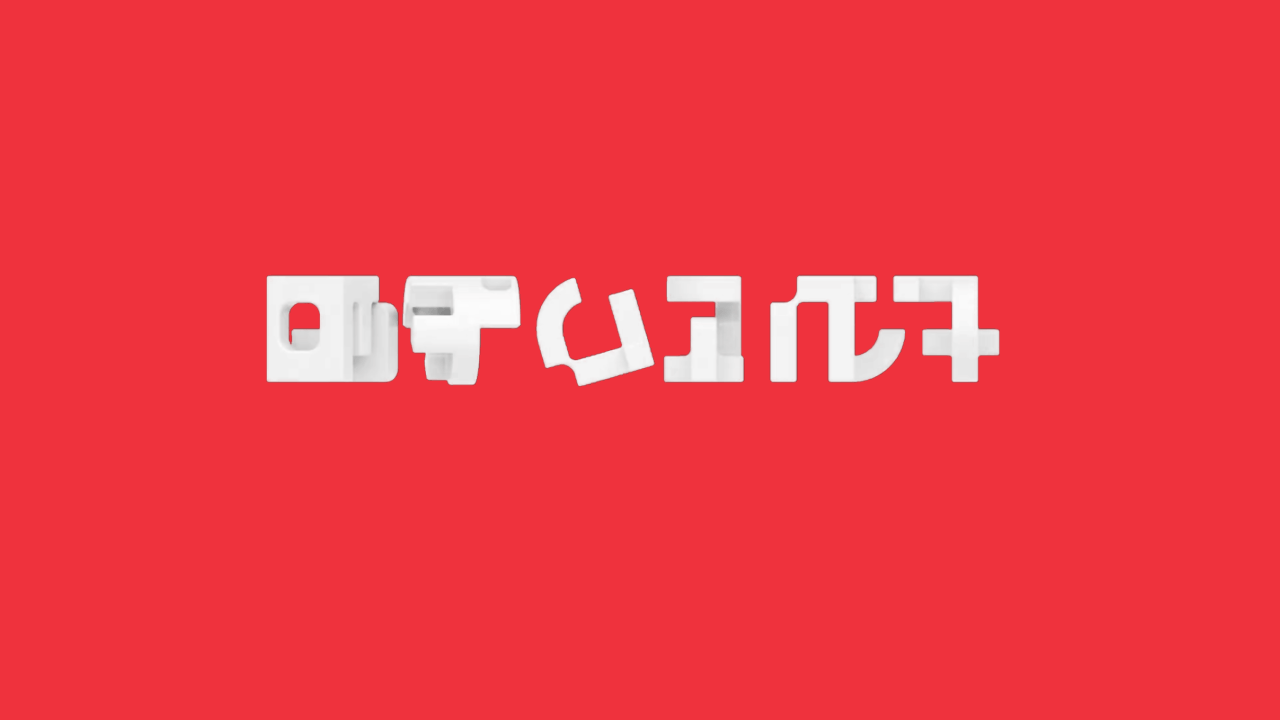
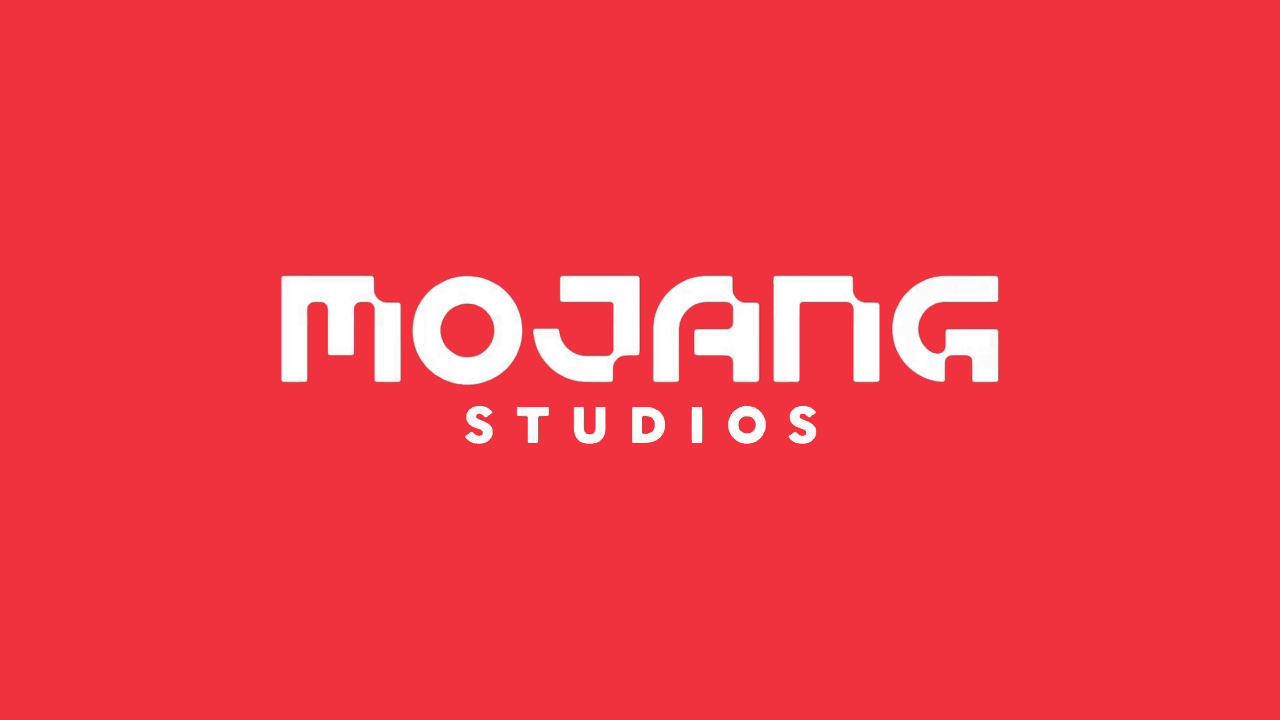
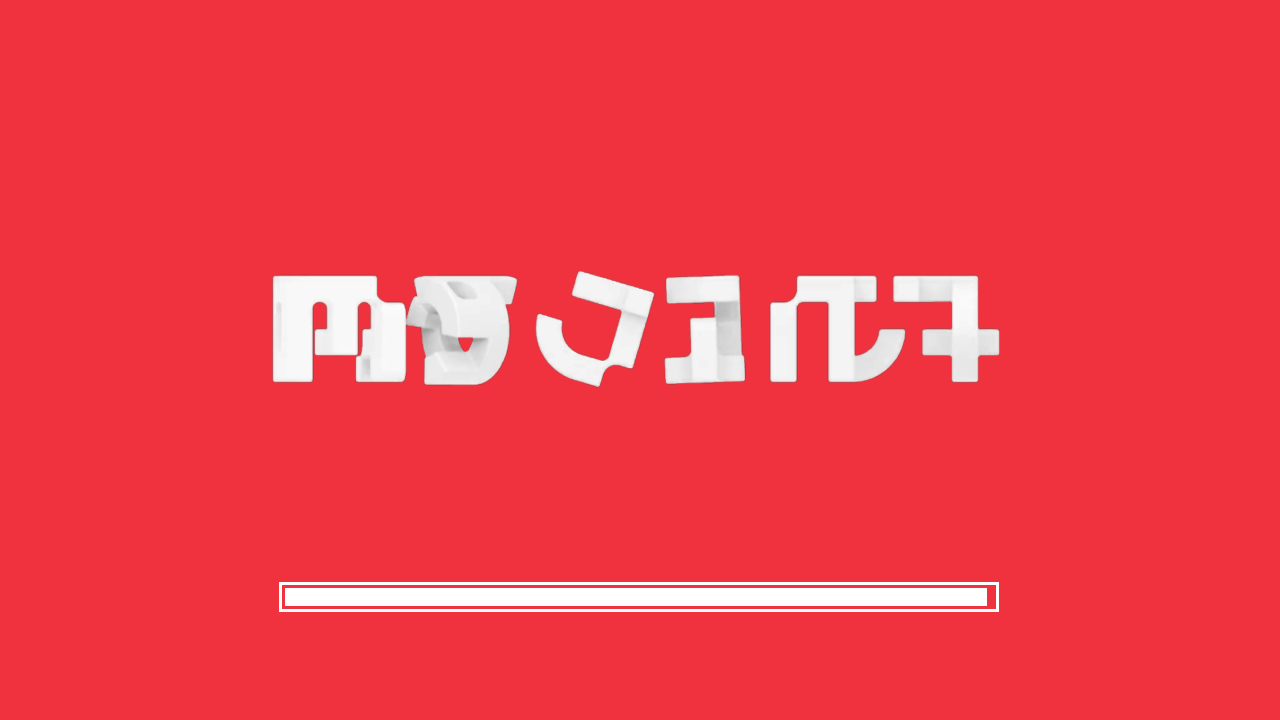
Mojanimated plays an animated Mojang Studios logo with its jingle on the startup loading screen, and on resource reloads too.
- Plays on NeoForge every time: works whether or not NeoForge’s early loading window is on, and on resource pack reloads.
- Friendly to other mods: it doesn’t take over the loading screen, so FancyMenu layouts and other title-screen mods keep working.
- Configurable: switch the startup animation, the jingle and the reload animation on or off separately, and set how long the logo stays on screen.
Credits and what’s different
Mojanimated is based on Animated Mojang Logo by BouncingElf10 (source code), which is open source under GPL-3.0-or-later. Mojanimated uses its logo animation frames, “Studios” image, startup jingle, icon and animation timing, and is released under the same GPL-3.0-or-later license. Thank you, BouncingElf10!
How Mojanimated differs from the original:
- New loading-screen hook: the code that shows the animation was rewritten to draw on the vanilla loading screen, so it works when NeoForge’s early loading window is turned off (
earlyWindowControl = false). - Works with other menu mods: it never cancels the loading screen’s own drawing, so FancyMenu layouts and other loading/title-screen mods keep working.
- Resource reload animation: a new silent, looping version of the logo plays during resource pack reloads.
The Mojang Studios logo and jingle belong to Mojang Studios / Microsoft. This is an unofficial fan mod, not made or endorsed by Mojang, Microsoft or BouncingElf10.
Made with AI assistance.
常见问题
Mojanimated 支持哪些 Minecraft 版本?
Mojanimated 支持 Minecraft Java 版 1.21.1,可用的加载器:NeoForge。下载时注意选择和你游戏版本一致的文件。
Mojanimated 怎么安装?
先用 PCL2 或 HMCL 启动器安装对应版本的 NeoForge,再把下载的 .jar 文件放进游戏目录的 mods 文件夹,重新启动游戏即可。开启了版本隔离的,mods 文件夹在 versions/版本名 下面。
SteelArchadian 的其他作品
查看全部 →
Expanded Celestials
19 new moon events for Enhanced Celestials 2: gravity moons, Eclipse, Pink Moon, Meteor Shower, Ender Moon and more.

Patchworkㅤㅤㅤㅤㅤ
Fixes for lag, memory leaks and crashes in popular mods, without touching their files. Each fix runs only on the exact version it was tested on.

Common Sense
Pets, villagers and herds with some common sense: safe pathing, rescues, villagers who find home, and herd instinct.

Keybind Keeper
Your keybinds survive when a mod goes missing for a session, plus a Reset Options button on the Controls screen.
评论
登录后评论和评分