Modular Inventory
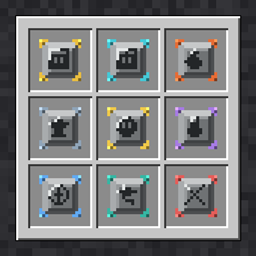
Start with only a hotbar. Craft and find modules that unlock storage slots and built-in furnace, anvil and brewing tabs.
截图
介绍
Modular Inventory
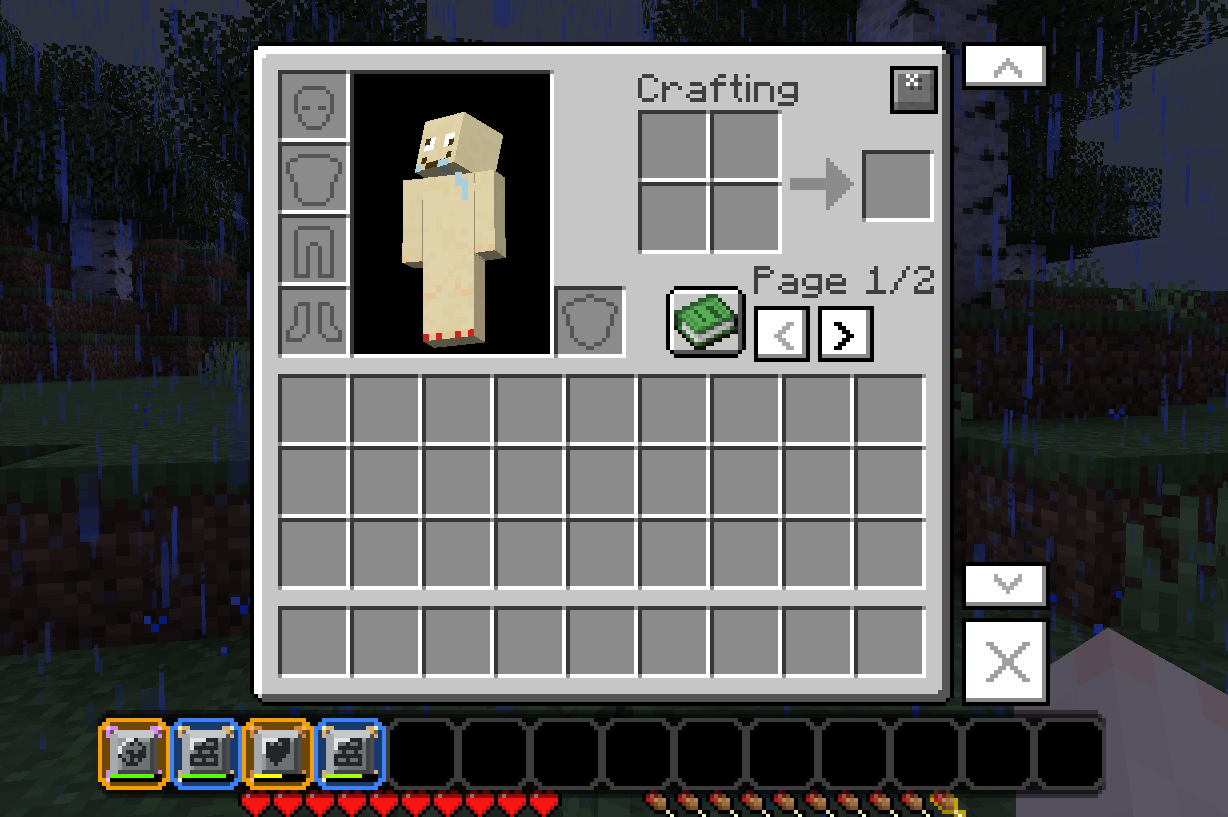
You spawn with only your hotbar. Everything else, including storage, crafting stations and quality-of-life tools, comes from modules that you craft or find, then drag into a bar of 14 module slots.
How it works
- Press E to open the Modular Inventory. In Creative, press M or use the button next to the creative tabs.
- Drag a module into the module bar (or right-click it in hand) to equip it.
- Slot modules add inventory slots. Station modules add built-in tabs on the right of the inventory.
- Unlocked slots are shown. Locked slots stay completely hidden.
- Use the page arrows to browse unlimited extra pages of slots.
Every module has a limit. Each equip uses up one of the module’s equips. Modules never break or vanish. Station modules (furnace, anvil and so on) are single-use. Once a module has no equips left, it stays installed.
Storage modules
- Standard Storage (+9), Expanded (+18), Advanced Storage (+36, found only), Pocket (+3), Compact (+6)
- Tool Rack (tools and weapons only), Builders (blocks only), Herbalist (plants and seeds only)
Built-in tabs, usable anywhere
- Furnace and Brewing (they keep working while your inventory is closed), Anvil, Smithing Table, Grindstone, Stonecutter, Cartography Table, 3×3 Crafting Table, and Ender Link (your Ender Chest)
Utility modules
- Auto Sort (sort button), Disposal (delete slot with confirmation), Loot Filter (auto-deletes junk, configurable), Miners (Haste), Navigation (coordinates HUD), Chromatic Theme (recolor the GUI), Reinforced (keep stored items on death), Recovery (death drops never despawn)
Getting modules
- Most modules are craftable with vanilla items. Every recipe fits the 2×2 inventory grid.
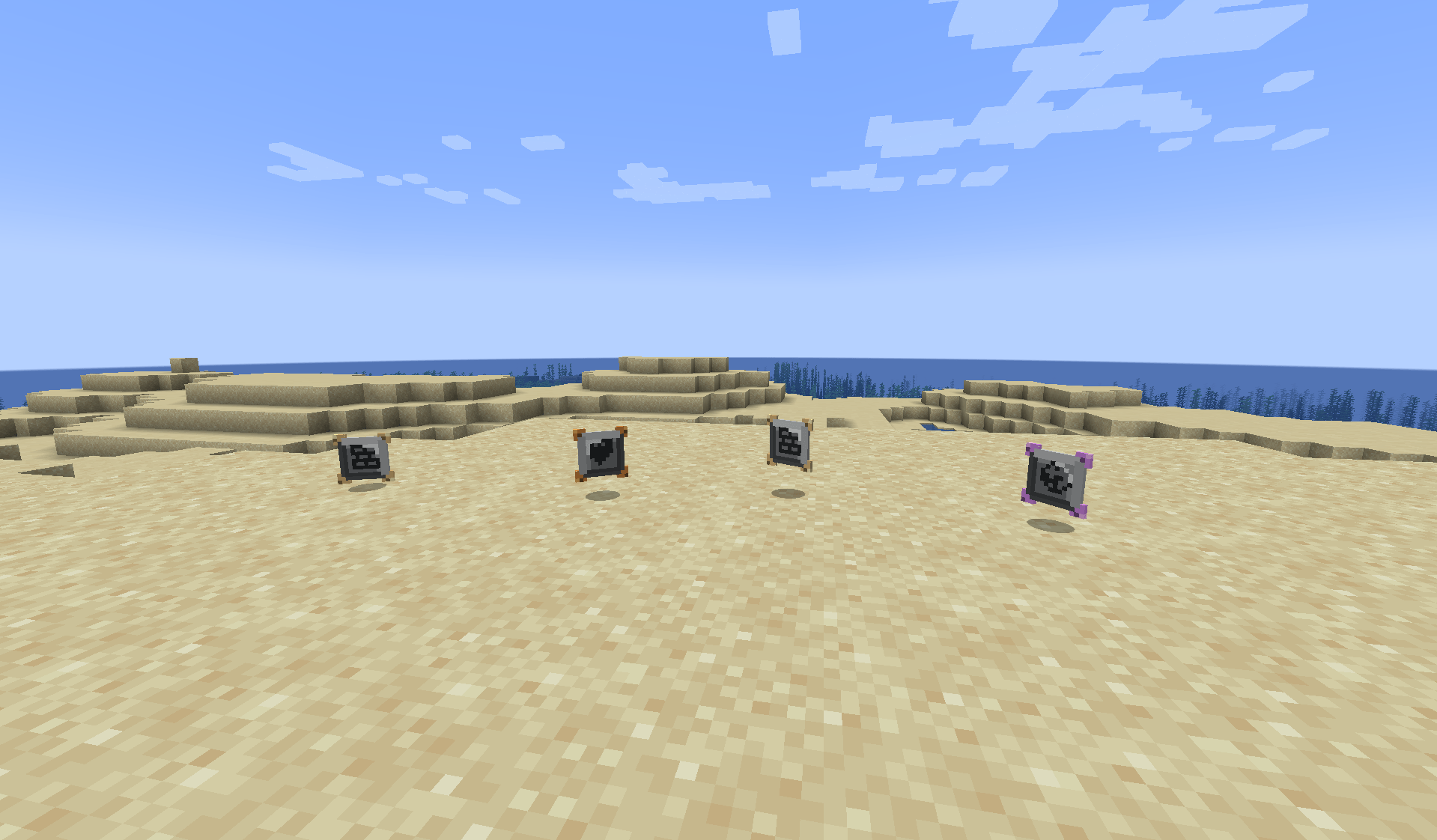
- Six modules are find-only and appear in dungeons, mineshafts, strongholds, bastions, ancient cities and other structure chests: Advanced Storage, Ender Link, Loot Filter, Miners, Reinforced, Recovery.
Compatibility
- Works in Survival and Creative
- JEI recipe transfer and info pages for every module
- Server-safe: data is saved per player
Config
modularinventory-common.toml: edit the Loot Filter item list and the chance of find-only modules in structure chests.
常见问题
Modular Inventory 支持哪些 Minecraft 版本?
Modular Inventory 支持 Minecraft Java 版 1.20.1,可用的加载器:Forge。下载时注意选择和你游戏版本一致的文件。
Modular Inventory 怎么安装?
先用 PCL2 或 HMCL 启动器安装对应版本的 Forge,再把下载的 .jar 文件放进游戏目录的 mods 文件夹,重新启动游戏即可。开启了版本隔离的,mods 文件夹在 versions/版本名 下面。
prickly_joliot6013628 的其他作品
查看全部 →
Zinx’s Adventure
A modpack that makes minecraft feel like a bigger adventure than what it was before.

Lock-Pick :Lootr
A little lock-pick addon to Lootr chests/barrels, and it determines what you get!

Enchant Table
Replaces vanilla enchanting with a craftable Enchantment Table: 21 new enchantments plus a recipe for every classic one. JEI supported.

Zinx’s RPG
A modpack that makes the game feel like a whole new expirience, with many new mod completeley revamping the game making Minecraft the perfect RPG game.
评论
登录后评论和评分