
截图
介绍
Some (hopefully) useful tools and utilities for mod and modpack development.
Features:
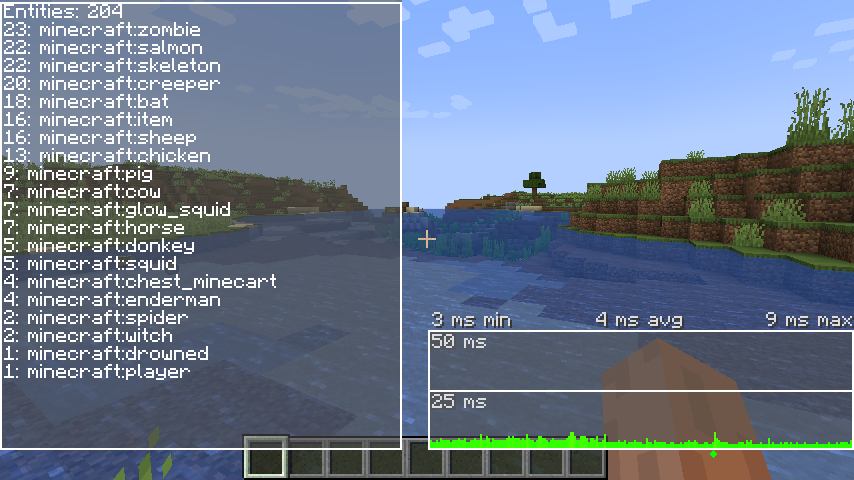
Entity HUD, lists which entities are in the current dimension, updates 4 times per second (configurable)
TPS HUD, based on the vanilla F3 debug tps monitor but less intrusive, includes a marker when the GC runs
FPS HUD, similar to TPS HUD, but for frame time instead
Chunk HUD, displays per chunk information about the status it’s in, such as woldgen passes(pre 1.20.*)
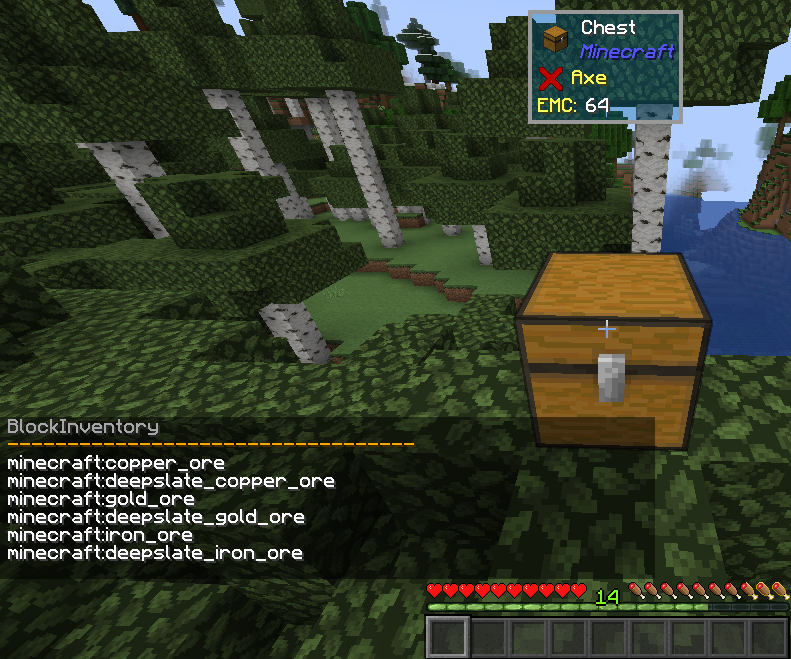
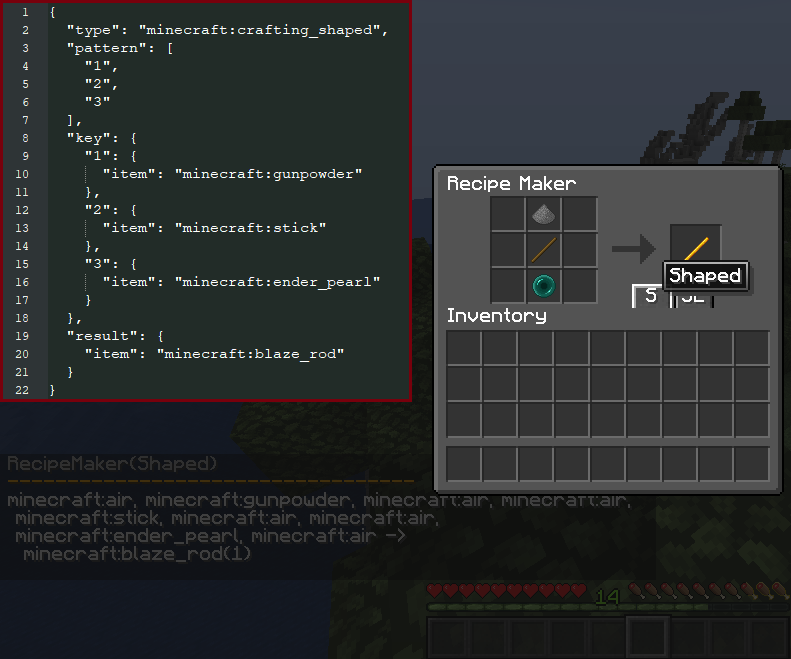
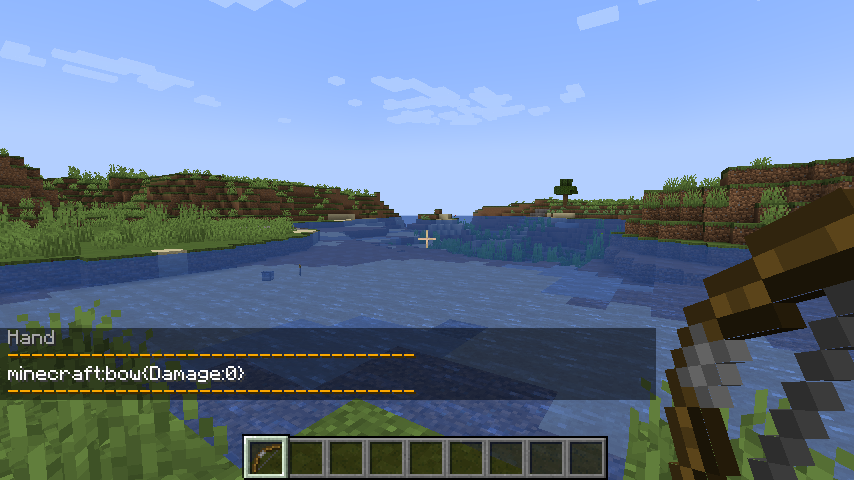
Commands for getting the item(s) in your hand/hotbar/inventory or a chest, for easy copy-pasting into configs etc.
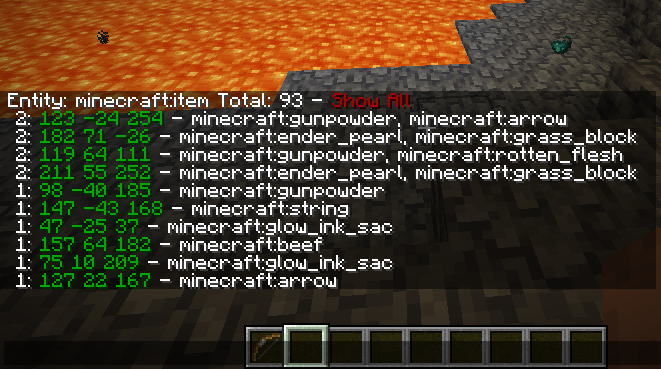
Improved Entity command, allows for click-through to get to the information you’re looking for more quickly.
Dump minecraft/forge registries using the /mt dump command
HUD’s can be enabled/disabled using the /mt hud <hud> command or using keybinds.
Other commands make use of /mt <subcommand>
See images for some examples.
Have a suggestion, or improvement that would add value to this mod, let me know!
常见问题
Modpack Tools 支持哪些 Minecraft 版本?
Modpack Tools 支持 Minecraft Java 版 1.18.1–1.21.1,共 5 个版本,可用的加载器:Forge。下载时注意选择和你游戏版本一致的文件。
Modpack Tools 怎么安装?
先用 PCL2 或 HMCL 启动器安装对应版本的 Forge,再把下载的 .jar 文件放进游戏目录的 mods 文件夹,重新启动游戏即可。开启了版本隔离的,mods 文件夹在 versions/版本名 下面。

评论
登录后评论和评分