
Modpack Authors
Client-side Minecraft mod that adds a configurable Authors / Team screen to the main menu, loaded from modpack resources.
截图


介绍
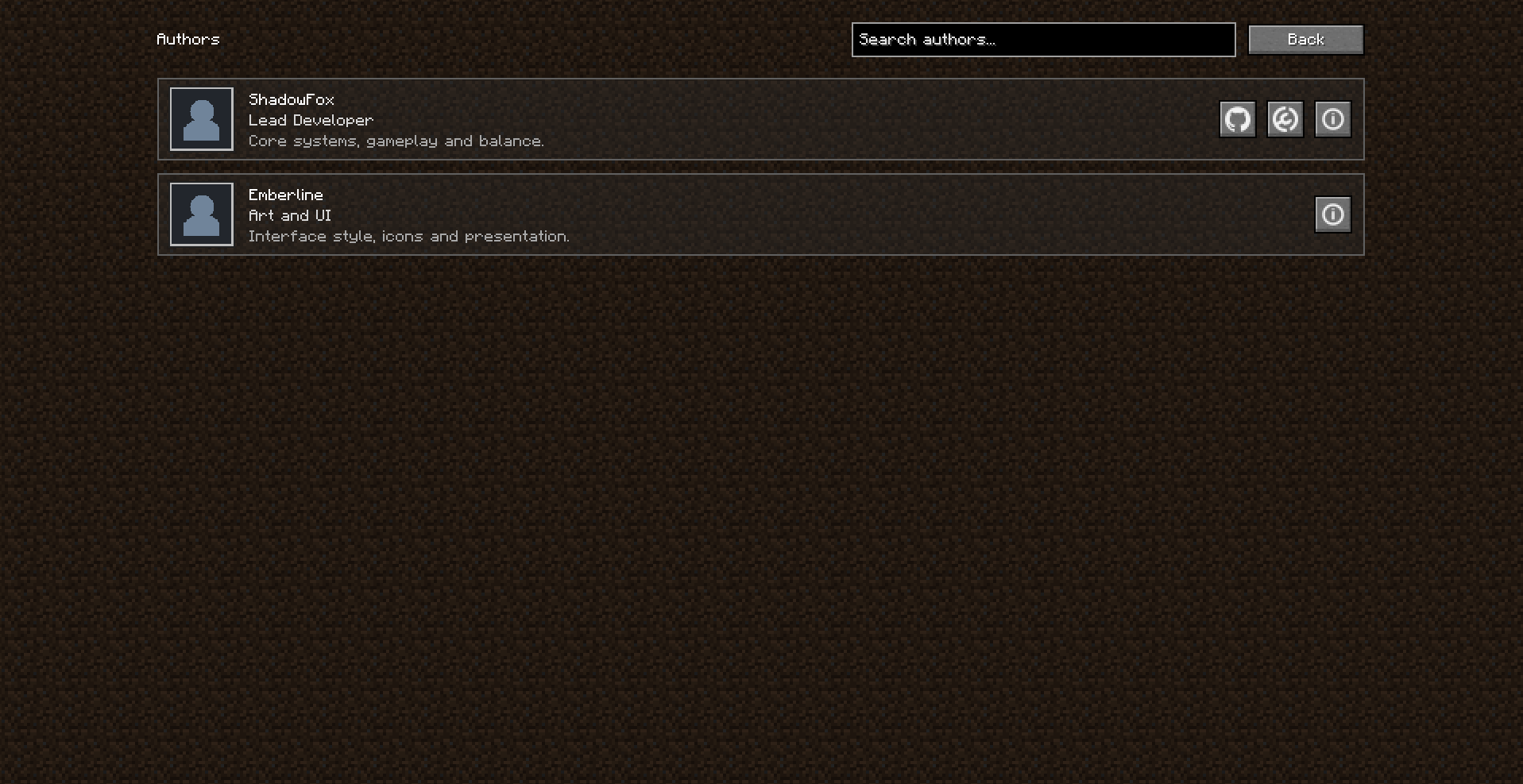
Modpack Authors adds a separate authors screen to Minecraft modpacks.
It adds an Authors button to the main menu. Players can use it to open the team list, find a person, and view their role, description, contacts, and contribution to the project.
The author list is stored in the modpack resources. You can update it without changing the code. You only need to edit authors.json and add the required avatars.
The mod can show icons for popular sites when an author has links to GitHub, Modrinth, CurseForge, Discord, YouTube, Twitch, and other platforms.
Links do not open right away. Minecraft shows the standard confirmation screen before opening them.
常见问题
Modpack Authors 支持哪些 Minecraft 版本?
Modpack Authors 支持 Minecraft Java 版 1.16.5–1.21.1,共 5 个版本,可用的加载器:Fabric / Forge / NeoForge。下载时注意选择和你游戏版本一致的文件。
Modpack Authors 怎么安装?
先用 PCL2 或 HMCL 启动器安装对应版本的 Fabric / Forge / NeoForge,再把下载的 .jar 文件放进游戏目录的 mods 文件夹,重新启动游戏即可。开启了版本隔离的,mods 文件夹在 versions/版本名 下面。运行环境:仅客户端。
Lightfall Studios 的其他作品
查看全部 →
Fowl Play Unofficial
Adding more birds to your Minecraft world! (can be used without sinytra)

Minecraft 1.30 Update
The modpack updates Minecraft and makes it what it should be in the eyes of players.

EMI Farmer’s Delight Reforged
View Farmer's Delight's Cooking Pot, Cutting Board and Decomposition recipes in-game with EMI.

Customizable Player Spawn
Customizable Player Spawn lets you control where players first appear in the world. It supports .nbt structures, marker-based spawn points, external templates, and direct spawning in another dimension without placing a structure.
评论
登录后评论和评分