
Mod Menu Filter
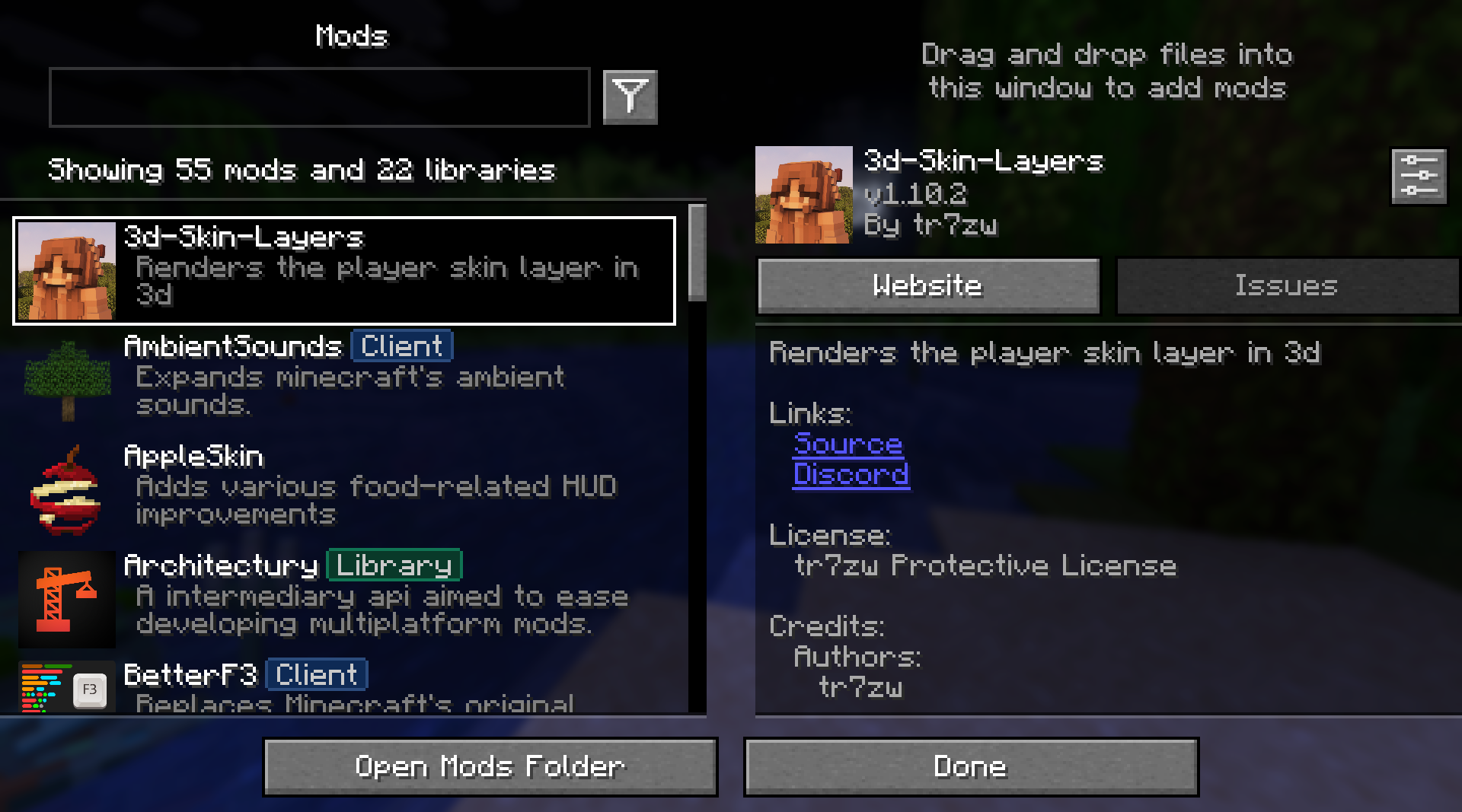
ModMenu Filter is an extension for Mod Menu that helps you organize, categorize, and find your mods.
截图
介绍
Mod Menu Filter


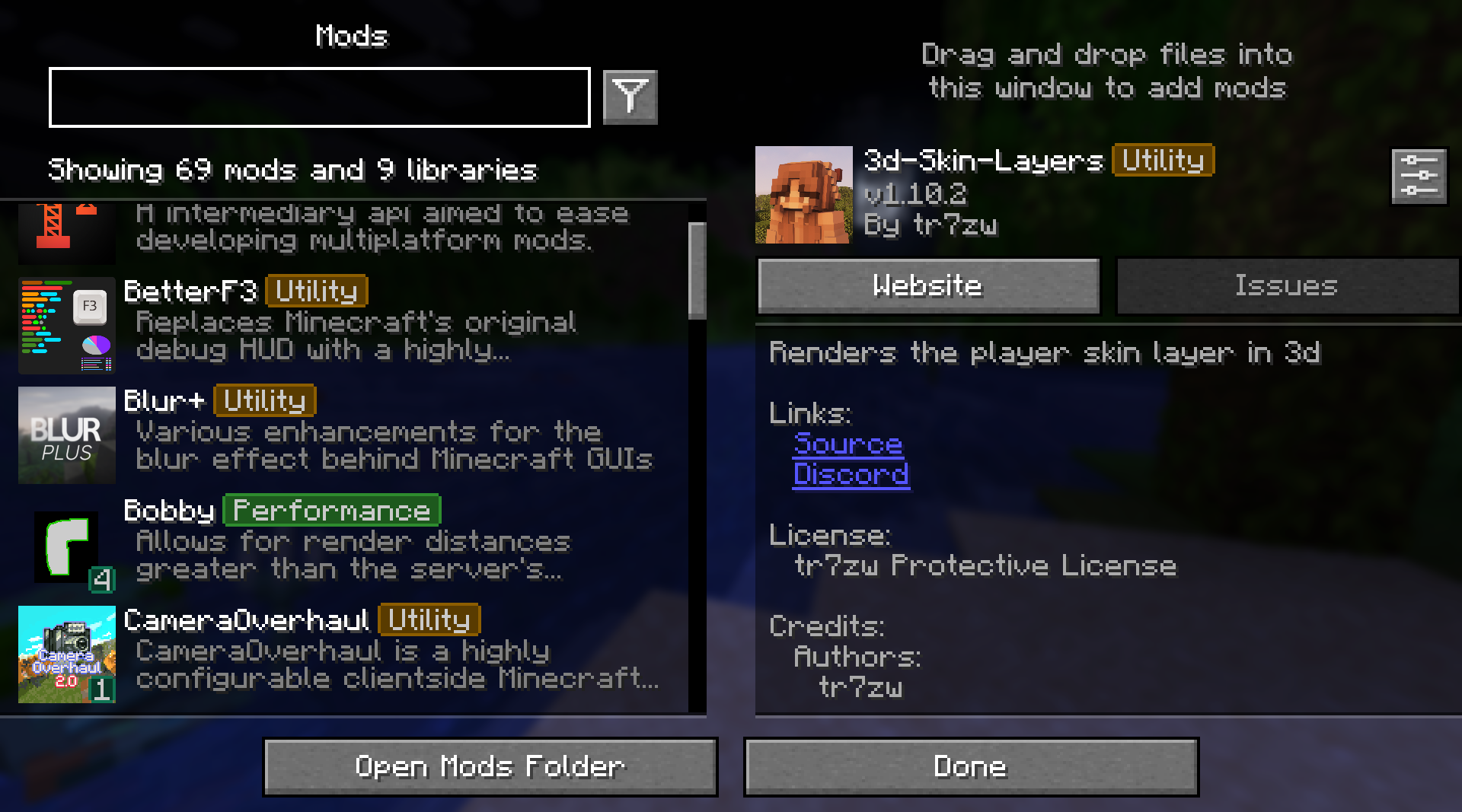
Mod Menu Filter is a client Fabric utility mod that enhances Mod Menu with tag-based filtering, coloured badge overlays, favorites, and per-profile configurations
Features
- Tag Badges – Coloured inline badges drawn next to every mod name.
- Tag Filtering – A toggle-button filter bar above the mod list. Click to show matching mods, with optional all-selected-tags matching for narrow searches.
- Favourites – Favorite your mods! Easily filter between favorites and non-favorites.
- Profiles – Supports multiple configurations that you can switch between.
Requirements
| Dependency | Notes |
|—|—|
| Fabric Loader | Per-version minimum |
| Mod Menu | Per-version compatible range |
| Cloth Config | Per-version compatible range |
Installation
- Install Fabric Loader for your Minecraft version.
- Drop Mod Menu Filter, Fabric API, Mod Menu, and Cloth Config into your
mods/folder. - Launch the game – a default configuration is generated automatically on first run.
Configuration
Open Mod Menu → Mod Menu Filter → (gear icon) to access the full settings screen.
Tag database (config/mod_menu_filter.json)
Tags and the mods they apply to are stored in config/mod_menu_filter.json. A bundled default_tags.json is written on first launch as the base.
Most of these settings can be configured through the built-in configuration screen
{
  "tagOverrides": {
    // add a mod to an existing built-in tag
    "sodium": ["performance"],
    // assign multiple tags to one mod
    "iris": ["performance", "rendering"]
  },
  "customTags": {
    // define a completely new tag
    "rendering": {
      "displayName": "Rendering",
      "color": 9699609,
      "mods": ["iris"]
    }
  },
  "hiddenTags": ["library"],
  "favoriteMods": ["sodium"],
  "matchAllTagFilters": false,
  "activeProfile": "default"
}
License
Feel free to include in any modpack!
常见问题
Mod Menu Filter 支持哪些 Minecraft 版本?
Mod Menu Filter 支持 Minecraft Java 版 1.19–26.2,共 25 个版本,可用的加载器:Fabric。下载时注意选择和你游戏版本一致的文件。
Mod Menu Filter 怎么安装?
先用 PCL2 或 HMCL 启动器安装对应版本的 Fabric,再把下载的 .jar 文件放进游戏目录的 mods 文件夹,重新启动游戏即可。开启了版本隔离的,mods 文件夹在 versions/版本名 下面。运行环境:仅客户端。


评论
登录后评论和评分