
截图
介绍
Welcome to Modkit!
(Quick disclaimer: English is not my native language, so please excuse any minor errors. Feedback is always welcome!)
Create your own Minecraft mods/content from inside the game no coding required
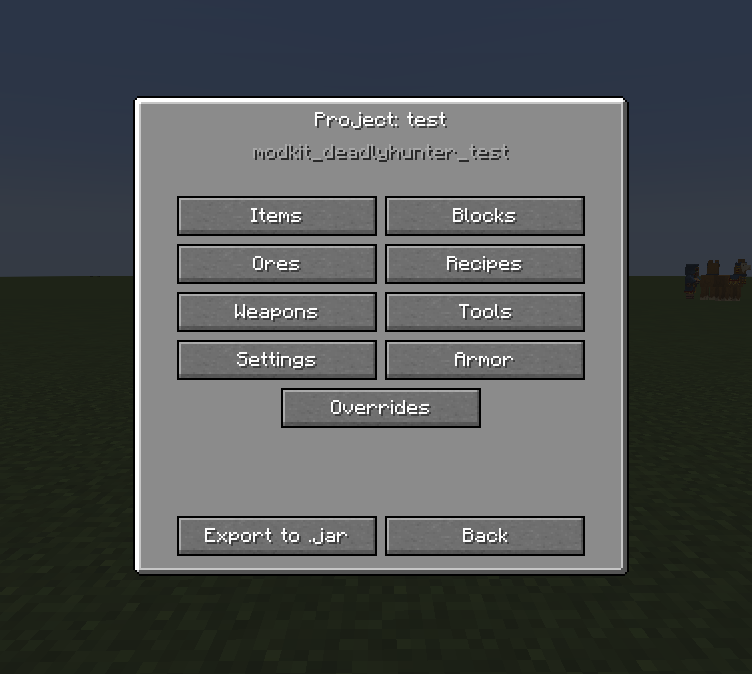
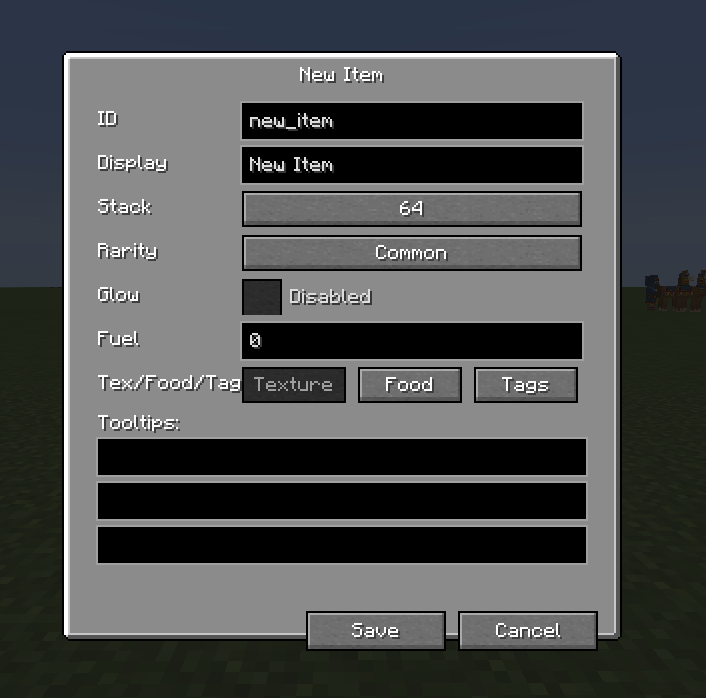
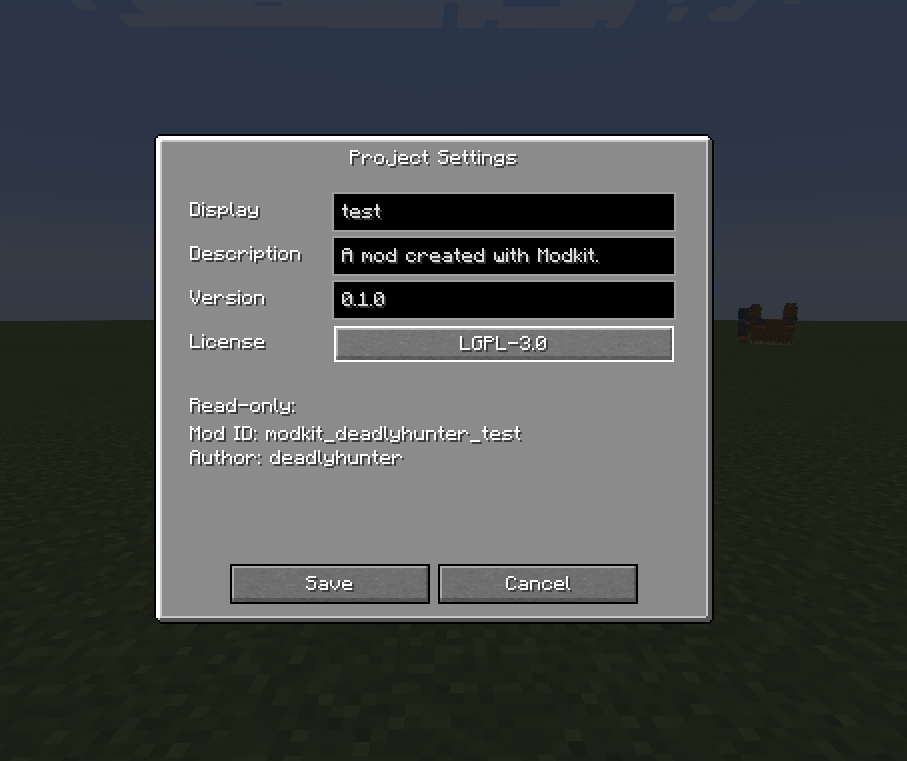
Modkit is a in game modding engine. Instead of writing Java you open a menu (/modkit), fill in a few fields an Modkit turns your ideas into a real, mod you can keep, share or drop in any modpack.
If you ever wanted to add your own items, blocks, tools, recipes but dont want wo learn Java, Modkit is built for you.
What you can create
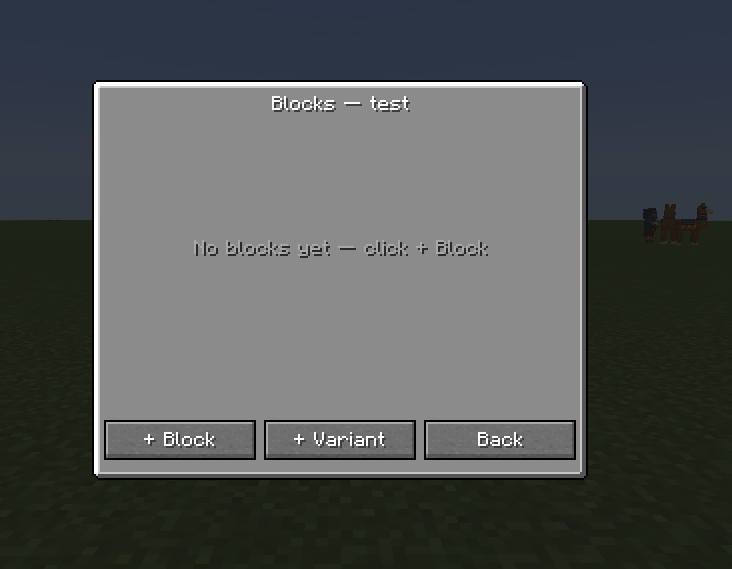
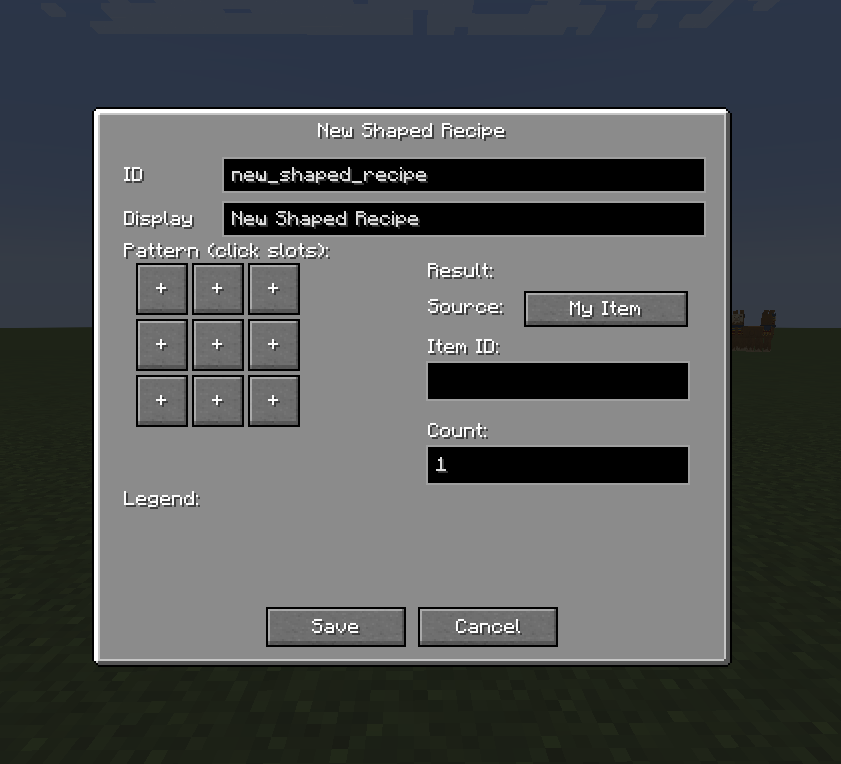
Items, Food, Blocks, Ores, Weapons, Tools, Armor, Recipes, Recipe Overrides, Tags.
How it works
Modkit splits the engine (this mod) from the content (what you make). When you design something in the menu, Modkit writes it as json and bundels it into a small .jar on export. That exported mod contains no compiled code just your content and depends on Modkit to bringt it in game.
Getting started
Install Modkit, launch the game, an open /modkit to create your workspace. Add items, blocks and recipes, then exprt your mod wenn ready to test or share.
常见问题
Modkit 支持哪些 Minecraft 版本?
Modkit 支持 Minecraft Java 版 1.20.1–1.21.1,共 2 个版本,可用的加载器:Forge / NeoForge。下载时注意选择和你游戏版本一致的文件。
Modkit 怎么安装?
先用 PCL2 或 HMCL 启动器安装对应版本的 Forge / NeoForge,再把下载的 .jar 文件放进游戏目录的 mods 文件夹,重新启动游戏即可。开启了版本隔离的,mods 文件夹在 versions/版本名 下面。运行环境:客户端和服务端都要装。
DeadlyHunter 的其他作品
查看全部 →
Blood Arsenal Reawakened
Blood Arsenal Reawakened – A modern rework of the popular Blood Arsenal addon for Blood Magic

Blood Arsenal Reawakened
Blood Arsenal Reawakened – A modern rework of the popular Blood Arsenal addon for Blood Magic
Blood Arsenal Reawakened
Blood Arsenal Reawakened – A modern rework of the popular Blood Arsenal addon for Blood Magic

Omni Dev
A toolkit to generate structures and loot tables directly in Game.
评论
登录后评论和评分