
models
Mr_Chibi's Model Wiki, guide to players wanting to create there own models step by step!
截图
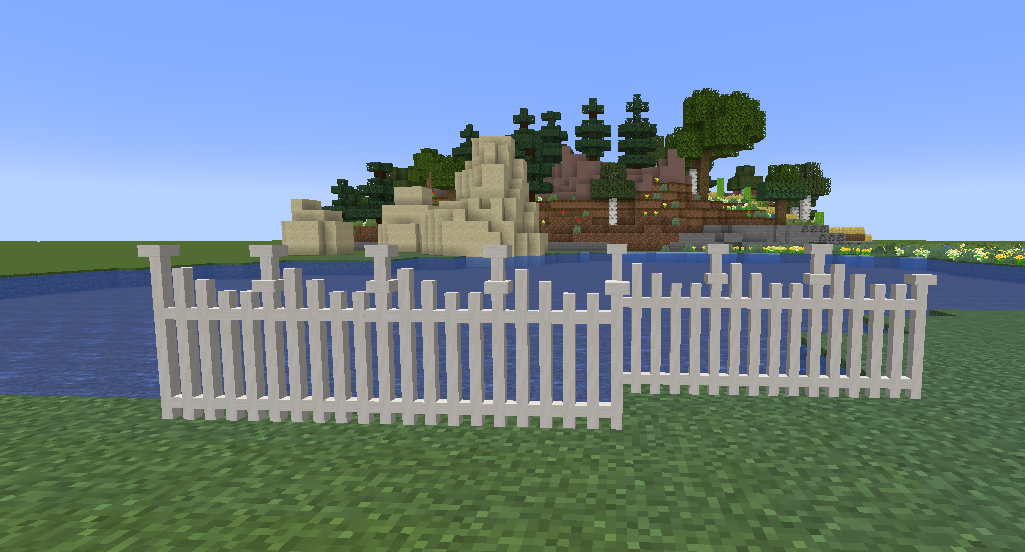
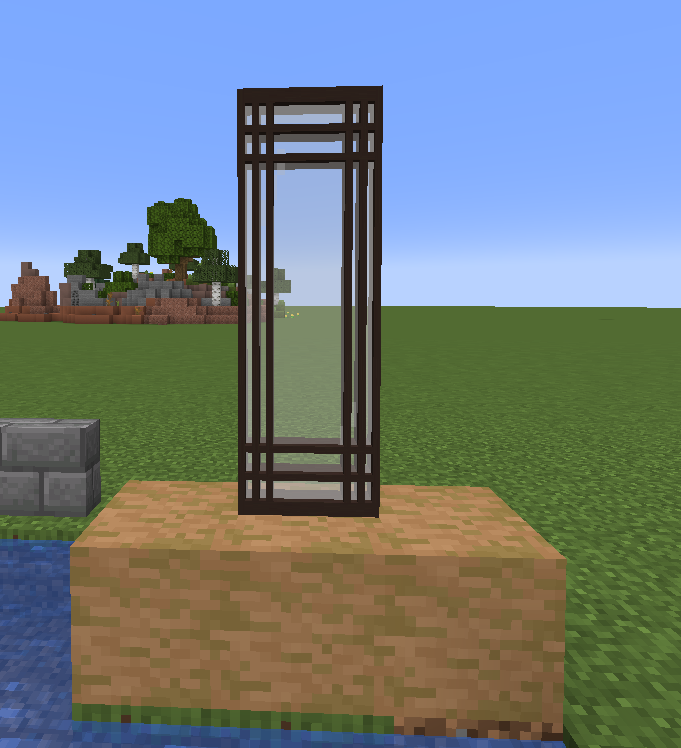
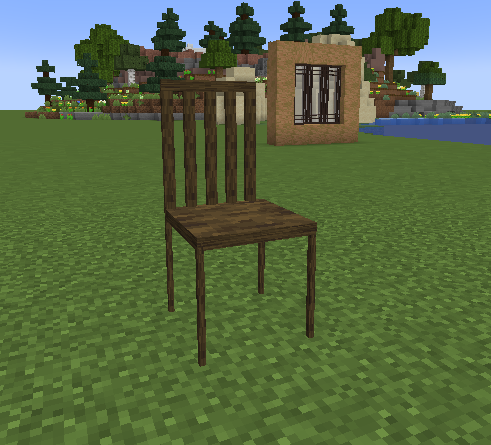
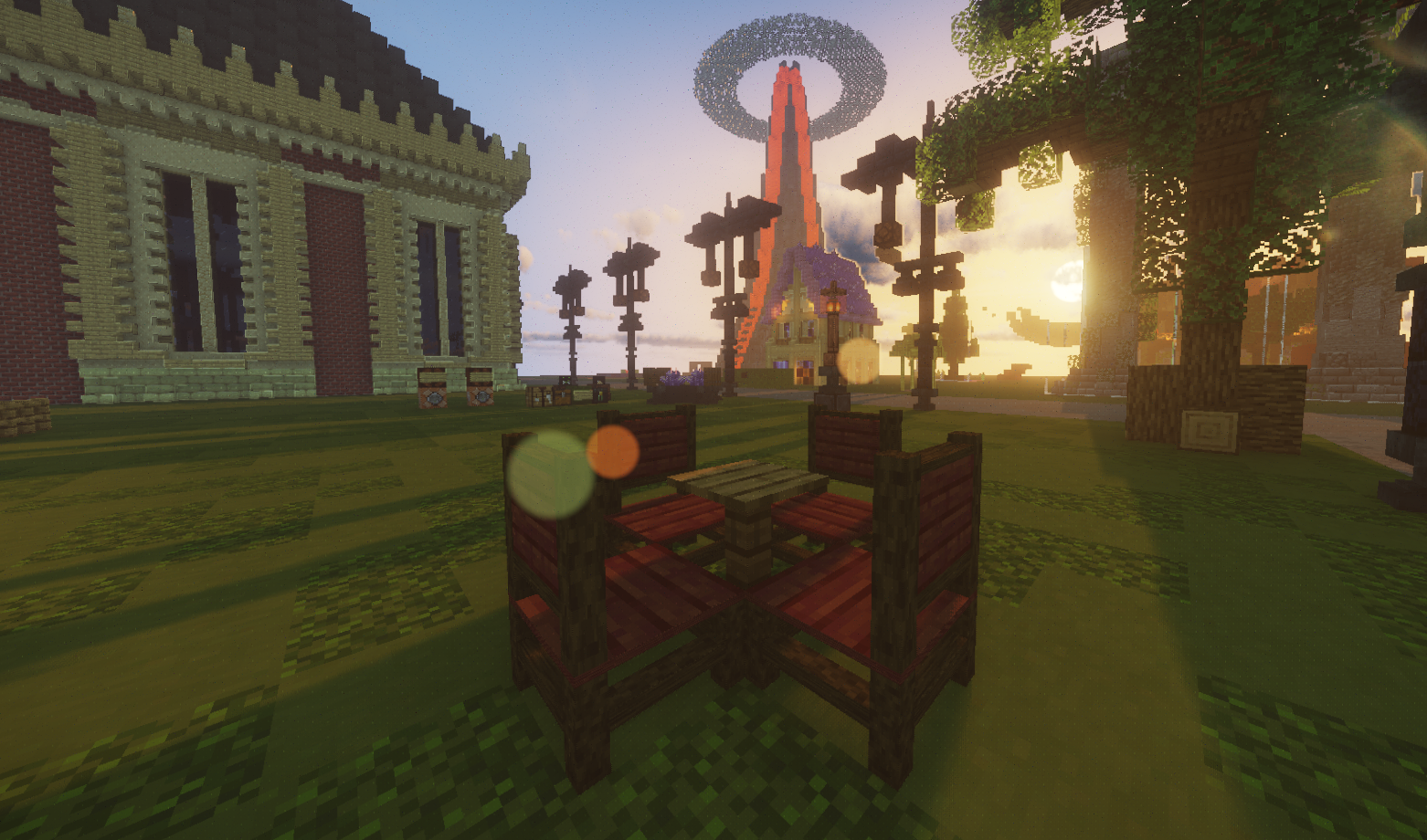
介绍
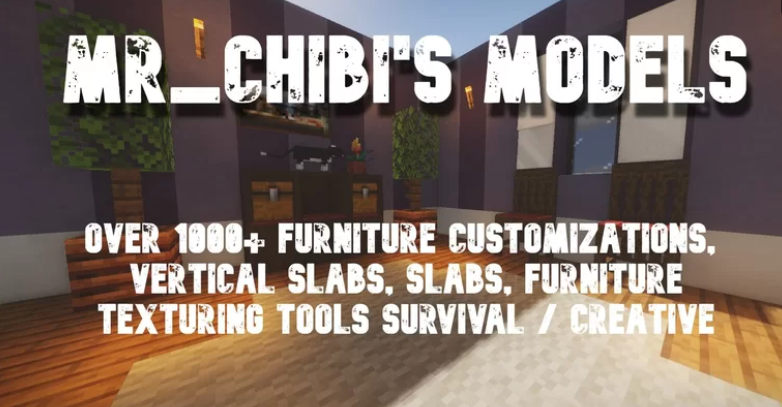
Mr_Chibi’s Models Datapack
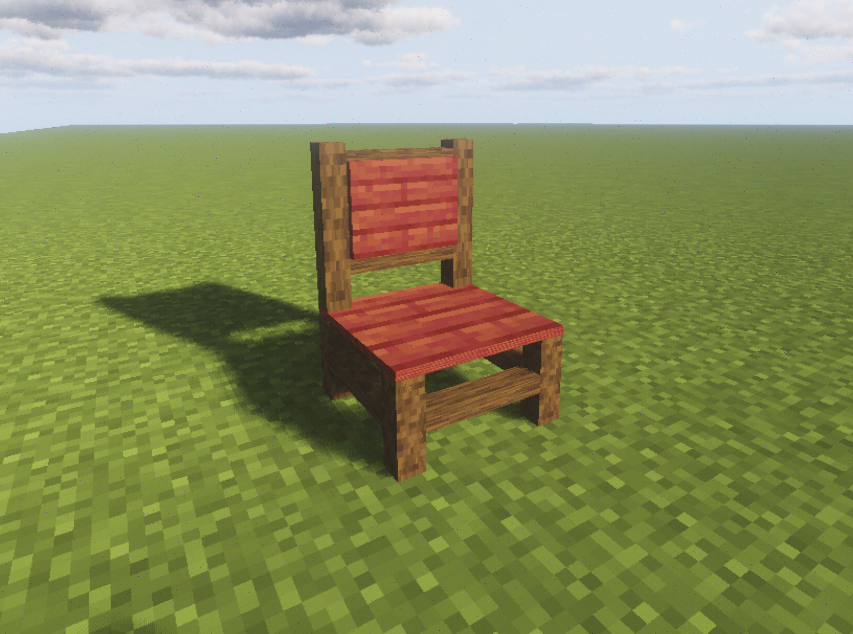
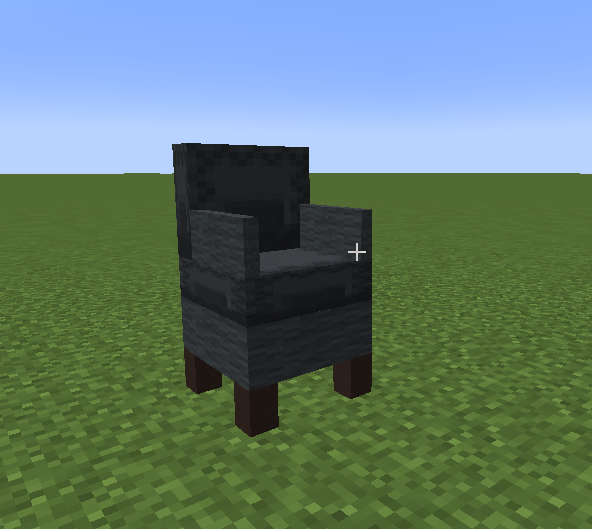
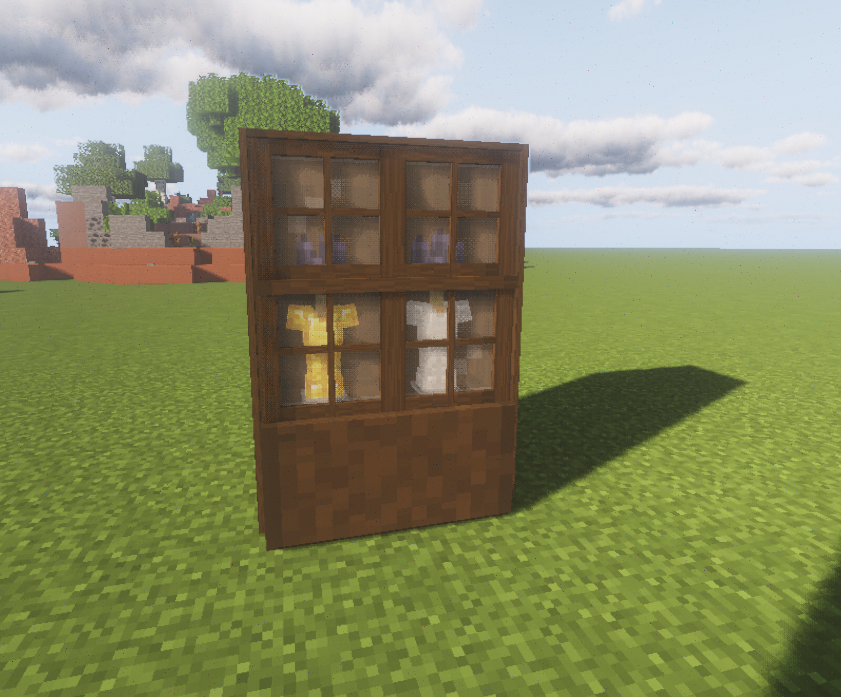
Models created by mr_chibi, into minecraft as a datapack for players to craft, place, & interact with.
Overview: 💭
Main focus allow players in “Creative” customize models how they like there building style.
- Creative Players, can customize their models to any type of texture and do 1000+ customization options!
- Creative Players, that are enabled “model admin” get items freely and can place, remove, change textures and override other models.
What’s Model Admin? 🖌️
It’s a feature for server operators can grant “Players” with more editing tools.
- Commands, such as, Selection, Remove, Schematic, Copy, & Paste.
- Schematic, Are pieces of paper that have saved NBT data of textures on models for specific models.
Sharing your creations: 🎁
Using minecrafts save hotbar keybinds you can save and transfer them to other servers and place them in shulker boxes.
Have any FAQs? ❓
Please visit our wiki, on the side panel there are a bunch of links with some additonal information!
Written in: 📦
What languages were used to create datapack?
- Mcfunction
- Json
常见问题
models 支持哪些 Minecraft 版本?
models 支持 Minecraft Java 版 1.21.4–26.1.2,共 11 个版本,可用的加载器:Fabric / Forge / NeoForge / Quilt。下载时注意选择和你游戏版本一致的文件。
models 怎么安装?
先用 PCL2 或 HMCL 启动器安装对应版本的 Fabric / Forge / NeoForge / Quilt,再把下载的 .jar 文件放进游戏目录的 mods 文件夹,重新启动游戏即可。开启了版本隔离的,mods 文件夹在 versions/版本名 下面。运行环境:客户端 / 服务端。
mr-chibi 的其他作品
查看全部 →
worldpainter
World is your canvas! Create, Place & Color the world world how you'd imagine it!

builders_wand
Builders Wand, allowing [Survival/Creative] players perks to allow easier building style!

Mr_ChibisMMO
Survival based MMO for players to have fun in either (Singleplayer, Multiplayer, or Modded) skills such as, "Agility", "Attack", "Cooking", "Defense", "Excavation", "Fishing", "Hitpoints", "Hunter", "Magic", "Mining" & "Commands/Custom World Gen loot".

autoplanter
Allowing players to auto plant crops without right clicking. Places crops automatically when in players main hand.
评论
登录后评论和评分