截图
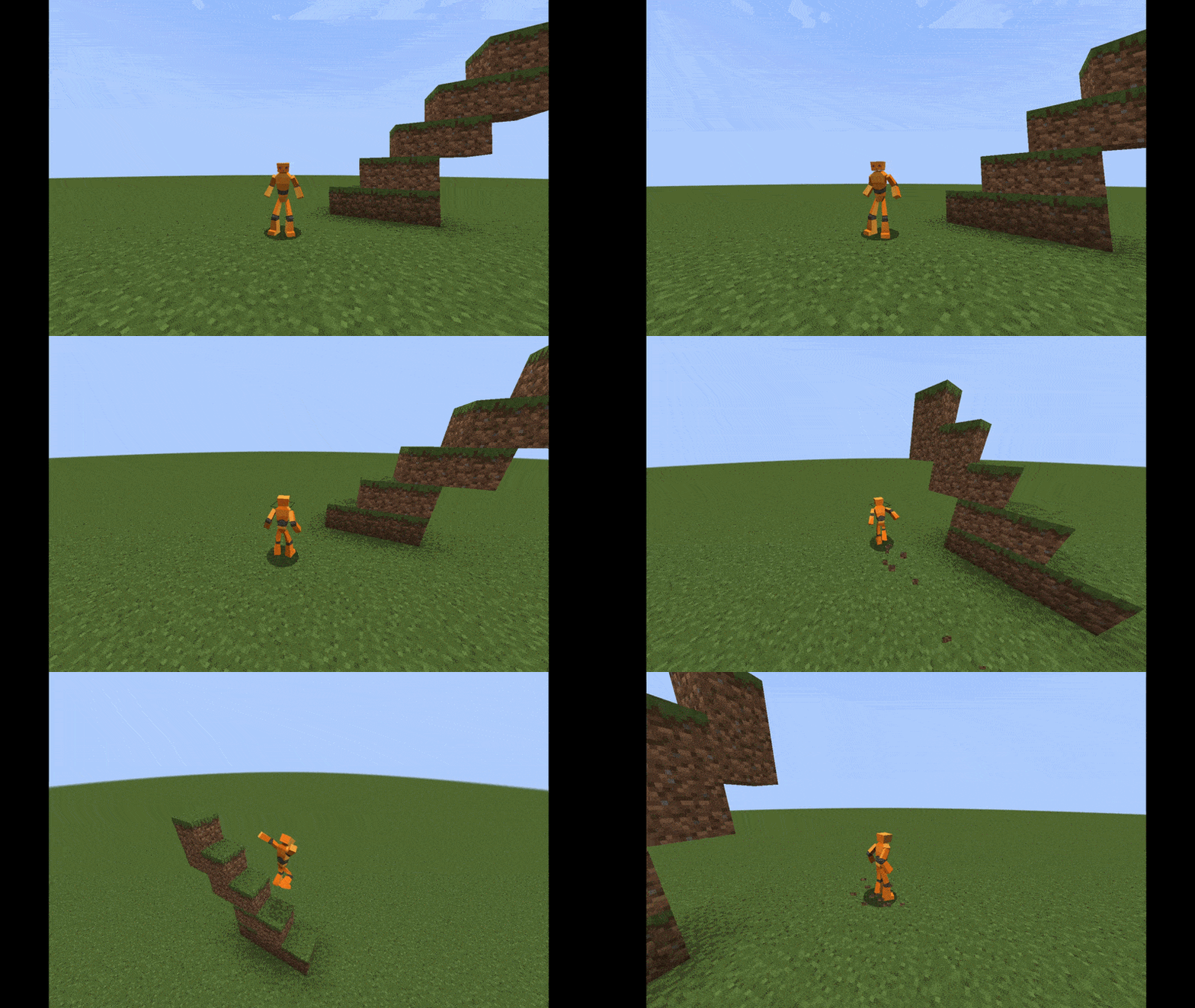


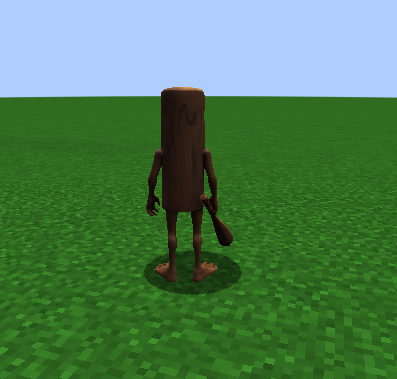
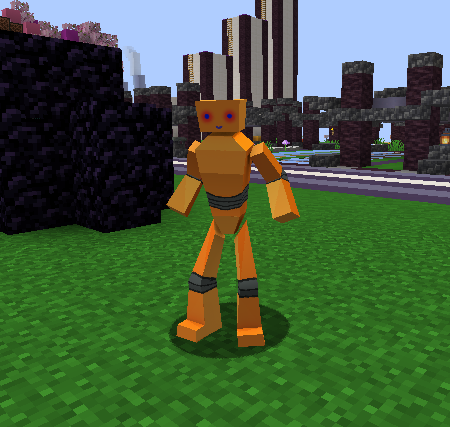
介绍
ModelChanger is a client side Fabric mod that lets you use custom 3D .glb models in Minecraft.
Place your models in the minecraft/ModelChanger folder, open the config screen, and select the model you want to use. The mod includes a live preview, player replacement support, and full transform controls so you can fine-tune your model directly in game.
Features
- Load custom
.glbmodels from a local folder - Automatic model folder creation
- Bundled models included in the mod are copied to your
ModelChangerfolder on first launch - Live model preview in the config screen
- Replace the local player model
- Optional player replacement for other players
- Automatic scaling to player size
- Animation support
- Easy folder access from the config screen
Configuration
- Replace Players
- Replace Player Limit
- Replace Player Range
- Auto Scale To Player
- Allow Animations
Transform Settings
- Scale
- Offset X
- Offset Y
- Offset Z
- Rotation X
- Rotation Y
- Rotation Z
Model Folder
- Location:
.minecraft/ModelChanger - Supported file type:
.glb
常见问题
Model Changer 支持哪些 Minecraft 版本?
Model Changer 支持 Minecraft Java 版 1.21–26.1.2,共 15 个版本,可用的加载器:Fabric。下载时注意选择和你游戏版本一致的文件。
Model Changer 怎么安装?
先用 PCL2 或 HMCL 启动器安装对应版本的 Fabric,再把下载的 .jar 文件放进游戏目录的 mods 文件夹,重新启动游戏即可。开启了版本隔离的,mods 文件夹在 versions/版本名 下面。运行环境:仅客户端。
Seyit 的其他作品
查看全部 →
Key Overlay
Displays keybinds on hotbar slots

Motion Blur X
Motion Blur mod

HitSound
Customize your Minecraft hit sound effects with the HitSound Mod! Select your preferred sound and adjust its volume directly through the Mod Menu for a personalized and immersive gameplay experience.

SRCxSeyit Boxpvp Pack
Mainly Elytrapvp Texturepack focusly better pvp and better game experience. Texturepack have a better fps boost and simple blocks, custom items for boxpvpv. Custom Glint for better visuals and better sounds.
评论
登录后评论和评分