
Item Model Browser
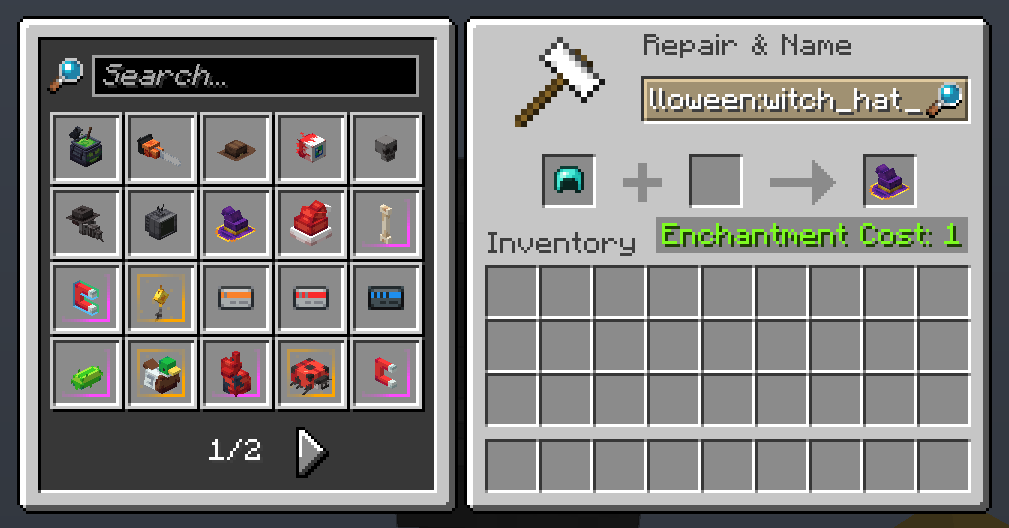
Adds a widget to the anvil GUI showing every model currently loaded by any resource packs. Clicking an item automatically sets its name in the anvil, making it easy to apply models using the Model Applier datapack.
截图
介绍
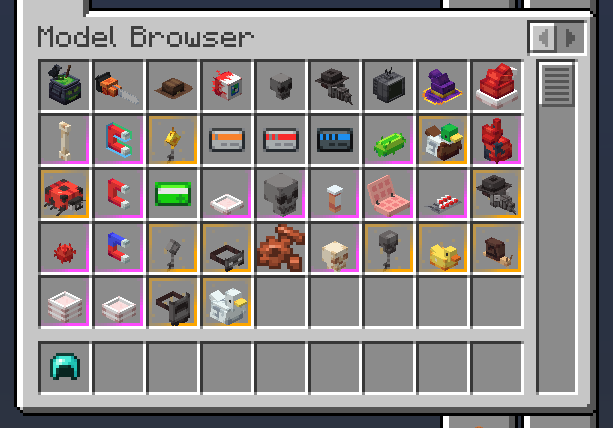
Model Browser
Get any resource pack-loaded item model in survival or creative with ease!
Usage
The mod adds a widget to the anvil GUI displaying every model currently loaded by any resource packs. If installed on the server-side, clicking an item automatically sets its item model and makes the item equippable on the player’s head.
The mod also adds a tab in the Creative inventory for convenient access to every loaded model in Creative Mode.
##
Made with ❤️ by deborn

常见问题
Item Model Browser 支持哪些 Minecraft 版本?
Item Model Browser 支持 Minecraft Java 版 1.21.10–26.3,共 7 个版本,可用的加载器:Fabric。下载时注意选择和你游戏版本一致的文件。
Item Model Browser 怎么安装?
先用 PCL2 或 HMCL 启动器安装对应版本的 Fabric,再把下载的 .jar 文件放进游戏目录的 mods 文件夹,重新启动游戏即可。开启了版本隔离的,mods 文件夹在 versions/版本名 下面。运行环境:客户端 / 服务端。

评论
登录后评论和评分