
Mob Rate
Control mob spawn rates, tune zombie weight, and clear all entities with one click - a mob management mod built for hardcore survival challenges.
截图
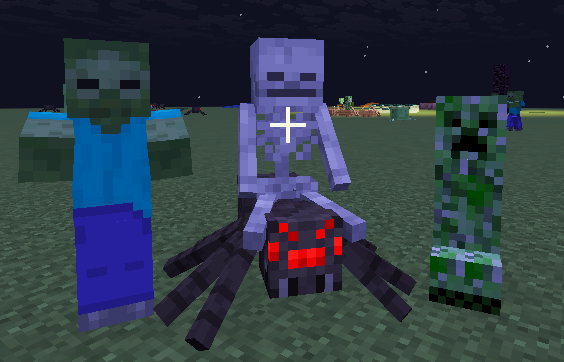
介绍
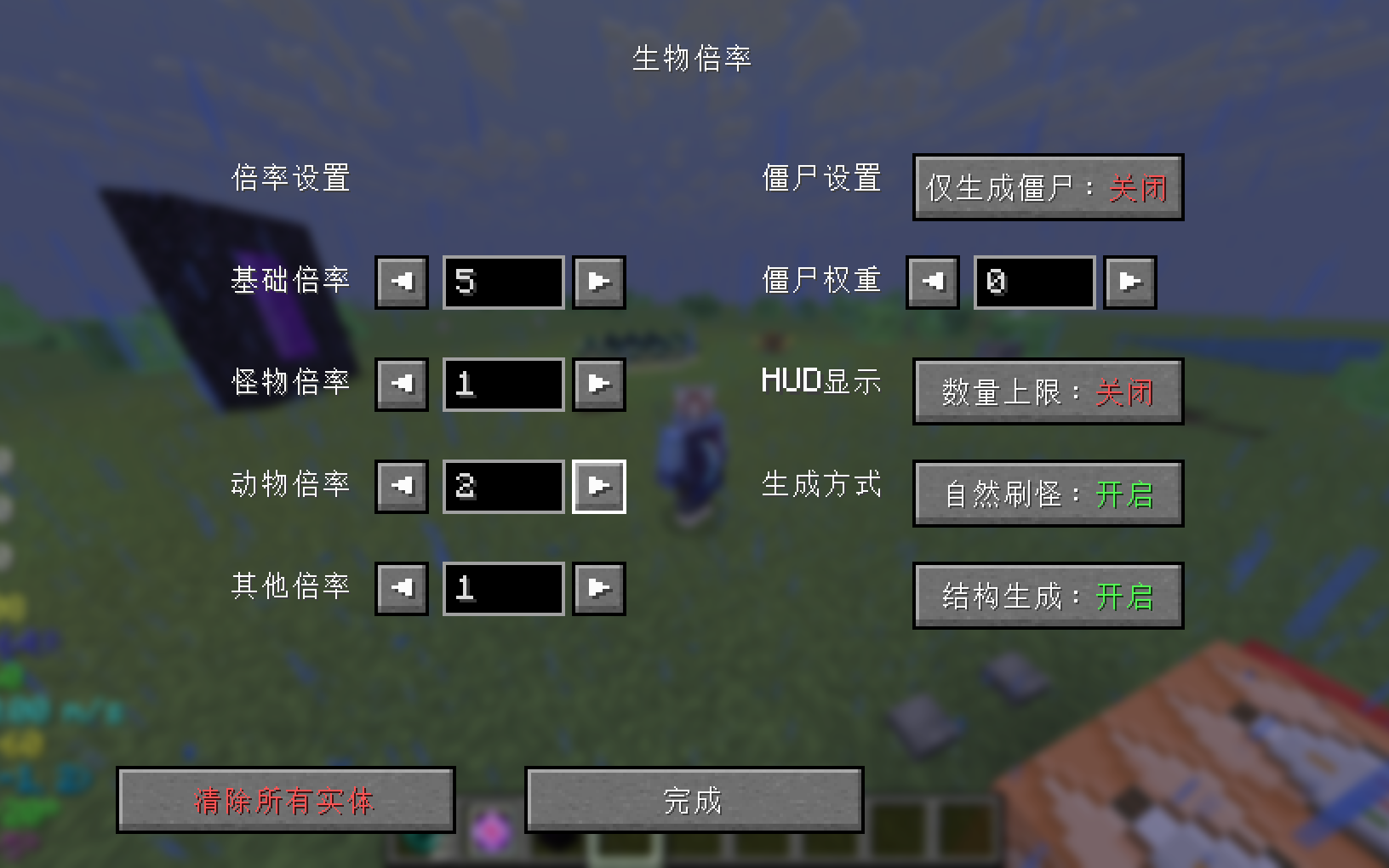
A mob management mod designed for hardcore survival challenges, giving you precise control over world mob spawning. Press the semicolon key (;) to open the settings screen – no commands to memorize.
Mob Rate Control
Adjust the spawn multipliers for Base, Monster, Creature, and Other categories (0-9999) to fine-tune world difficulty, from a peaceful world to a hellish one. Setting a value to 0 fully disables spawning for that category. Defaults: Base 5, Monster 1, Creature 2, Other 1. The effective multiplier is calculated as: final multiplier = base multiplier × category multiplier, where Monsters use the monster multiplier, Creatures use the creature multiplier, and the remaining mobs (ambient, aquatic, etc.) use the other multiplier.
Zombie Weight
Adjust the share of zombies in monster spawning exponentially (10^n, where n is -20 to 20). The higher the exponent, the more zombies appear – perfect for building a zombie-apocalypse survival scene. Default: 0.
Zombies Only
When enabled, only zombies spawn in the world. Combine with zombie weight for a pure zombie survival experience. Default: off.
Natural & Structure Spawning
Toggle natural spawning (mobs that appear randomly in the wild) and structure spawning (mobs generated alongside structures such as dungeons) separately, for a fully controlled world. Both default to on.
Clear All Entities
Clear every entity in the world (including persisted entity data on disk) with one click, keeping only players. The ender dragon is killed through the normal death flow first, then all remaining entities are removed. Useful when entities get out of hand or you want a fresh start.
Mob Count HUD
Displays the current count and cap for monsters, creatures, and other mobs on the left side of the screen, so you always know what’s spawning around you.
Permissions
Settings that affect the world (rates, zombie weight, zombies only, natural & structure spawning, clearing all entities) require OP permission – the server rejects non-admin actions. The HUD is a per-player client setting and needs no permission.
Configuration
Server config is stored per-world in data/mobrate.properties (each save is independent). The client HUD toggle is stored in config/mobrate-client.properties.
常见问题
Mob Rate 支持哪些 Minecraft 版本?
Mob Rate 支持 Minecraft Java 版 1.21.11–26.2,共 2 个版本,可用的加载器:Fabric。下载时注意选择和你游戏版本一致的文件。
Mob Rate 怎么安装?
先用 PCL2 或 HMCL 启动器安装对应版本的 Fabric,再把下载的 .jar 文件放进游戏目录的 mods 文件夹,重新启动游戏即可。开启了版本隔离的,mods 文件夹在 versions/版本名 下面。运行环境:客户端和服务端都要装。
jfyx2025 的其他作品
查看全部 →
StraySkins
A skin management mod designed for offline accounts, supporting APNG animated skins, ultra-high resolution, and alpha blending, allowing offline players to own and switch their own skins and capes, and display them correctly on multiplayer servers.

-FakePlayer-
A next-generation fake player mod that optimizes and provides more practical features, making it suitable as a companion in the game.
beyondheights
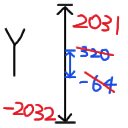
Expand the upper and lower limits of world height without loading terrain.

PowerRocket
A comprehensive flight assist mod featuring 6 tiers of power rockets, elytra boost, auto-protection systems, and fully customizable HUD displays.
评论
登录后评论和评分