
介绍

Mob Journal is a lightweight and immersive mod that automatically records every mob you’ve encountered in your world. Track your discoveries, see detailed descriptions, and browse mobs by name or mod.
🧠 Features
- 📝 Auto-Discovery – Mobs are added as you wander close to them.
- 📚 In-Game Journal UI – A beautifully rendered double-page book to browse mobs.
- 🔍 Search & Filters – Search by name or mod (e.g.
@mythology). - 🧟 Mob Details – Health, armor, drop preview, and kill/death stats.
- 🔔 Toasts – Get a custom notification when you discover a new mob.
- 🎨 Custom Descriptions – Add your own JSON-based mob descriptions (optional).
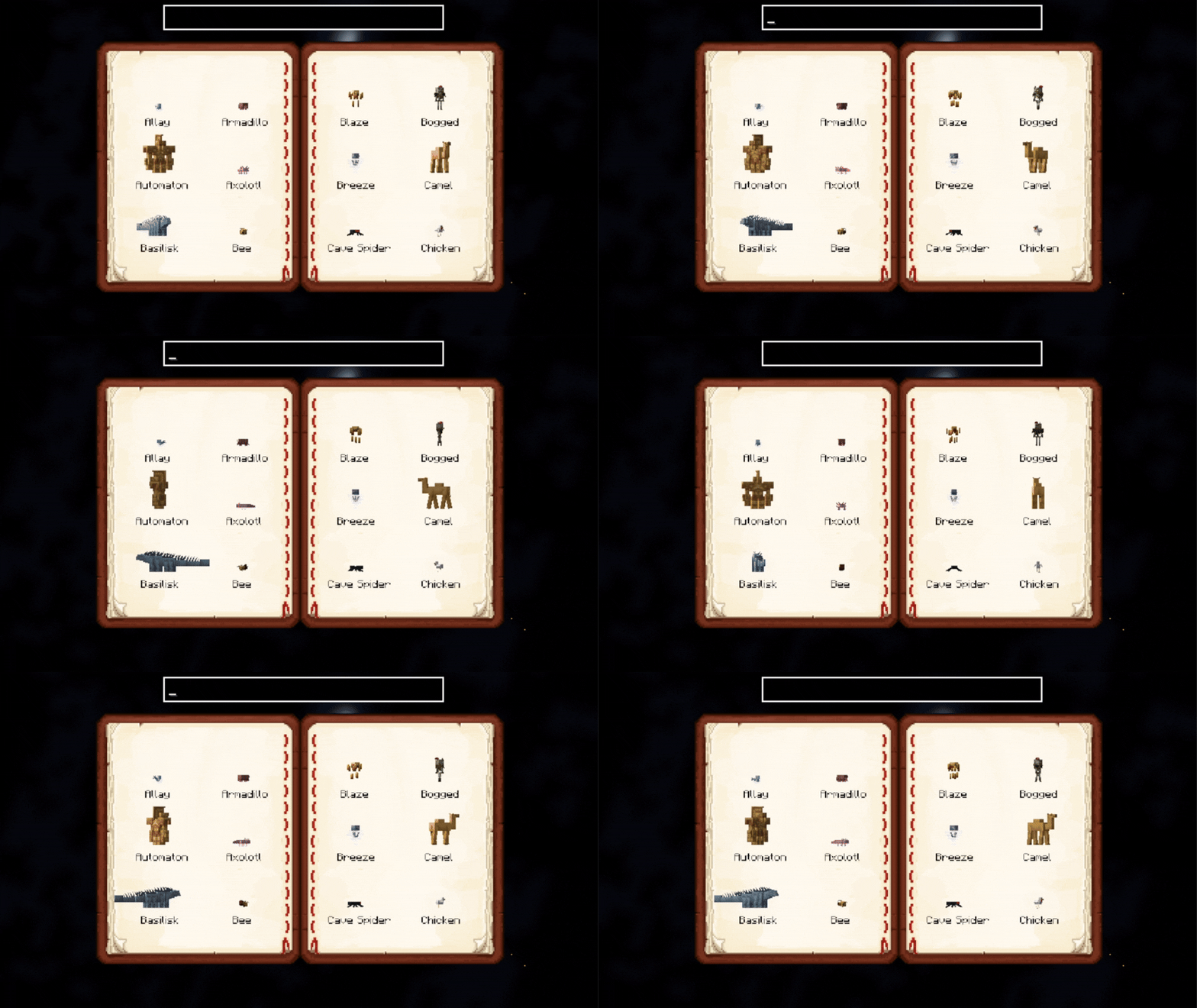
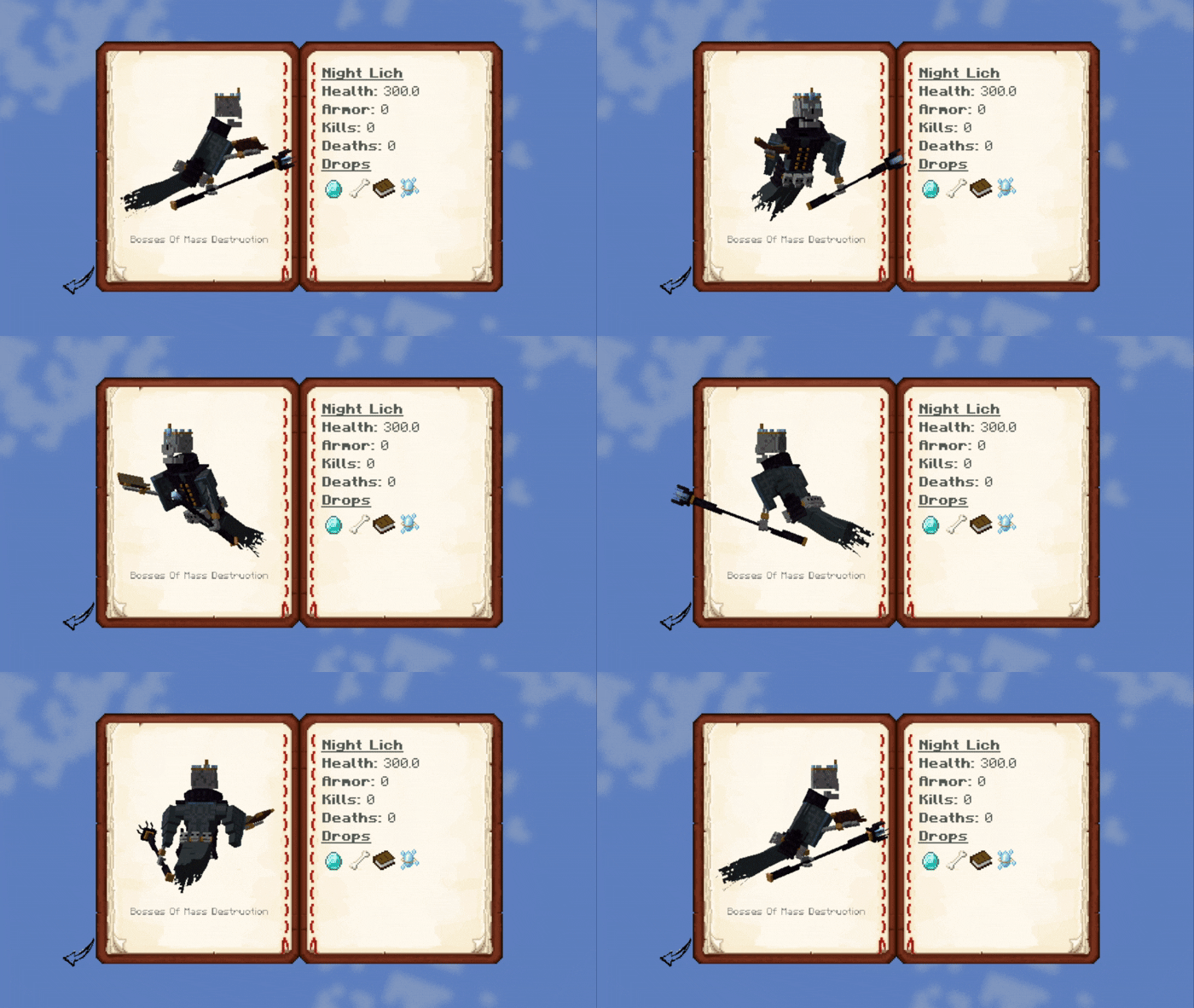
💡 Usage
- Open the journal with
J_(configurable in controls)_ _(Only works if you have the Mob Journal item in your inventory)_ - Scroll through pages using the arrow buttons.
- Click on a mob to view its details.
- Use the search bar to find mobs quickly.
- Search by mod using
@modid, e.g.@minecraftor@mobs_of_mythology.
- Alt + Left click on a mob inside the grid list or detail will open up its render config!
🛠️ Custom Descriptions
Descriptions can be provided per mob or by default per mod. More on this in the README.
You can add custom mob descriptions using JSON files in:
assets/journal/mobs_desc/<mob_namespace>/<mob_name>.jsonSupports simple Markdown with in-game formatting, icons, and loot placeholders.
✅ Requirements
- Porting to Forge is not planned

常见问题
Mob Journal 支持哪些 Minecraft 版本?
Mob Journal 支持 Minecraft Java 版 1.20.1–1.21.1,共 2 个版本,可用的加载器:Fabric / Forge / NeoForge。下载时注意选择和你游戏版本一致的文件。
Mob Journal 怎么安装?
先用 PCL2 或 HMCL 启动器安装对应版本的 Fabric / Forge / NeoForge,再把下载的 .jar 文件放进游戏目录的 mods 文件夹,重新启动游戏即可。开启了版本隔离的,mods 文件夹在 versions/版本名 下面。运行环境:客户端和服务端都要装。
KevzCz 的其他作品
查看全部 →
Kev’s Library
A library for all Kev's mods

Kev’s Tierify Modifiers
More Tieredz modifiers!

Kev’s Attributes Panel
Adds an attributes panel to look at your plentiful stats!

Icon Leading Tooltip
Places icons before the attributes!
评论
登录后评论和评分