
介绍

Mob Journal is a lightweight and immersive mod that automatically records every mob you’ve encountered in your world. Track your discoveries, see detailed descriptions, and browse mobs by name or mod.
🧠 Features
- 📝 Auto-Discovery – Mobs are added as you wander close to them.
- 📚 In-Game Journal UI – A beautifully rendered double-page book to browse mobs.
- 🔍 Search & Filters – Search by name or mod (e.g.
@mythology). - 🧟 Mob Details – Health, armor, drop preview, and kill/death stats.
- 🔔 Toasts – Get a custom notification when you discover a new mob.
- 🎨 Custom Descriptions – Add your own JSON-based mob descriptions (optional).
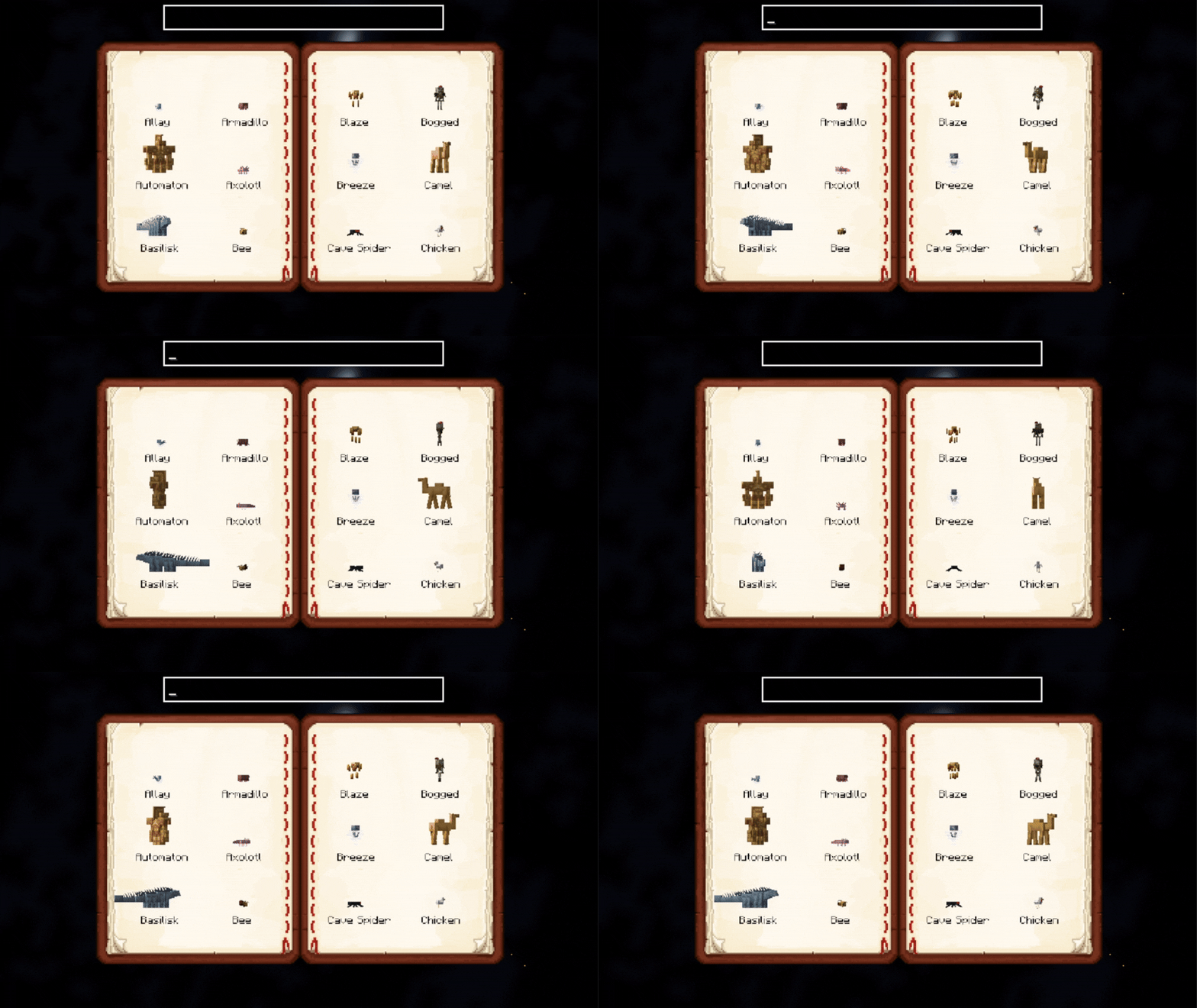
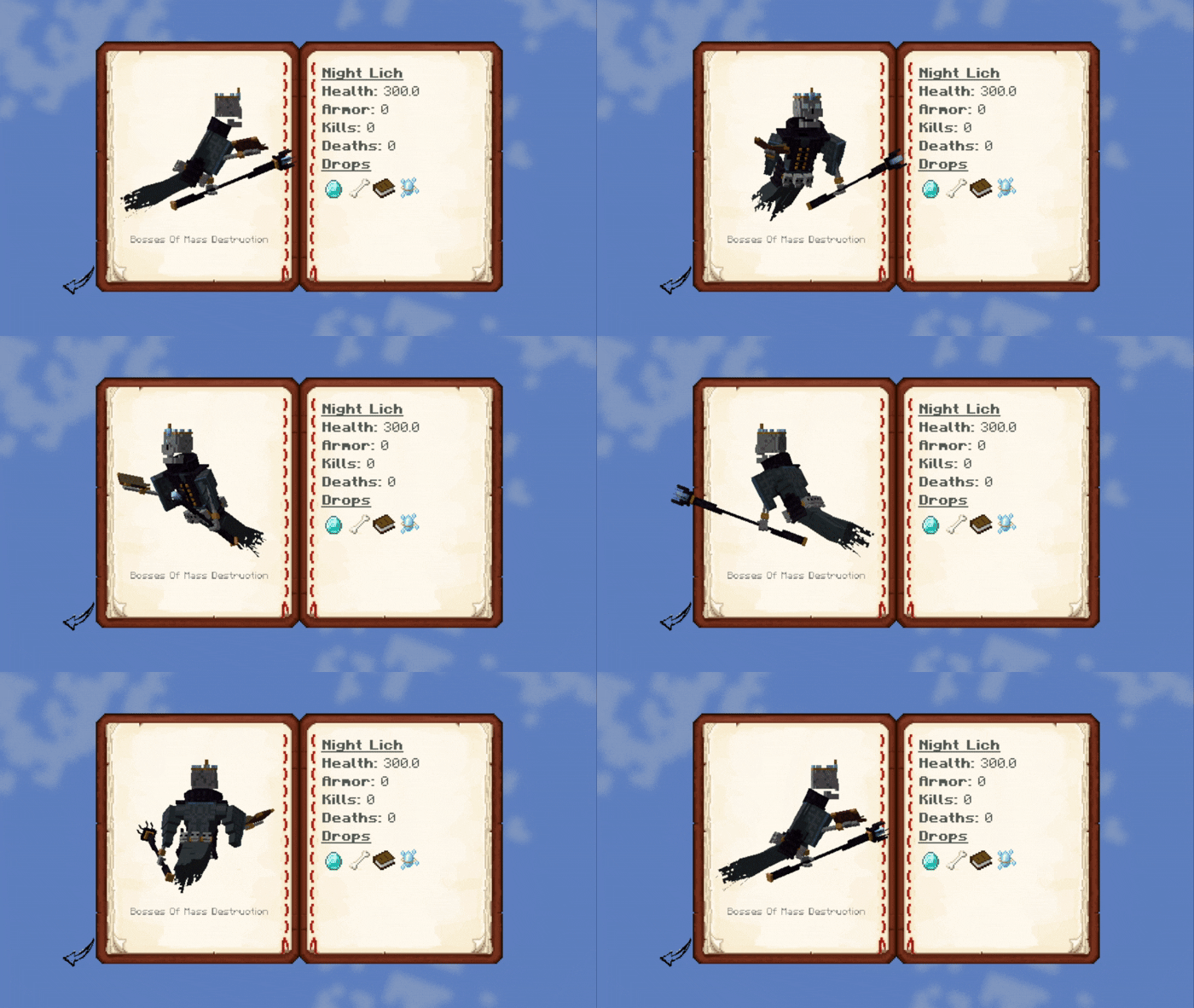
💡 Usage
-
Open the journal with
J(configurable in controls) (Only works if you have the Mob Journal item in your inventory) -
Scroll through pages using the arrow buttons.
-
Click on a mob to view its details.
-
Use the search bar to find mobs quickly.
- Search by mod using
@modid, e.g.@minecraftor@mobs_of_mythology.
- Search by mod using
-
Alt + Left click on a mob inside the grid list or detail will open up its render config!
🛠️ Custom Descriptions
Descriptions can be provided per mob or by default per mod. More on this in the README.
You can add custom mob descriptions using JSON files in:
assets/journal/mobs_desc/<mob_namespace>/<mob_name>.jsonSupports simple Markdown with in-game formatting, icons, and loot placeholders.
✅ Requirements
常见问题
Mob Journal 支持哪些 Minecraft 版本?
Mob Journal 支持 Minecraft Java 版 1.20.1–1.21.1,共 2 个版本,可用的加载器:Fabric / Forge / NeoForge。下载时注意选择和你游戏版本一致的文件。
Mob Journal 怎么安装?
先用 PCL2 或 HMCL 启动器安装对应版本的 Fabric / Forge / NeoForge,再把下载的 .jar 文件放进游戏目录的 mods 文件夹,重新启动游戏即可。开启了版本隔离的,mods 文件夹在 versions/版本名 下面。
KevzCz 的其他作品
查看全部 →
Kev’s Library
Kev 的所有模组的前置库

Kev’s Tierify Modifiers
更多Tieredz修饰符!

Kev’s Attributes Panel
添加一个属性面板,方便查看你丰富的各项属性!

Icon Leading Tooltip
将图标放在属性前面!
评论
登录后评论和评分