
截图
介绍
中文介绍正在准备中,下面暂时显示原文。
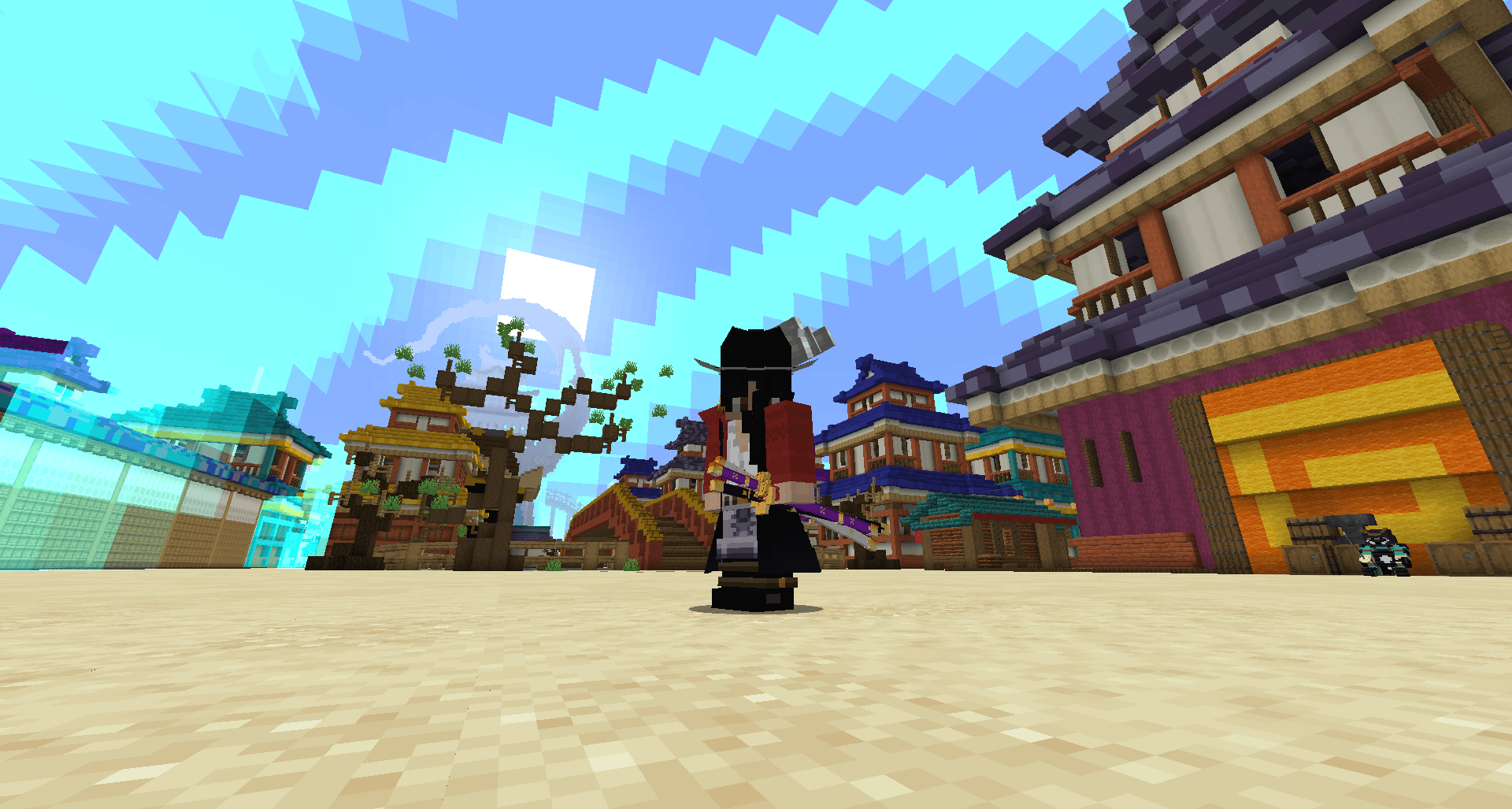
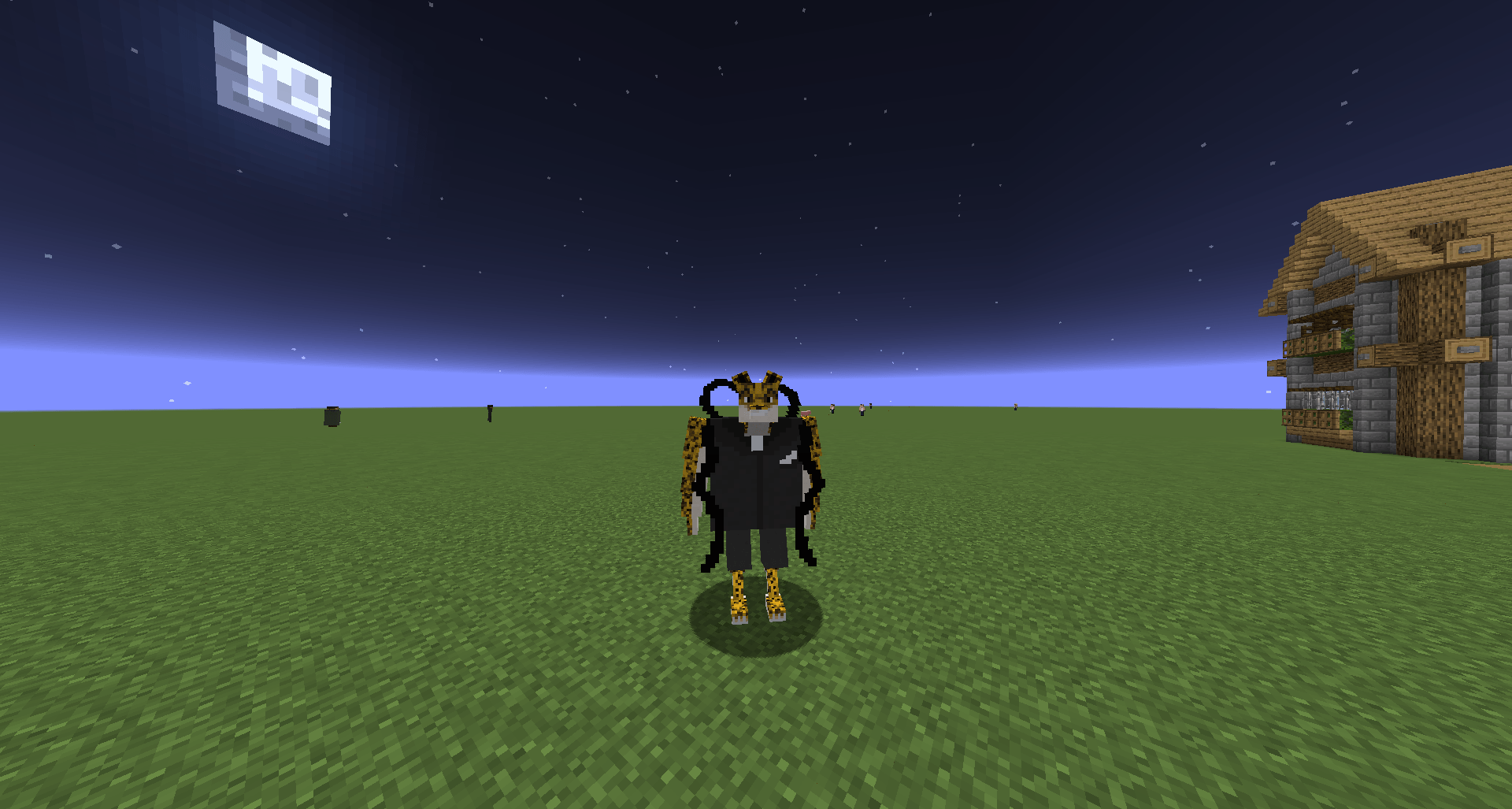
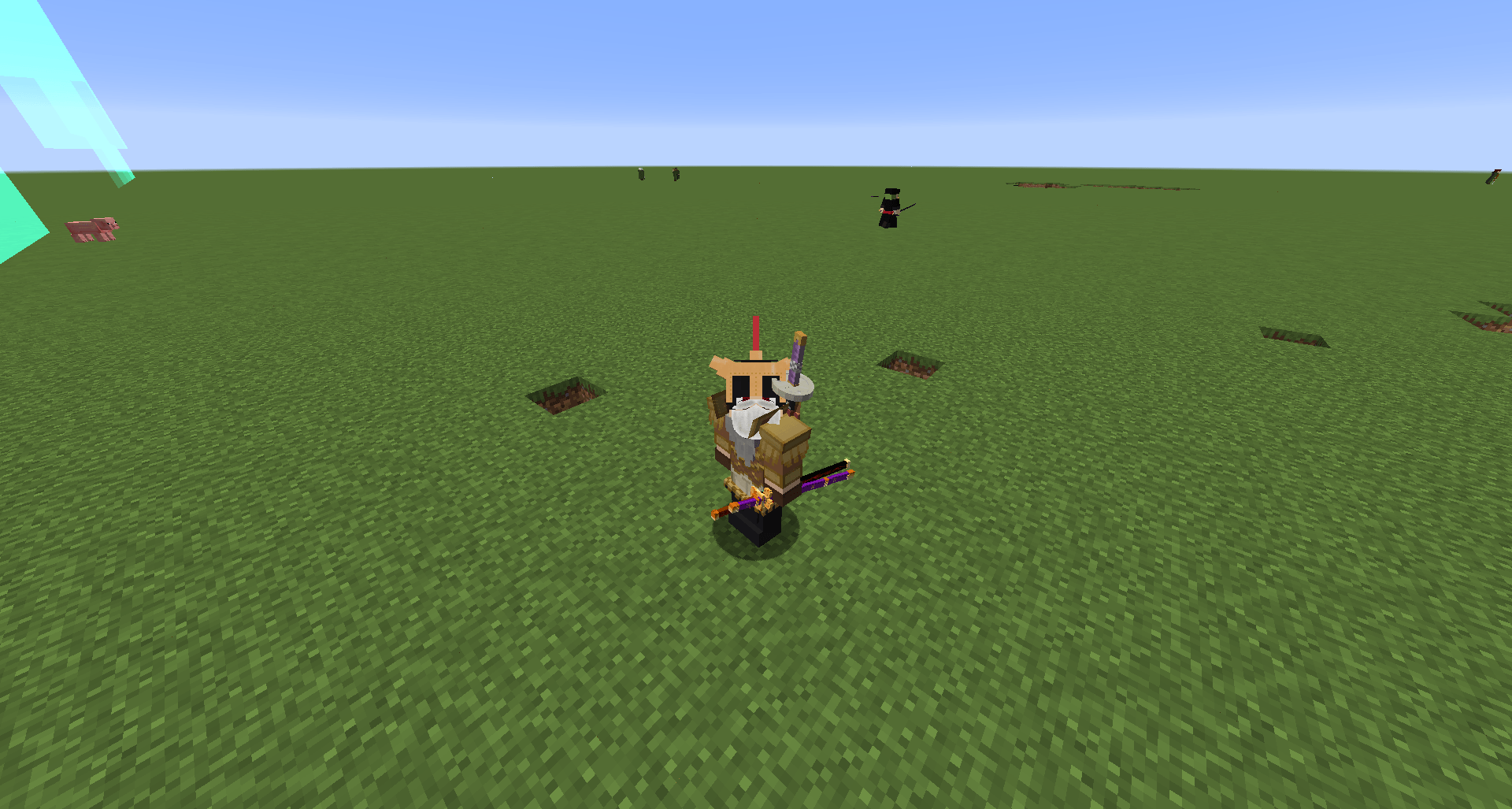
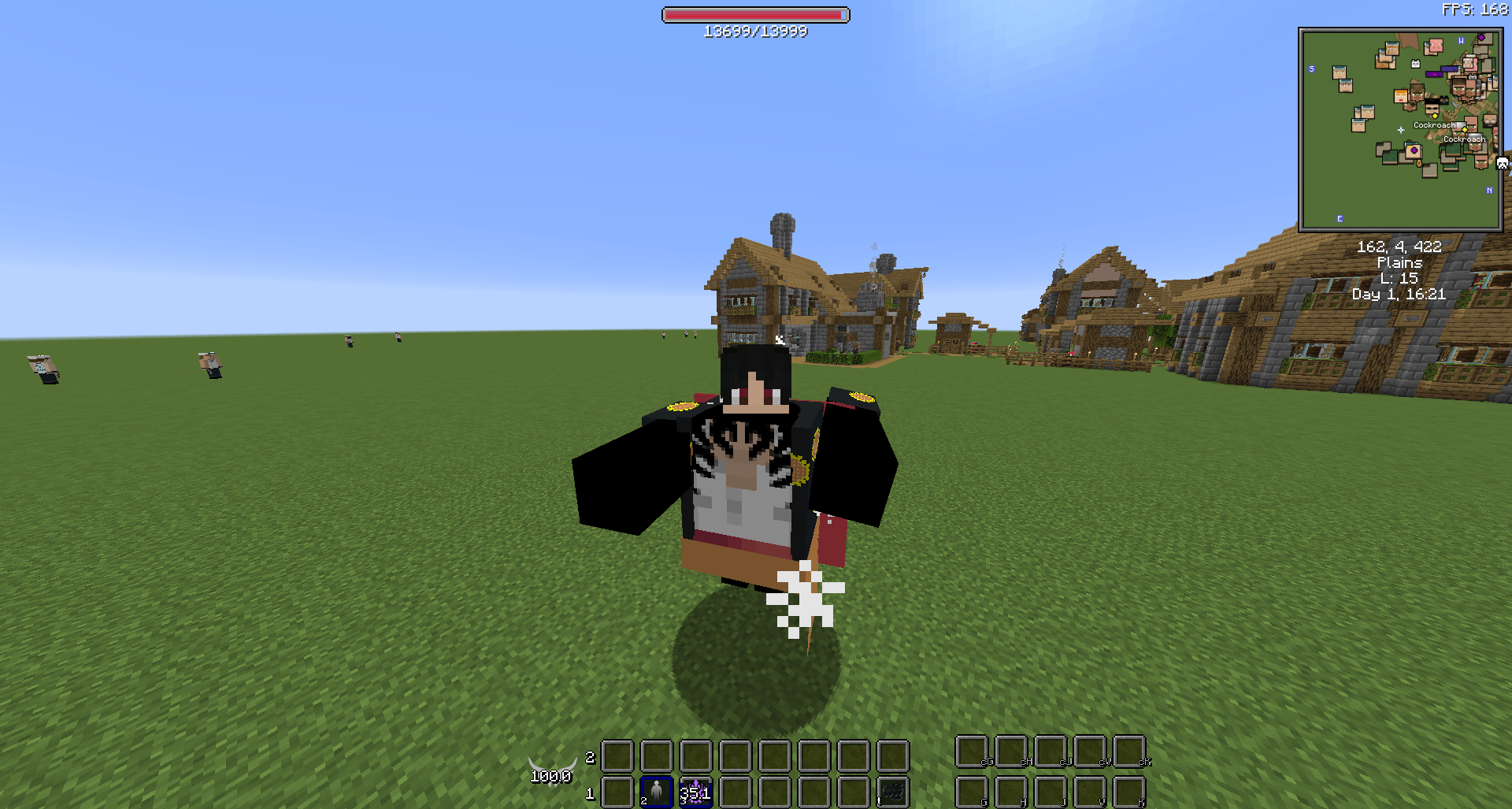
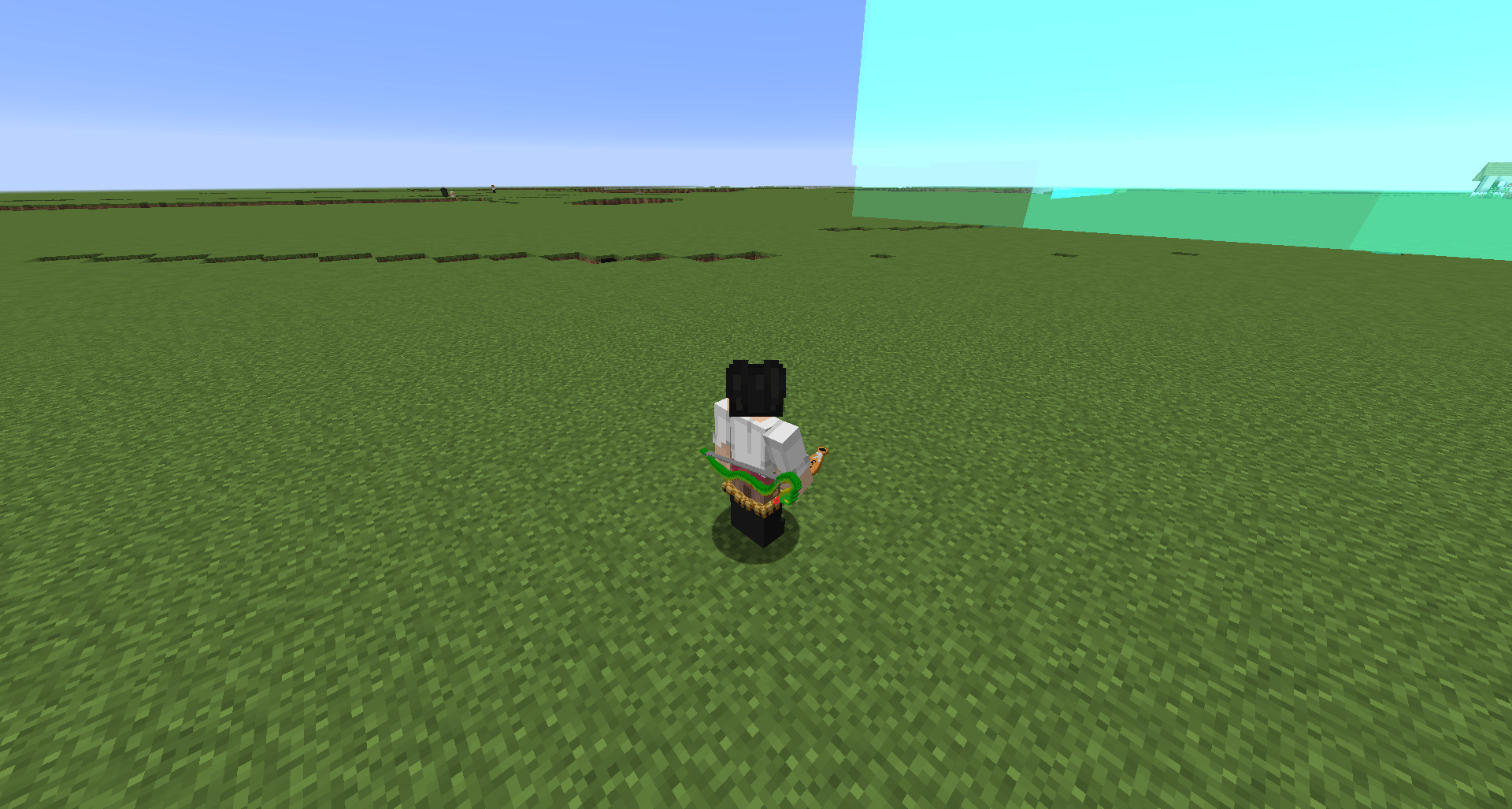
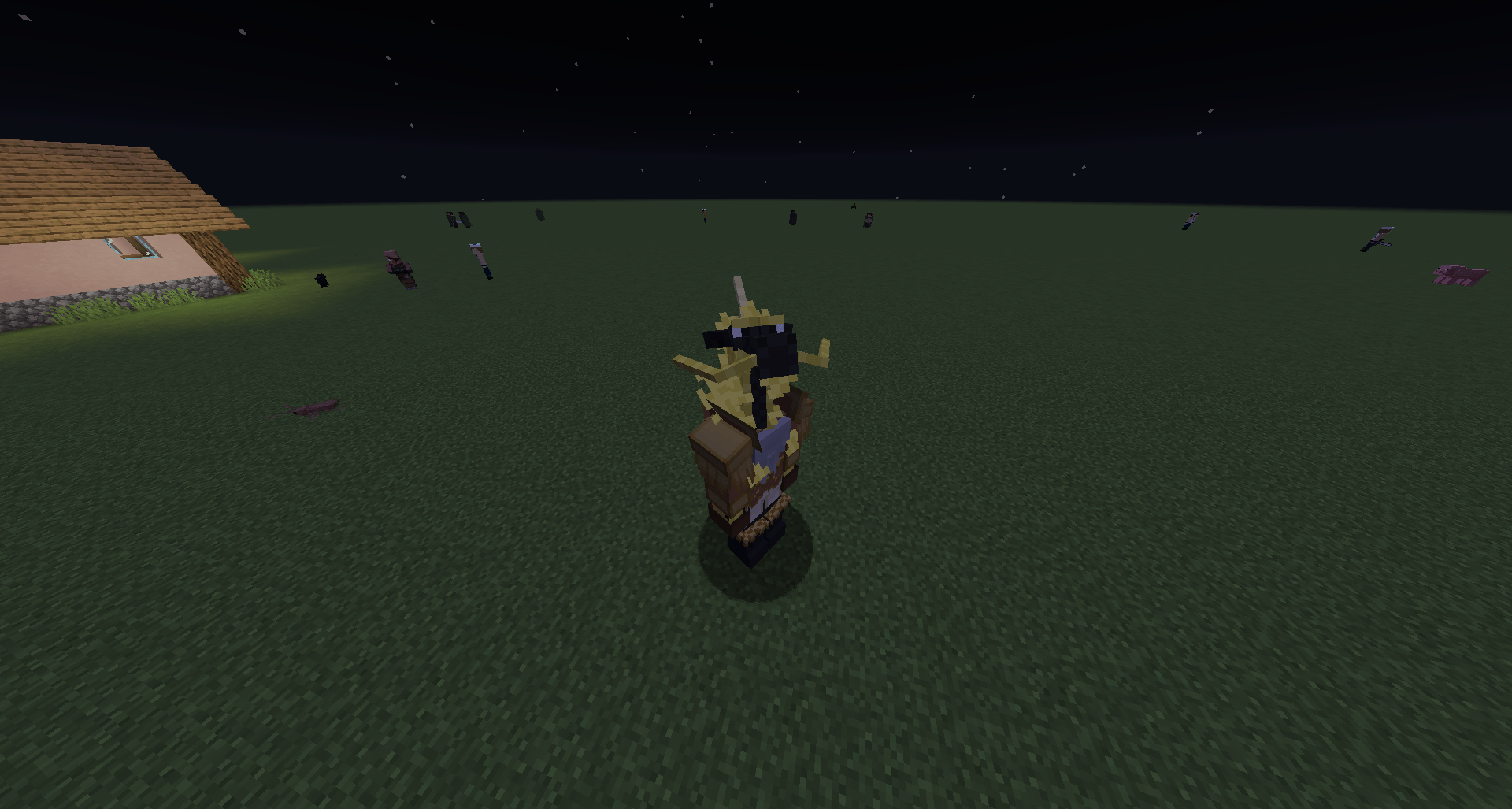
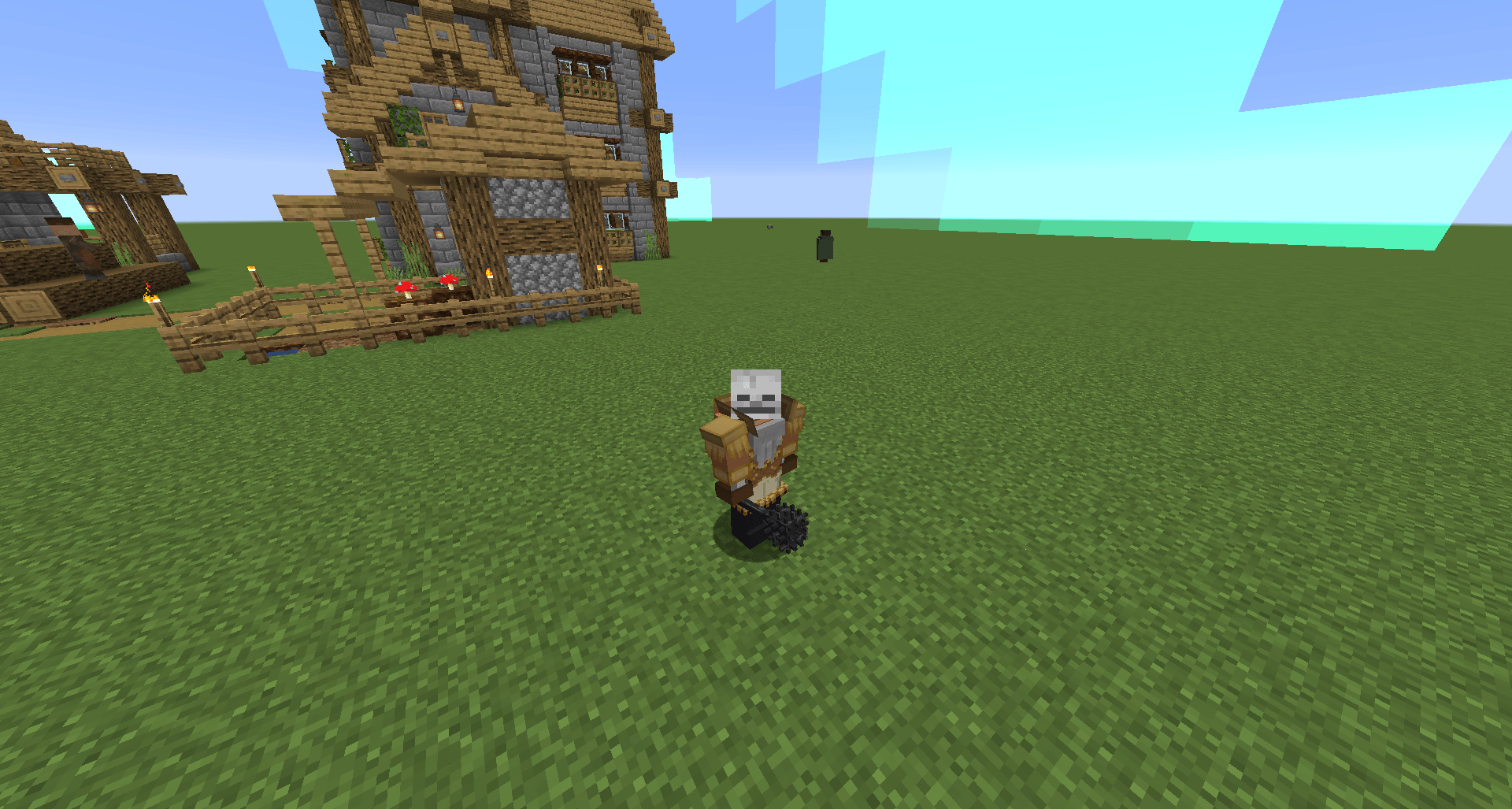
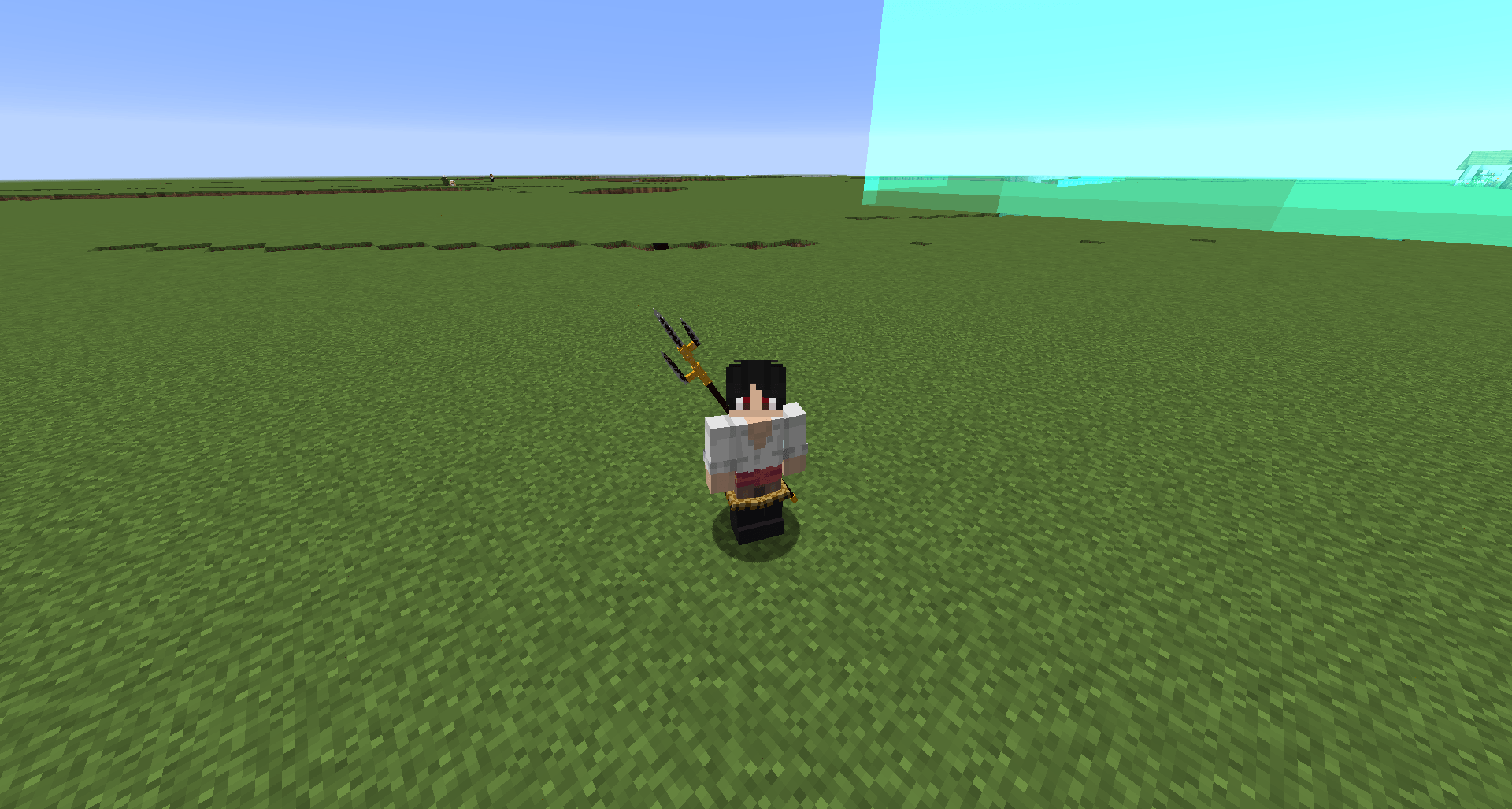
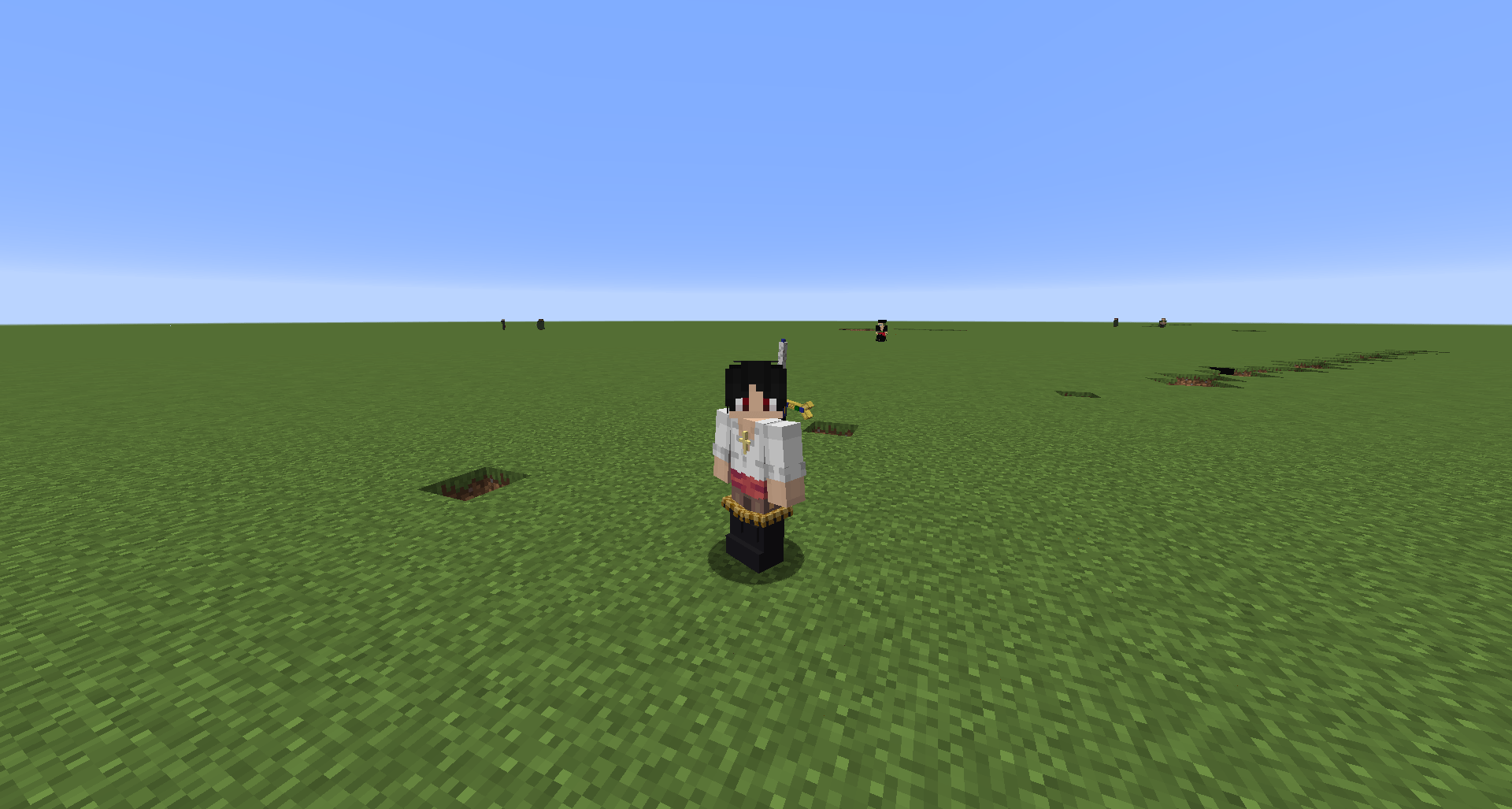
MMNM Tyler’s Addon Shows your armor on Zoan forms in Mine Mine no Mi instead of hiding it — now also with a weapon slot that draws and sheathes your weapon automatically.
- Armor shows on hybrid and full Zoan forms, including modded armor.
- Comes with preset fits for 100+ forms, so it works right away.
- Press K while transformed to adjust scale, position and rotation for each piece. You can also adjust each arm separately.
- With Curios installed: adds a weapon slot. Equip a weapon in it and it automatically draws into your hand when you enter Combat Mode, and sheathes back when you leave it. Press L to adjust how each weapon renders on the body.
- Optional: turn off Better Combat’s weapon moves while in Zoan form (set
disable_bettercombat_in_zoantotruein the config).
Non-Zoan forms also supported: Gear Fourth, Venom Demon (Cart Addon), Fashion Punk, Reworked Shinokuni (Cart Addon), Spring Legs, Yomi Skeleton, Volt Amaru (Cart Addon) and Mannen Yuki (Cart Addon). Requires: Mine Mine no Mi 1.16.5-0.10.11 (Forge 1.16.5) Supports: Cart Addon, Awaken Awaken no Mi, Blitz Fruits, Yokai, Better Combat (1.16.5 port), Curios API (optional, enables the weapon slot)
常见问题
MMNM Tyler’s Addon 支持哪些 Minecraft 版本?
MMNM Tyler’s Addon 支持 Minecraft Java 版 1.16.5,可用的加载器:Forge。下载时注意选择和你游戏版本一致的文件。
MMNM Tyler’s Addon 怎么安装?
先用 PCL2 或 HMCL 启动器安装对应版本的 Forge,再把下载的 .jar 文件放进游戏目录的 mods 文件夹,重新启动游戏即可。开启了版本隔离的,mods 文件夹在 versions/版本名 下面。
评论
登录后评论和评分