
截图
介绍
MLua
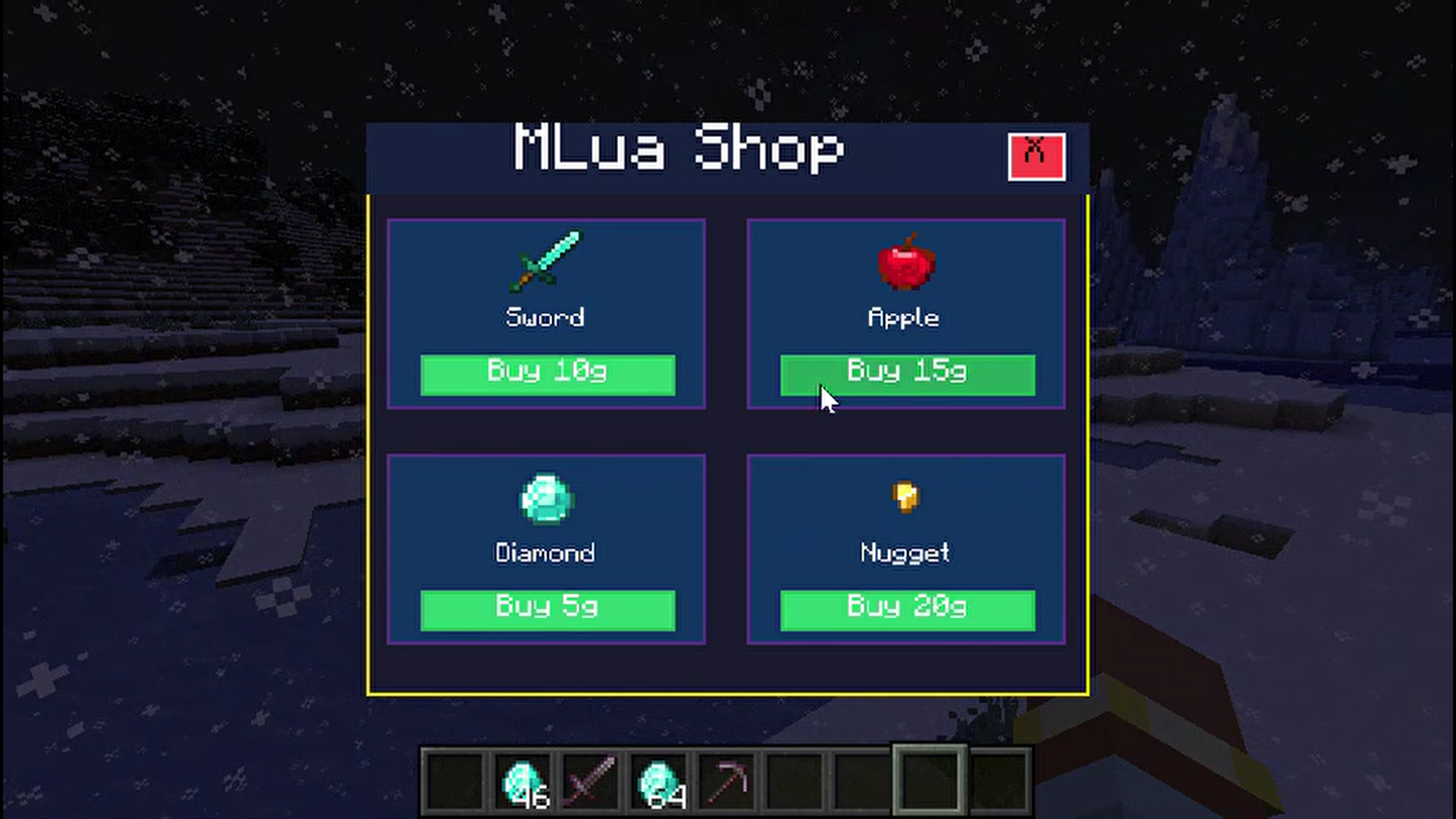
MLua lets you write Minecraft mod scripts in Lua. Scripts can interact with the game through APIs for players, worlds, events, commands, UI, and registered content.
Support Discord: https://discord.gg/7Gf4XqVRfT
Scripts
During development, place scripts in:
run/mlua/scripts/Mods can bundle scripts in their JAR at:
assets/<modid>/mlua/scripts/It will recognizes these script types:
*.mixin.lua      mixin scripts
*.registry.lua   registry scripts
*.commands.lua   command scripts
*.server.lua     server scripts
*.client.lua     client scripts
*.lua            module scripts
API reference
MLua would generate its documentation in the Minecraft client. Open run/mlua/docs/index.html after launching the game. It shows you the APIs available in that build.
Example
local Players = Minecraft:GetService("Players")
local World = Minecraft:GetService("World")

Players.PlayerAdded:Connect(function(player)
    player:SendMessage("Hello from MLua!")
    player:SetGameMode(GameMode.Creative)
end)

World:SetWeather(Weather.Clear)
Using MLua from another mod
Include MLua with your mod and declare it as a dependency.
常见问题
MLua 支持哪些 Minecraft 版本?
MLua 支持 Minecraft Java 版 1.20.1–26.1.2,共 5 个版本,可用的加载器:Fabric / Forge / NeoForge。下载时注意选择和你游戏版本一致的文件。
MLua 怎么安装?
先用 PCL2 或 HMCL 启动器安装对应版本的 Fabric / Forge / NeoForge,再把下载的 .jar 文件放进游戏目录的 mods 文件夹,重新启动游戏即可。开启了版本隔离的,mods 文件夹在 versions/版本名 下面。运行环境:客户端和服务端都要装。

评论
登录后评论和评分