
Miran’s Elements
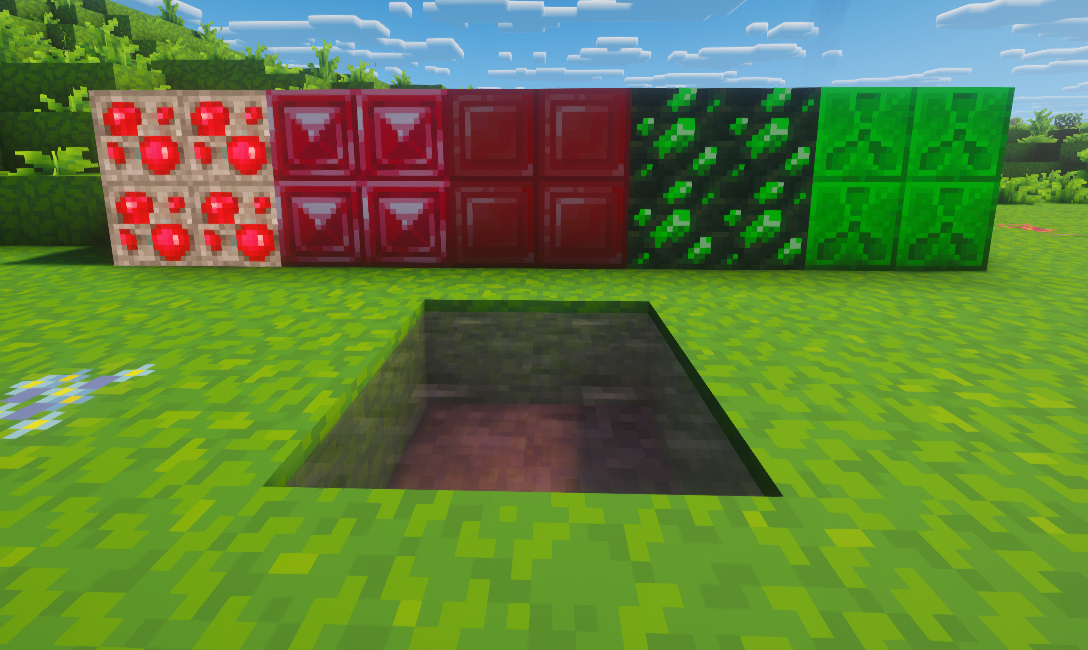
This mod adds three new elements to the game: Ruby, Cobalt, and Uranium.
截图


介绍
This mod adds three new elements to the game: Ruby, Cobalt, and Uranium.
By combining a Netherite ingot with a Ruby ingot, you can craft a Cobalt ingot, which is used to create powerful tools and armor.
Ruby ore generates underground between Y -50 and -30 and can only be mined with Netherite tools.
The mod also introduces Uranium. Uranium spawns in the End dimension as a meteorite, generating between Y levels 30 and 70, and can only be mined using a Cobalt pickaxe.
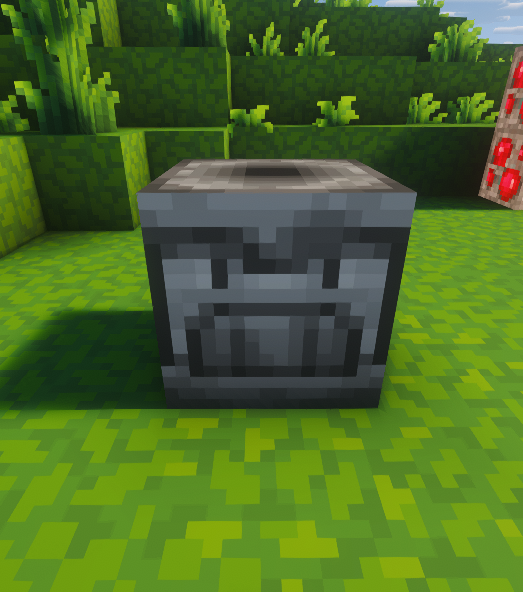
To obtain usable Uranium, you must first take the raw uranium and process it in a Chemistry Table by reacting it with Cleaning Lotion, then smelt it in a furnace.
After that, you’ll finally obtain Uranium ore.
These newly added equipment items are much stronger and faster than the diamond and netherite items already found in the game, and they are also unbreakable. These features make the new equipment perfect for RPG and hard-mode gameplay, and since they are difficult to obtain, they do not ruin the overall game balance.
However, since this mod may feel too overpowered for some players, we recommend using it together with hard or challenging mods.
And I personally recommend playing this mod together with JEI recipe mod.
And the purpose of making this mod is to gain experience and learn modding.
Have fun!
常见问题
Miran’s Elements 支持哪些 Minecraft 版本?
Miran’s Elements 支持 Minecraft Java 版 1.20.1,可用的加载器:Forge。下载时注意选择和你游戏版本一致的文件。
Miran’s Elements 怎么安装?
先用 PCL2 或 HMCL 启动器安装对应版本的 Forge,再把下载的 .jar 文件放进游戏目录的 mods 文件夹,重新启动游戏即可。开启了版本隔离的,mods 文件夹在 versions/版本名 下面。运行环境:客户端和服务端都要装。
评论
登录后评论和评分