
MipmapFix
Ever noticed that textures become very fuzzy when introducing a mod or two, maybe a resource pack? Here's your fix.
截图
介绍
Ever noticed that distant textures become very fuzzy when introducing a mod or two, maybe a resource pack?
Here’s your fix.
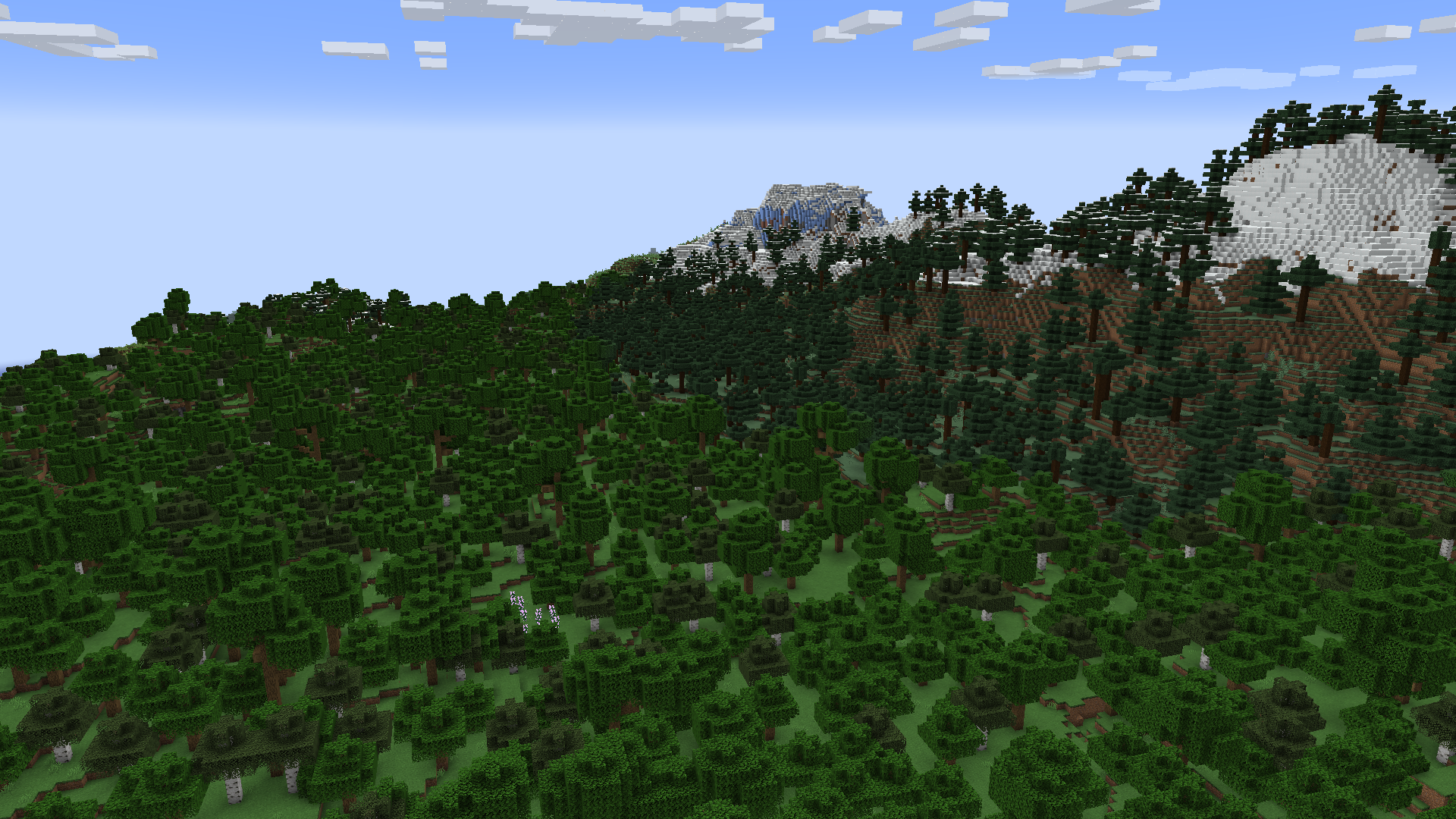
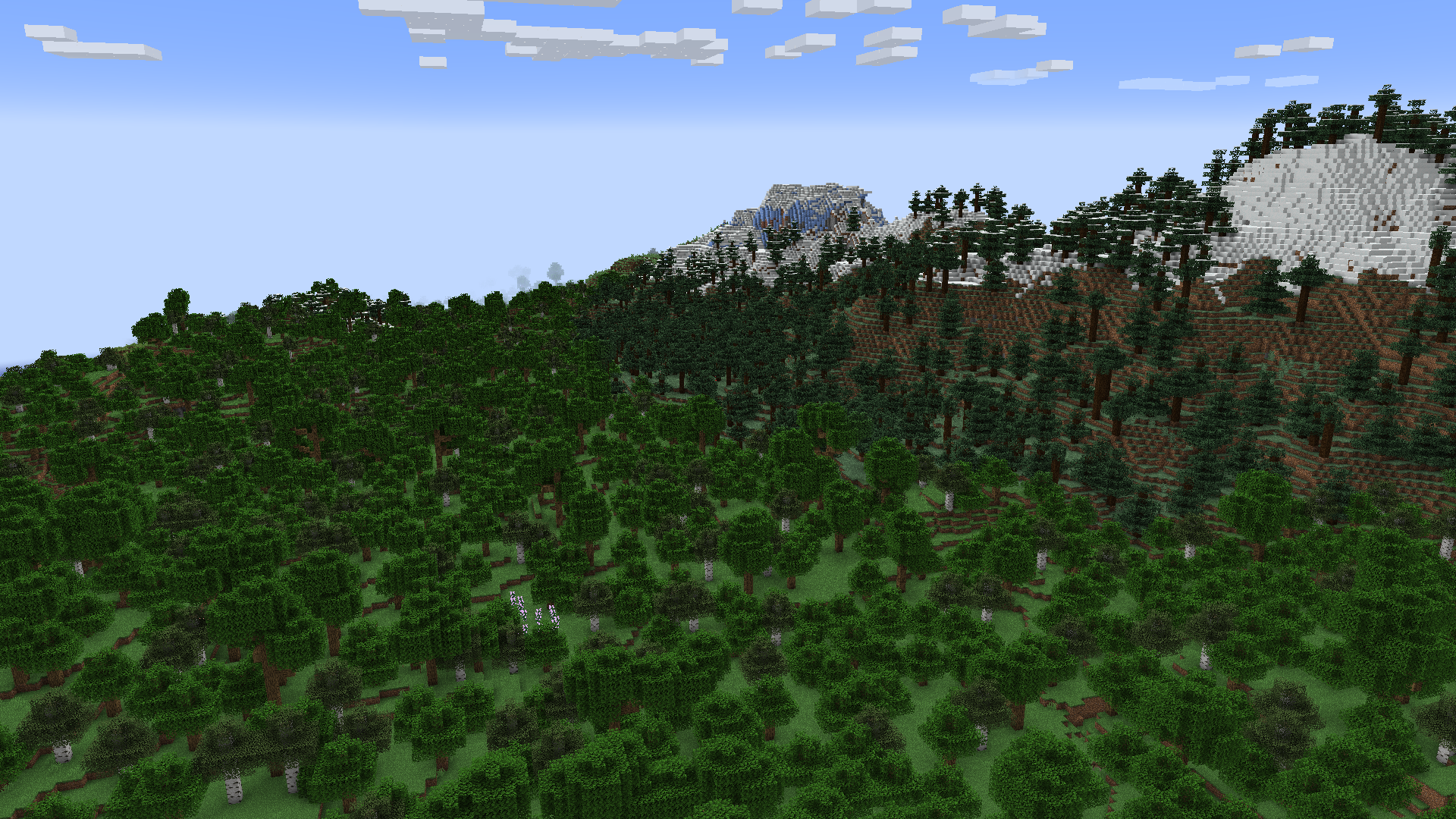
Visual Comparison
The difference is not actually immediately noticeable, unless you look closely at the images.
Before vs After
Why does this happen?
One of your mods or resource packs has a texture that isn’t a power of two being used in the blocks
or items. A power of two texture is 16×16, 32×32, 64×64, 128×128, etc.
Your textures should always be a power of two regardless, even if they’re being added to a texture atlas
that is already a power of two. It’s nice to have a standard, and for any textures that aren’t on an atlas,
they would provide some rendering optimizations
on their own.
Why doesn’t this happen on (Neo)Forge?
They have their own fix for this, which I ported
to mixin into Kilt, then adapted into its own mod because for some reason
no one else has done this. Everyone that has is all me.
常见问题
MipmapFix 支持哪些 Minecraft 版本?
MipmapFix 支持 Minecraft Java 版 1.19.3–1.21.1,共 11 个版本,可用的加载器:Fabric。下载时注意选择和你游戏版本一致的文件。
MipmapFix 怎么安装?
先用 PCL2 或 HMCL 启动器安装对应版本的 Fabric,再把下载的 .jar 文件放进游戏目录的 mods 文件夹,重新启动游戏即可。开启了版本隔离的,mods 文件夹在 versions/版本名 下面。运行环境:仅客户端。
BluSpring 的其他作品
查看全部 →
Simple Hats
Simple Hats 是一个可扩展的装饰性帽子模组,支持用户自定义帽子,并提供变体、染色、粒子效果和季节等选项。

Tetratic Combat Expanded
添加 Better Combat 与 Tetra 之间的兼容。

Create: Totem Factory
为不死图腾添加了一个复杂的合成配方,需要多个步骤和物品,使用“机械动力”和“机械动力:附魔工业”。

Winter Overhaul
A mod which overhauls snowy biomes :)
评论
登录后评论和评分