
截图
介绍
Minor Audio Inconvenience
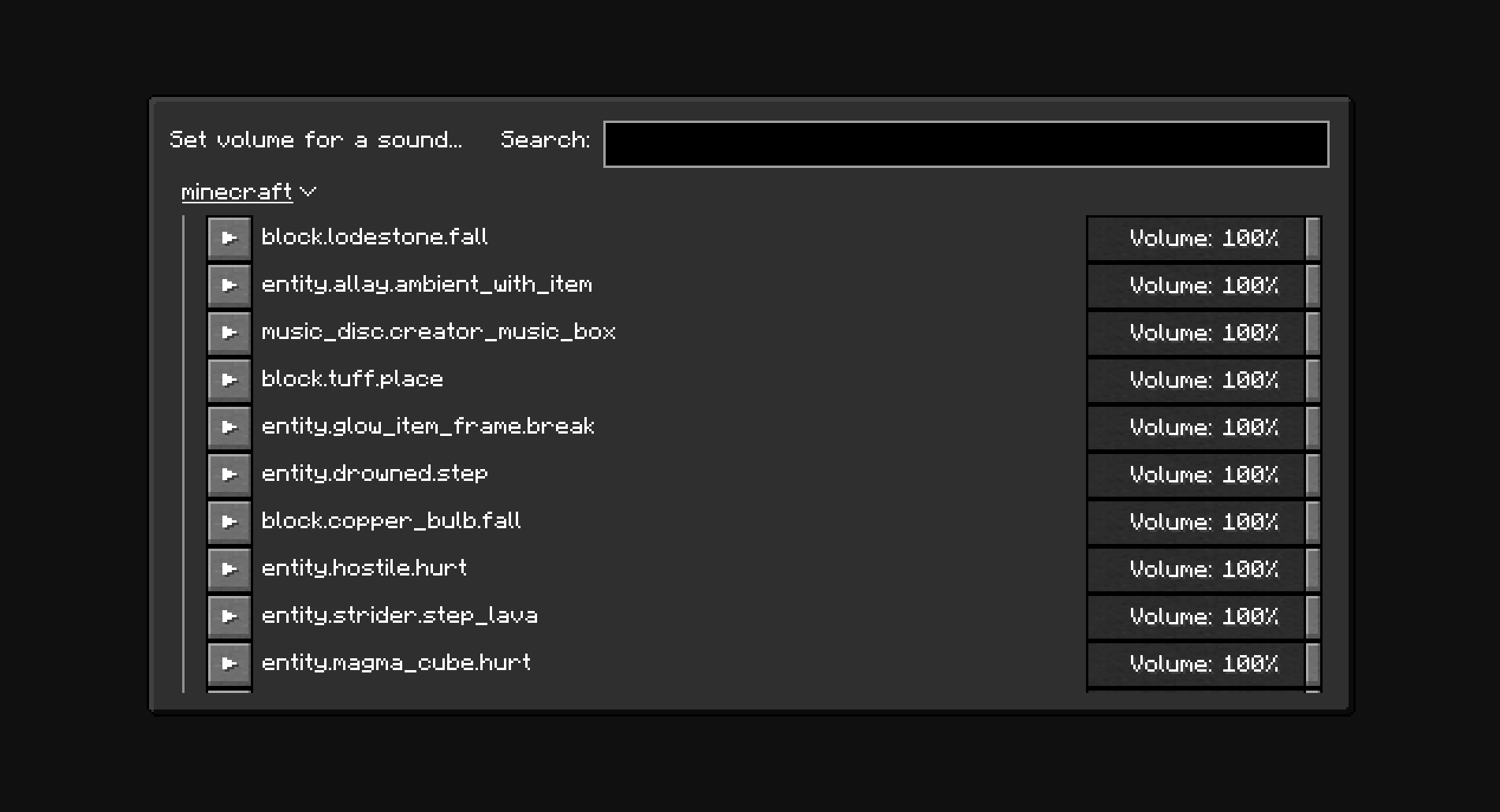
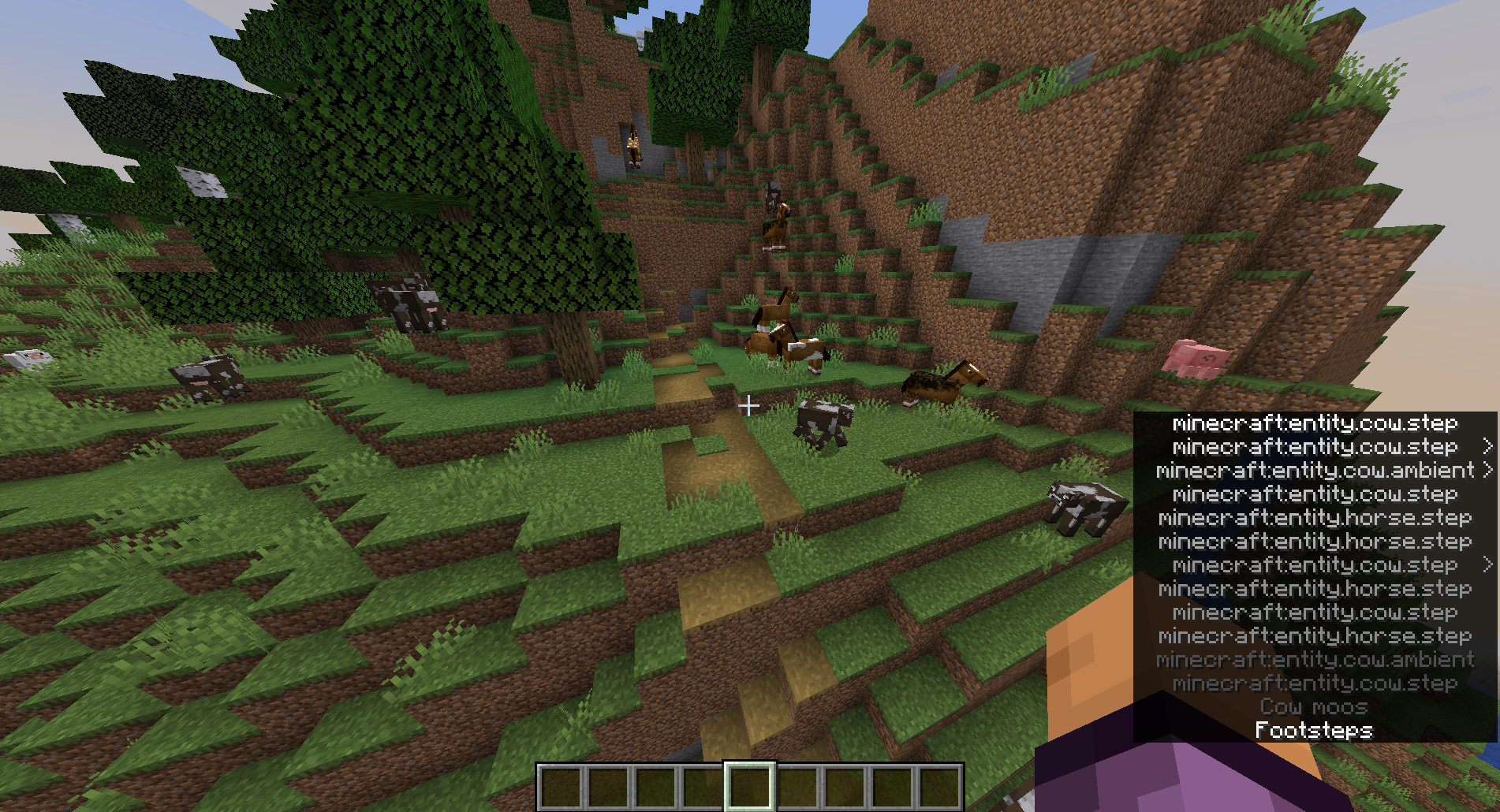
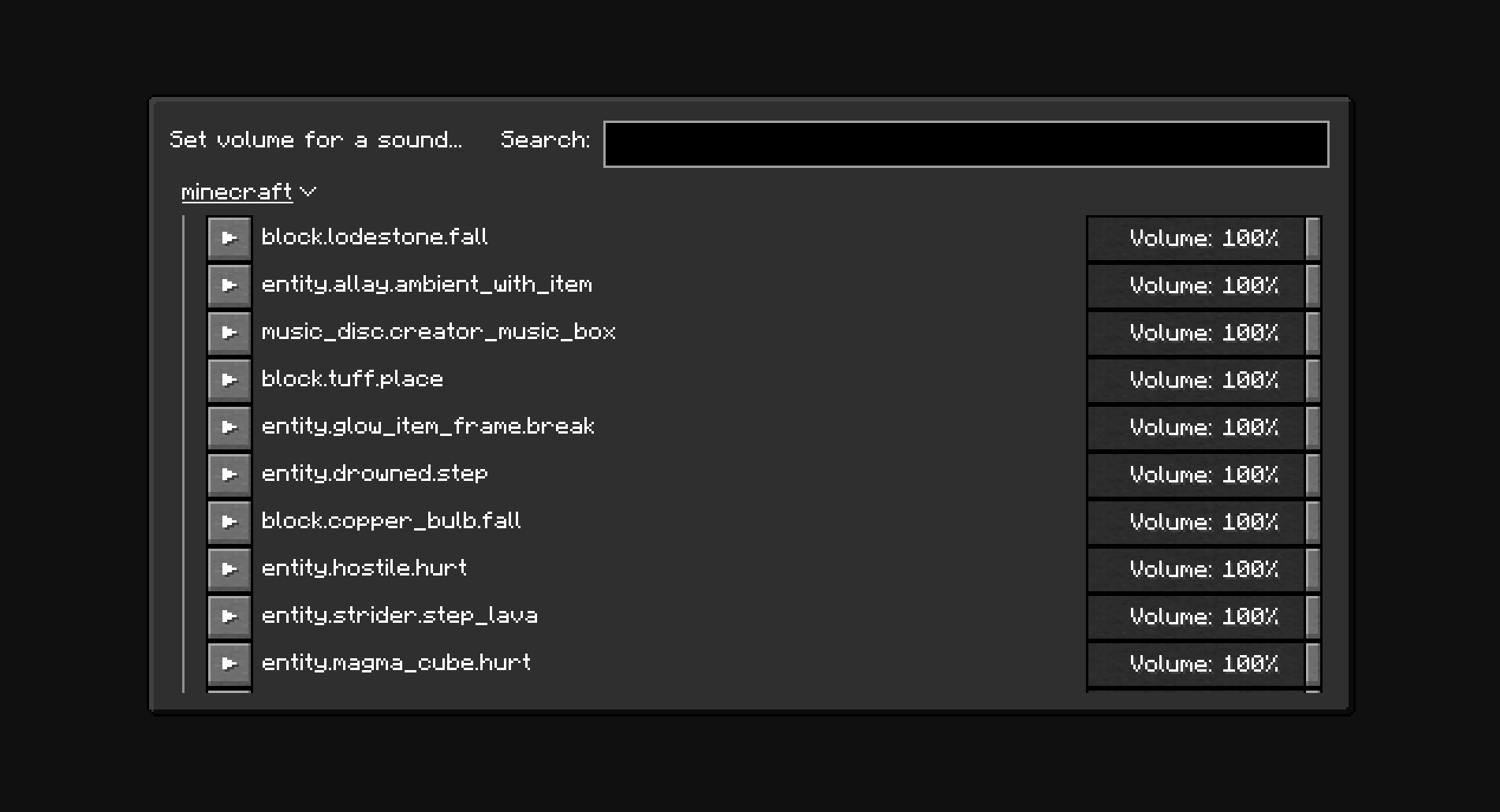
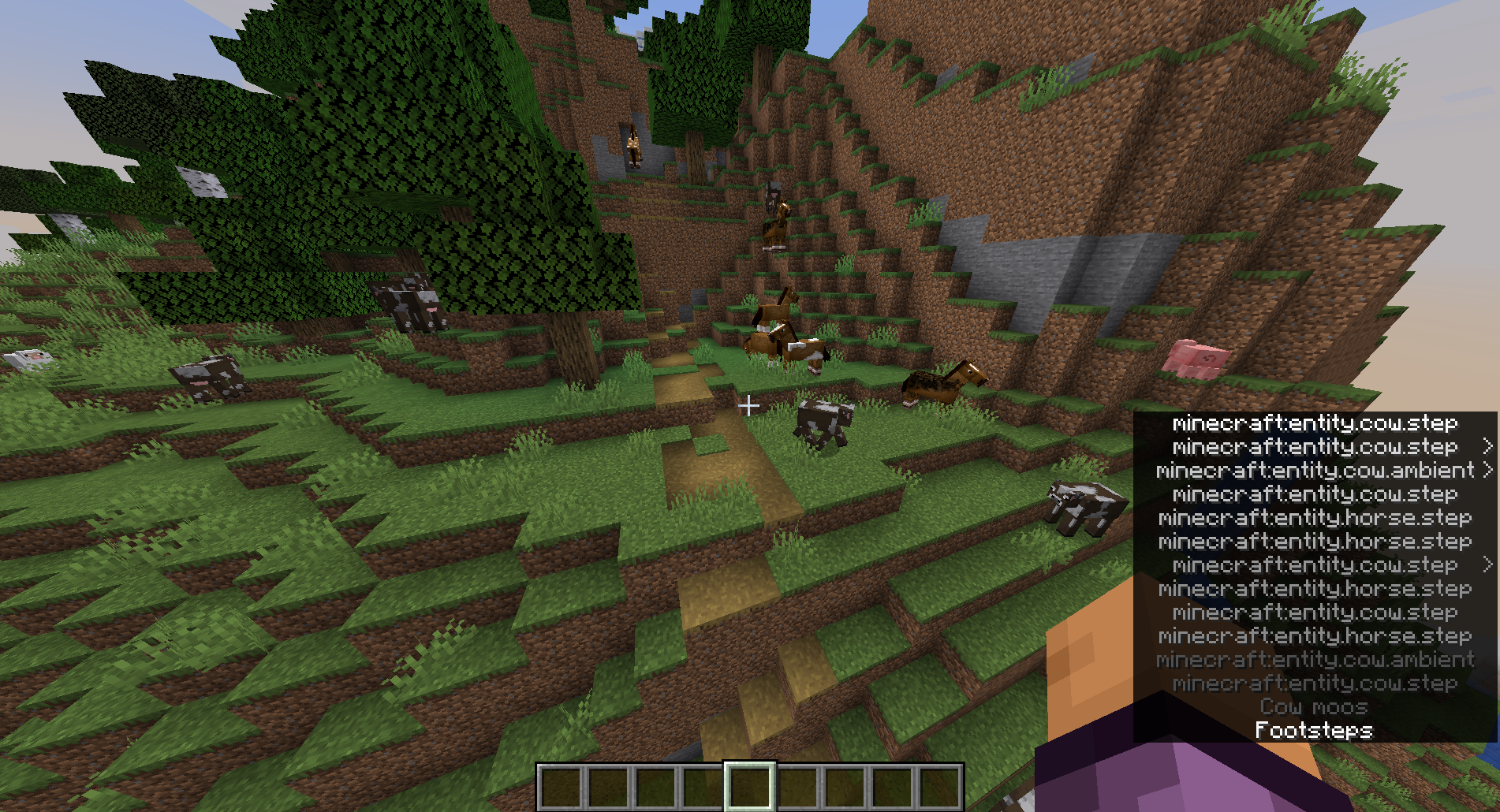
Set volume for individual sounds.
Usage
The minecraft:weather.rain sound is disabled by default. New sounds can be added to the configuration manually through the config screen (With Mod Menu: Mods -> Minor Audio Inconvenience, Without Mod Menu: /owo-config minor-audio-inconvenience) or using the “Set volume for a sound…” menu (Options… -> Music & Sounds… -> Set sound volume)
Note
The NeoForge version of the mod only works in Singleplayer.
Screenshots
Dependencies
The mod depends on owo-lib for configuration and UI. If you don’t have the library already installed, you will be prompted to install it automatically. You will still need to install owo-lib manually on NeoForge.
常见问题
Minor Audio Inconvenience 支持哪些 Minecraft 版本?
Minor Audio Inconvenience 支持 Minecraft Java 版 1.21–1.21.4,共 5 个版本,可用的加载器:Fabric / NeoForge。下载时注意选择和你游戏版本一致的文件。
Minor Audio Inconvenience 怎么安装?
先用 PCL2 或 HMCL 启动器安装对应版本的 Fabric / NeoForge,再把下载的 .jar 文件放进游戏目录的 mods 文件夹,重新启动游戏即可。开启了版本隔离的,mods 文件夹在 versions/版本名 下面。运行环境:仅客户端。

评论
登录后评论和评分