
Mino++: Expanded
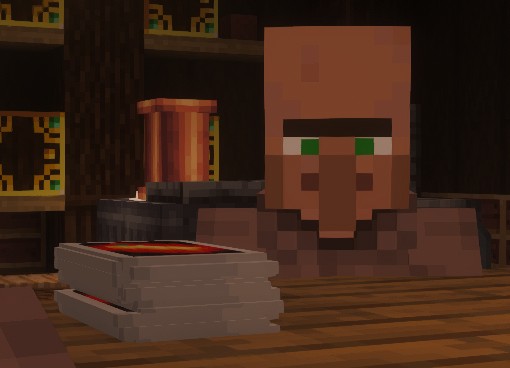
Recreation of a classical card game in Minecraft, with some changes to better reflect the game with the same name.
截图



介绍
Ever wanted to play Uno and be a menace to all your friends?
Ever thought let’s play a very similar but obviously completely different version of it?
Well this mod is for you!
A fork of https://modrinth.com/mod/minopp and using another fork as a base for my changes (https://github.com/DtHnAme/Minopp-Reforged), in Mino++: Expanded some changes and additions to better reflect the menace of players seen in the UNO game, overall giving more options and customisation to the player for unique games of Mino++
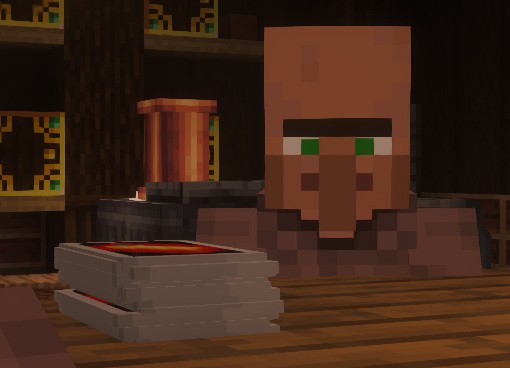
Bigger, Better & Customisable!
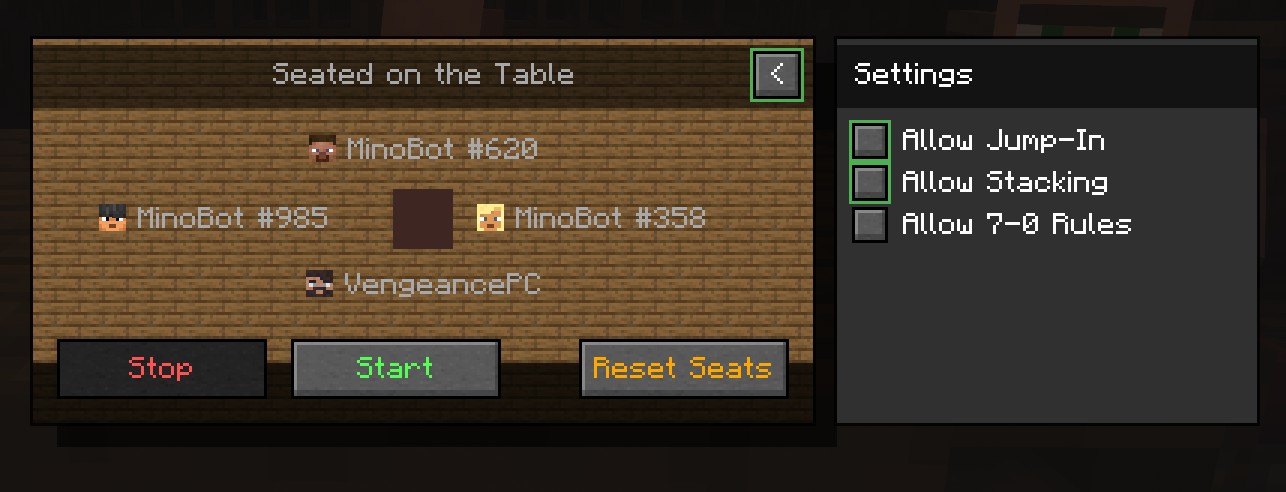
A larger table, and brand new table UI bring a more polished feel to the game, while also adding toggleable rules! Don’t like Stacking? No problem, before the game toggle it off and it’ll stay off until you decide you’d like it back on.
New Rules
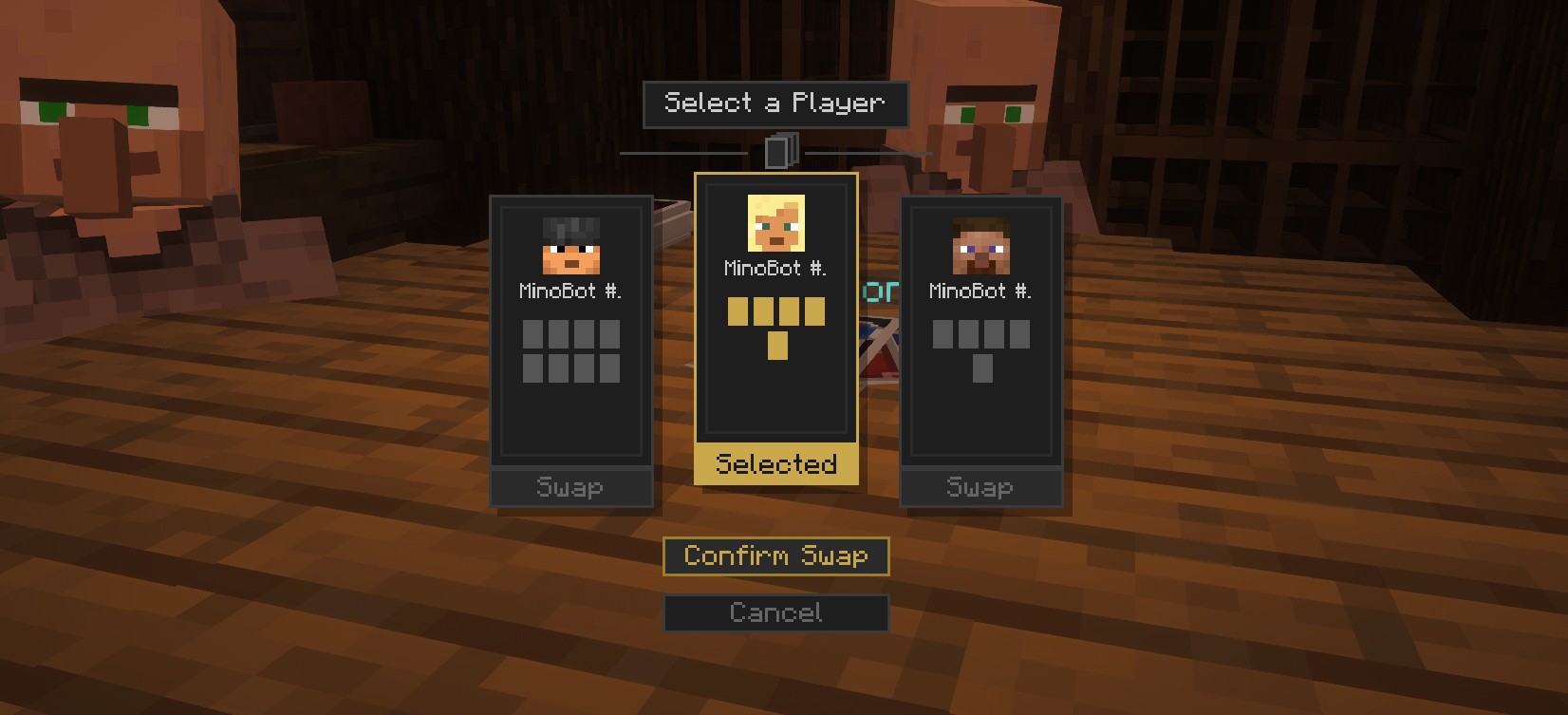
Expanding from the original Mino++ game, the 7-0 rule has been implemented. Not liking your hand anymore? Play a 7 and choose who you’d like to swap with on the table. Play a 0 to swap everyone’s hands in the rotation of play. More rules coming in future…
Enhanced Experience
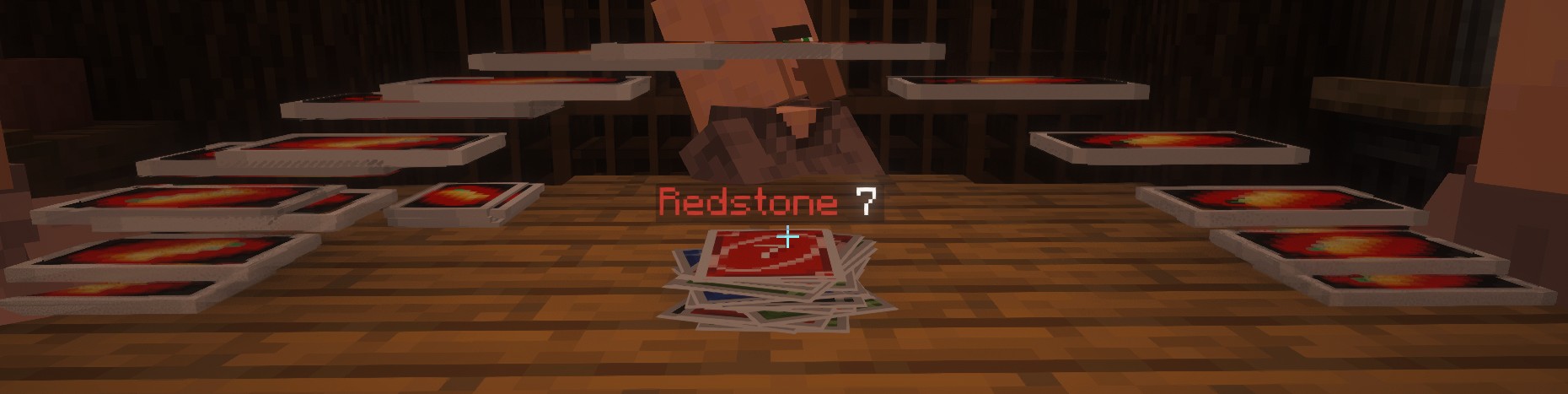
Confused what’s happening? No longer now! Jump-ins when enabled have a longer period for you to jump-in, highlighting in your deck if you have a chance to skip someone’s turn! Hand swaps and rotations are now followed with a visual of all the cards moving, to make it clear what is happening. This animation can also be seen when drawing cards, so watch those cards pile up!.
This mod is a progression and expansion of Mino++. All credit for the original game and code goes to the original mod, and credit to the original fork I used as a springboard for my own additions from DtHnAme.
常见问题
Mino++: Expanded 支持哪些 Minecraft 版本?
Mino++: Expanded 支持 Minecraft Java 版 1.20.1,可用的加载器:Forge。下载时注意选择和你游戏版本一致的文件。
Mino++: Expanded 怎么安装?
先用 PCL2 或 HMCL 启动器安装对应版本的 Forge,再把下载的 .jar 文件放进游戏目录的 mods 文件夹,重新启动游戏即可。开启了版本隔离的,mods 文件夹在 versions/版本名 下面。运行环境:客户端和服务端都要装。
VengeancePC 的其他作品
查看全部 →
Mino++: Expanded
Recreation of a classical card game in Minecraft, with some changes to better reflect the game with the same name.

Larger Immersive Aircrafts: Airship & Cargo Airship
A resource pack which enlarges the balloon size for the Airship & Cargo Airship from the mod Immersive Aircraft
Larger Immersive Aircrafts: Airship & Cargo Airship
A resource pack which enlarges the balloon size for the Airship & Cargo Airship from the mod Immersive Aircraft
评论
登录后评论和评分