
截图
介绍
Minimal Radial HUD
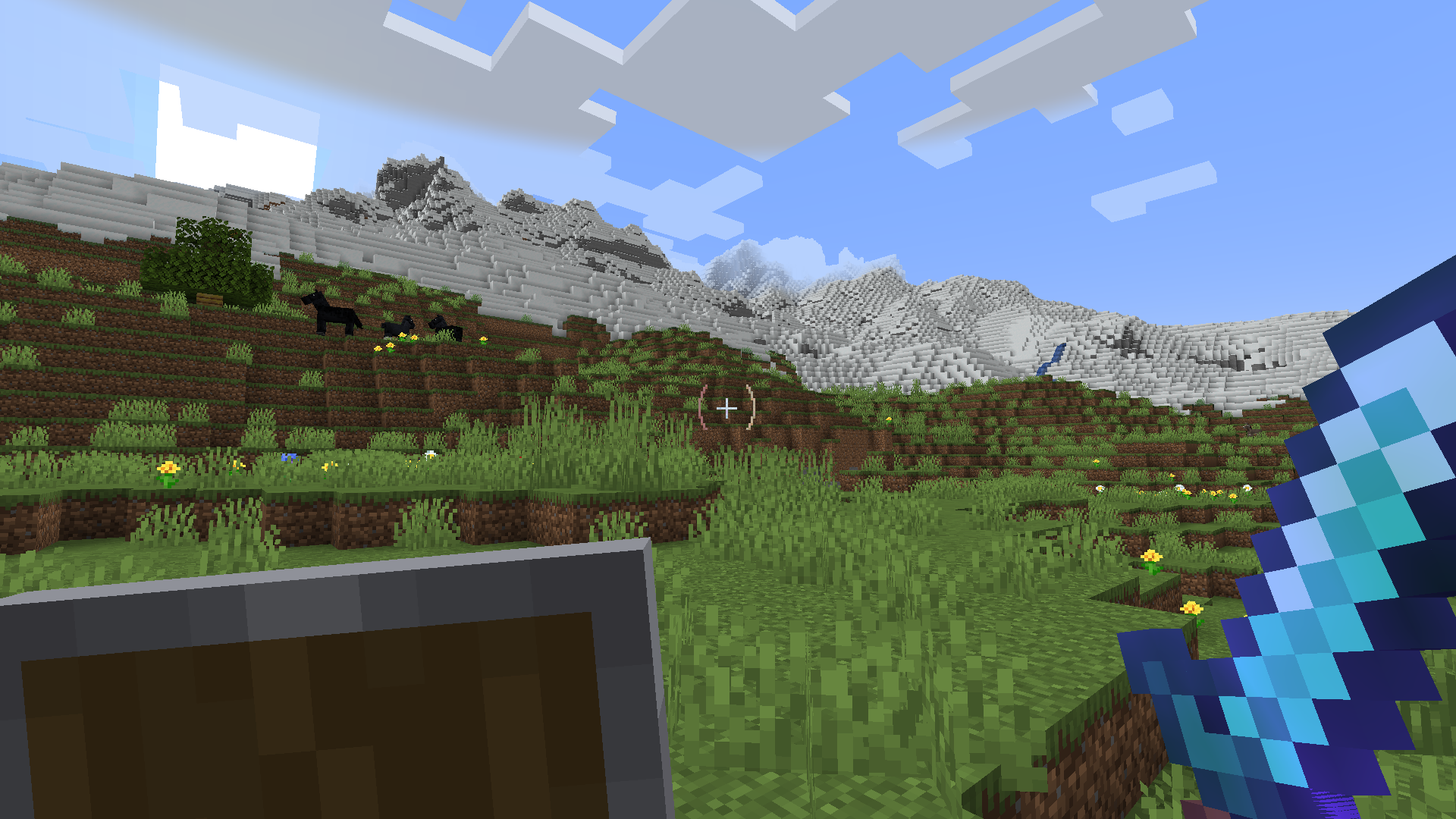
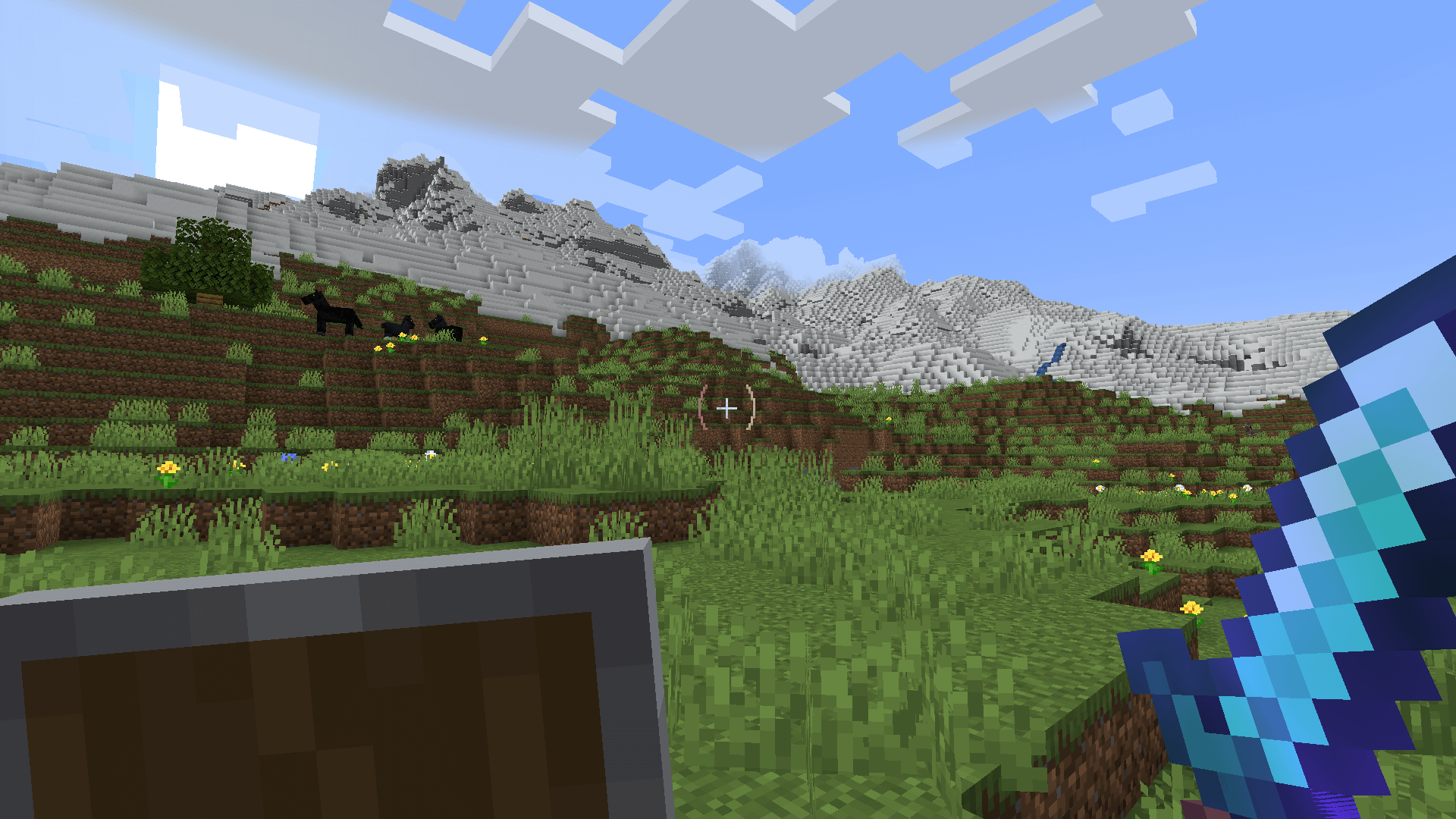
Tired of a cluttered HUD getting in the way of your gameplay?
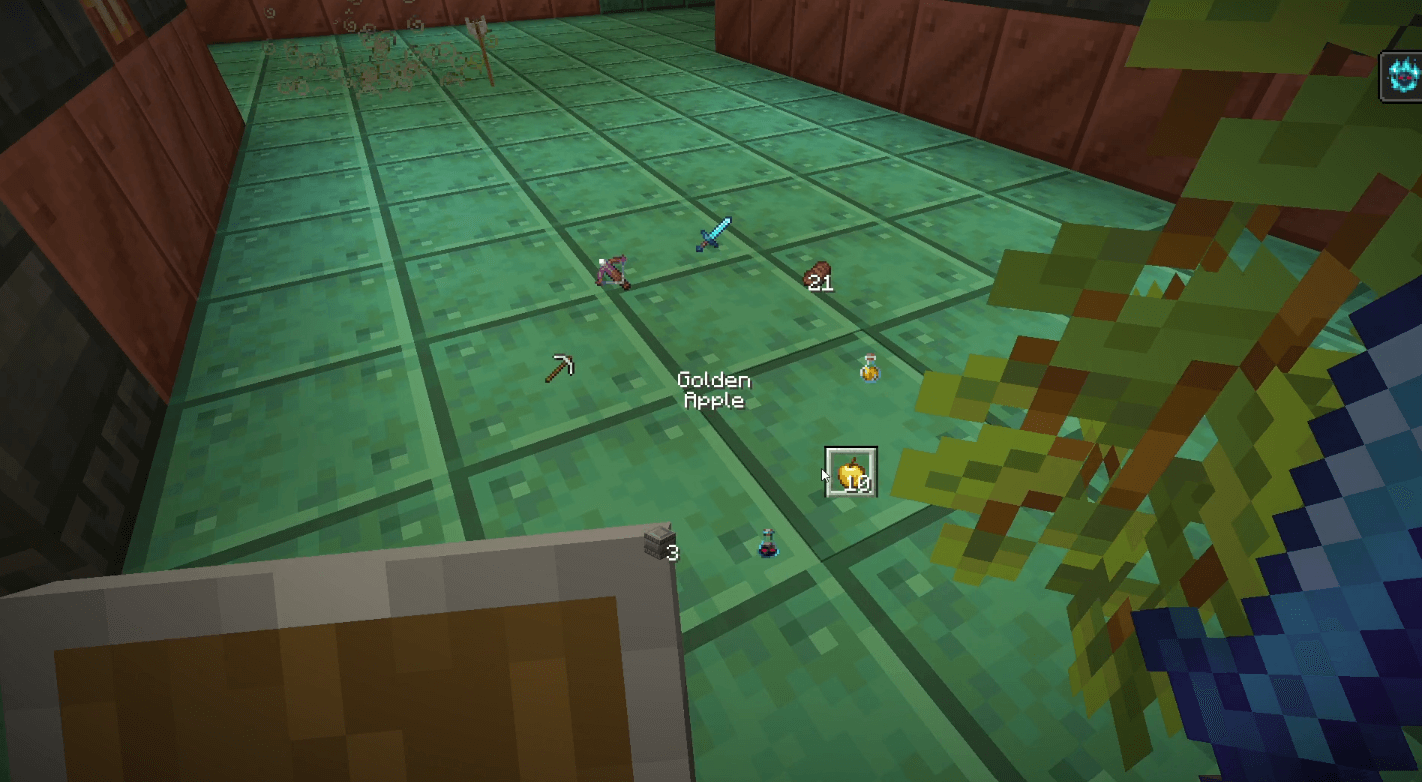
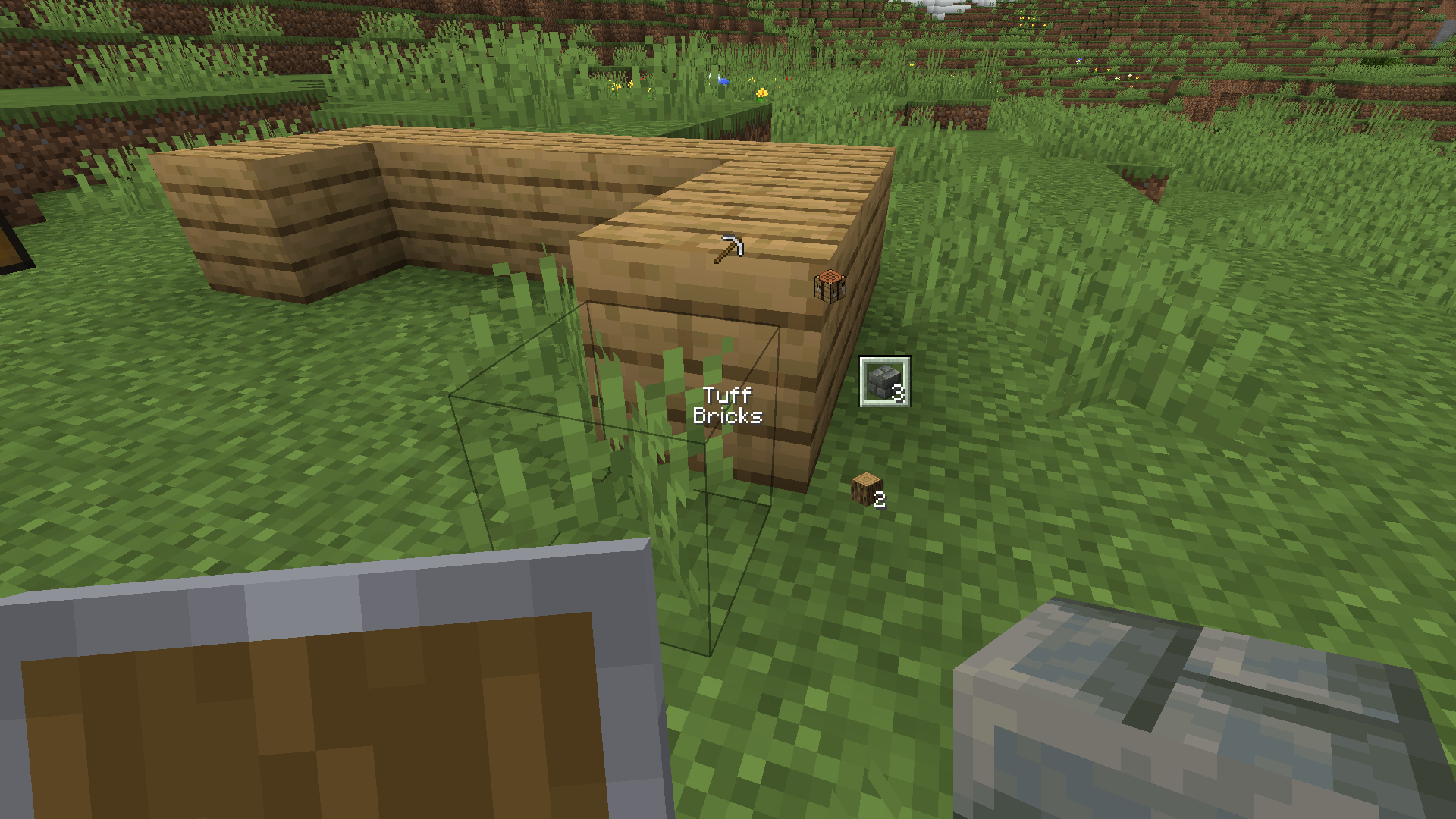
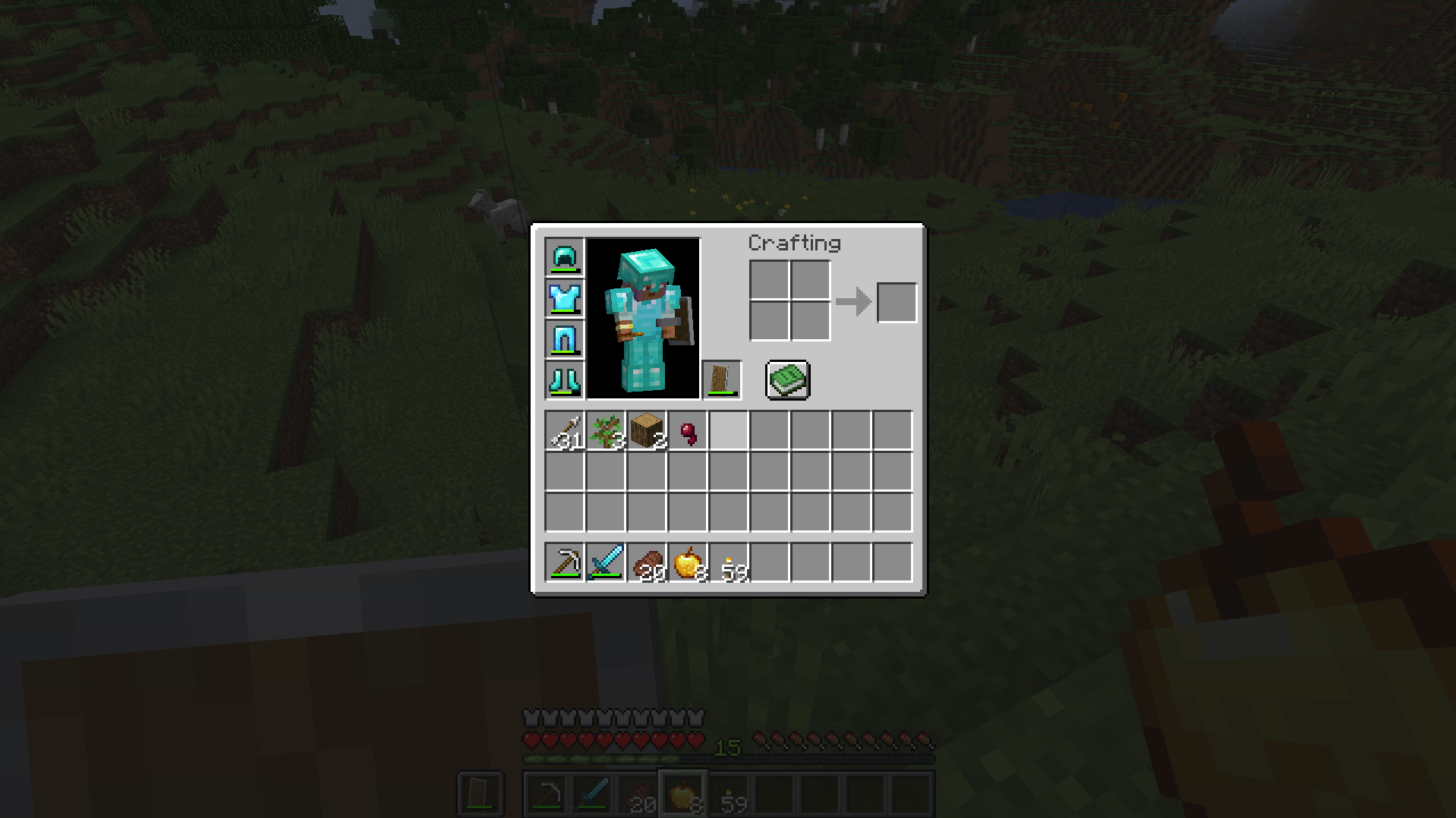
This mod shows essential stats like health and hunger are displayed seamlessly around your crosshair, giving you a clean, immersive screen while keeping critical information easily accessible. Press R to open the radial menu to select an item (assuming the keybind has not changed).
Perfect for explorers, combat players, and builders looking for a more engaging Minecraft experience!
On loadup, the HUD will be applied instantly. Press R to open radial and [ to revert back to standard Minecraft HUD. You are able to configurate some of the visuals such as the crosshair distance, radius size of the radial, and if the plus cross hair should be visible 🙂
This mod is currently only on NeoForge, but in sometime hopefully will include Fabric.
Note that that in terms of hearts, its only limited to one row. Future updates will hopefully add that feature. Theres a dedicated row for absorptions tho 😀
Feel free to include this mod in your modpack as long as the mod and author is credited 🙂
常见问题
Minimal Radial Hud 支持哪些 Minecraft 版本?
Minimal Radial Hud 支持 Minecraft Java 版 1.21.4,可用的加载器:NeoForge。下载时注意选择和你游戏版本一致的文件。
Minimal Radial Hud 怎么安装?
先用 PCL2 或 HMCL 启动器安装对应版本的 NeoForge,再把下载的 .jar 文件放进游戏目录的 mods 文件夹,重新启动游戏即可。开启了版本隔离的,mods 文件夹在 versions/版本名 下面。运行环境:仅客户端。
评论
登录后评论和评分