
截图
介绍
Description
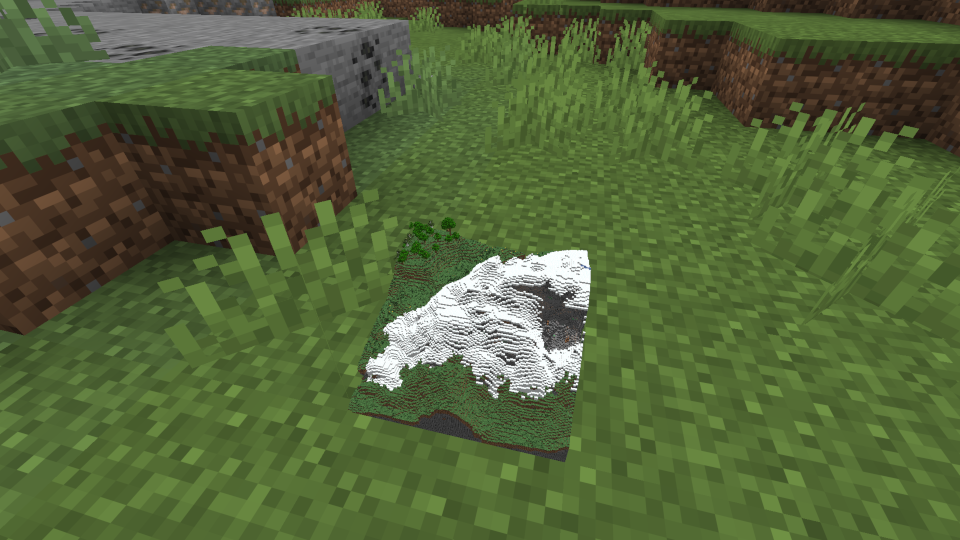
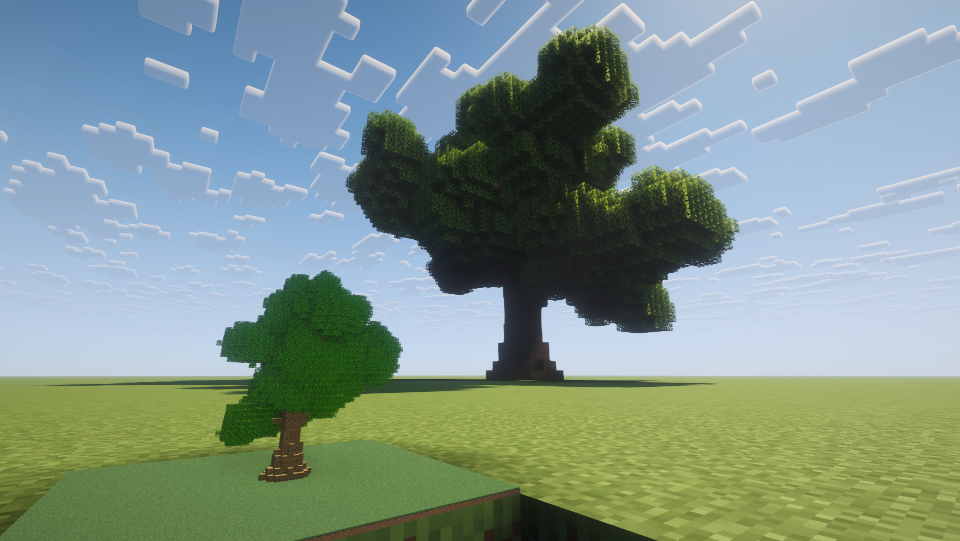
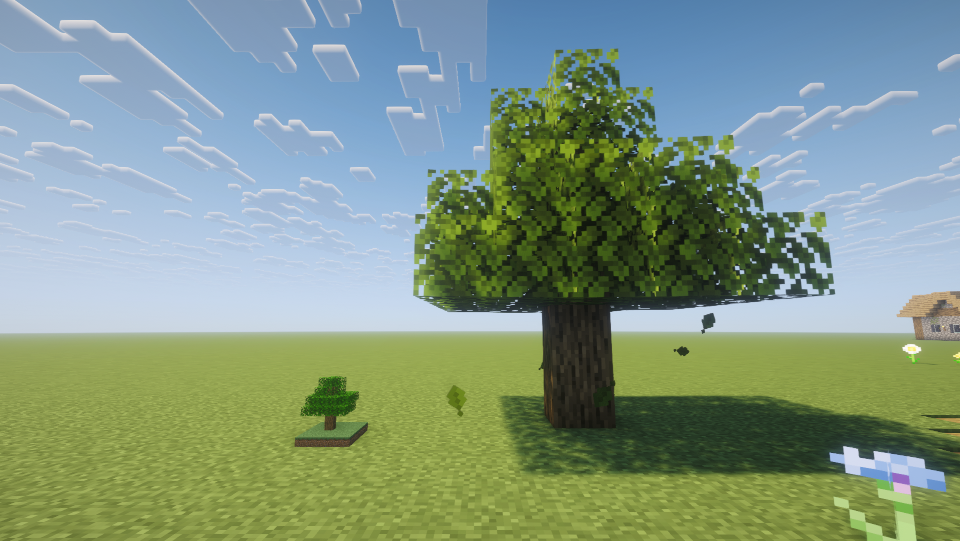
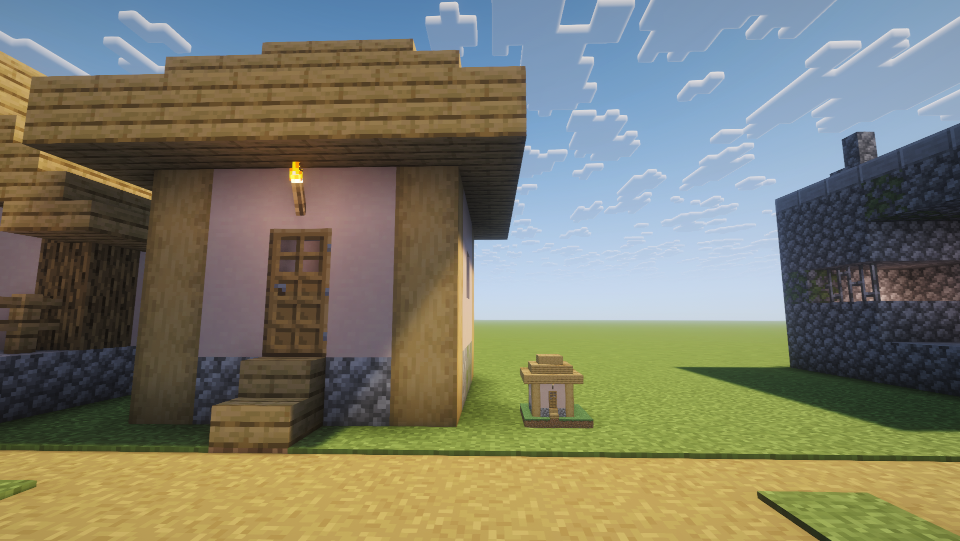
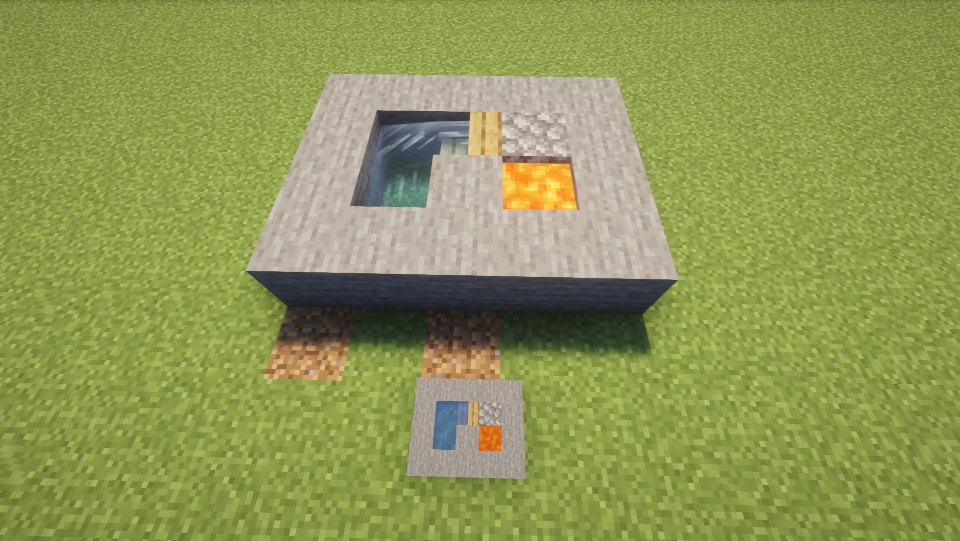
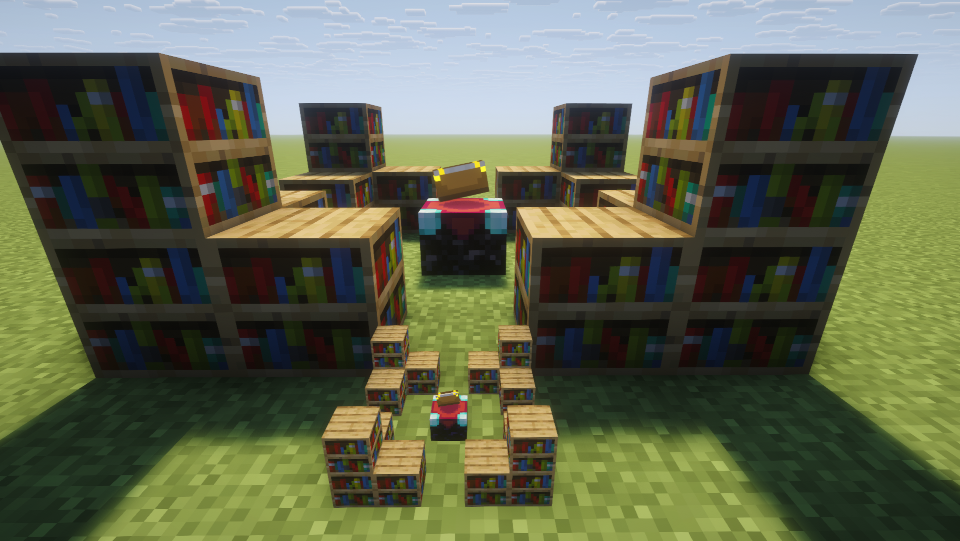
This mod can turn blocks into mini models. You can even put a mountain into a block.
The Mini Models only serve a decorative purpose. Blocks such as bookshelves and redstones have no practical use.
How to use
Holding the Mini Model Tool in hand, right-click on a block as the starting point, and right-click on another block as the ending point. All blocks within this range will be collected as mini models.
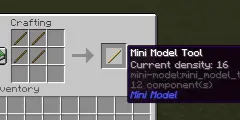
You can press Shift + scroll the mouse wheel to switch the density of the Tool. The scale of Mini Model equals 1/density. This method can switch the density to values of 8, 16, 32, and 64. But the value of density can be any integer in [1, 128]. You can use command “/minimodel density ” to set the density more freely.
You can also use command “/minimodel ” to collect blocks. This method is convenient for blocks that cannot be right-click interacted with, such as water.
These commands do not require OP permission, so you do not need to enable cheating to use them.
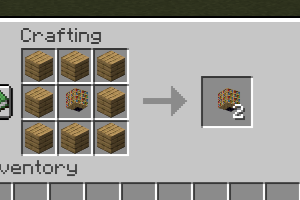
You can easily replicate Mini Models using 8 wooden planks without the need for re-collection.
常见问题
Mini Model 支持哪些 Minecraft 版本?
Mini Model 支持 Minecraft Java 版 26.1.2–26.3,共 3 个版本,可用的加载器:Fabric。下载时注意选择和你游戏版本一致的文件。
Mini Model 怎么安装?
先用 PCL2 或 HMCL 启动器安装对应版本的 Fabric,再把下载的 .jar 文件放进游戏目录的 mods 文件夹,重新启动游戏即可。开启了版本隔离的,mods 文件夹在 versions/版本名 下面。运行环境:客户端和服务端都要装。
sea-sky-coder 的其他作品
查看全部 →
Giant Tree
This mod allows you to plant a bigger tree with more saplings.
More Stacking
Make items stackable with the same data components. Automatically compatible other mods.
More Stacking
Make items stackable with the same data components. Automatically compatible other mods.

Rich Ore Vein
Allow you to freely adjust the generation quantity of various ores (including ores in other mods).
评论
登录后评论和评分