
截图
介绍
中文介绍正在准备中,下面暂时显示原文。
Mineshotter
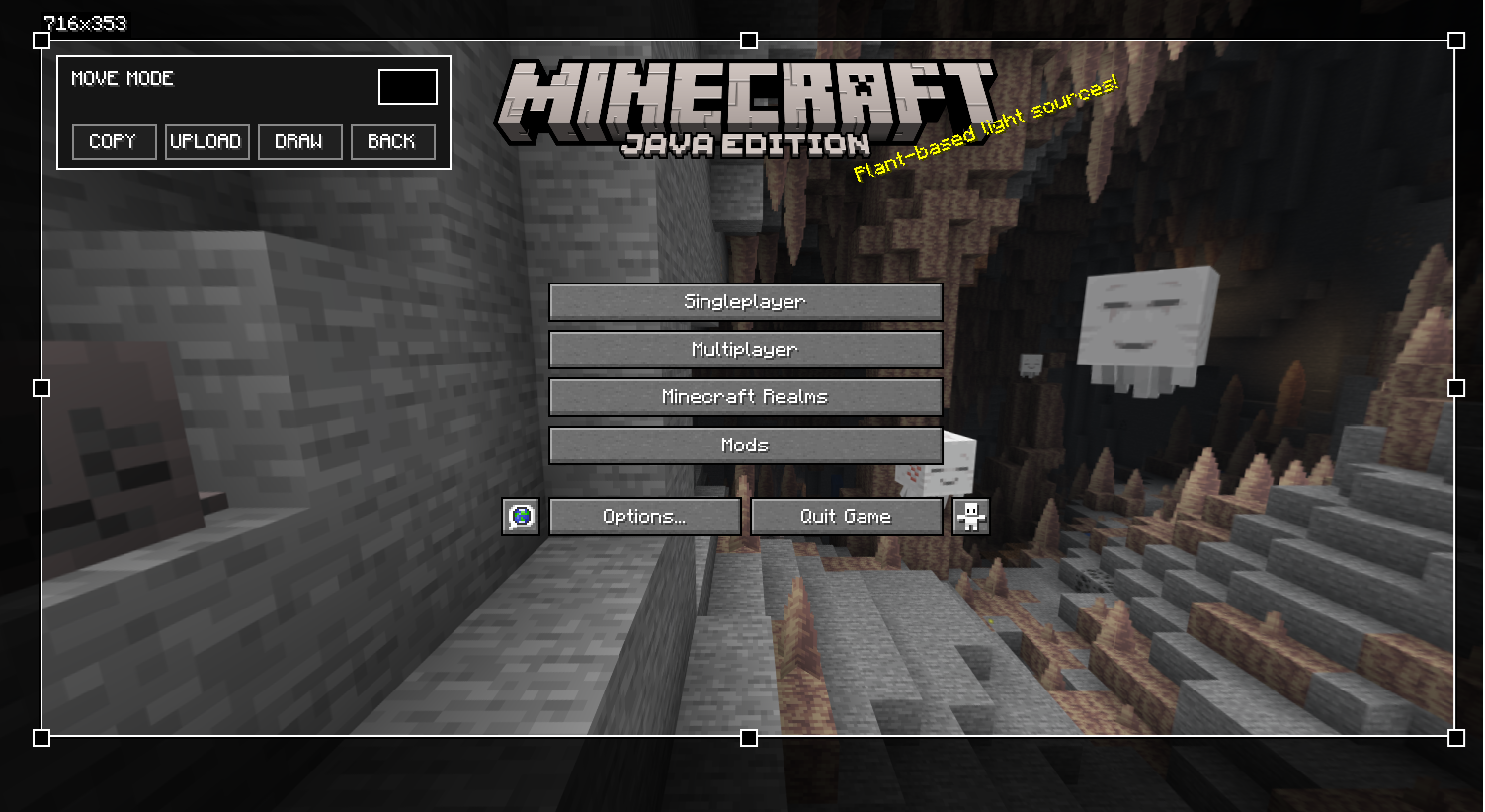
Mod that helps you make clean screenshots IN ANY GUI: select an area, draw on it if needed, then copy it or upload and get a link.
Supported uploaders in mod config:
- kappa.lol (default)
- noikcloud.xyz
- hapka.lol
- or add your custom by selecting CUSTOM in config and enter other api (not tested but should work)
Features
- Simple screenshot editor (select area + optional drawing)
- Move mode: move/resize the selected area
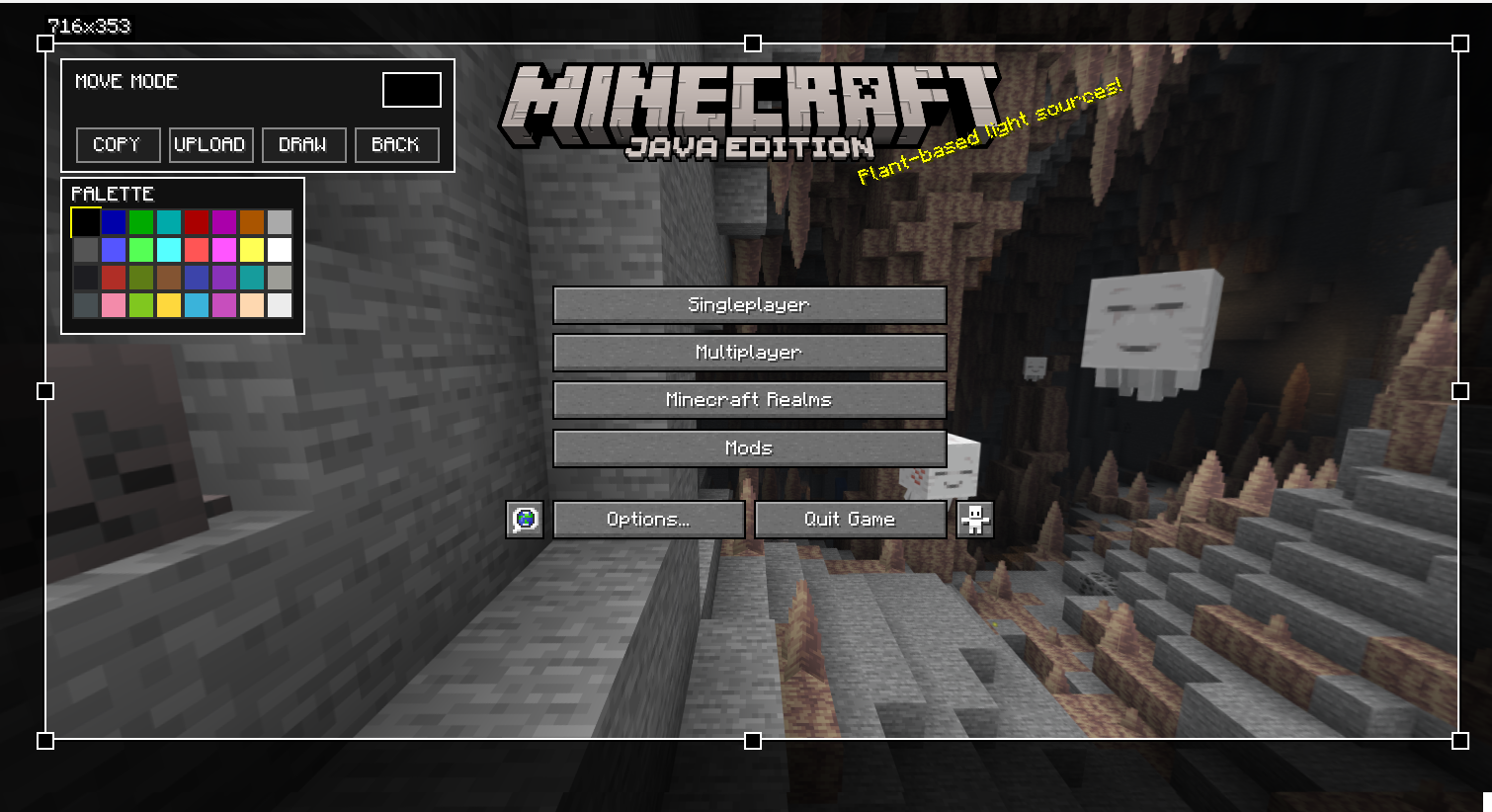
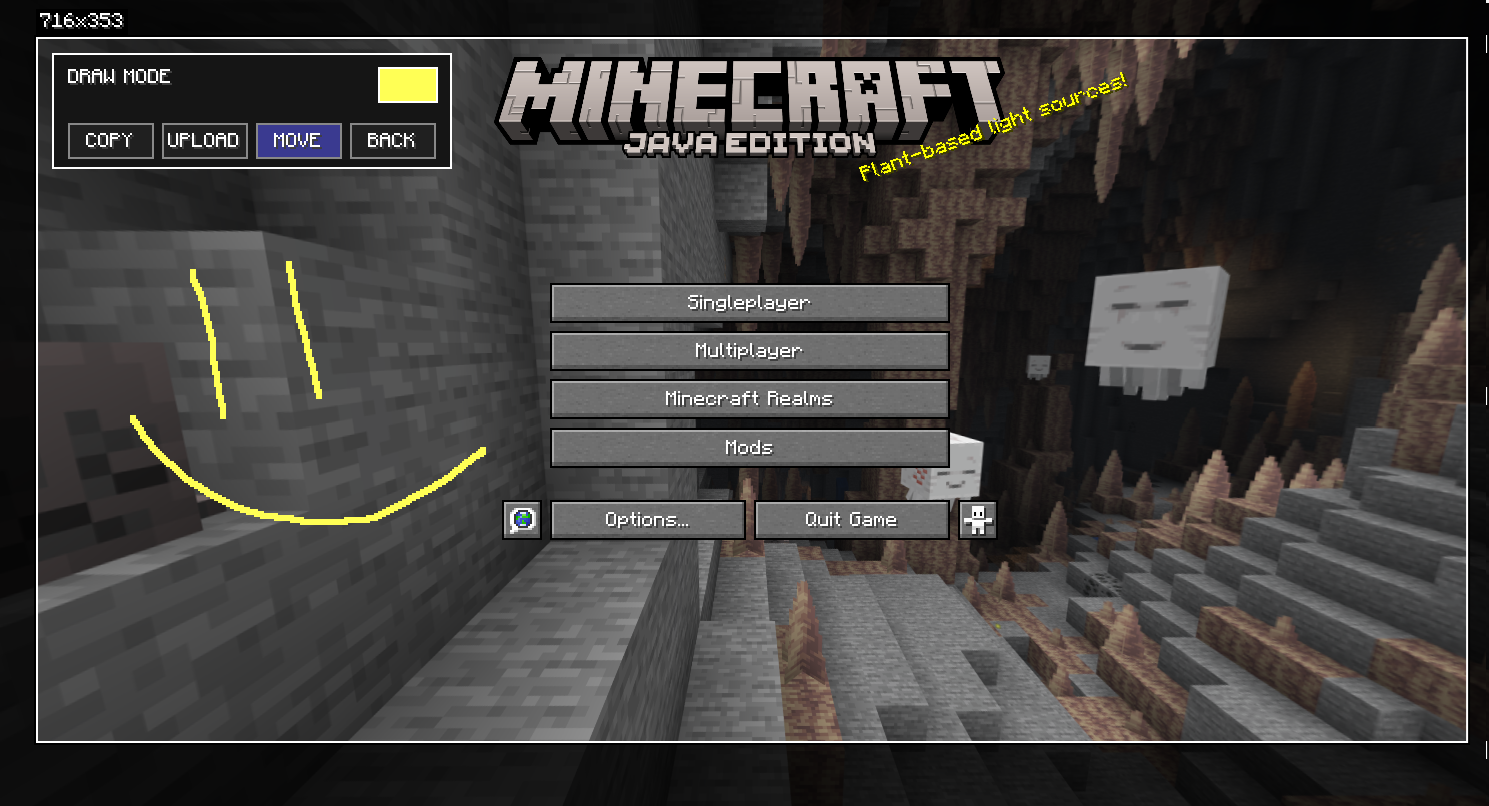
- Draw mode: draw lines inside the selected area + color palette
- Copy button: copies the final image to clipboard
- Upload button: uploads the final image and copies the link to clipboard
- Optional Mod Menu settings (needs Mod Menu + Cloth Config)
Controls
- F4 — open the editor (can be changed in Options → Controls)
- Left Click — select area / move / draw (depends on mode)
- Enter — confirm selection
- M — switch Move / Draw
- Ctrl + C — copy and close
- Ctrl + Z — undo last stroke (Draw mode)
- Esc — close palette / reset current selection step
License
常见问题
Mineshotter 支持哪些 Minecraft 版本?
Mineshotter 支持 Minecraft Java 版 1.21–1.21.11,共 11 个版本,可用的加载器:Fabric。下载时注意选择和你游戏版本一致的文件。
Mineshotter 怎么安装?
先用 PCL2 或 HMCL 启动器安装对应版本的 Fabric,再把下载的 .jar 文件放进游戏目录的 mods 文件夹,重新启动游戏即可。开启了版本隔离的,mods 文件夹在 versions/版本名 下面。运行环境:仅客户端。
FanyaOff 的其他作品
查看全部 →
WaxedIcons
by FanyaOff
This mod adds a waxed icon to waxed blocks
30.8万
24 天前
Modrinth

Low Durability Switcher
by FanyaOff
This mod saves you from unfortunate tool breakage by switching the slot to another
5.1万
24 天前
Modrinth

Simple Stronghold Finder
by FanyaOff
A client-side fabric mod which allows you to find stronghold with only one Eye of Ender.
1.2万
24 天前
Modrinth

ForgeTPS
by FanyaOff
Minecraft mod that adds server performance information to the player list (Tab menu) header and footer.
8,916
1 年前
Modrinth
评论
登录后评论和评分