
截图
介绍
Mineshot: Legacy
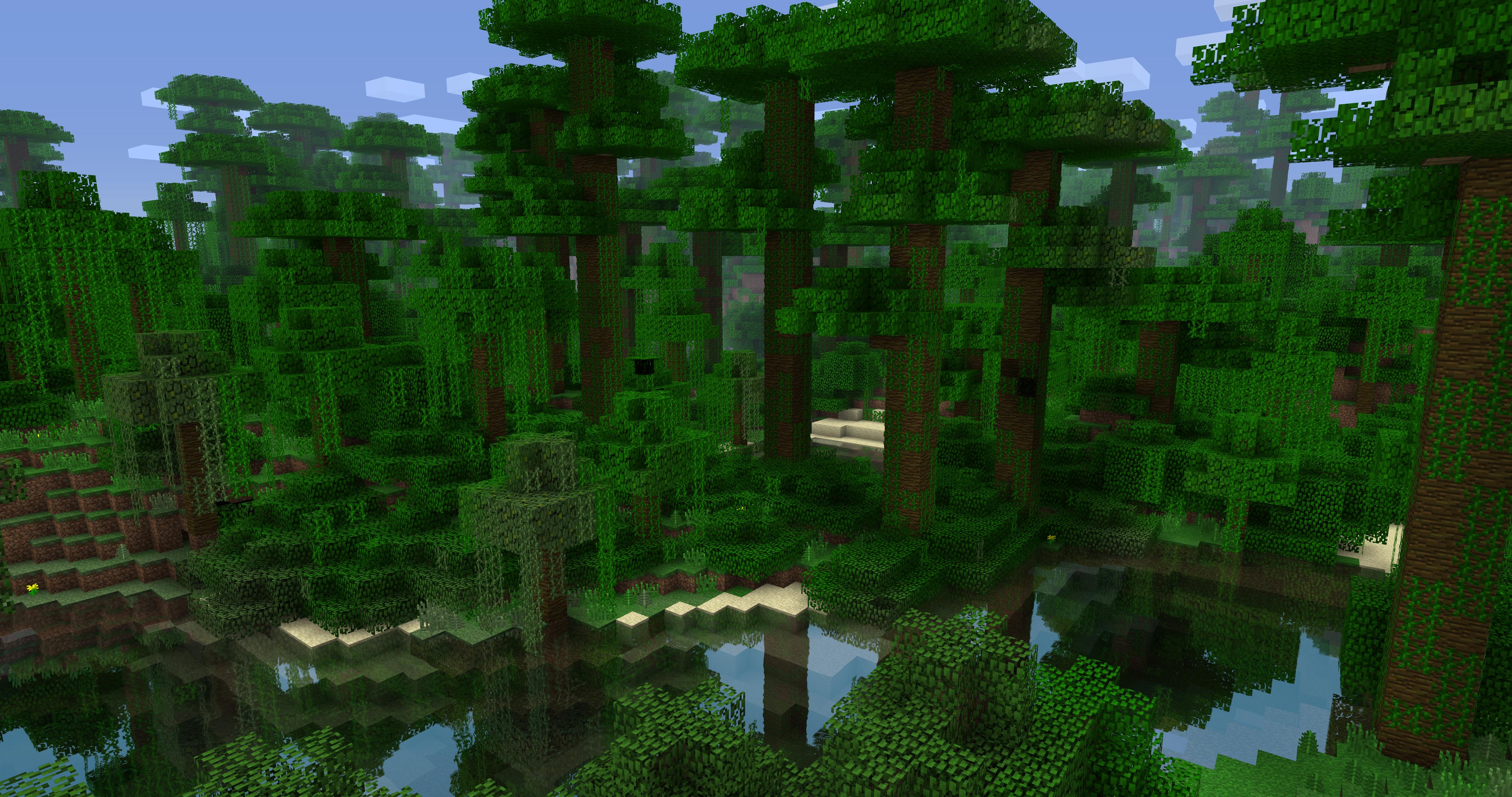
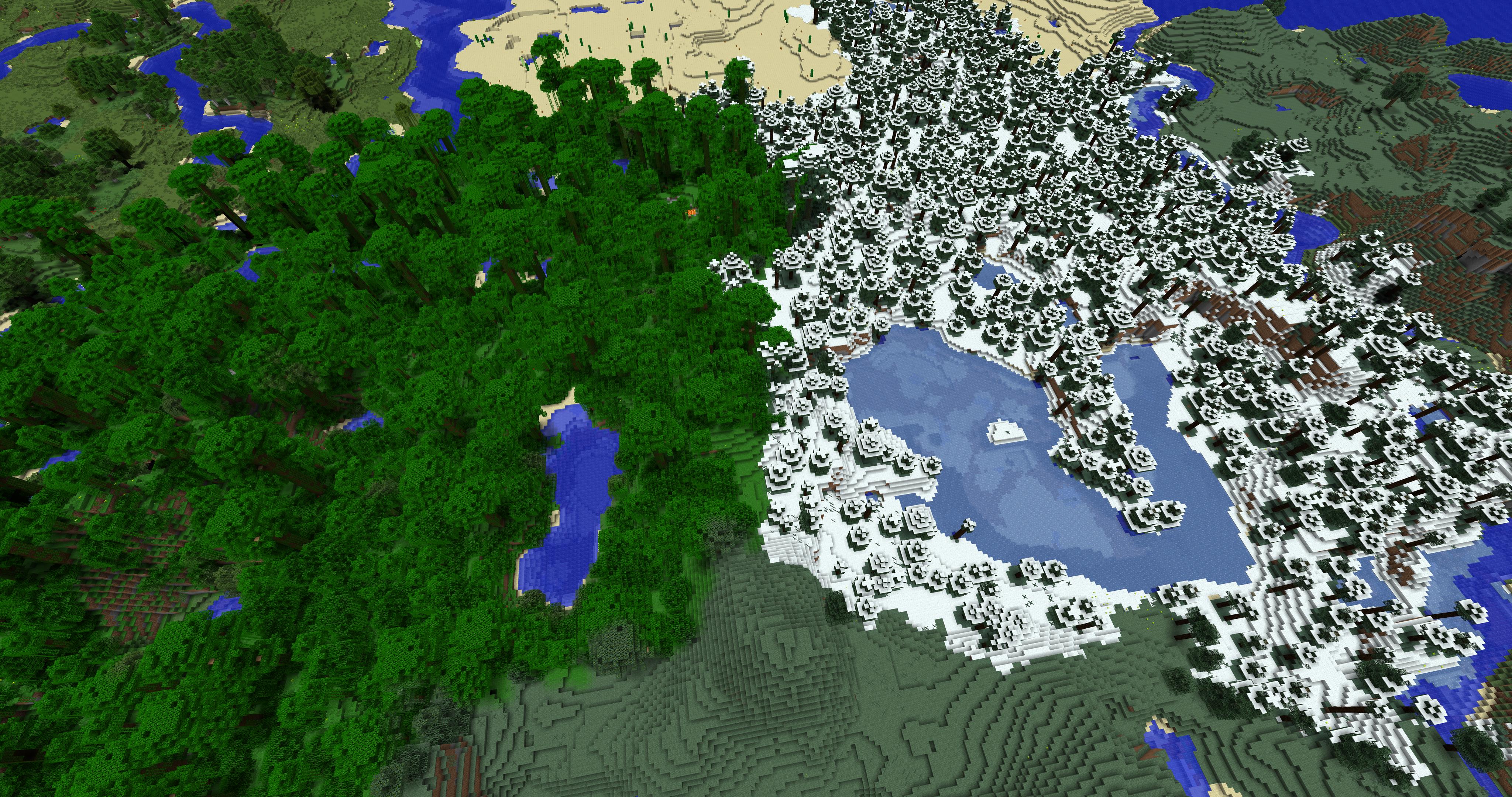
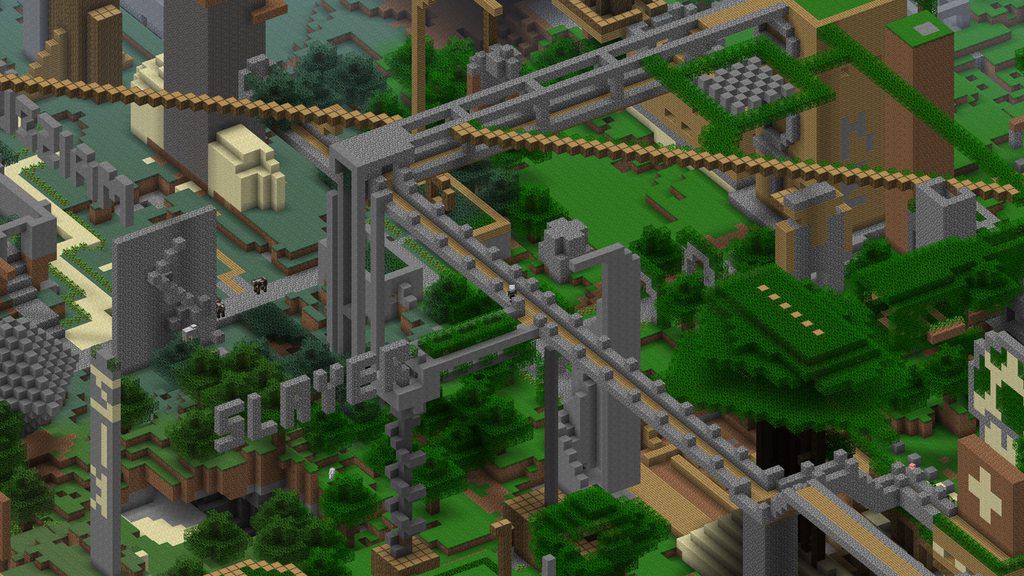
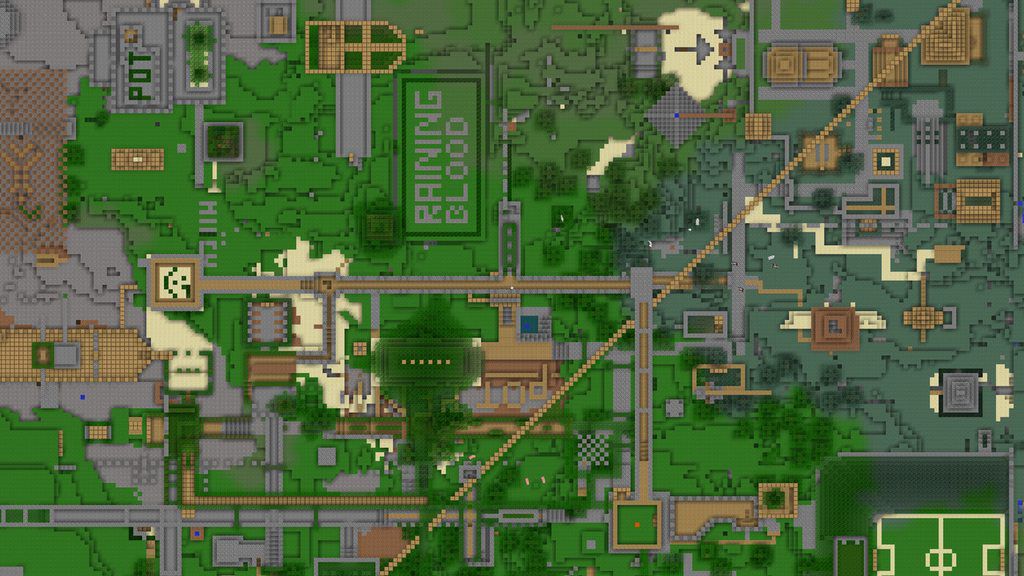
Mineshot is basically a revamped version of Notch’s huge screenshot function that was available in Minecraft Beta 1.2 to 1.4, which allowed you to create extremely large high resolution screenshots.
In Mineshot, this is archived either by combining multiple smaller screeenshot tiles to one large image or by off-screen rendering the scene directly to the file.
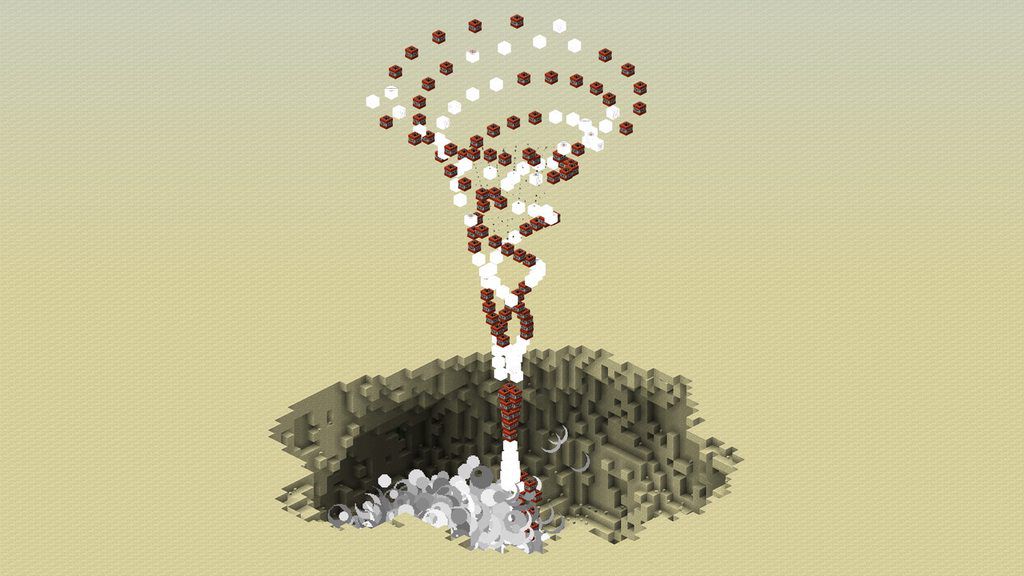
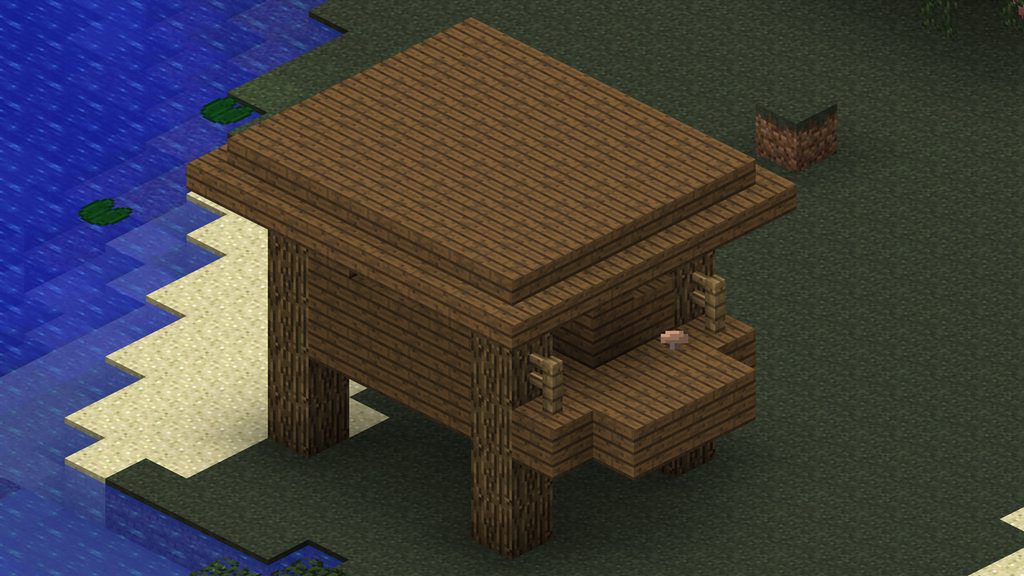
There’s also a build-in orthographic camera, which allows you to create nice high-res isometric screenshots directly in-game (singleplayer only).
Some scenarios and usages for such images could be:
- High quality wallpapers
- Poster printing
- Overview images
- Hardware stress test
- Zoom.it
- Mob and block images for the Minecraft Wiki
- … you name it
Usage
To capture a big screenshot, simply press F9. The key can be configured in the key bindings menu.
During capture, the game may be unresponsive for a few seconds, depending on how big the screenshot is.
To change the capturing size, go to “Mod Options” in the main menu, select Mineshot in the mod list and click on “Config”.
The absolute maximum is 65,535 x 65,535 pixels, which is also the maximum size of a Targa image file. However, you most likely want to choose something smaller, since files with these resolutions are extremely big (several gigabytes) and difficult to open, yet alone edit, with most image editors.
Also note that when tiled rendering is disabled, the maximum screenshot size heavily depends on the available graphics card memory. Setting it too high will crash OpenGL together with the JVM, so it’s highly recommended to stick to 8K (7,680 x 4,320) and below when tiled rendering is disabled.
If you use lots of shaders, it’s not recommended to enable tiled rendering, since it may cause seams between the individual tiles or other major glitches.
To enable or disable the orthographic camera introduced in 1.4, just press numpad 5. If you have used Blender before, the keys are exactly the same:
- Numpad 4: Rotate left
- Numpad 6: Rotate right
- Numpad 8: Rotate up
- Numpad 2: Rotate down
- Numpad 7: Top view
- Numpad 1: Front view
- Numpad 3: Side view
- Numpad 5: Switch between perspective and orthograpic projection
- Shift + Numpad 5: Switch between fixed and free camera.
- Plus: Zoom in
- Minus: Zoom out
BarracudaATA’s Other Mods
Credits
- BarracudaATA – Owner, Lead Developer
- MCArchive – First preserving the mods and archiving them
常见问题
Mineshot: Legacy 支持哪些 Minecraft 版本?
Mineshot: Legacy 支持 Minecraft Java 版 1.2.3,可用的加载器:Forge。下载时注意选择和你游戏版本一致的文件。
Mineshot: Legacy 怎么安装?
先用 PCL2 或 HMCL 启动器安装对应版本的 Forge,再把下载的 .jar 文件放进游戏目录的 mods 文件夹,重新启动游戏即可。开启了版本隔离的,mods 文件夹在 versions/版本名 下面。
Tomanex 的其他作品
查看全部 →
Cute Mob Models: Resource Pack
这个资源包会把所有生物的模型都变成可爱的动漫风格!

Cute Mob Models: Sound Pack
为 CMMRP 打造的音效包,为生物加入语音,让游戏体验更加沉浸!

Dragon Mounts
Dragon Mounts 是一款新增 8 种可骑乘龙的模组。击败末影龙后,这才是真正的奖励!

Dragon Mounts 2
添加会喷火的龙、新装备和盔甲,还会在世界各处生成龙巢结构,包括下界和末地。
评论
登录后评论和评分